QR codes for small businesses
Where to use QR codes, how to track ROI, and simple campaign ideas.
QR codes are one of the simplest ways for small businesses to connect offline marketing with online results. From table menus to window flyers, a well-placed QR code can drive more visits, bookings, and repeat sales. This guide covers where to use QR codes, how to choose between static and dynamic codes, and how to measure results.
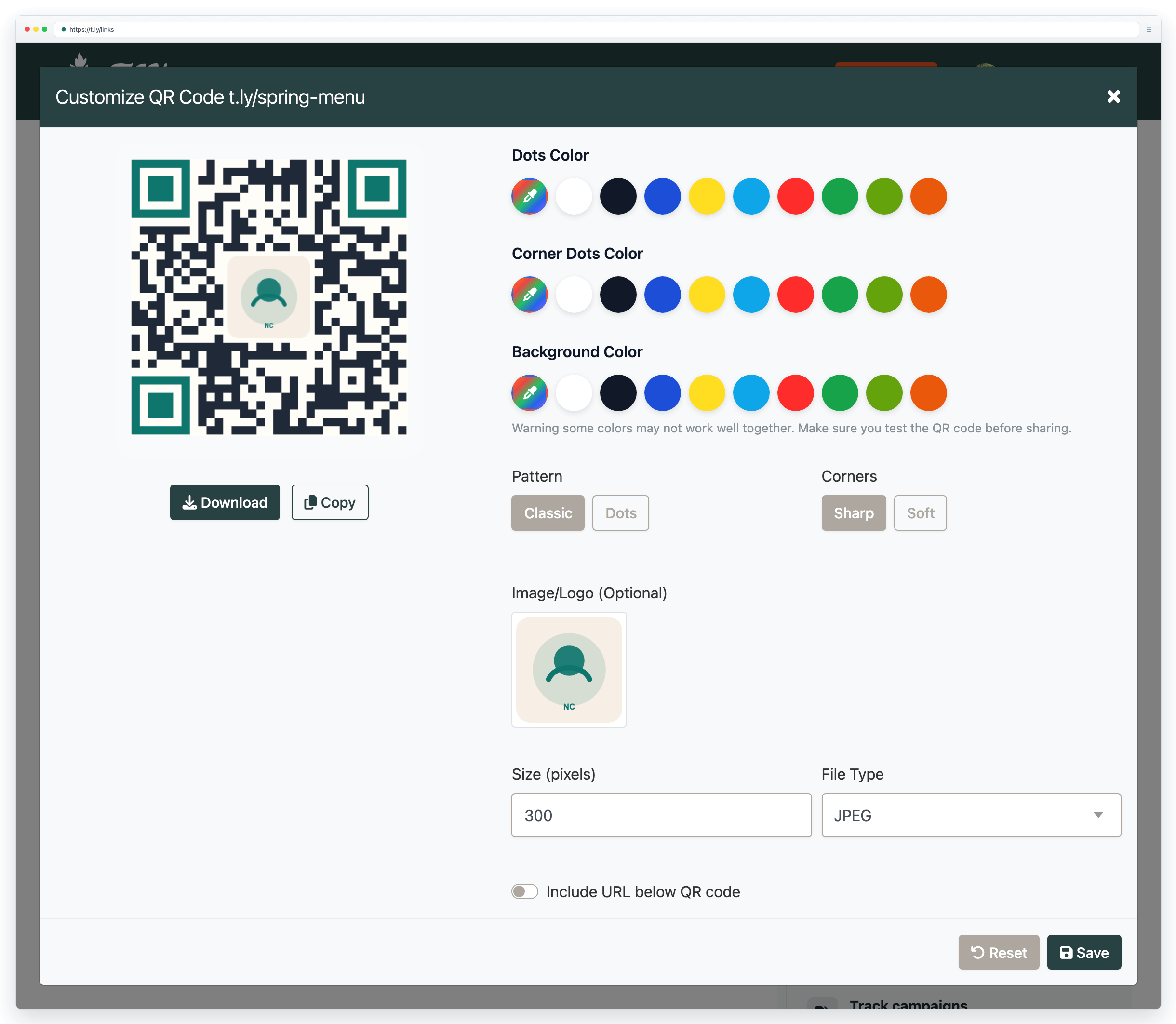
What QR codes are used for today
Modern QR campaigns are practical, measurable, and low-cost:
- Instant website visits: send people to a product page, booking form, or online ordering
- Google review requests: send happy customers directly to your review page
- Contactless menus: update offerings quickly and reduce reprint costs
- Promo campaigns: drive traffic from posters, mailers, and packaging to a limited-time offer
- Lead capture: link to a newsletter signup or consultation form
- Customer education: link products to setup, FAQs, warranty registration, or support
How QR codes help small businesses make more money
Most businesses lose revenue between the moment someone sees an offer and the moment they take action. QR codes reduce that gap. Instead of telling someone to "visit our site later," you let them scan and buy, book, or claim an offer immediately.
Your goal is to place the right QR code at the right moment in the customer journey:
- Before purchase: attract new customers
- During purchase: increase basket size (upsells, add-ons)
- After purchase: drive reviews and repeat business
Static vs dynamic QR codes
This choice determines how flexible and trackable your campaign is.
Static QR codes
- Best for: information that will not change
- Destination is encoded into the QR code
- You cannot edit after printing
- No built-in scan analytics
Dynamic QR codes (recommended)
- Best for: marketing and anything you may update
- Update destination anytime without reprinting
- Track scans (date, location, device)
- Test different offers or landing pages over time
Step-by-step: launch a profitable QR campaign
A simple workflow you can implement this week:
- Pick one goal: more online orders, more bookings, or more repeat purchases.
- Create a focused landing page: match the page to the exact offer shown near the QR code.
- Use one code per placement: menu vs receipt vs flyer vs window sign, so results stay clear.
- Add a clear incentive: "10% off today", "free add-on", or "priority booking slots".
- Use a direct CTA: tell people what happens after scanning (example: "Scan to book in 30 seconds").
- Test before printing: scan with multiple phones, in real lighting, from realistic distances.
- Review after 7 days: compare placements and double down on what performs best.
Tracking scans and ROI
Treat your QR code like any measurable marketing channel:
- Set one clear goal per code: bookings, coupon redemptions, calls, or signups.
- Use unique QR codes per channel: one for receipts, one for flyers, one for in-store signage.
- Measure what happens after scanning: scans are a start, but conversions are the outcome.
- Review weekly: compare scans and outcomes by placement and offer.
Simple ROI formula
Example: if a printed flyer campaign costs $200 and generates $900 in attributable sales, ROI is 350%.
Real-world examples (high performers)
Menus
Use a dynamic menu link so pricing, specials, and sold-out items can be updated without reprinting.
Flyers
Service businesses use flyers that link to a booking page with a clear offer, then compare performance by neighborhood or placement.
Receipts
Post-purchase QR codes work well for review collection and bounce-back offers for a second visit.
Storefront signage
Capture after-hours traffic by linking to online ordering, appointment requests, or your contact page.
How to get more reviews and repeat customers
Use post-purchase QR moments to grow trust and lifetime value.
Review collection flow
Put a QR code on receipts, table cards, or thank-you inserts with a simple prompt like: "Happy with your experience? Scan to leave a quick review."
Send scanners directly to your review page and keep it simple so customers can finish in under a minute.
Repeat purchase flow
Use a second QR code for retention: "Scan for your next-visit offer." Link it to a loyalty signup, SMS list, or bounce-back coupon. Keeping review and promo codes separate makes reporting cleaner.
Create your first campaign QR code
- Sales: one QR code that drives to your offer or booking page
- Reviews: one QR code that drives to your review page
Need more help?
If you still have questions, contact [email protected] or use the contact form. For abuse or suspicious links, use Report Abuse. For feature requests, email [email protected].
 Browser Extension



