Shorten & Track Links
The all-in-one URL shortener and QR code platform built for marketers, developers, creators, and teams.
Trusted for the links people use every day
Shorten. Share. Track.
Start with a short link, then add the tools your campaign needs. Everything stays connected in one place.
-
Create custom short links
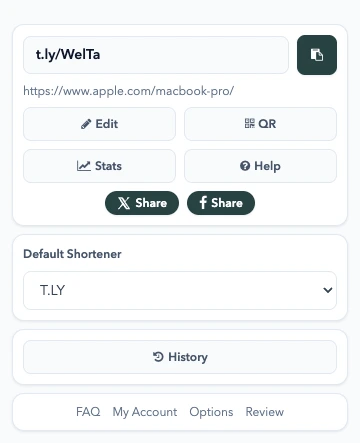
Turn any long URL into a branded short link with fast redirects and click tracking. Use T.LY or connect your own custom domain.
Explore the custom URL shortener -
Share it anywhere
Put your link in a post, email, text, or trackable QR code. Update the destination without starting over.
Explore QR codes -
Learn from every click
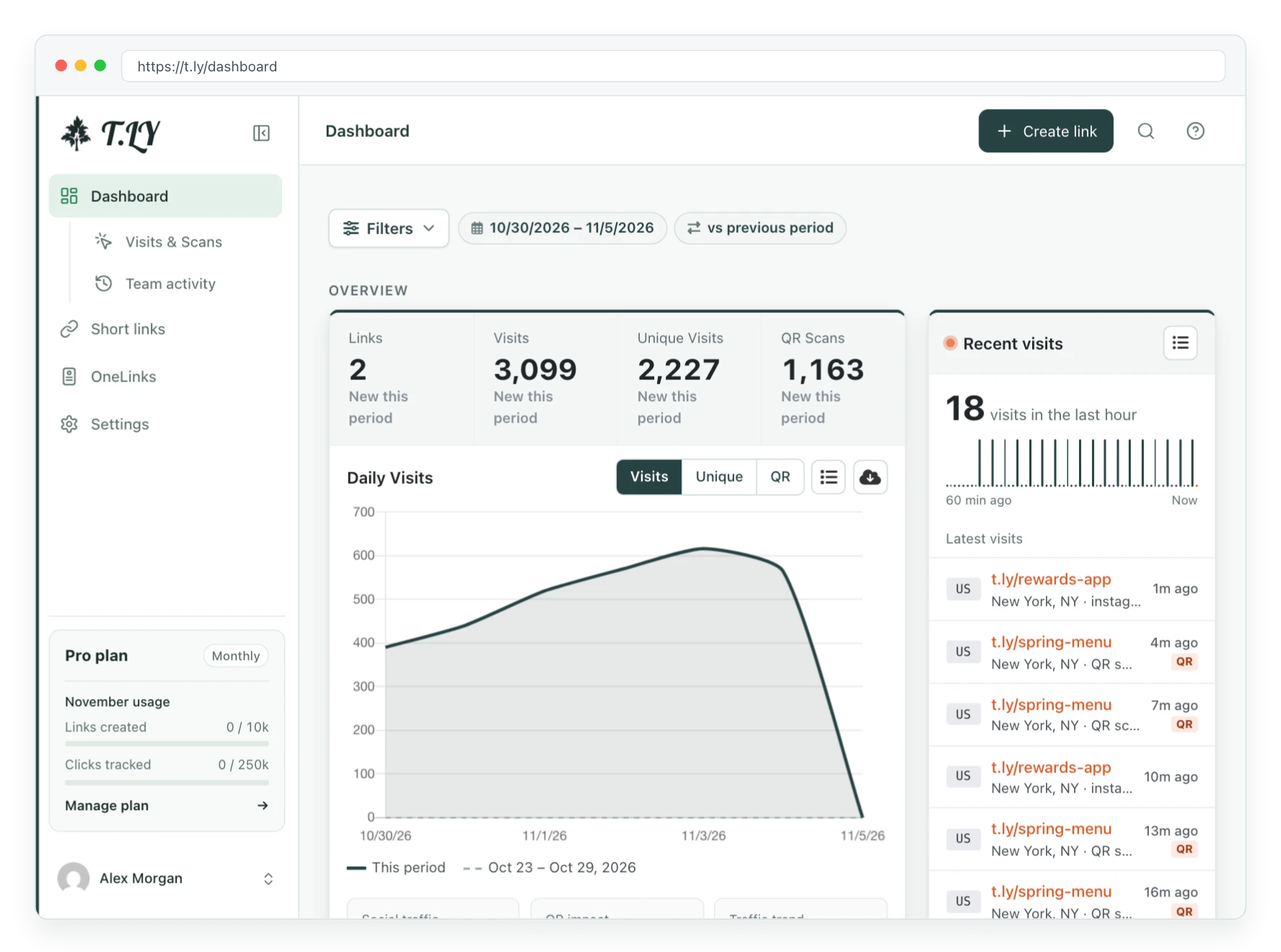
See traffic, referrers, devices, locations, and QR scans. Know which links are earning attention.
Explore analytics
Simple enough for one link. Ready for the next million.
T.LY works just as well for a quick share as it does for a full campaign. Keep the fast workflow, then add control when the stakes get higher.
Short links belong in your workflow, too.
Create and manage links from your app, automation, or internal tools with the T.LY API.
More control when you need it
Every paid plan includes unlimited clicks, private analytics, custom domains, QR codes, and API access.
- Unlimited Clicks
- 1,000 Monthly Short Links
- 1,000 Monthly QR Codes
- 50,000 Monthly Stats Tracked
- 2 Custom Domains with SSL
- API Access
- Private Stats
- OneLink
- 5 days of detailed logs
- Unlimited Clicks
- 4,000 Monthly Short Links
- 4,000 Monthly QR Codes
- 100,000 Monthly Stats Tracked
- 10 Custom Domains
- API Access
- Private Stats
- 5 OneLinks
- 7 days of detailed logs
- Unlimited Clicks
- 10,000 Monthly Short Links
- 10,000 Monthly QR Codes
- 250,000 Monthly Stats Tracked
- 5 Team Members
- 20 Custom Domains
- API Access
- Private Stats
- 10 OneLinks
- Priority Support
- 10 days of detailed logs
- Unlimited Clicks
- 500 Monthly Short Links
- 500 Monthly QR Codes
- 25,000 Monthly Stats Tracked
- 1 Custom Domain with SSL
- API Access
- Private Stats
- OneLink
- 3 days of detailed logs
- Unlimited Clicks
- 1,000 Monthly Short Links
- 1,000 Monthly QR Codes
- 50,000 Monthly Stats Tracked
- 2 Custom Domains with SSL
- API Access
- Private Stats
- OneLink
- 5 days of detailed logs
- Unlimited Clicks
- 4,000 Monthly Short Links
- 4,000 Monthly QR Codes
- 100,000 Monthly Stats Tracked
- 10 Custom Domains
- API Access
- Private Stats
- 5 OneLinks
- 7 days of detailed logs
URL Shortener FAQ
What is a URL shortener?
A URL shortener turns a long web address into a shorter link that redirects to the same destination. It makes links easier to share in texts, emails, social posts, QR codes, and printed materials. Read more about short link basics or create a short link or QR code.
How do I shorten a URL with T.LY?
Paste your long URL into the T.LY shortener, click Shorten URL, and copy the short link. You can create quick links without an account, then sign up when you want private stats, custom domains, QR management, or API access. The quick start guide walks through the basics.
Is T.LY a free URL shortener?
Yes. T.LY offers free URL shortening for quick links. Paid plans add higher limits, private analytics, custom domains, API access, OneLinks, QR code management, and team features. If you are moving from goo.gl, read the Google URL Shortener replacement guide. You can also see the free vs paid guide or review pricing.
Do T.LY short links show ads before redirecting?
No. T.LY does not show ad interstitials before sending visitors to your destination. Your short links redirect quickly. If a link is not behaving the way you expect, start with the link troubleshooting guide or contact support.
Can I track clicks on short links?
Yes. T.LY tracks link clicks so you can review traffic, referrers, devices, locations, and QR code scans. You can also add a plus sign to many T.LY short links to view public stats when stats are enabled. For more detail, read the analytics guide or open the Link Tracker.
Can I use my own domain for short links?
Yes. Use the T.LY custom URL shortener with a custom domain and SSL so every short link carries your brand. The custom domains guide covers setup, and the custom-domain DNS guide can help if verification gets stuck.
Does T.LY create QR codes?
Yes. T.LY can create trackable QR codes for short links, campaigns, packaging, business cards, menus, flyers, and offline marketing. Use the QR Code Generator, or read the QR code FAQs if you need setup details.
Does T.LY have a URL shortener API?
Yes. Developers can use the T.LY API to create, update, and manage short links from their own apps, websites, and internal tools. Start with the API guide, then open the API docs or generate a token in API settings.
Still have questions?
Contact support for account-specific help, or read the help docs for setup guides, troubleshooting, custom domains, QR codes, and API access.
Beyond Short Links
Get Started