Account settings
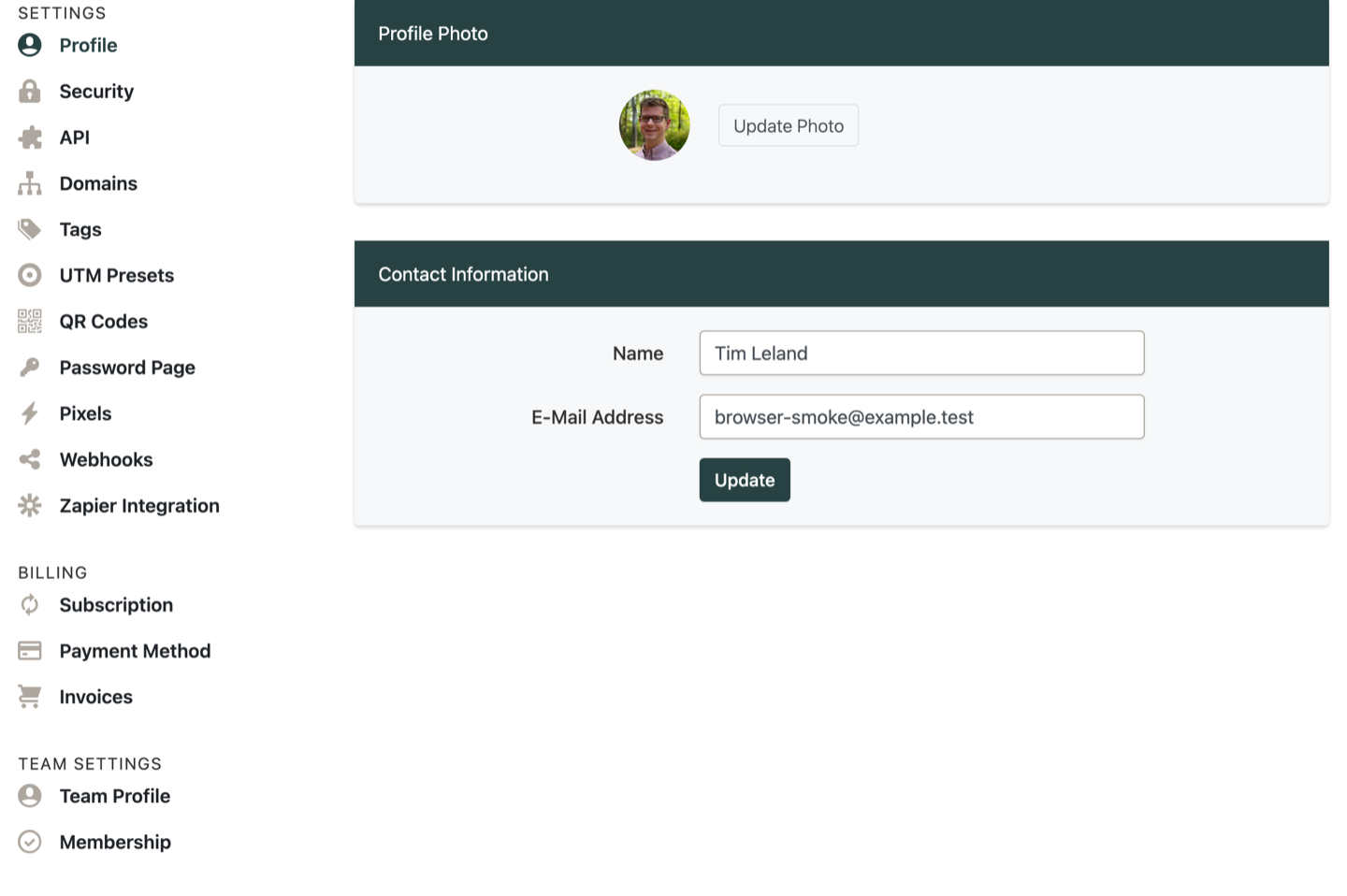
Update profile details, security settings, and preferences.
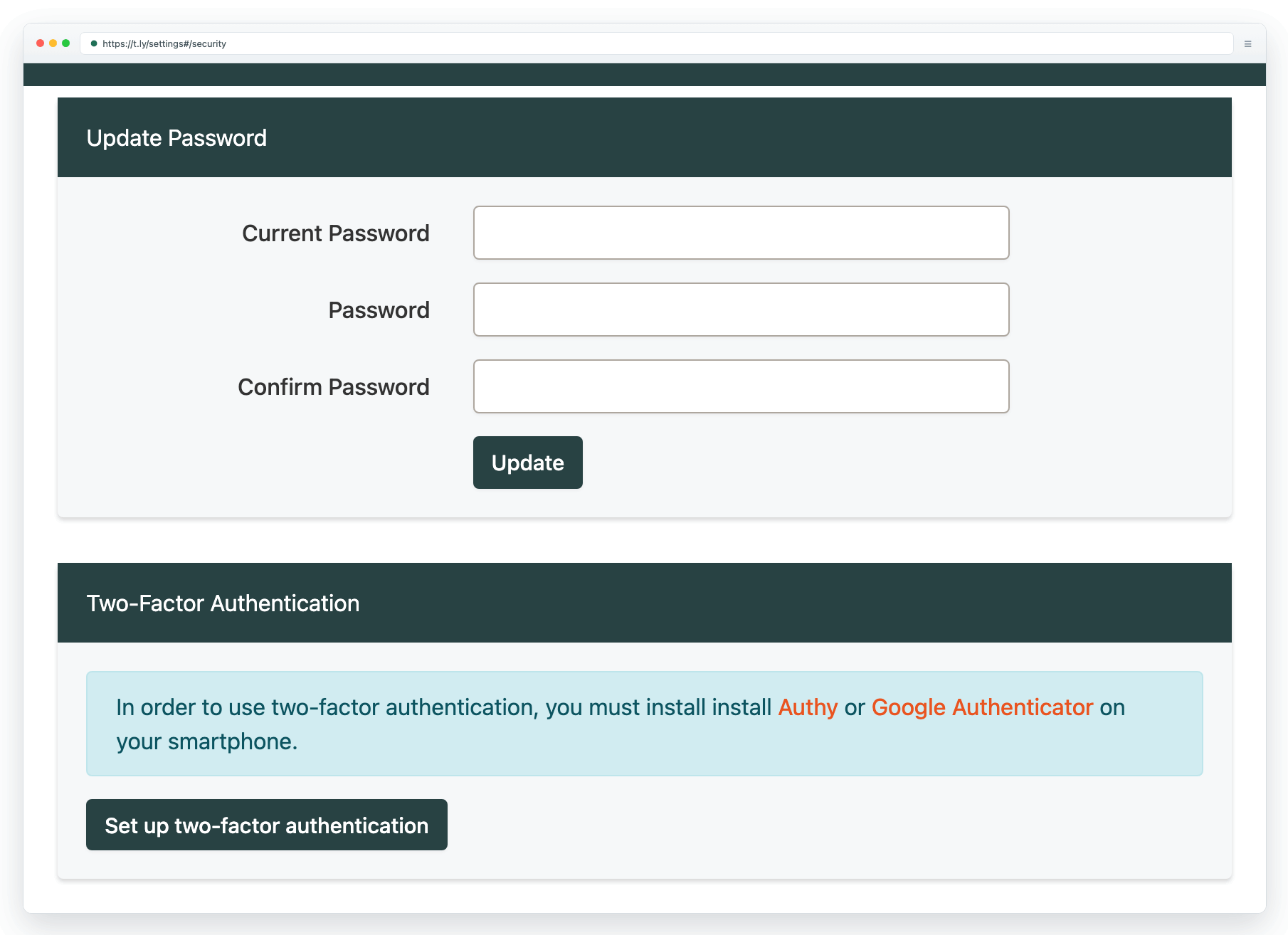
Your account settings control profile details, security options, and preferences. If you are unsure where to change something, start in Settings after you sign in.
Common updates
- Update your email address or password
- Enable two-factor authentication (2FA)
- Review team and access settings
- Manage billing and subscription details
Security tips
Need more help?
If you still have questions, contact [email protected] or use the contact form. For abuse or suspicious links, use Report Abuse. For feature requests, email [email protected].
 Browser Extension



