About Free QR Code Generator
About QR Codes
What's a QR code?
QR code stands for Quick Response Code and is like a barcode that was invented by Denso Wave in 1994. It holds information that can be read by a QR code scanner, most often a smartphone app. Generally, scanning the barcode will send a user to a
specific URL selected by the maker of the QR code. They can also be used to track inventory, product IDs, and documents.
What are some ways I can use a QR code for marketing?
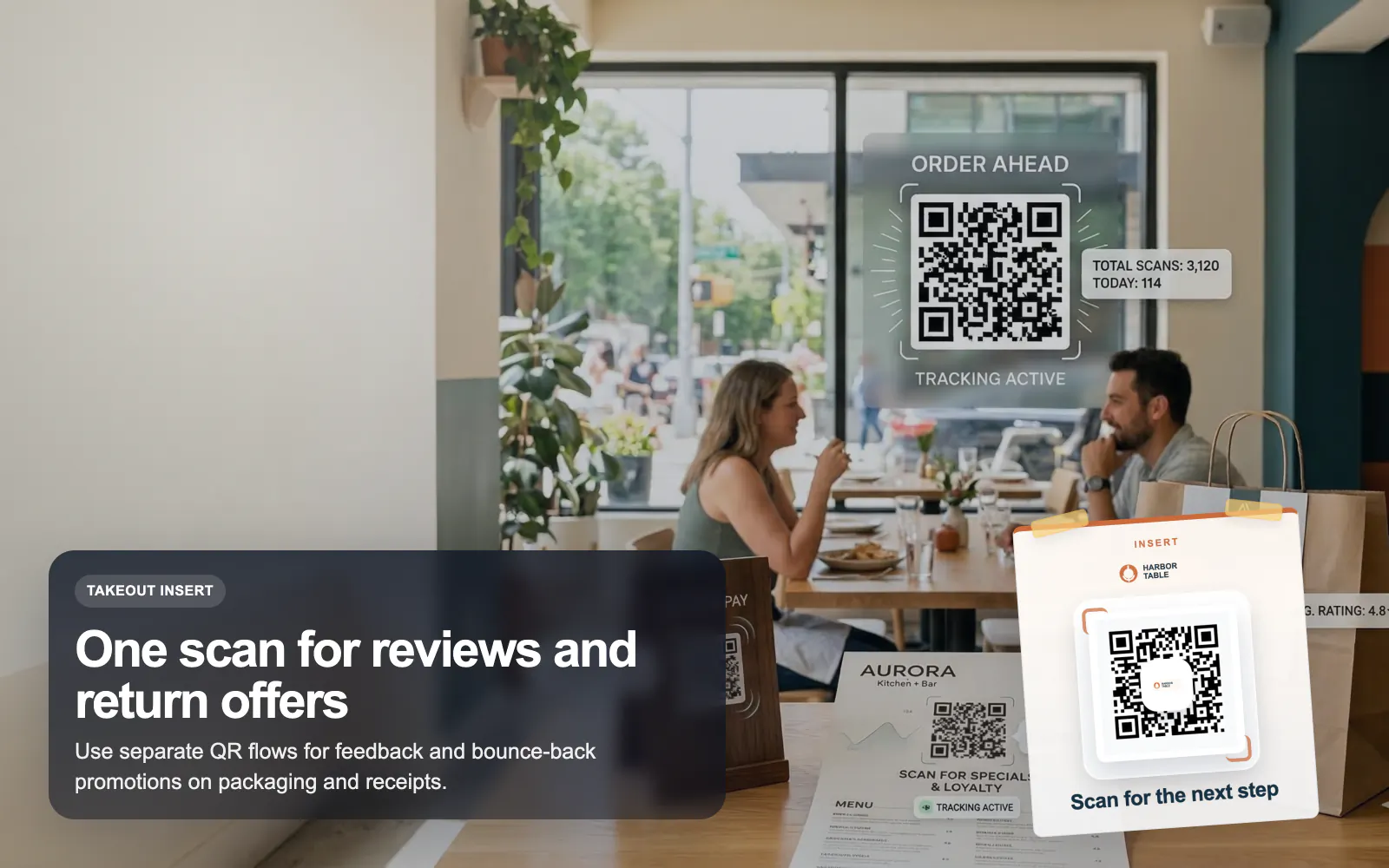
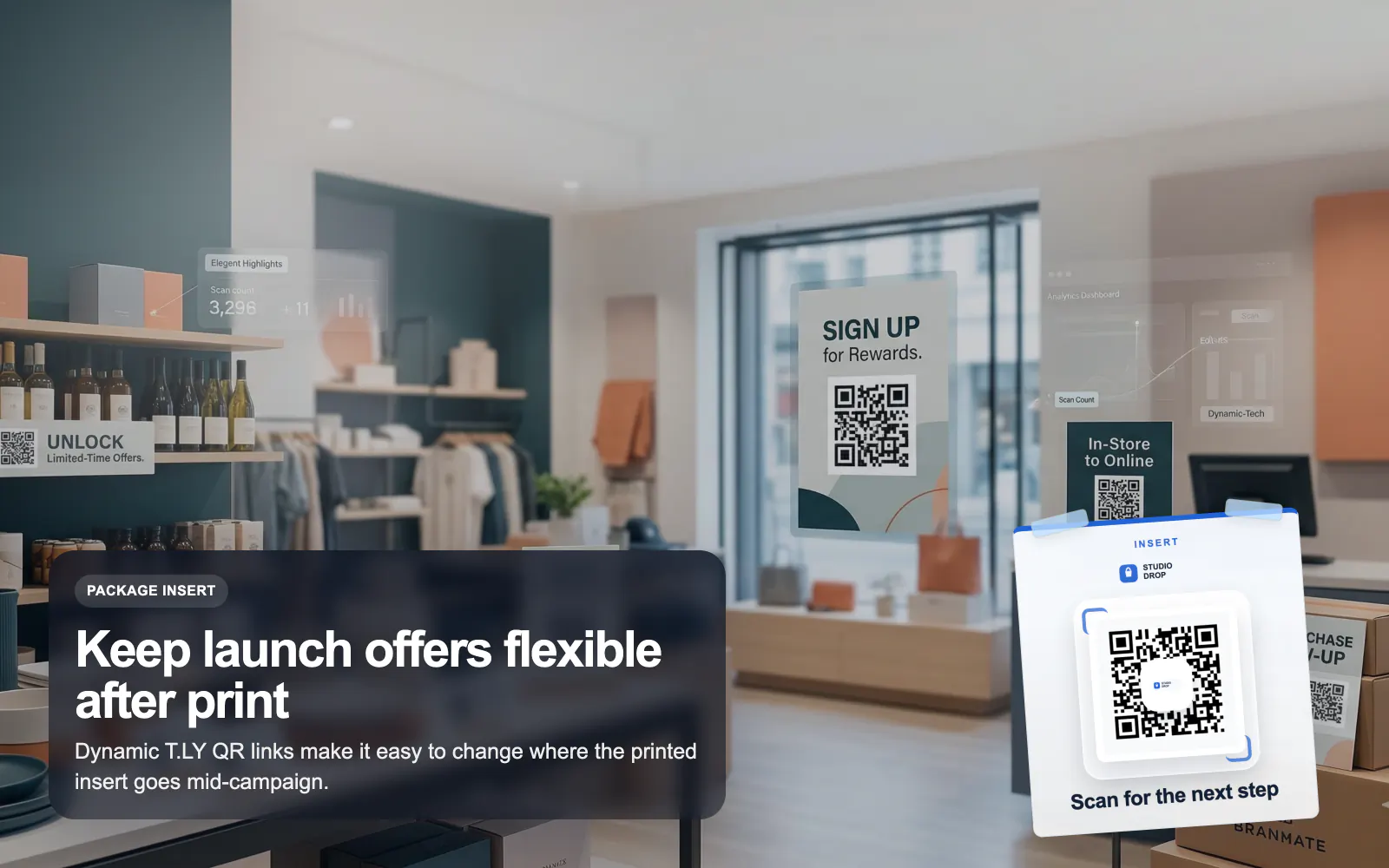
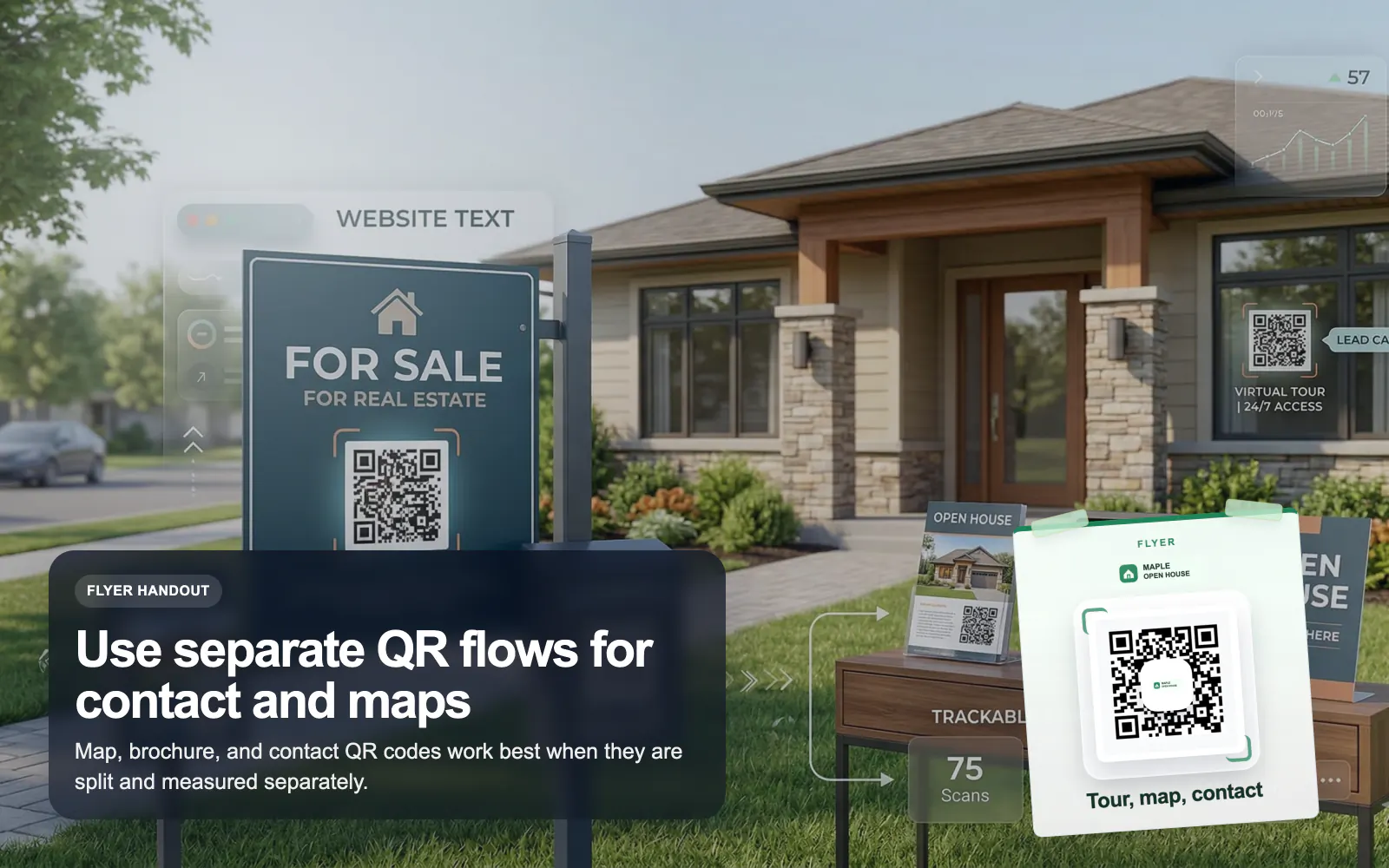
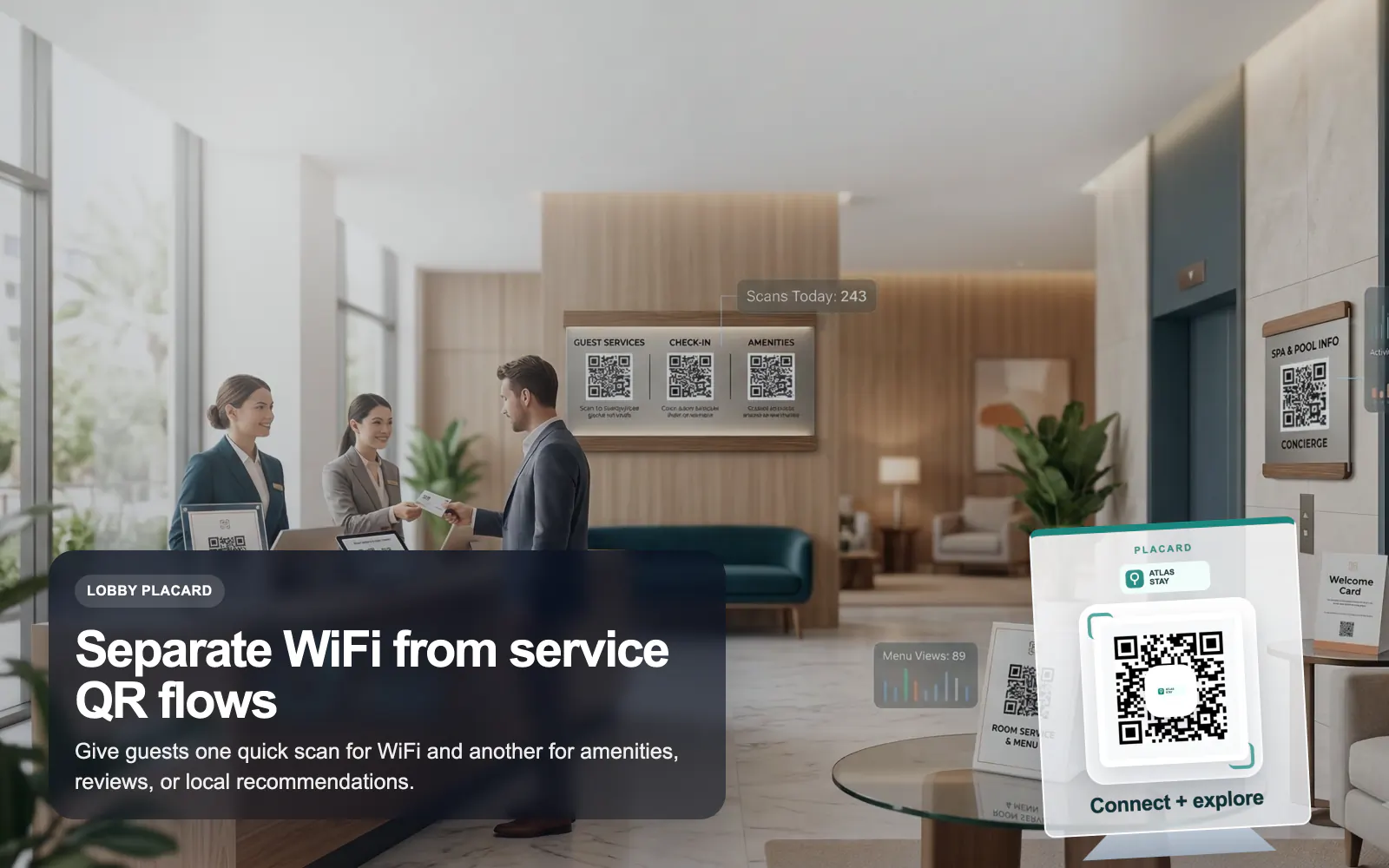
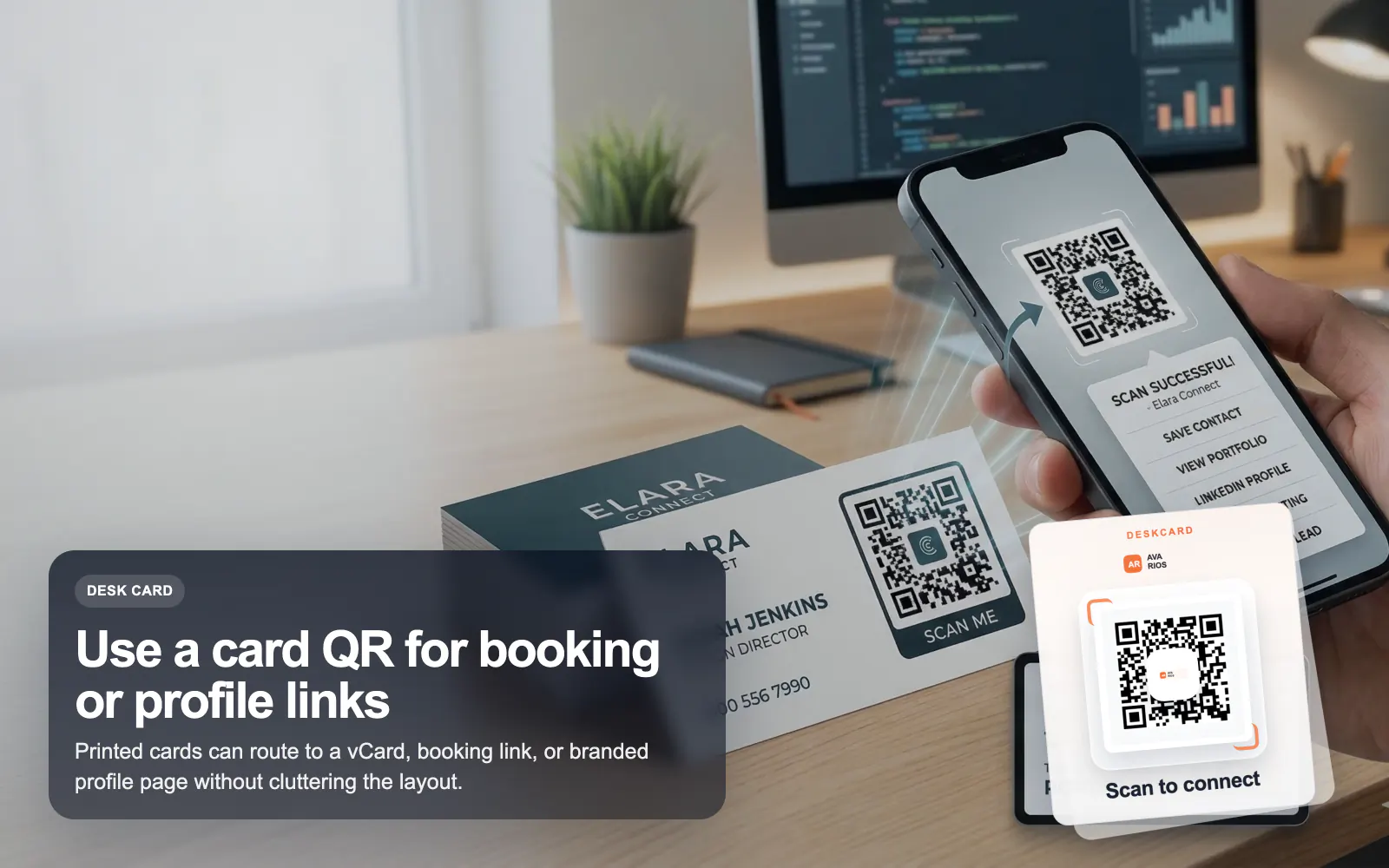
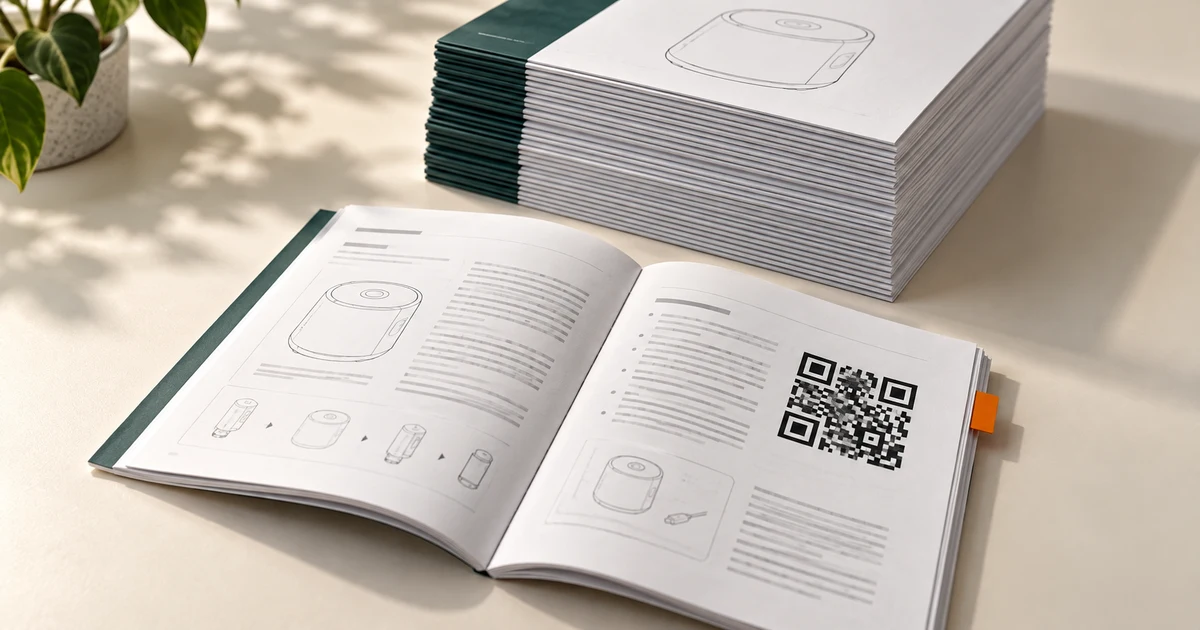
You can put a QR code on your business flyers, business cards, car decals, billboards, and more. With QR Codes, you
have the flexibility of adding more content, in different formats, without compromising the design of your packaging, disrupting your brand identity, overloading your
audience with text, or overspending on printing.
Do you offer a Dedicated QR Code Generator Extension?
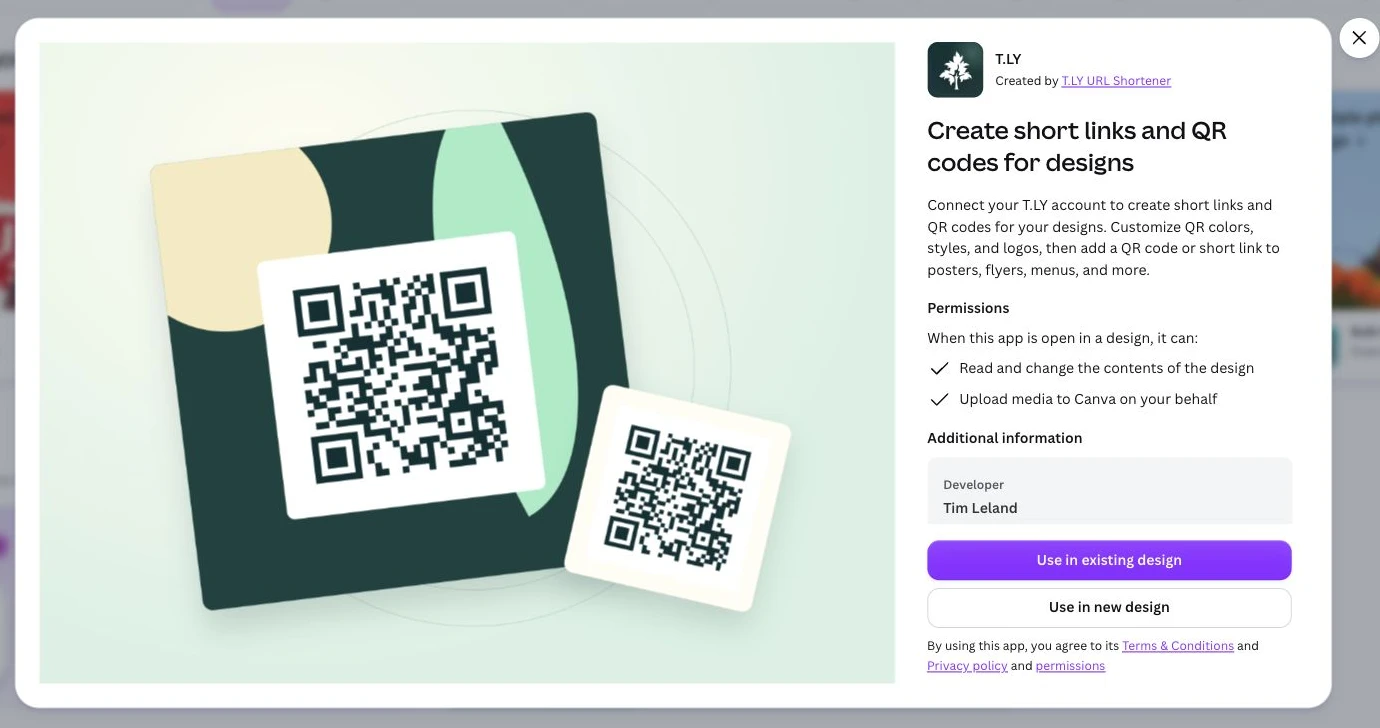
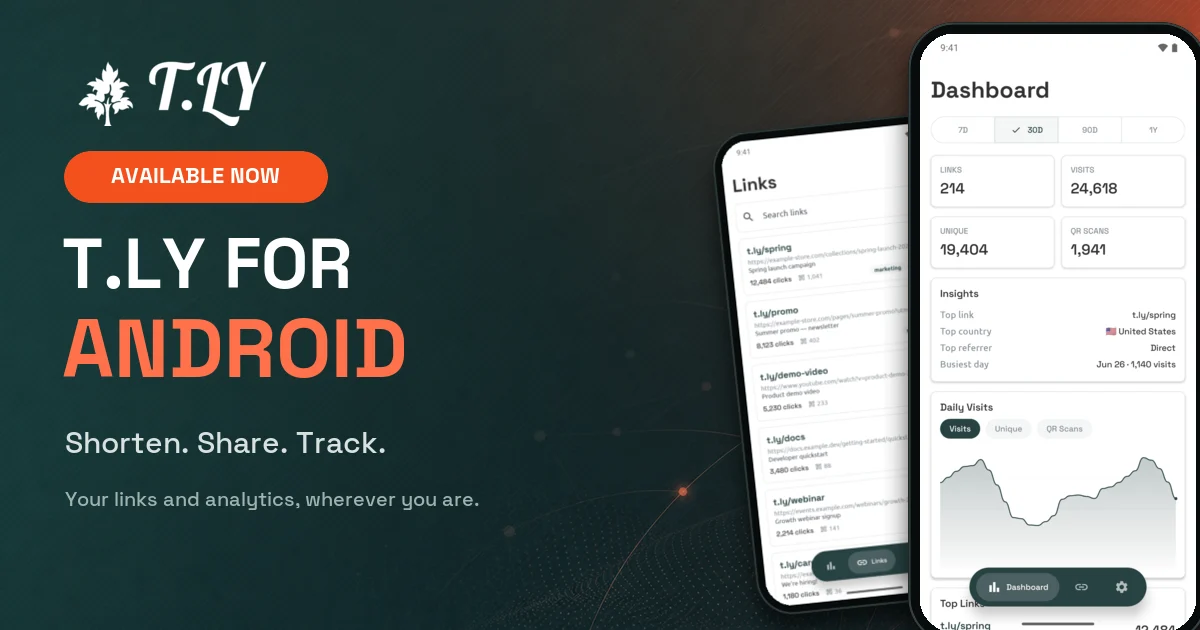
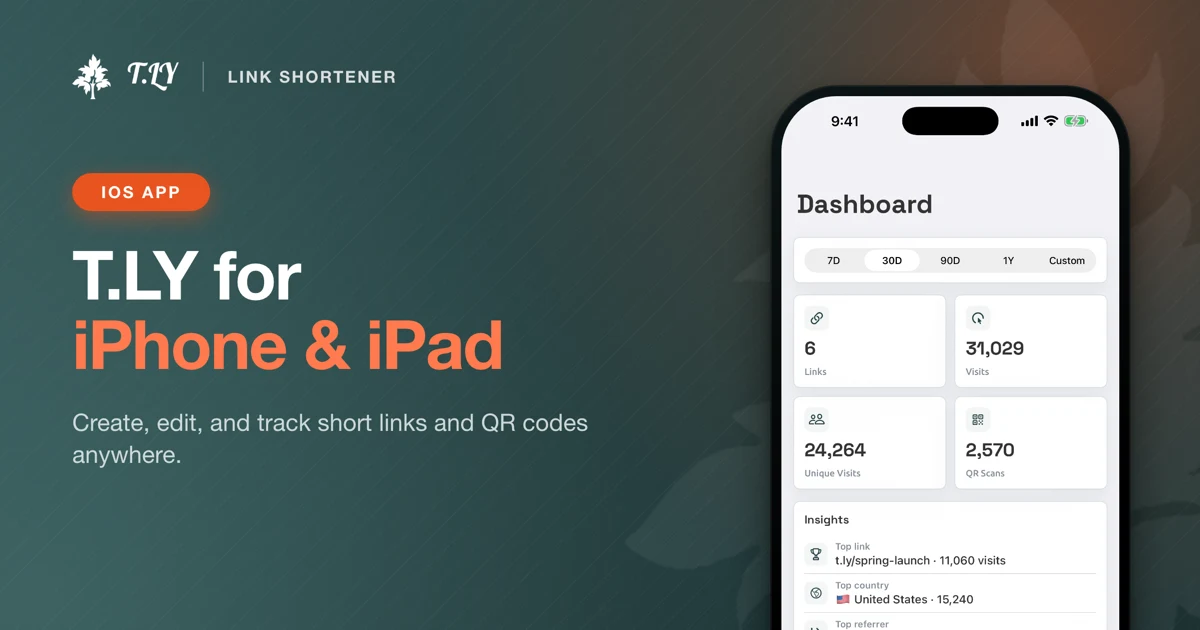
Yes, we do offer a dedicated QR Code Generator extension! With just one click, you can instantly create a QR code for the current webpage you're visiting. Our extension makes it simple and fast to generate trackable QR codes, helping you share links easily or use them for marketing, inventory, or document management. You can install the QR Code Generator Extension directly from the Chrome Web Store or Opera Extension Store. For your phone or tablet, use the T.LY mobile app.
Measuring Metrics
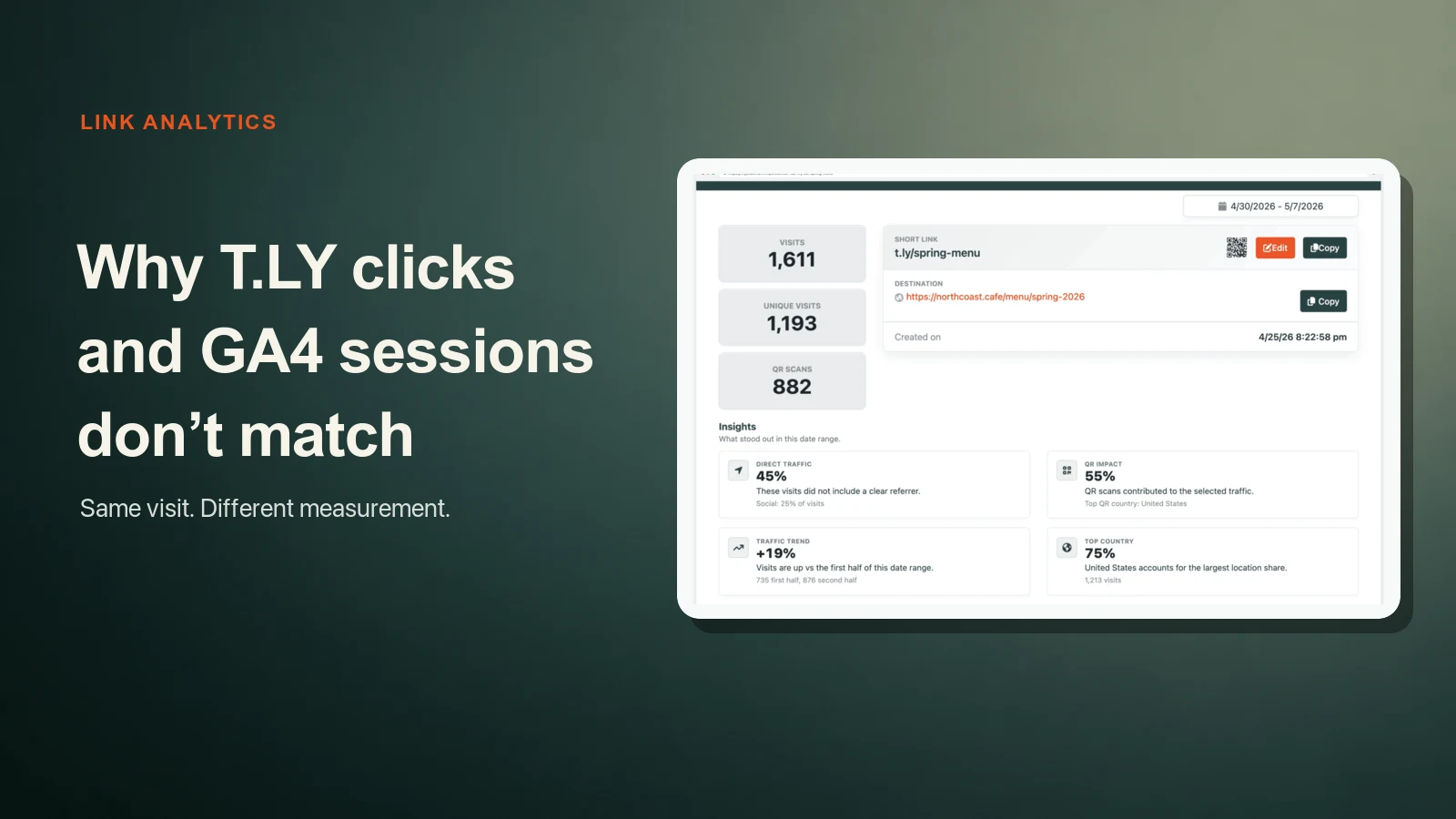
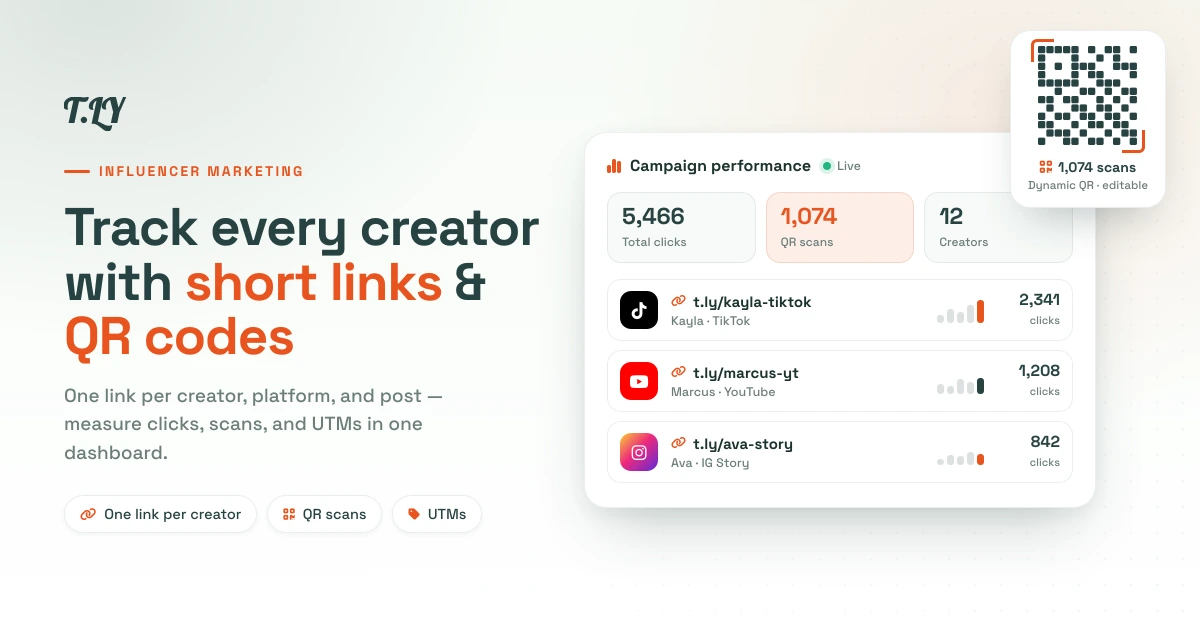
Tracking your metrics allows you to know where and when your print marketing is most effective. By incorporating a Short URL into QR Code to posters, flyers or billboards,
you get
a chance to optimize your campaign by knowing the total number of scans, location by country and city, operating device and time scanned. This provides you with a concise
data, with which you can compare the number of times a Code was scanned, total and unique metrics, with the amount of marketing material distributed. Giving you a
good idea of when and where it was most successful.
Do I need an App to Read QR Codes?
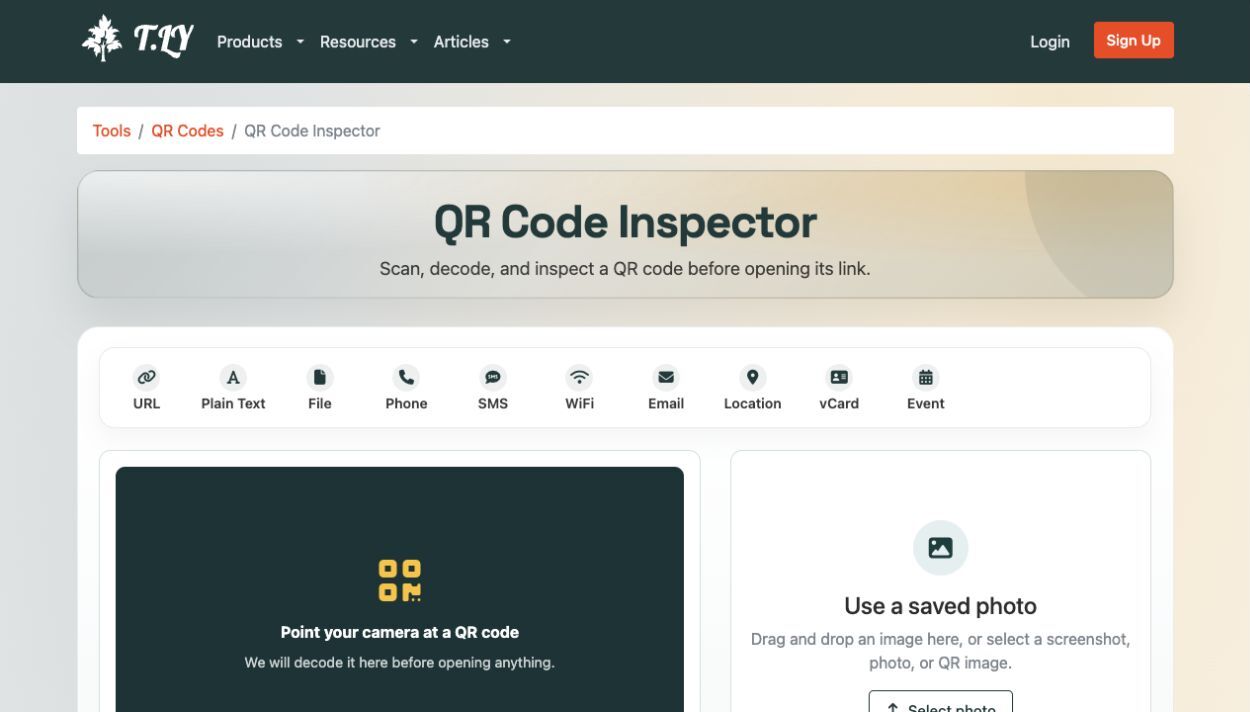
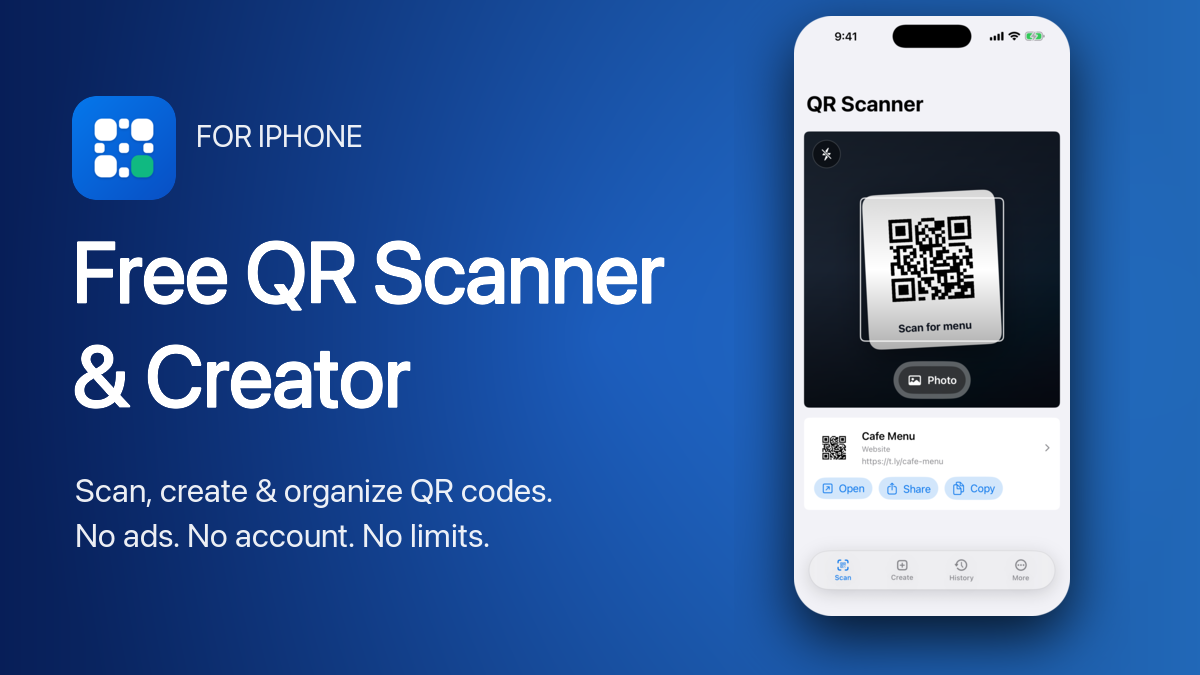
No, most new smart phones default camera apps allow you to read a QR code. Just open your camera and scan. Or use our online QR Code Scanner Tool to scan any QR code. If you want a dedicated scanner and creator, download the free QR Code Scanner & Creator on the App Store or Google Play.
What can I do if my QR code is not working?
If your QR code is not working properly, there are several possible steps you can take to troubleshoot and identify the issue. First, make sure that the link contained in the QR code is correct and operational. Next, check that your mobile device has a properly functioning camera and is able to correctly read the code. Lastly, if the issue persists you may need to try a different QR reader app or even generate a new code altogether.
Is there a scan limit for the QR codes?
There is no QR code scan limit and the QR codes will work forever as long as the URL the code is linked to is valid and the website is live.
What are the benefits of using QR Codes?
QR codes provide numerous benefits for businesses, individuals and organizations. QR codes can be used to quickly and easily access information with a simple scan from a mobile device such as contact details, product descriptions, web links and payment options. They are an easy and convenient way to store data without taking up valuable space or requiring complex hardware. Additionally, compared to traditional barcodes, QR codes store larger amounts of data in a more secure way which makes them ideal for use in tracking products or services, promoting products or events, and providing secure access to services or websites.


 Browser Extension



