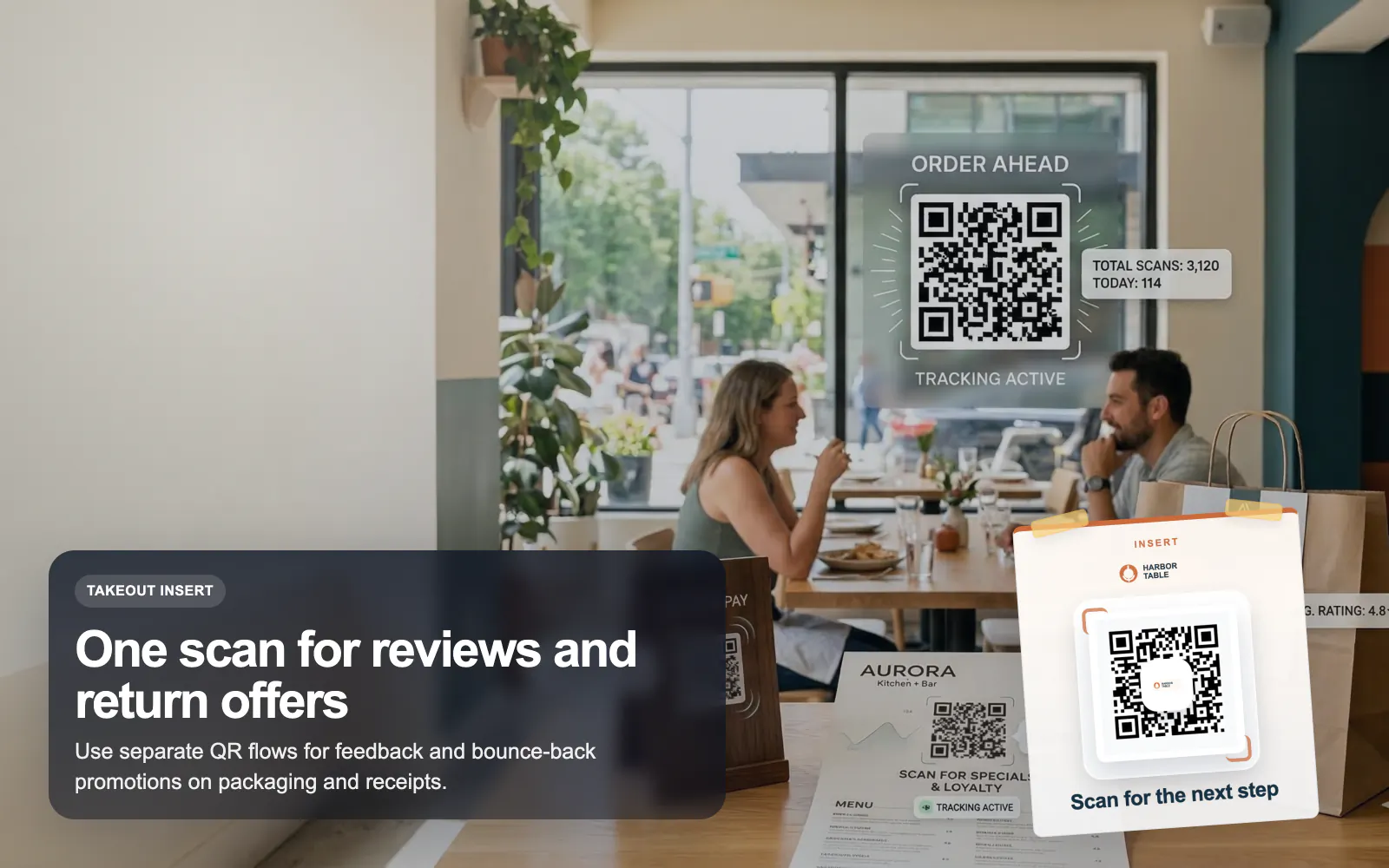
QR Codes for Restaurants
Use T.LY QR codes for restaurant menus, guest WiFi, review requests, and bounce-back offers with dynamic updates and scan analytics.
Restaurants Use CaseFrom room cards to lobby signage, hotels can reduce friction and improve guest experience with QR codes that open the right service instantly. T.LY makes those QR touchpoints editable, branded, and measurable.
See how T.LY turns printed QR moments into editable destinations, richer buyer journeys, and measurable campaign performance.
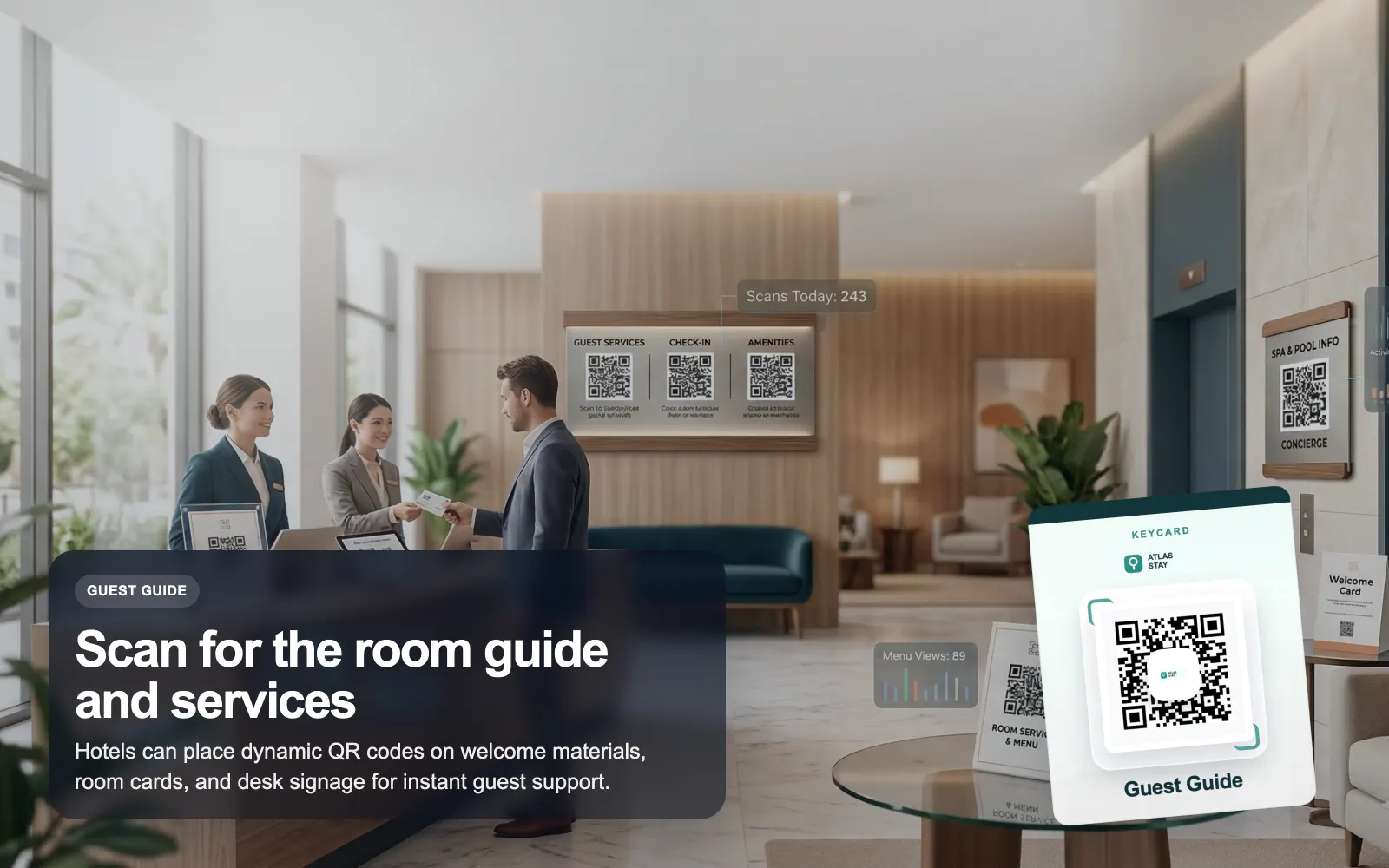
Use QR codes for room guides, amenities, and service menus so information is one scan away.
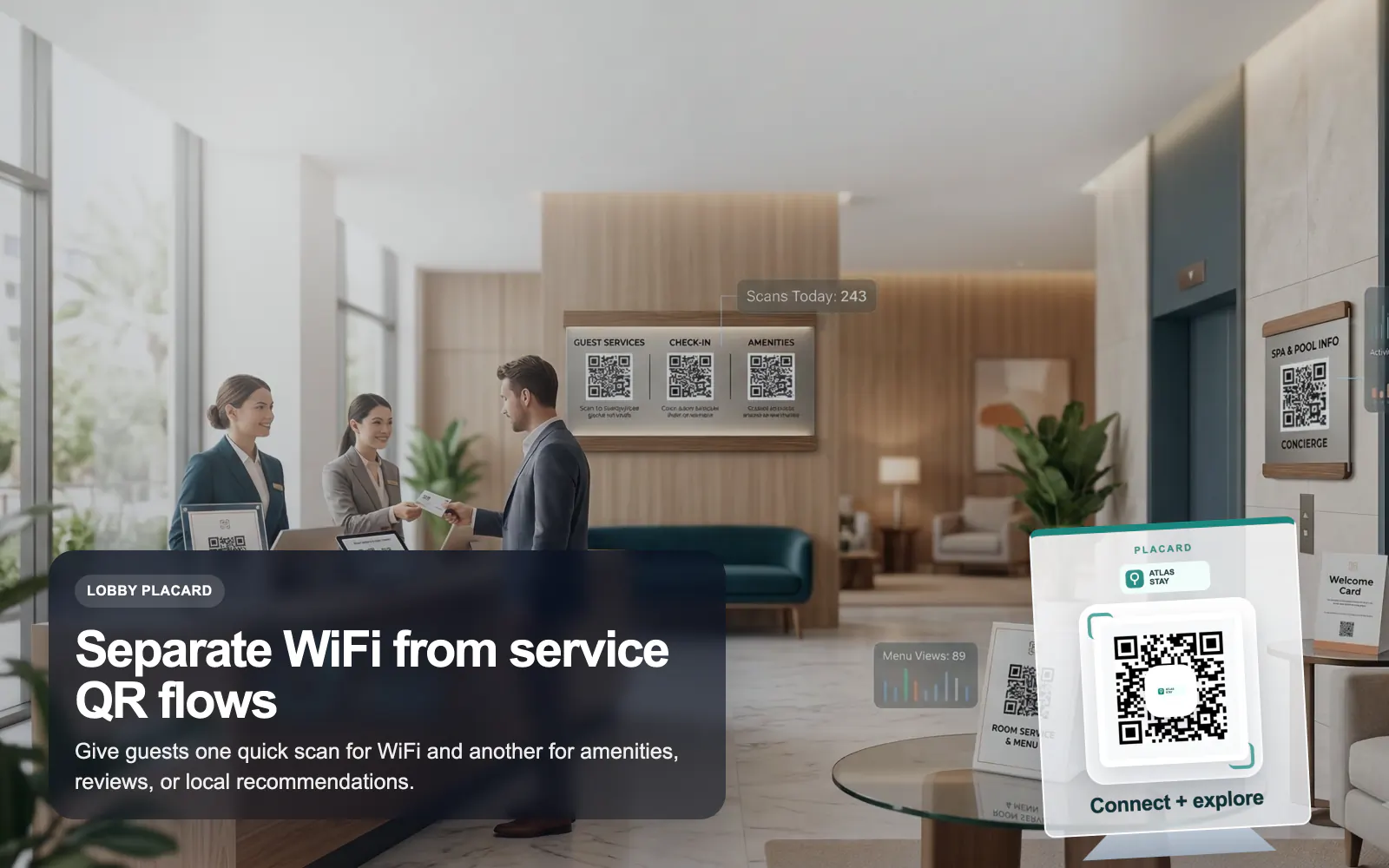
Place a WiFi QR in rooms and common areas so guests connect instantly without typing credentials.
Put separate QR codes on desk cards, room materials, or checkout signage for reviews, upgrades, and local recommendations.
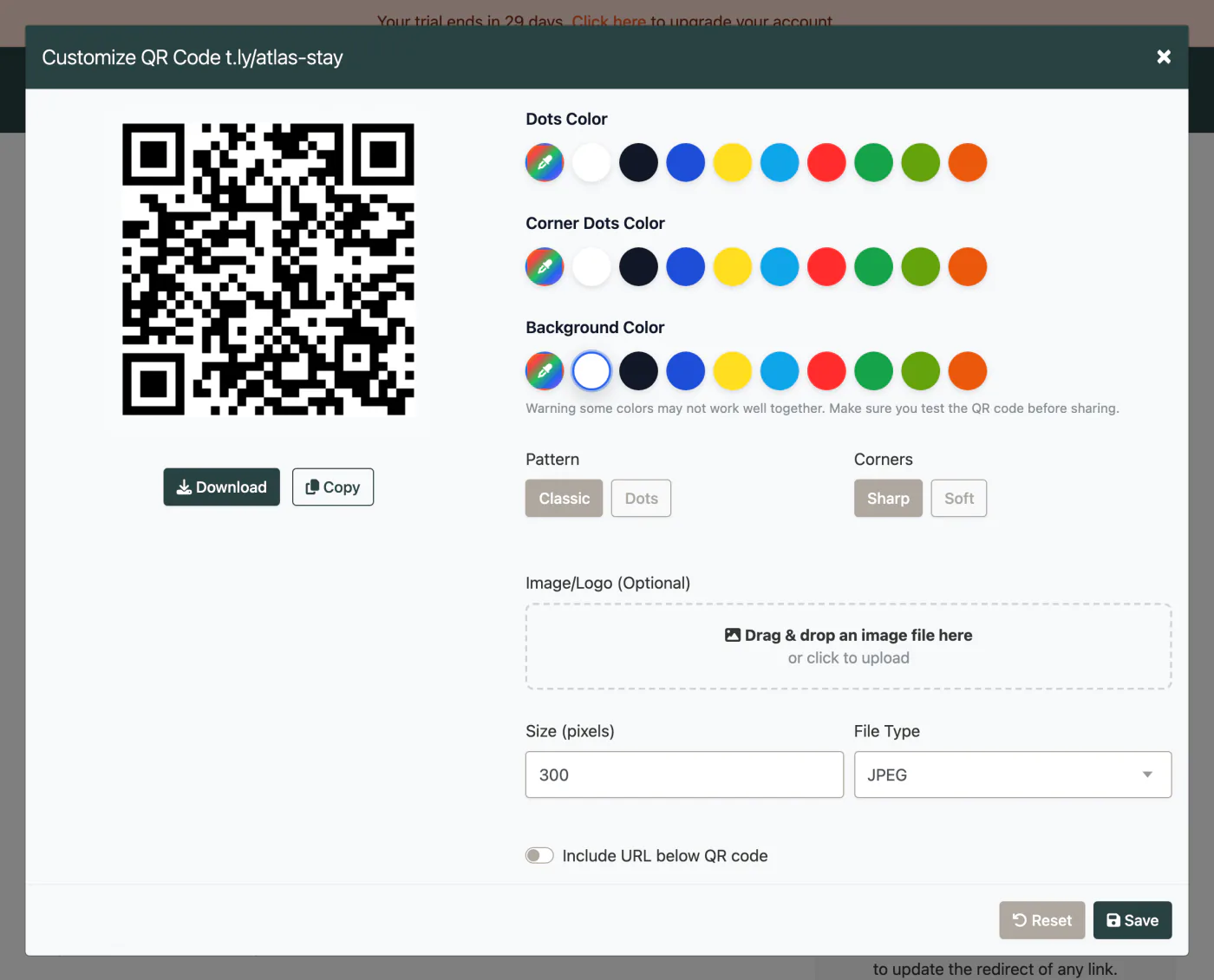
These are the platform choices that matter once the QR is actually out in the world.
Use these tools once the final image and destination are ready. Catch scan distance, size, redirect, and UTM issues before the campaign is printed or published.
Usually no. Keep the WiFi QR separate so guests connect quickly, then use dynamic T.LY links for guides, service requests, or local recommendations.
Yes, if the QR code points to a dynamic T.LY link or OneLink.
Yes, as long as they are printed at a readable size with strong contrast and good lighting.
A local guide, amenities hub, service menu, or review flow usually works best because the guest intent is immediate and contextual.
Keep going with adjacent QR workflows that use the same T.LY toolbox in a different channel.
Use T.LY QR codes for restaurant menus, guest WiFi, review requests, and bounce-back offers with dynamic updates and scan analytics.
Restaurants Use Case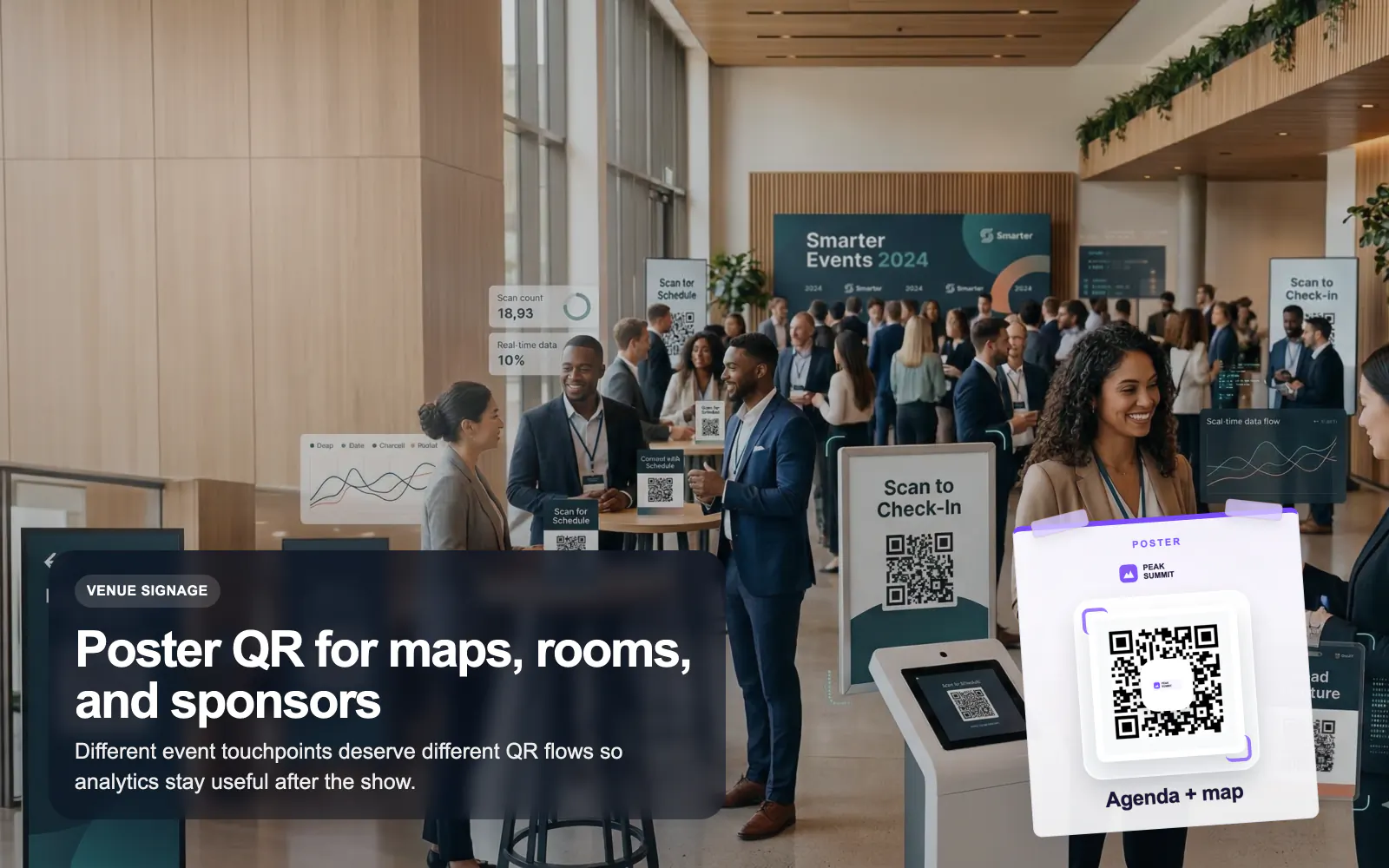
Use T.LY QR codes for events, badges, posters, agendas, lead capture, and sponsor flows with editable links and branded analytics.
Events Use Case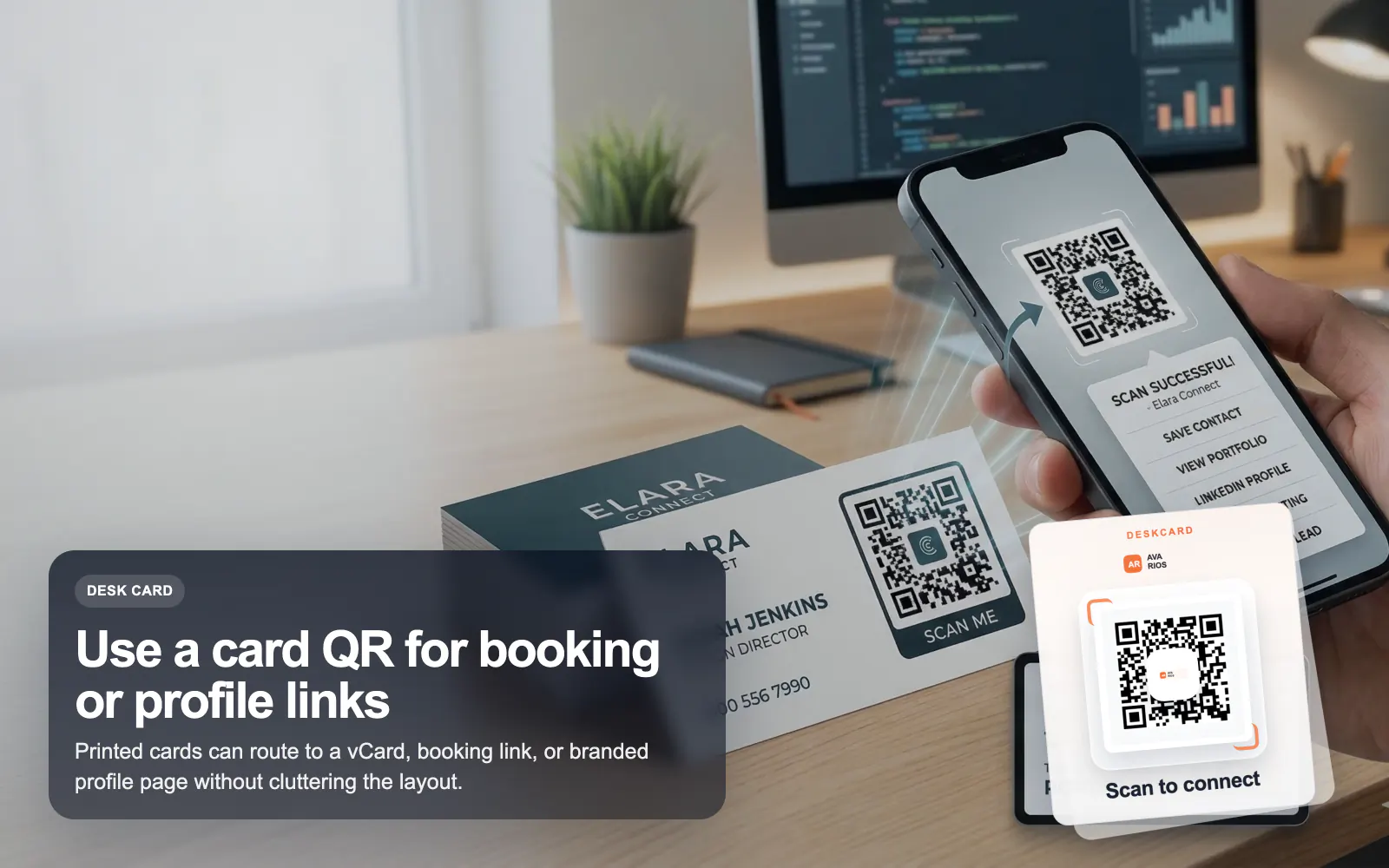
Use T.LY QR codes on business cards to share a vCard, OneLink, booking page, or contact hub with branded styling and analytics.
Business Cards Use CaseLaunch a QR campaign, style it for print, and keep the destination flexible after it goes live.
 Browser Extension



