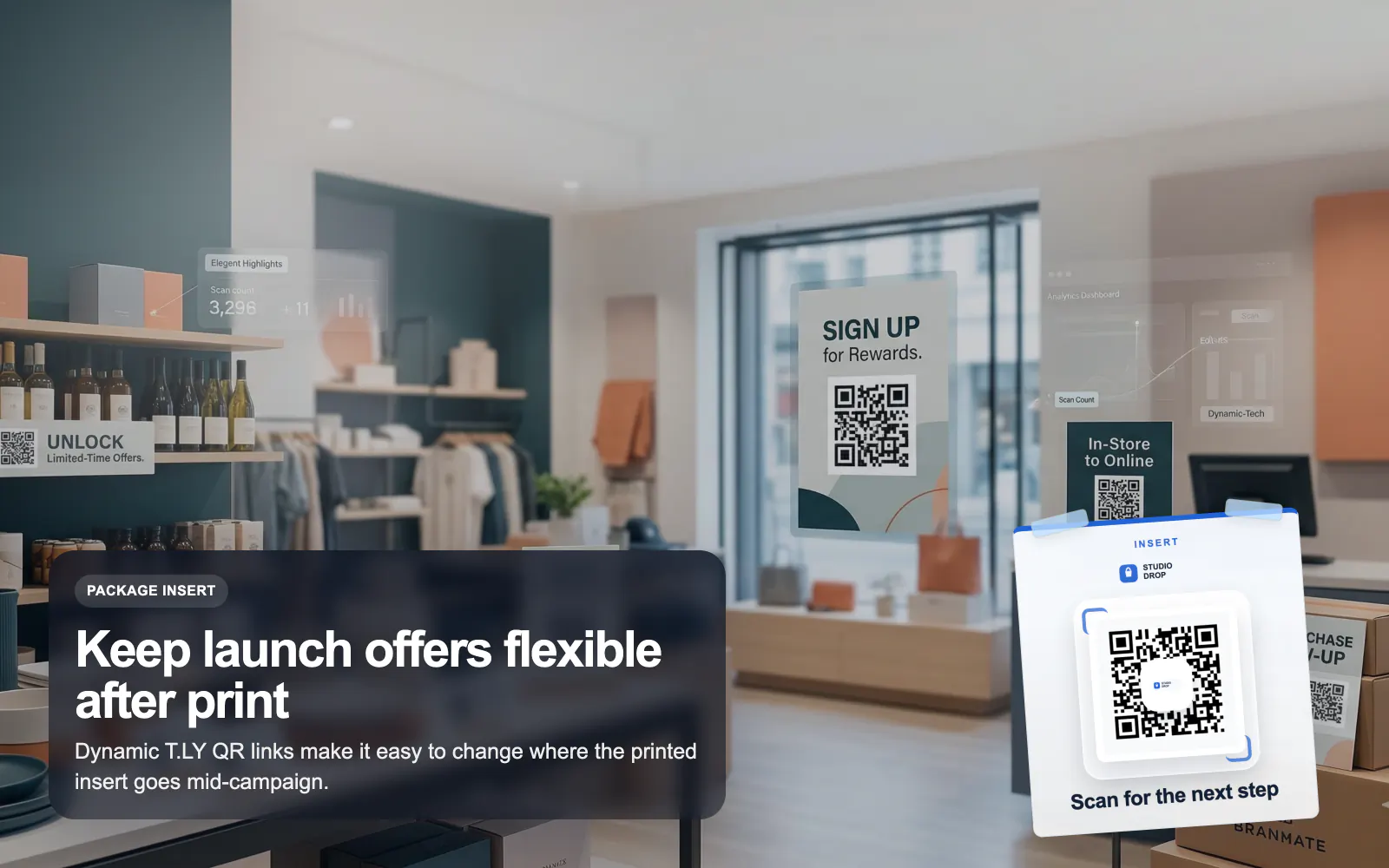
QR Codes for Retail
Launch retail QR campaigns with T.LY for packaging, shelf tags, reviews, offers, and product education using branded dynamic QR codes.
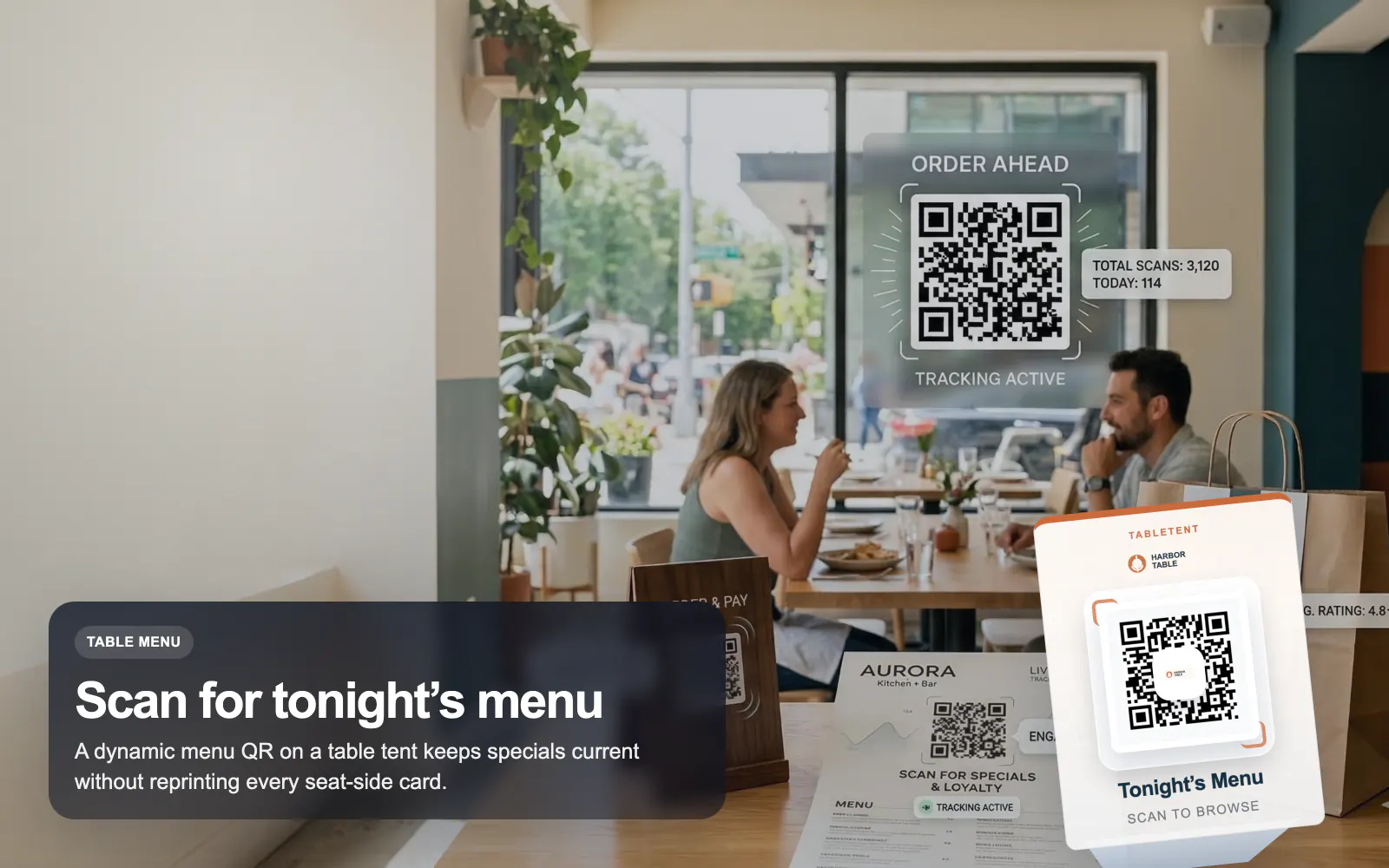
Retail Use CaseTurn table tents, menus, takeout inserts, and window signs into measurable moments. T.LY gives restaurant teams dynamic QR codes they can update after printing, plus analytics that show which placements actually get scanned.
See how T.LY turns printed QR moments into editable destinations, richer buyer journeys, and measurable campaign performance.
Use a dynamic T.LY QR code behind your menu so seasonal updates, sold-out items, and price changes do not force a reprint.
Pair a menu QR with a dedicated WiFi QR so staff is not answering the same password question all shift.
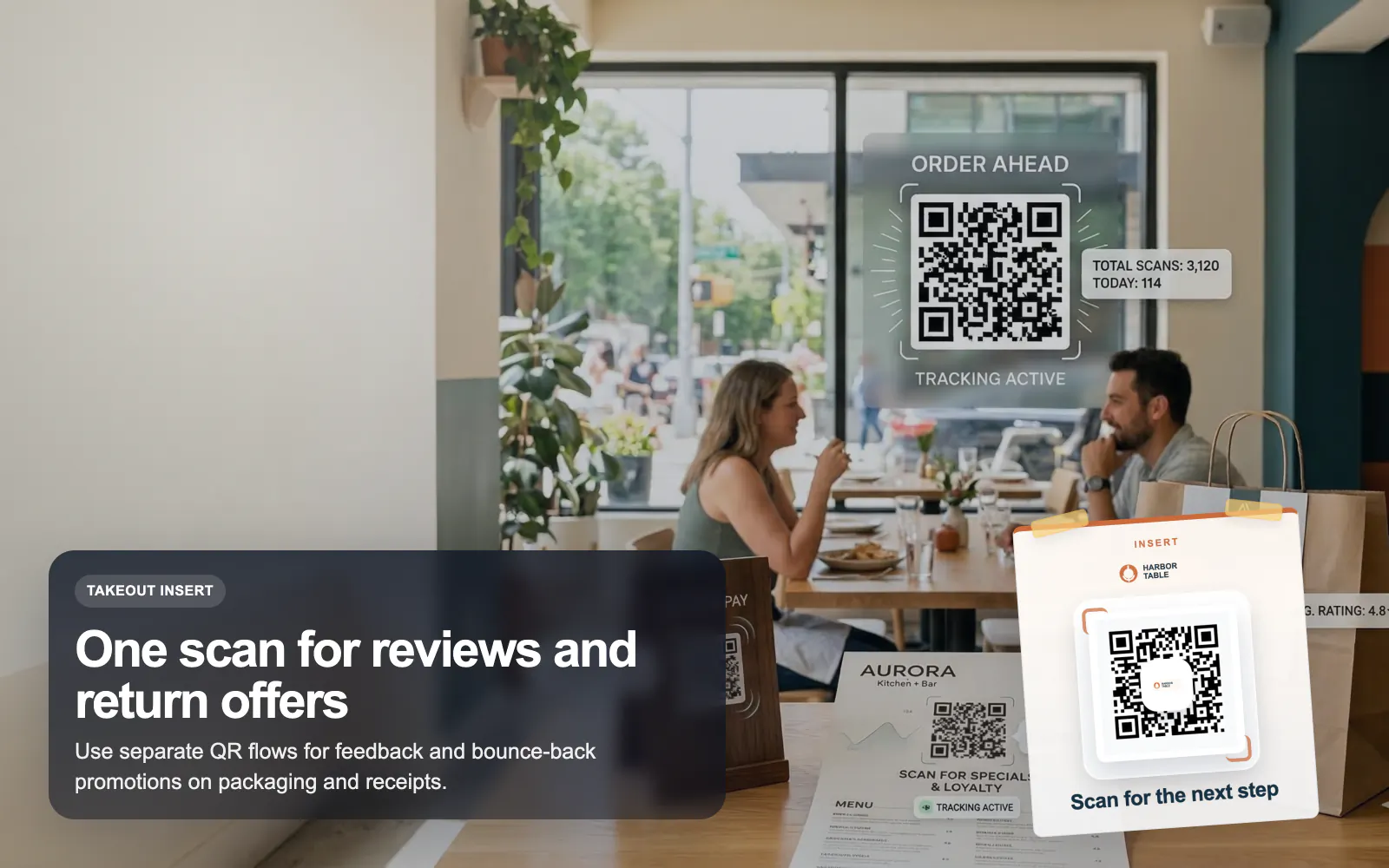
Put separate QR codes on receipts and takeout packaging so one scan asks for a review and another drives a next-visit offer.
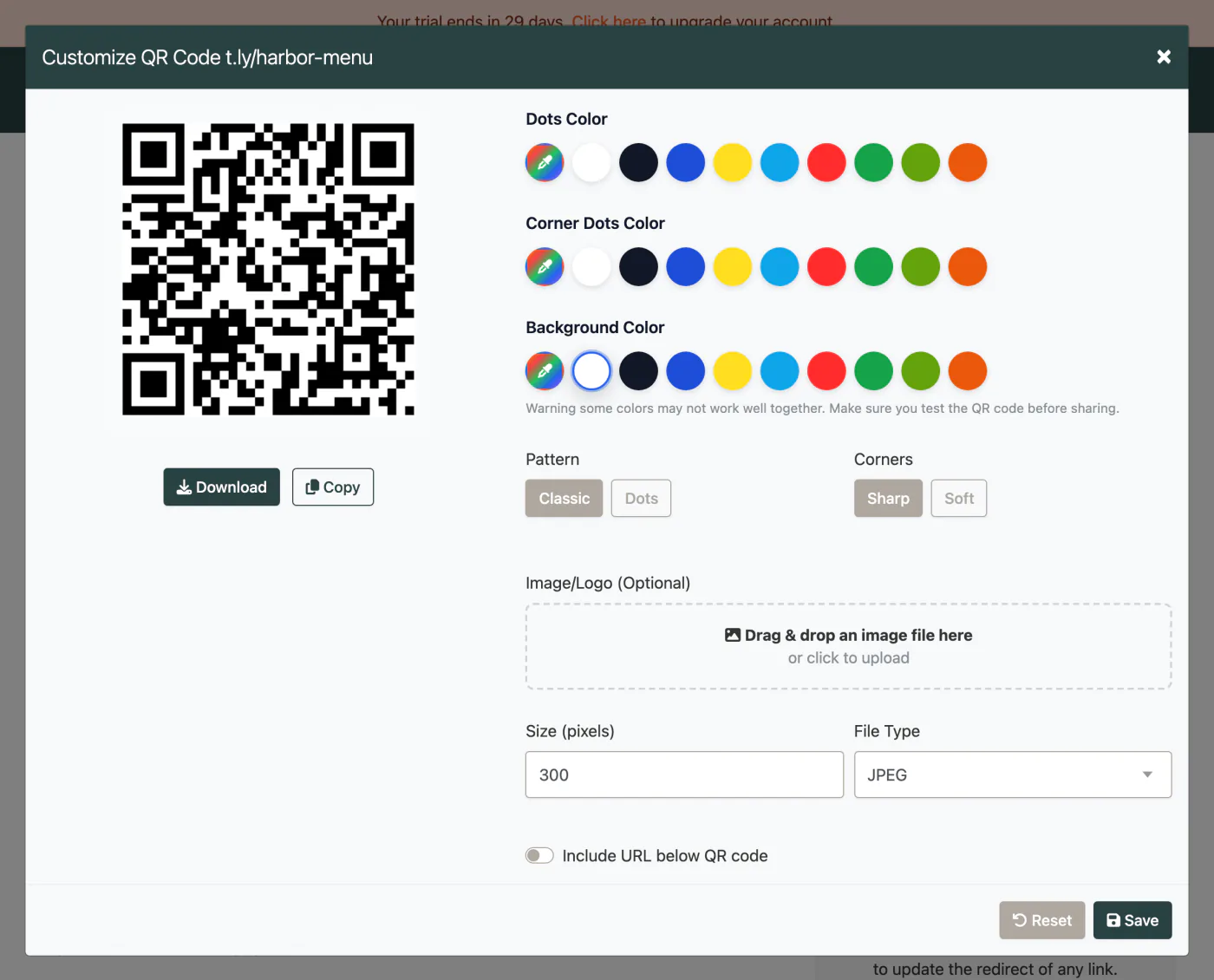
These are the platform choices that matter once the QR is actually out in the world.
Use these tools once the final image and destination are ready. Catch scan distance, size, redirect, and UTM issues before the campaign is printed or published.
A dynamic URL QR code is the best fit because you can update the menu destination later without reprinting the QR itself.
Usually no. Keep menu, WiFi, reviews, and offers as separate QR codes so the experience is clearer and your reporting stays clean.
Yes. T.LY QR campaigns can show scan totals and trends so you can compare placements and optimize what you print next.
Yes. T.LY supports branded QR styling with custom colors and logo support, as long as you preserve contrast and scan reliability.
Keep going with adjacent QR workflows that use the same T.LY toolbox in a different channel.
Launch retail QR campaigns with T.LY for packaging, shelf tags, reviews, offers, and product education using branded dynamic QR codes.
Retail Use Case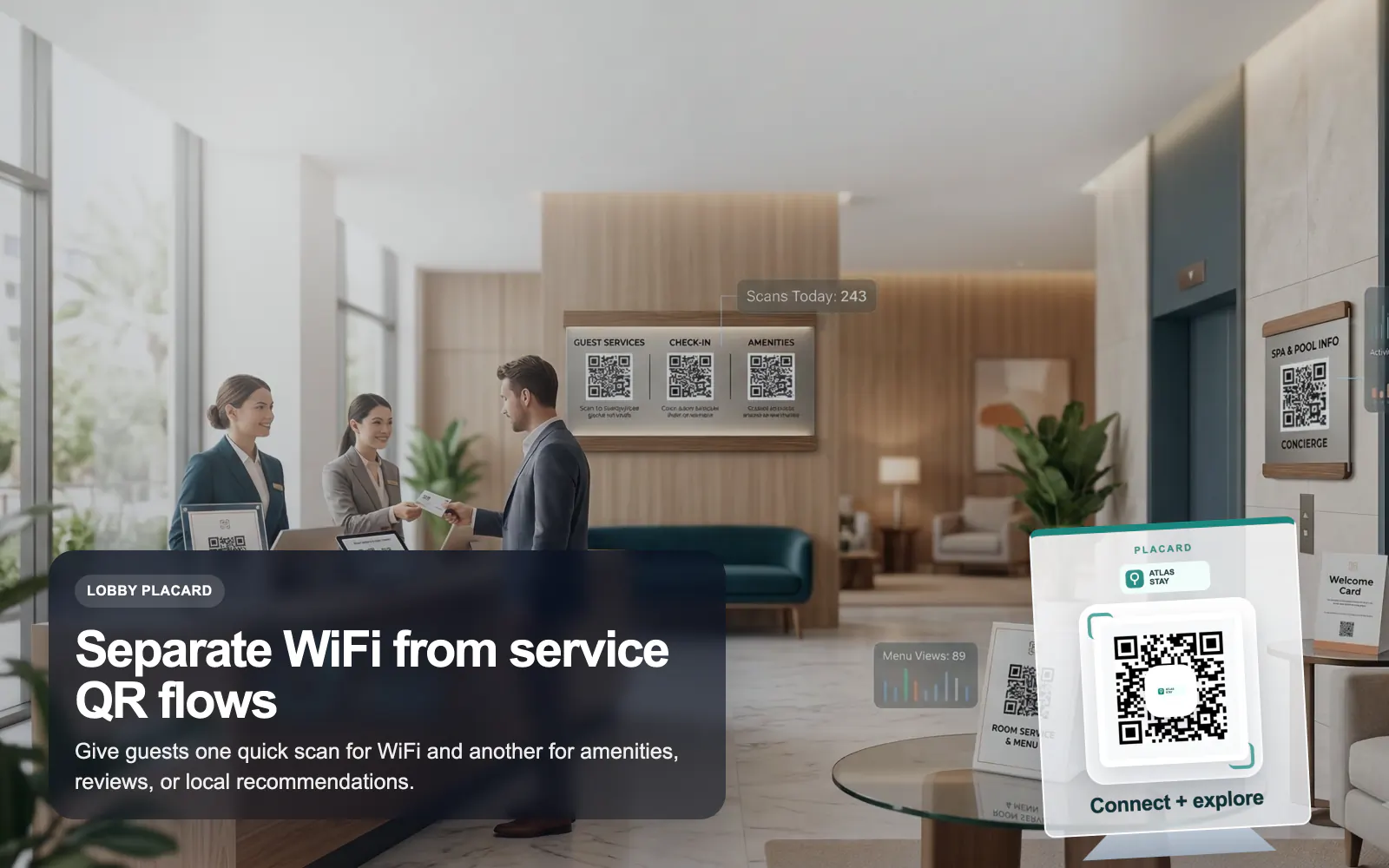
Use T.LY QR codes for hotel guest WiFi, room guides, service menus, local recommendations, and reviews with branded dynamic links.
Hotels Use Case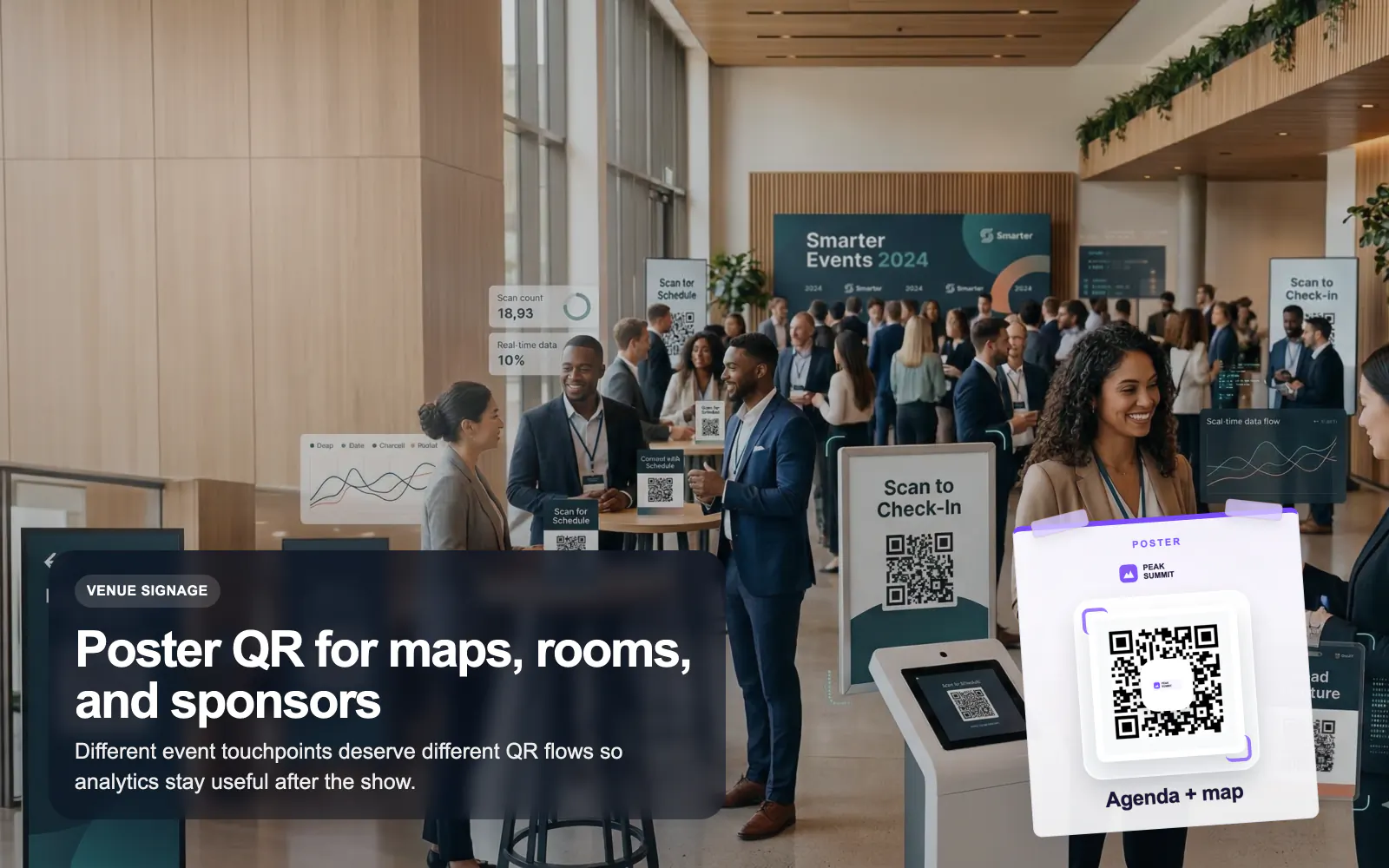
Use T.LY QR codes for events, badges, posters, agendas, lead capture, and sponsor flows with editable links and branded analytics.
Events Use CaseLaunch a QR campaign, style it for print, and keep the destination flexible after it goes live.
 Browser Extension



