Track QR code scans
Understand scan analytics and how dynamic QR codes unlock tracking.
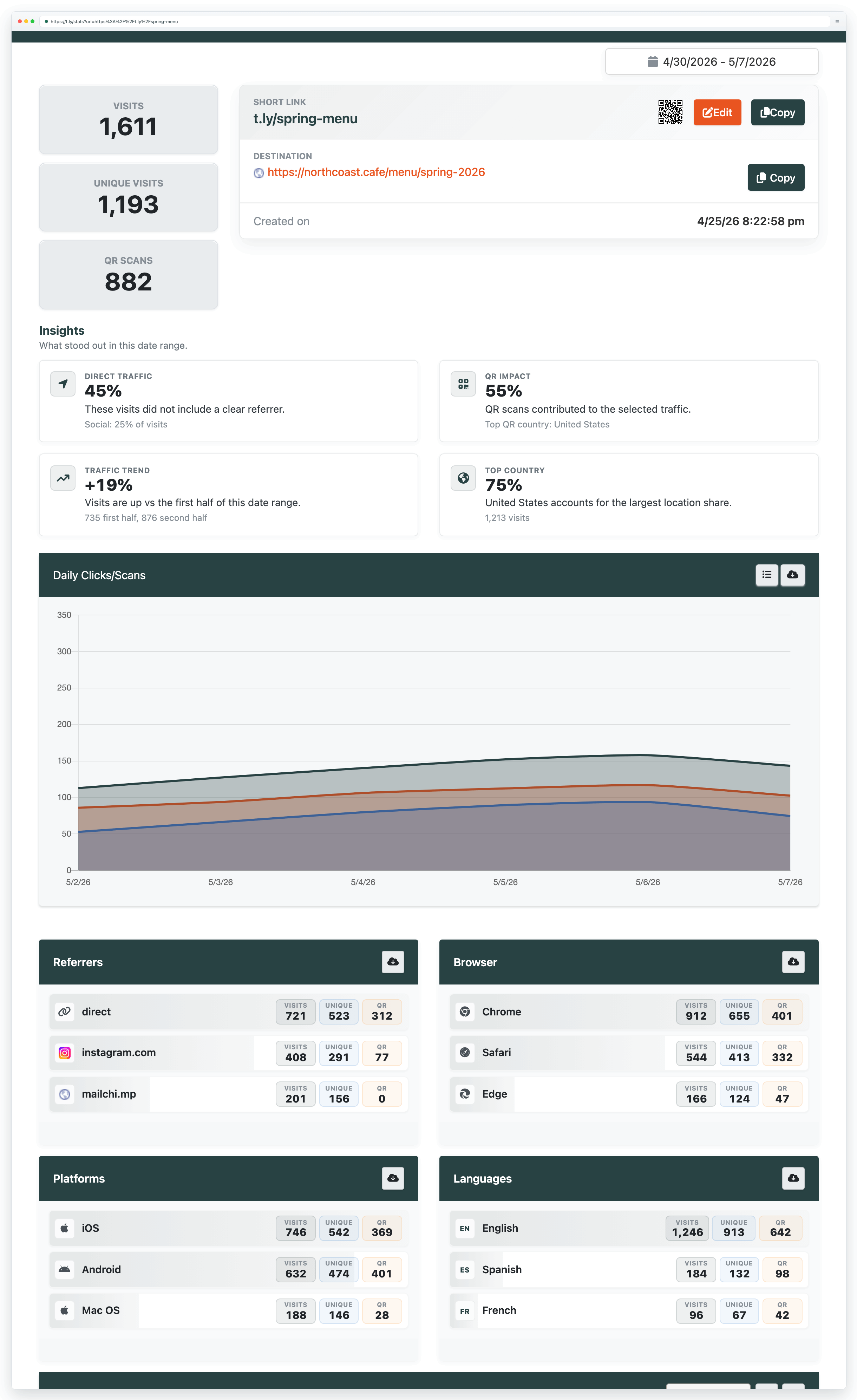
To track scans, you need a dynamic QR code. Dynamic QR codes route through a redirect that can be updated later, and that redirect can record scan analytics.
New to dynamic QR codes? Start with Dynamic QR codes to learn when to use them and how editing-after-printing works.
What you can track
When you create dynamic QR codes and manage them in your dashboard, you can typically see:
- Total number of scans
- Unique vs. repeat visitors
- Scan locations (country/city)
- Device types (iOS, Android, etc.)
- Scans over time (daily/weekly/monthly)
Change a QR code after printing
Only dynamic QR codes can be updated after printing. Static QR codes cannot be changed because the data is embedded directly in the QR pattern. With dynamic QR codes, you can update the destination URL any time while the printed code stays the same.
For dynamic QR codes with scan analytics and editing tools, see QR Code Management.
Need more help?
If you still have questions, contact [email protected] or use the contact form. For abuse or suspicious links, use Report Abuse. For feature requests, email [email protected].
 Browser Extension



