QR Code Management (overview)
Manage dynamic QR codes, branding, and scan analytics in one place.
QR Code Management helps you manage dynamic QR codes for campaigns and printed materials. It is a good fit when you want the flexibility to update destinations later and review scan performance.
Designing in Canva? The T.LY Canva app lets you generate and style a QR code directly in your design. Manage its short-link destination and view analytics here in T.LY.
What QR Code Management is used for
- Manage dynamic QR codes from a dashboard
- Update destinations after printing (campaigns, menus, signage)
- Review scan analytics to understand performance
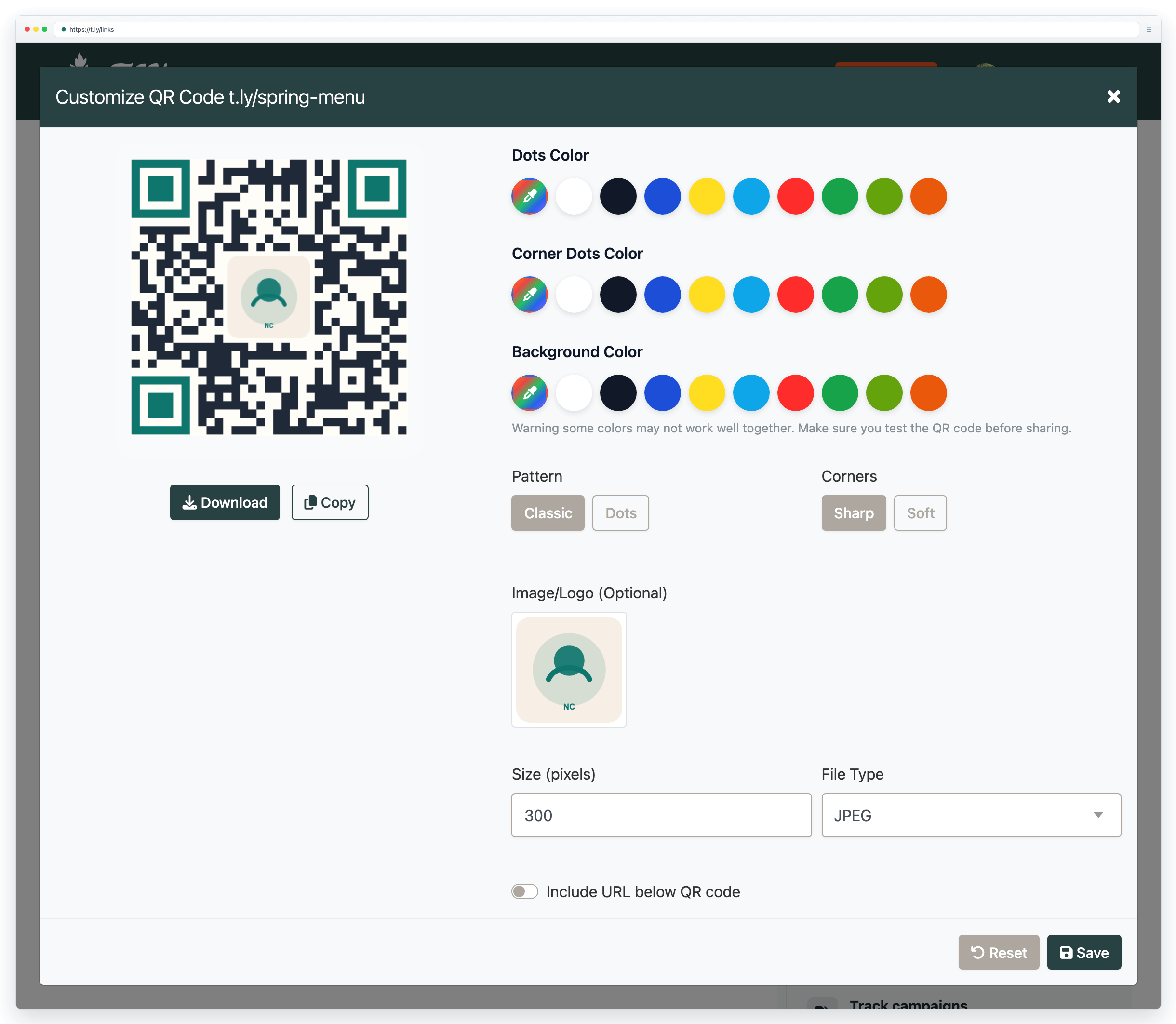
- Keep your codes consistent with your brand
Related guides
- Dynamic QR codes
- Create QR codes in Canva
- Default QR codes
- Track QR code scans
- QR code printing guide
Learn more on QR Code Management.
Need more help?
If you still have questions, contact [email protected] or use the contact form. For abuse or suspicious links, use Report Abuse. For feature requests, email [email protected].
 Browser Extension



