Short URL Expander
Reveal where a short link goes before you click it.
About Short URL Expander
What is the URL Expander Tool?
The Short URL Expander is a free URL expander, link expander, and URL unshortener. Paste a short link and T.LY follows the redirects for you, then shows the final destination before you click. It works for T.LY, Bitly, TinyURL, t.co, goo.gl, branded short domains, affiliate links, and tracking links.
Use it when you need to unshorten a URL, check where a masked link goes, or trace URL redirects without opening the destination in your own browser.
- The expanded URL and the full redirect chain with HTTP status codes
- Page title and meta description of the destination
- A live screenshot of the final page
- DNS records and WhoIs information
- SSL certificate details for security validation
- An automated risk signal when available, plus links to trusted services for extra checks
How It Works
- Paste a shortened URL (e.g., T.LY, bit.ly, t.co, or goo.gl) into the input box.
- Click "Expand URL" to unshorten the link and trace all redirects, including hidden meta refresh redirects.
- Review the expanded URL, redirect chain, security checks, and site details before visiting.
Unshorten a URL Before You Click
Short links are useful, but they hide the real destination. A URL like bit.ly/..., t.co/..., or t.ly/... might lead to a normal page, a tracking hop, an affiliate redirect, a login page, or something you do not want to open. This link unshortener gives you the final URL first, so you can decide what to do next.
If you are reviewing several links, use the Bulk URL Expander. If you already know the full URL and only care about safety, use the Link Checker.
Key Features
- Trace Link Redirects: Follow every redirect in the chain — HTTP 301/302 hops and meta refresh redirects — and see the full path.
- Check Short URLs for Safety: Identify the true destination of short links and look for phishing, malware, and scam signals before you open them.
- Works With Every Shortener: Expand links from bit.ly, T.LY, goo.gl, TinyURL, t.co, ow.ly, is.gd, buff.ly, cutt.ly, rb.gy, lnkd.in, amzn.to, youtu.be, and any branded short domain.
- Useful context: View DNS, SSL, WhoIs, meta information, and safety signals for the final link.
- Bulk Support: Need to expand multiple short URLs at once? Unshorten up to 20 links in one batch.
URL Expander, Link Unshortener, or Redirect Checker?
Different names, same job: a URL expander, link expander, short link expander, link unshortener, and redirect tracer all reveal where a shortened link really goes. This tool combines them: it expands the short URL, unshortens every hop in the path, and doubles as a redirect checker and link safety checker in one place.
When to Expand a Short URL
- Before clicking unknown links from email, SMS, or social media — see where the link goes first.
- Security research: Investigate suspicious or phishing links without ever loading them.
- SEO and affiliate audits: Trace redirect chains, spot broken hops, and confirm final landing pages.
- Social media: Unshorten t.co, buff.ly, and lnkd.in wrappers to see the real article or site.
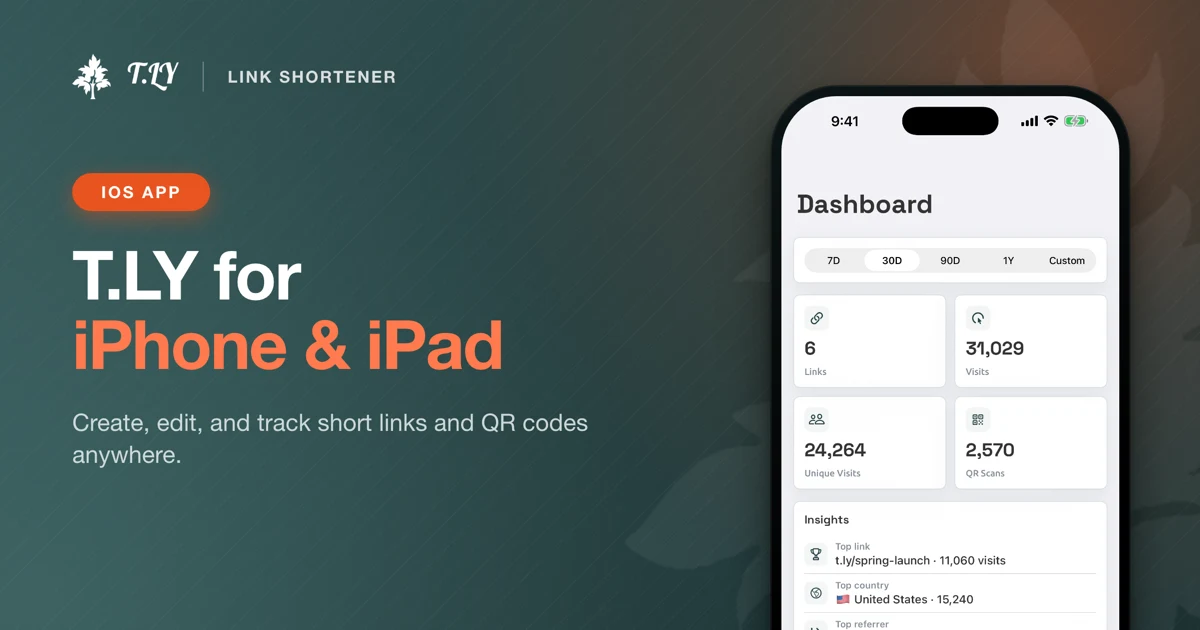
If you do this a lot, install the Link Unshortener Chrome extension so you can expand short links right from your browser. If you often inspect links on your iPhone or iPad, download BeforeTap from the App Store for the same workflow in a native iOS app.
Whether you want to trace URL redirects for SEO research, check suspicious links for security, or just see where a short URL leads, this tool gives you the redirect path and destination without the guesswork.
FAQ
What does a URL expander do?
A URL expander, link expander, or URL unshortener takes a shortened link and follows every redirect to reveal the full, final destination URL. That means you can see exactly where a short link goes before you click it.
How do I unshorten a URL without clicking it?
Paste the short link into the box above and click Expand URL. The tool follows the redirect path on our servers and shows the final destination, page title, screenshot, and safety details. Your browser never visits the link.
Is URL expander the same as link unshortener?
Yes. People search for URL expander, link expander, short link expander, URL unshortener, and unshorten URL tool when they want the same thing: reveal the destination behind a shortened link.
Which link shorteners can this expand?
It works with any service that redirects, including T.LY, Bitly (bit.ly), TinyURL, t.co (X/Twitter), goo.gl, ow.ly, is.gd, buff.ly, cutt.ly, rb.gy, lnkd.in, amzn.to, and youtu.be, plus branded short domains and tracking links.
Is it safe to expand a suspicious short link here?
Expansion happens on our servers, not in your browser, so the destination page does not load on your device. You also get the redirect chain and, when available, automated safety, SSL, DNS, and WhoIs details to help you decide whether to visit it.
Why does one short link show several redirects?
Many short links hop through tracking, affiliate, or ad platforms before reaching the final page. The redirect chain lists every hop with its HTTP status code so you can spot cloaked or unexpected destinations.
Does the URL expander detect meta refresh redirects?
Yes. In addition to standard HTTP 301 and 302 redirects, the tool detects HTML meta refresh redirects that some pages use to forward visitors, so hidden hops show up in the chain too.
Can I expand multiple short URLs at once?
Yes. Use the Bulk URL Expander to unshorten up to 20 links in one batch and review each final destination and redirect count in a single report.
Check it. Then control it.
Create branded T.LY links, update destinations after sharing, and track every click.
Create a short linkGet BeforeTap for iOSSee link trackingExpand links in bulkRelated Tools
More tools you may find useful.