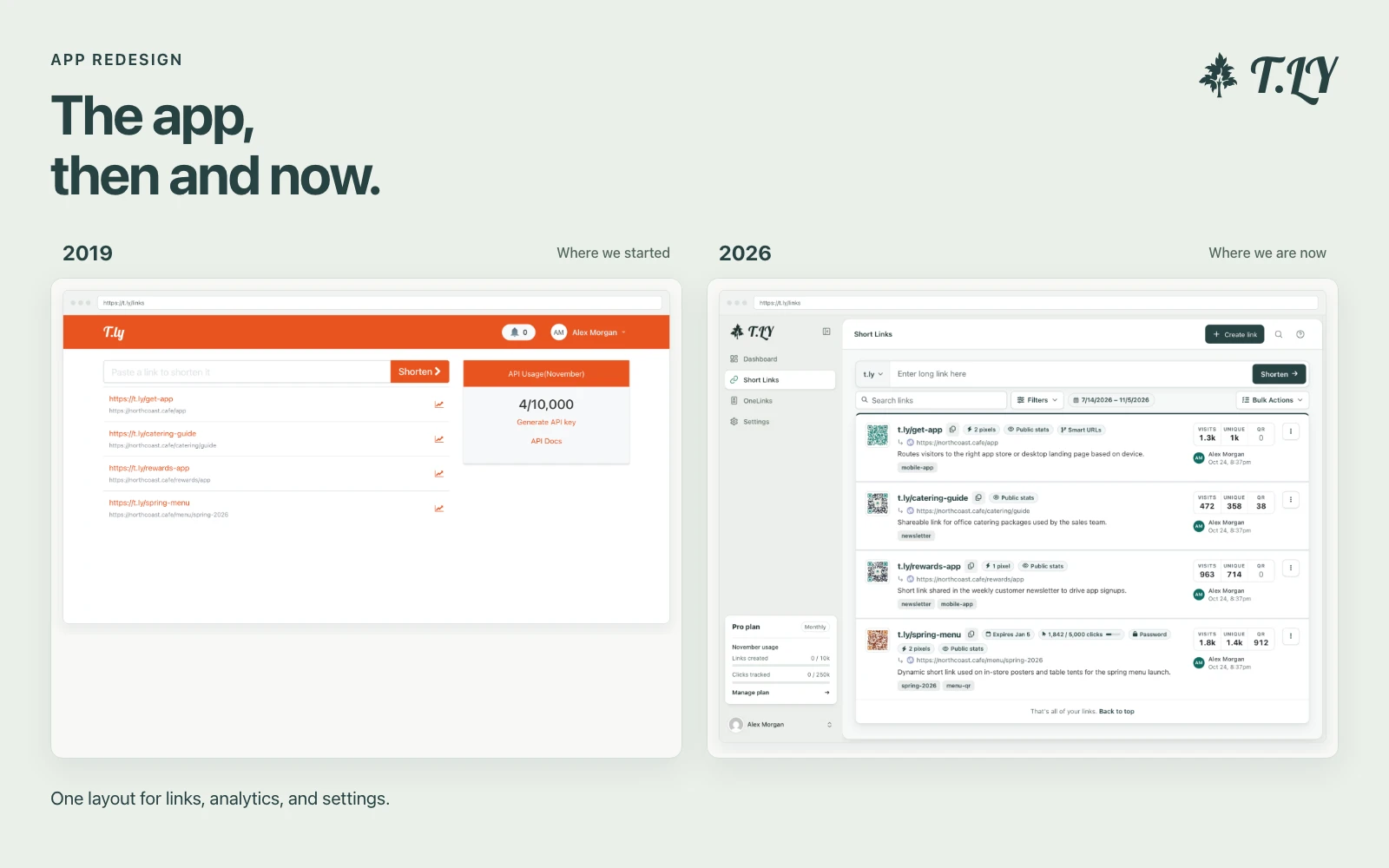
A New Layout for the T.LY App
T.LY has a new app layout, with a shared sidebar, search, clearer settings, and navigation that works on phones. Here’s what changed and where we started.
Check a URL you want to visit to detect malware, fake websites, and phishing attacks.
The Link Checker tool analyzes any URL you provide to determine if it’s safe to visit. By detecting signs of malware, phishing, and other fraudulent activity, it helps protect you from dangerous links.
To trace redirects or check multiple links at once, try Redirect Checker, Bulk Redirect Checker, and Short URL Expander.
T.LY has a new app layout, with a shared sidebar, search, clearer settings, and navigation that works on phones. Here’s what changed and where we started.
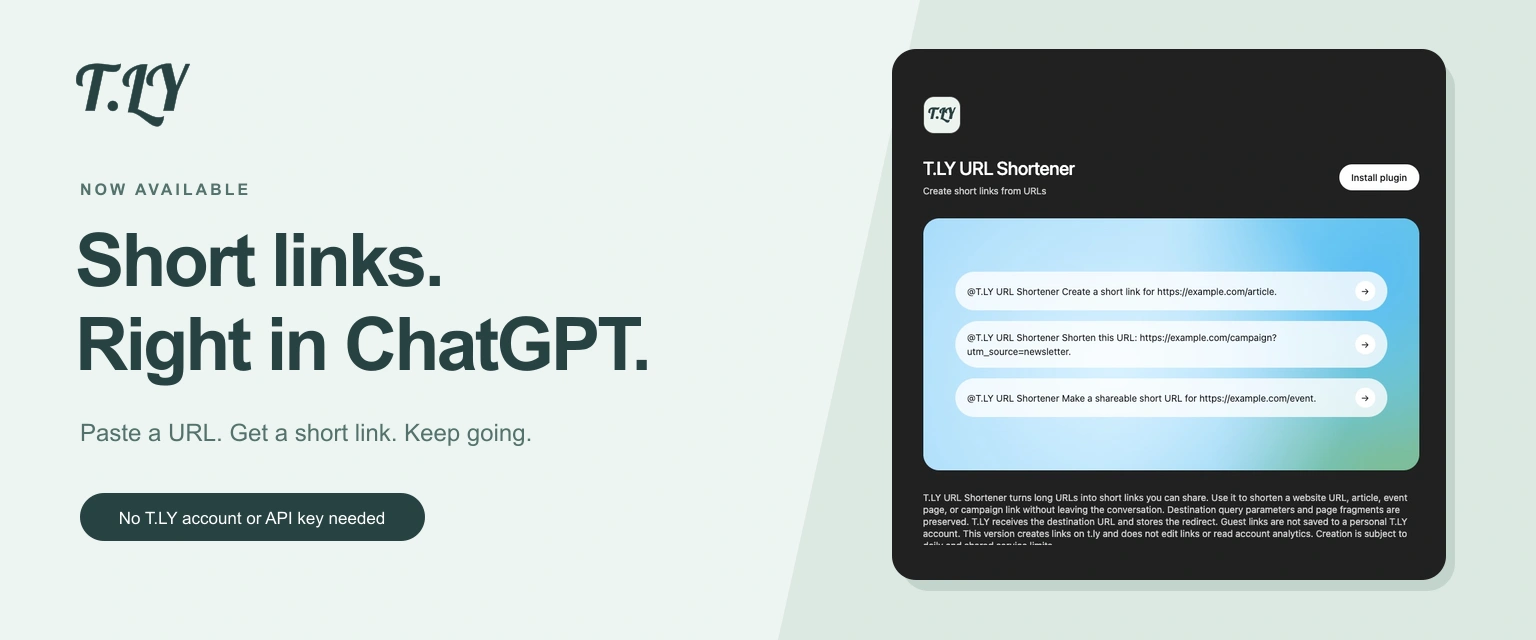
Create a short link without leaving ChatGPT. Install T.LY, paste your URL, and get a link you can share. No T.LY account or API key needed.
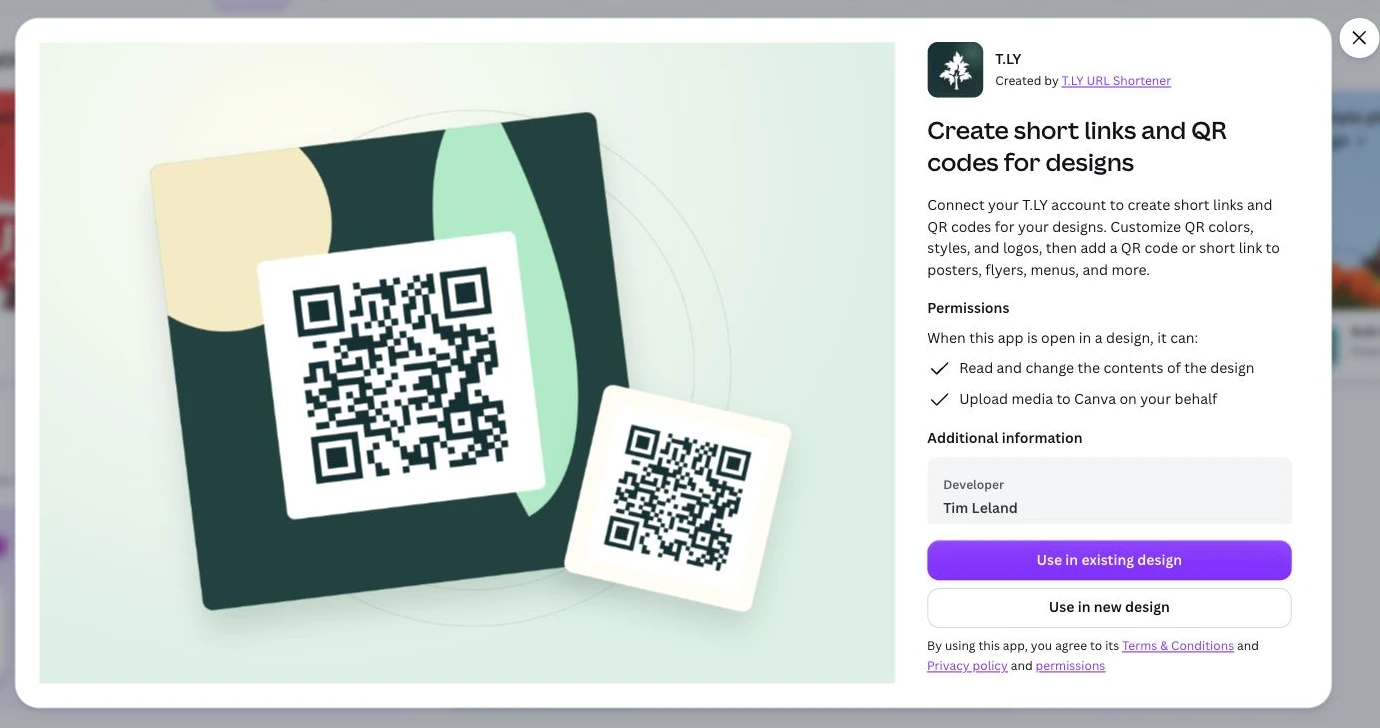
Create short links and branded QR codes inside Canva. Connect your T.LY account, customize your QR code, and add it to your next flyer, menu, or poster.




