A New Layout for the T.LY App
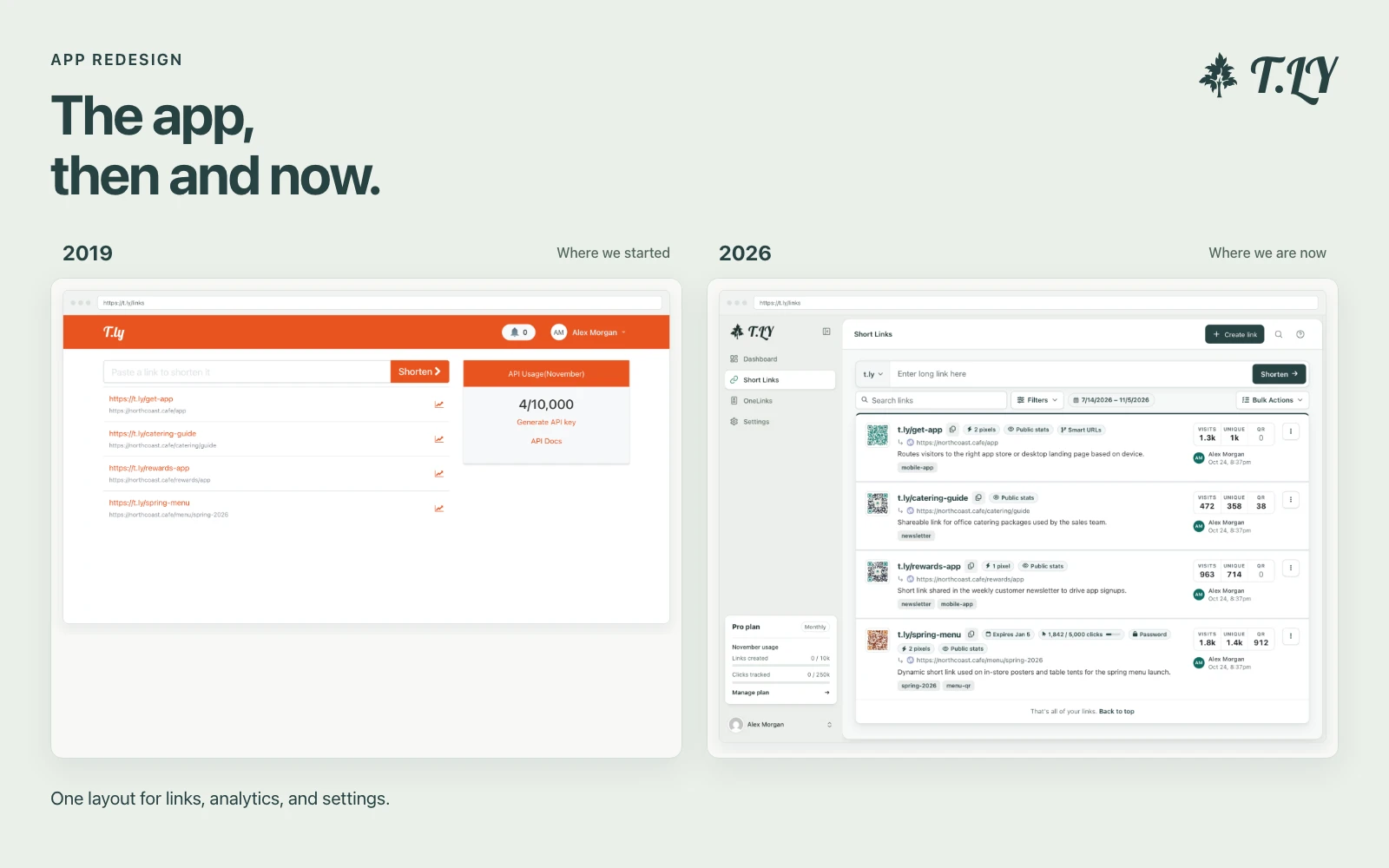
T.LY has a new app layout, with a shared sidebar, search, clearer settings, and navigation that works on phones. Here’s what changed and where we started.
Build mailto links with subject, body, and CC or BCC.
Create a mailto link that opens a prefilled email draft in one click. Add recipients, subject lines, and message copy to save time for your audience. Everything is built locally in your browser.
No data is stored. Links are generated locally.
Yes. Separate emails with commas.
Press Enter in the message field and the link will encode it.
No. It opens the users email client with fields prefilled.
Yes. Use the CC and BCC fields.
Anyone with the link can see the prefilled text.
To make the link easier to share offline, pair it with Email QR Code Generator and Free QR Code Generator.
T.LY has a new app layout, with a shared sidebar, search, clearer settings, and navigation that works on phones. Here’s what changed and where we started.
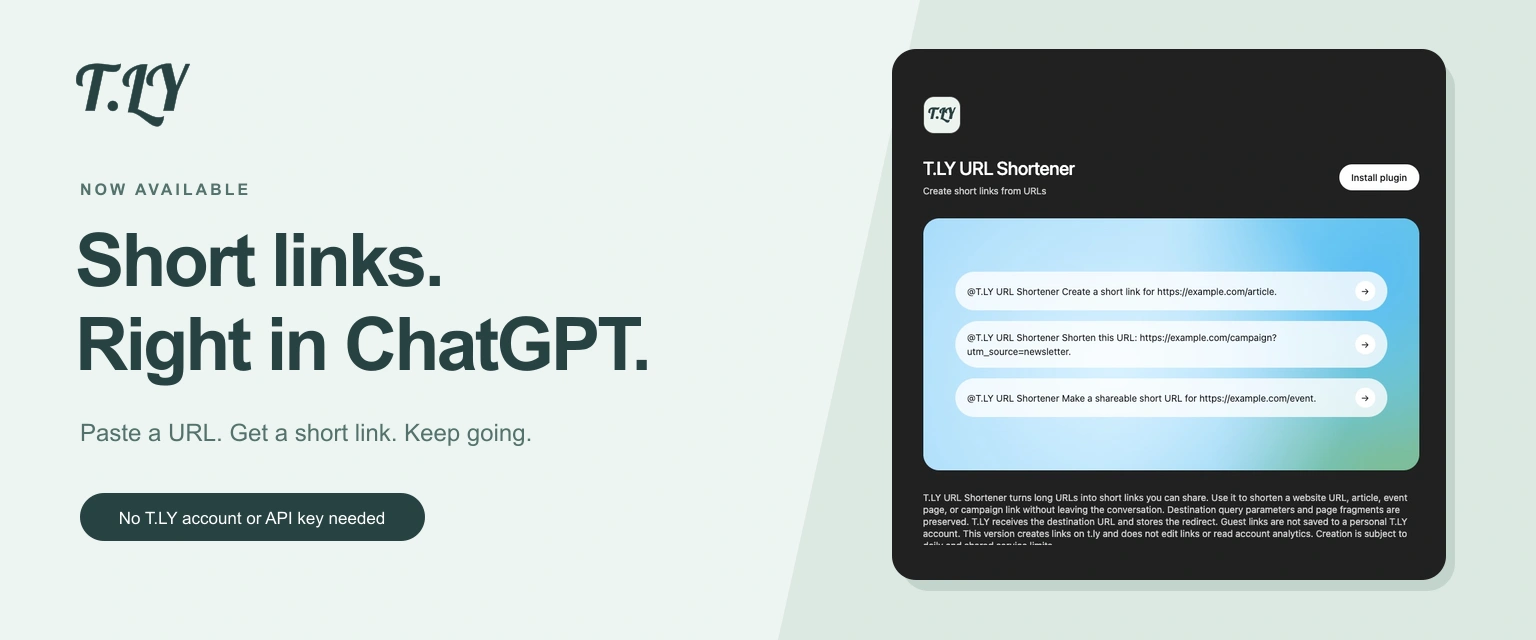
Create a short link without leaving ChatGPT. Install T.LY, paste your URL, and get a link you can share. No T.LY account or API key needed.
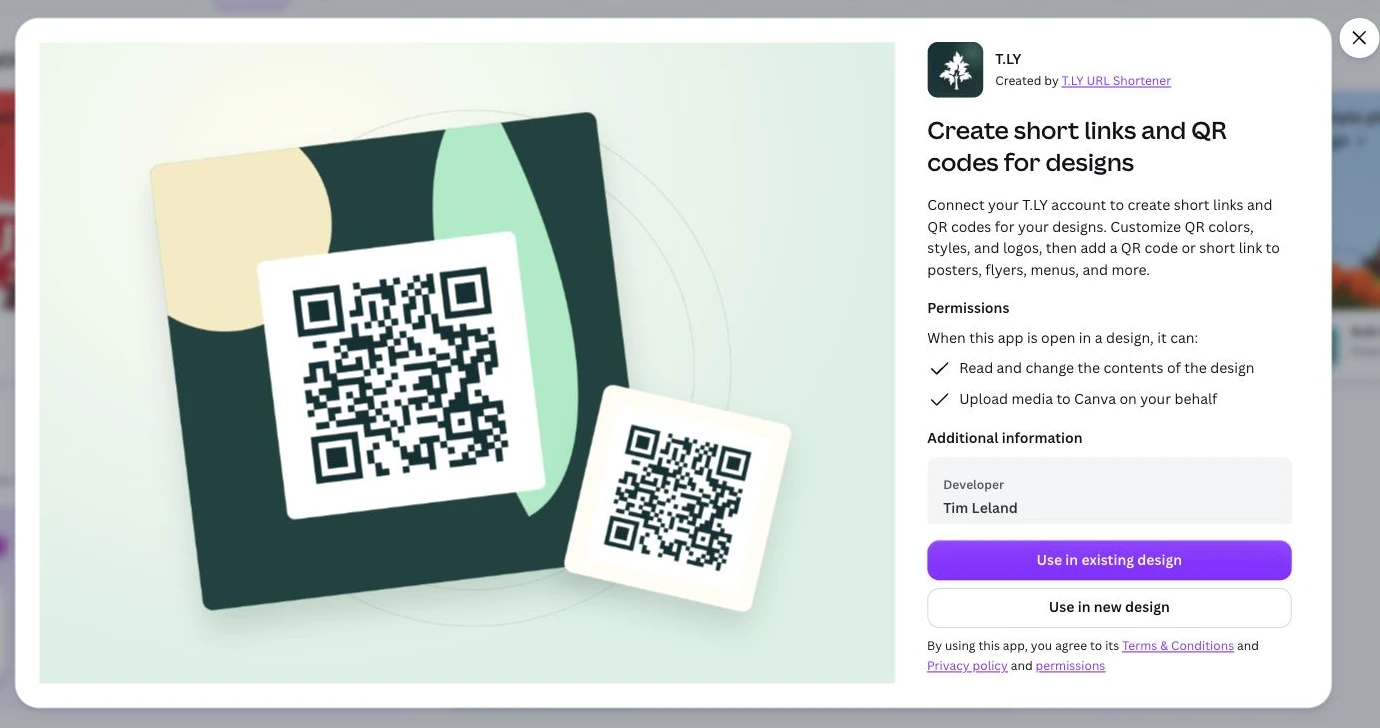
Create short links and branded QR codes inside Canva. Connect your T.LY account, customize your QR code, and add it to your next flyer, menu, or poster.