QR code basics
Static vs. dynamic, what you can encode, and how to brand your codes.
QR codes turn offline surfaces into clickable experiences. You can use them to open a website, save contact info, connect to WiFi, start a call, and more.
Create QR codes inside Canva
The published T.LY Canva app generates a short link and inserts its QR code into your design. Connect your T.LY account, choose colors and styles, and add an optional logo. You can also insert the short URL as text.
Static vs. dynamic QR codes
Static QR codes store data directly in the QR pattern. They work forever, but you cannot change them after printing.
Dynamic QR codes point to a redirect (like a short link). You can update the destination later without reprinting, and dynamic QR codes can include scan analytics.
If you need edit-after-printing or scan tracking, start with Dynamic QR codes and Track QR code scans. For advanced tools, see QR Code Management.
What can I encode in a QR code?
T.LY supports many QR code types, including:
Already have a code and want to decode it? Use the QR Code Scanner.
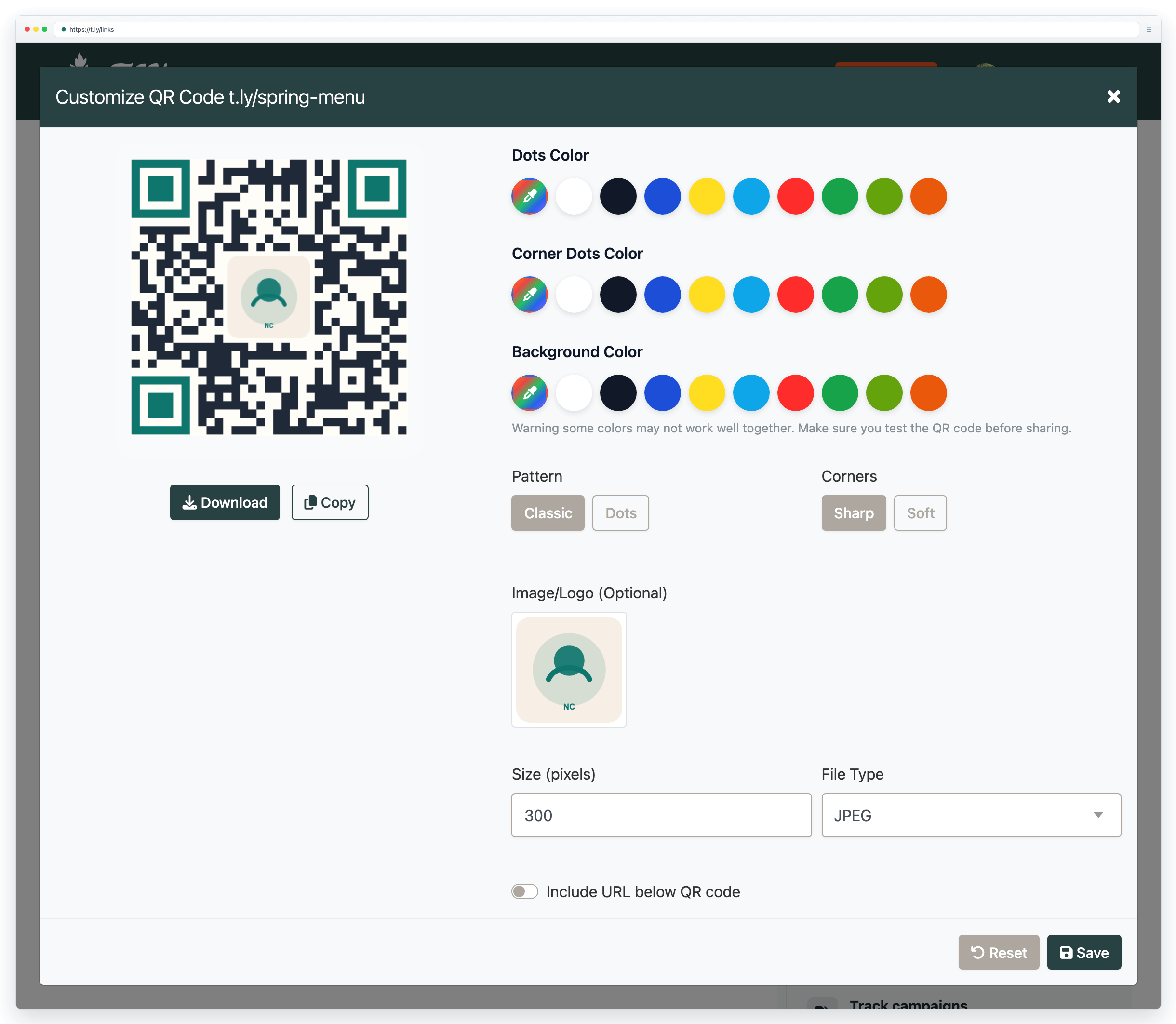
Can I add a logo to my QR code?
Yes. QR codes support error correction, which helps them stay scannable even with a center logo. With high error correction, up to about 30% of the code can be obscured and still scan reliably.
- Keep the logo simple and high contrast
- Keep a clean quiet zone (blank margin) around the QR code
- Test on real devices before printing a large batch
What size should my QR code be?
For reliable scanning, start around 2 cm x 2 cm (0.8 in x 0.8 in) for close-up use, then scale up for distance. A common rule of thumb is:
For a full breakdown by print material (business cards to billboards), see the QR code printing guide.
Download formats
- PNG: great for digital use and small print jobs (export at high resolution for print)
- SVG: recommended for professional printing because it stays crisp at any size
Need more help?
If you still have questions, contact [email protected] or use the contact form. For abuse or suspicious links, use Report Abuse. For feature requests, email [email protected].
 Browser Extension



