WordPress plugin
Create and manage T.LY short links directly inside your WordPress dashboard.
The official T.LY WordPress plugin connects WordPress to the T.LY API so editors can create, regenerate, copy, and manage short links without leaving the dashboard. Install it from WordPress.org.
What the plugin can do
- Create short links automatically when posts or pages are published.
- Generate, regenerate, copy, and manage a post's short link from the editor.
- Use a Gutenberg sidebar panel for quick access while editing content.
- Shorten selected or pasted external links from inside WordPress.
- See short-link actions from the posts list screen.
Set it up
- Install and activate TLY URL Shortener.
- In WordPress, go to Settings > T.LY.
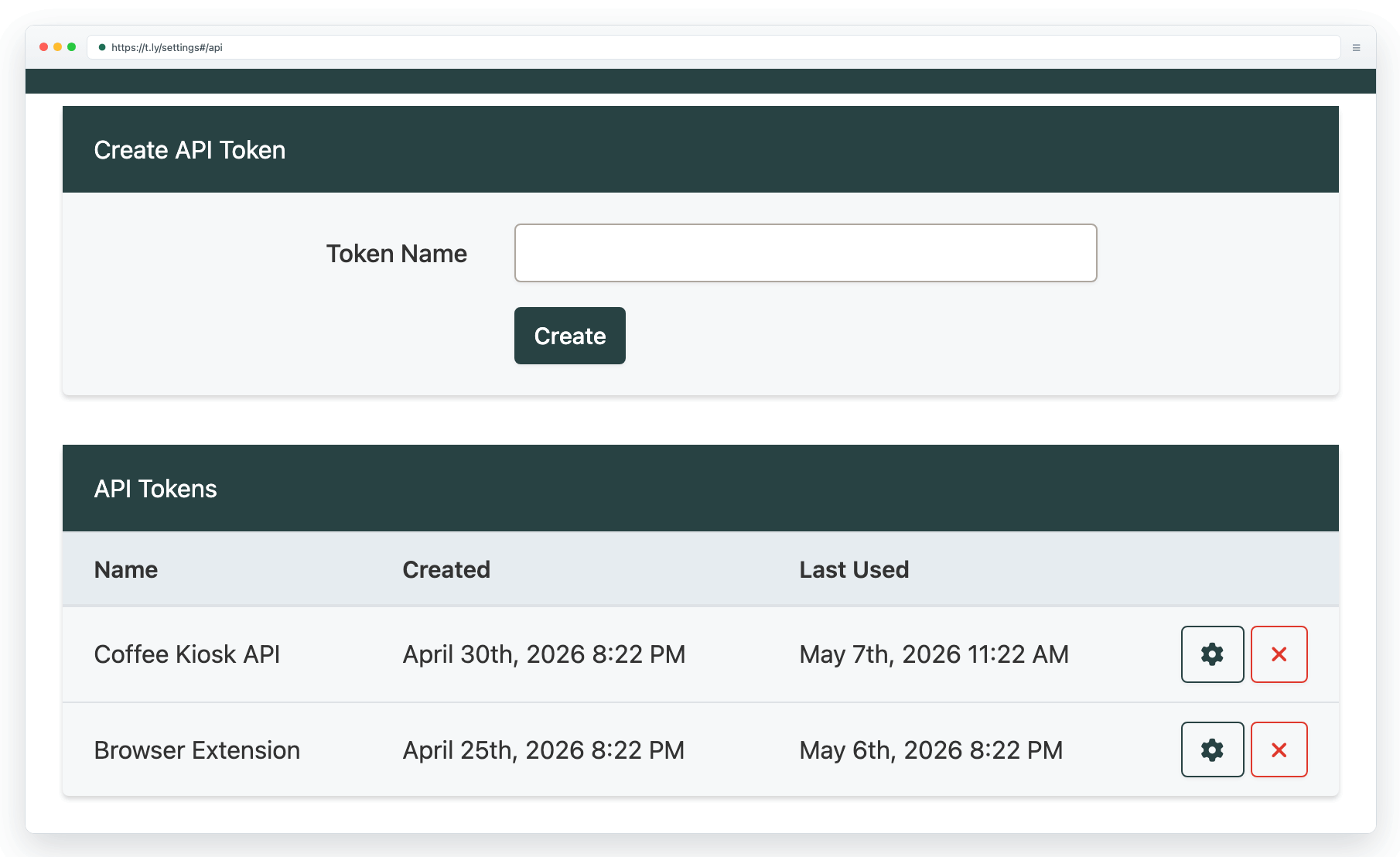
- Generate a T.LY API key at t.ly/settings#/api.
- Add your T.LY API key in the plugin settings.
- Optionally choose a default short domain and enable the workflows you want.
If you want direct developer access too, pair the plugin with API basics & SDKs. If you want a browser-based workflow outside WordPress, see Browser extension.
Need more help?
If you still have questions, contact [email protected] or use the contact form. For abuse or suspicious links, use Report Abuse. For feature requests, email [email protected].
 Browser Extension



