Browser extension
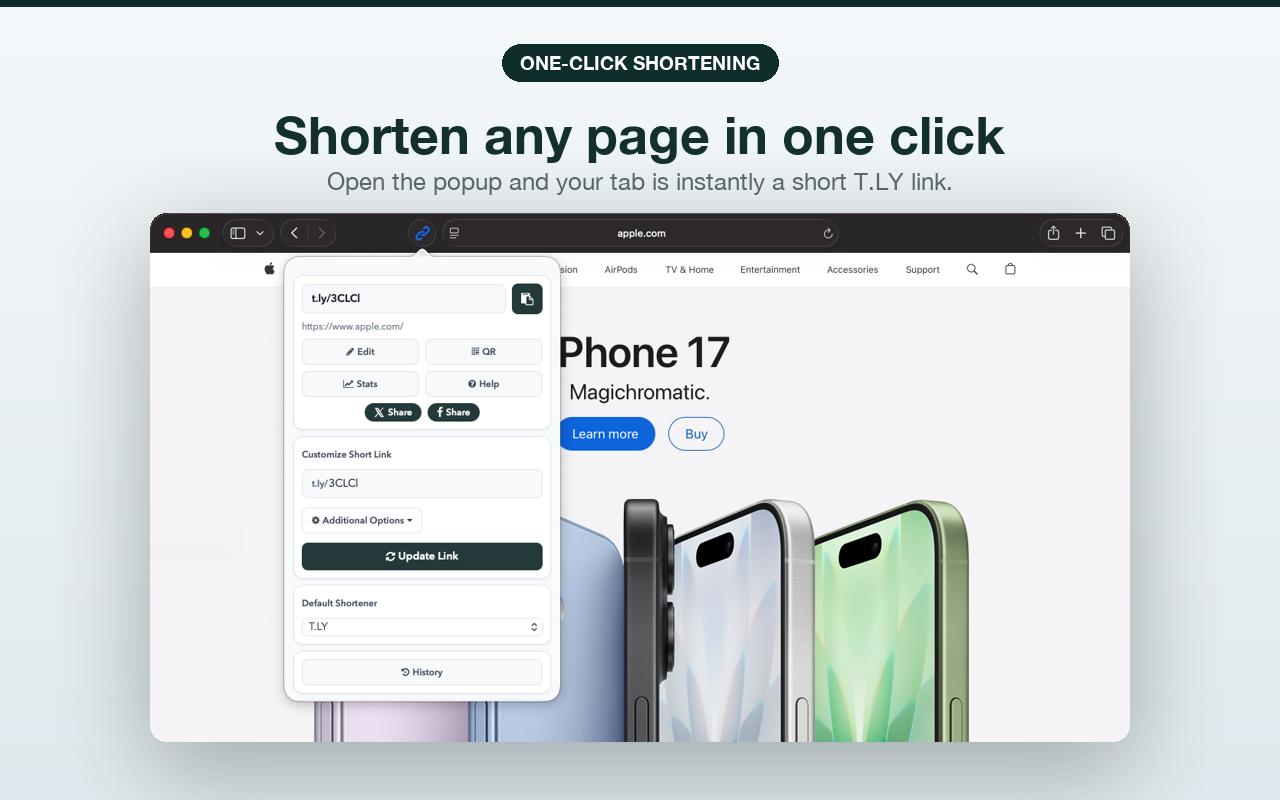
Shorten links (and create QR codes) without leaving your browser.
The T.LY browser extension lets you shorten the page you are currently viewing, without switching tabs. If you want the walkthrough for connecting your account with an API token, read How to Add Your T.LY API Key to the Link Shortener Extension. Prefer mobile? Use the T.LY mobile app.
Supported browsers
Chrome, Firefox, Edge, Opera, and Safari are supported. Install from the extension page or get the Safari version from the App Store.
Connect the extension to your account
- Log in to your account.
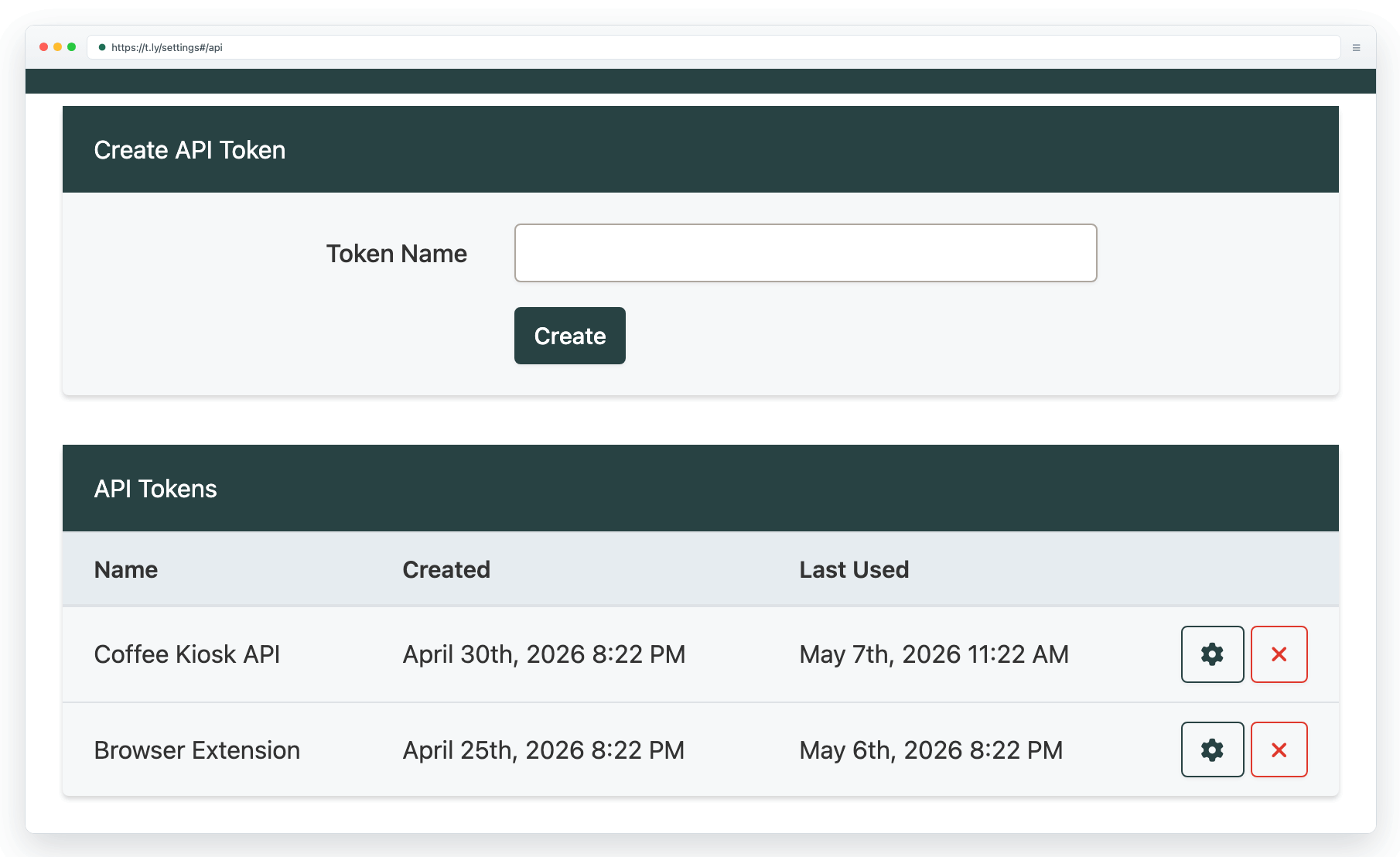
- Create an API token in Settings.
- Follow the extension prompts to connect your account.
Learn more on Link Shortener Extension. If something is not working, use the browser extension troubleshooting guide. If you want QR creation in the browser, see QR Code Extension. For your phone or tablet, use the T.LY mobile app.
Need more help?
If you still have questions, contact [email protected] or use the contact form. For abuse or suspicious links, use Report Abuse. For feature requests, email [email protected].
 Browser Extension



