Bookmarklet
One-click shortcut to shorten the page you are currently viewing.
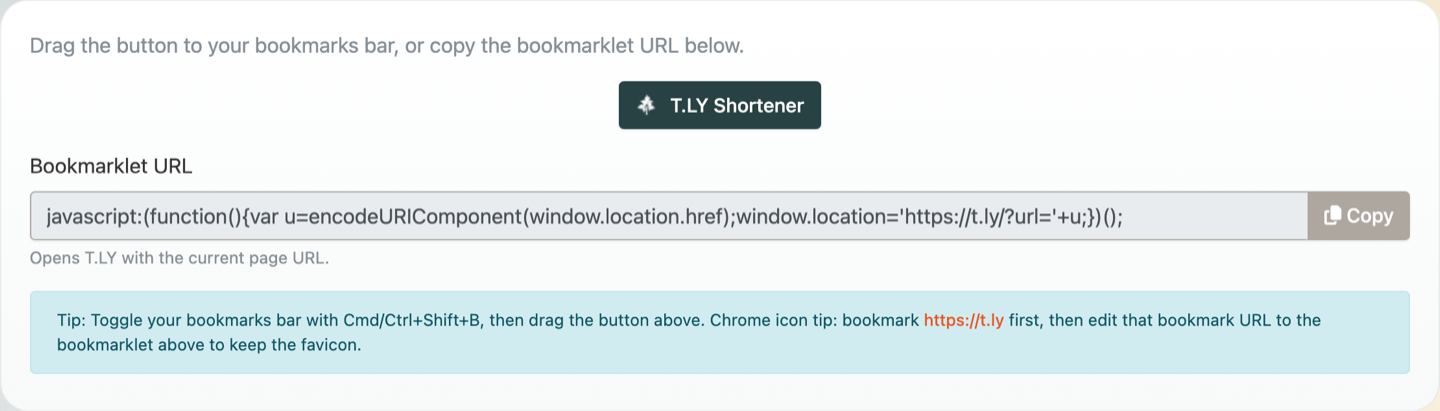
The URL Shortener Bookmarklet is a lightweight alternative to an extension. It adds a one-click shortcut in your bookmarks bar that opens T.LY with the current page URL. For a fuller walkthrough with install tips and edge cases, read How to Use the URL Shortener Bookmarklet.
Use the bookmarklet
- Open the URL Shortener Bookmarklet tool.
- Drag the bookmarklet button to your bookmarks bar.
- Click it on any page to start shortening.
Need more help?
If you still have questions, contact [email protected] or use the contact form. For abuse or suspicious links, use Report Abuse. For feature requests, email [email protected].
 Browser Extension



