Teams and collaboration
How teams work and how to collaborate safely.
Teams help you collaborate on link and QR code workflows with shared access. If you work with multiple people, teams keep ownership and management organized.
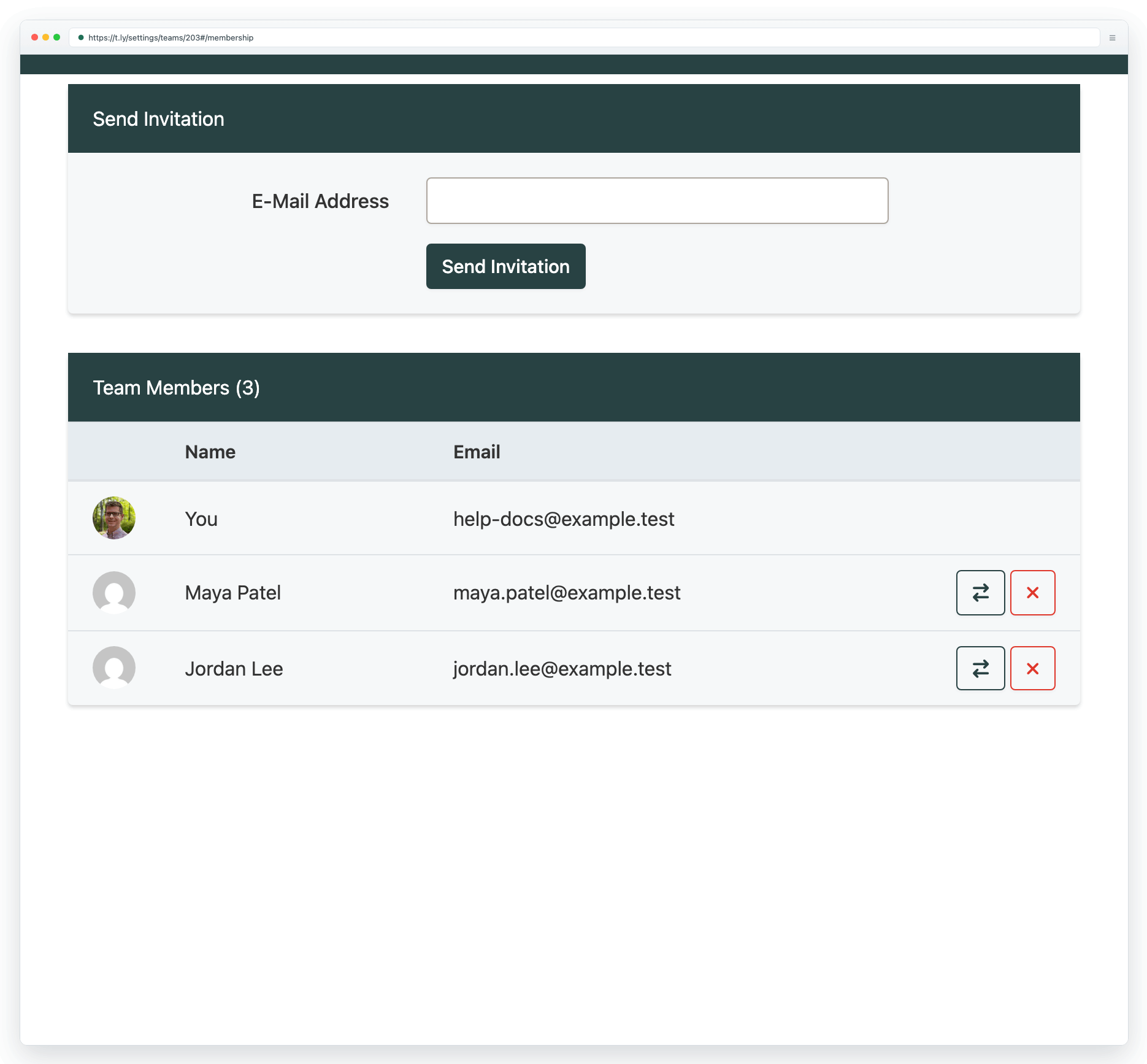
Typical team use cases
- Marketing teams managing campaign links
- Agencies working across clients
- Organizations that need shared reporting
Collaboration best practices
- Give each teammate the minimum access they need.
- Use clear naming for links and QR codes so anyone can maintain them.
- Use custom domains when you want branded, trusted links.
Need more help?
If you still have questions, contact [email protected] or use the contact form. For abuse or suspicious links, use Report Abuse. For feature requests, email [email protected].
 Browser Extension



