Share OneLinks with QR codes
Use a QR code to send offline audiences to your OneLink.
QR codes are an easy way to send offline audiences to your OneLink page. Print one code on menus, signage, business cards, or event materials and direct people to all your key destinations.
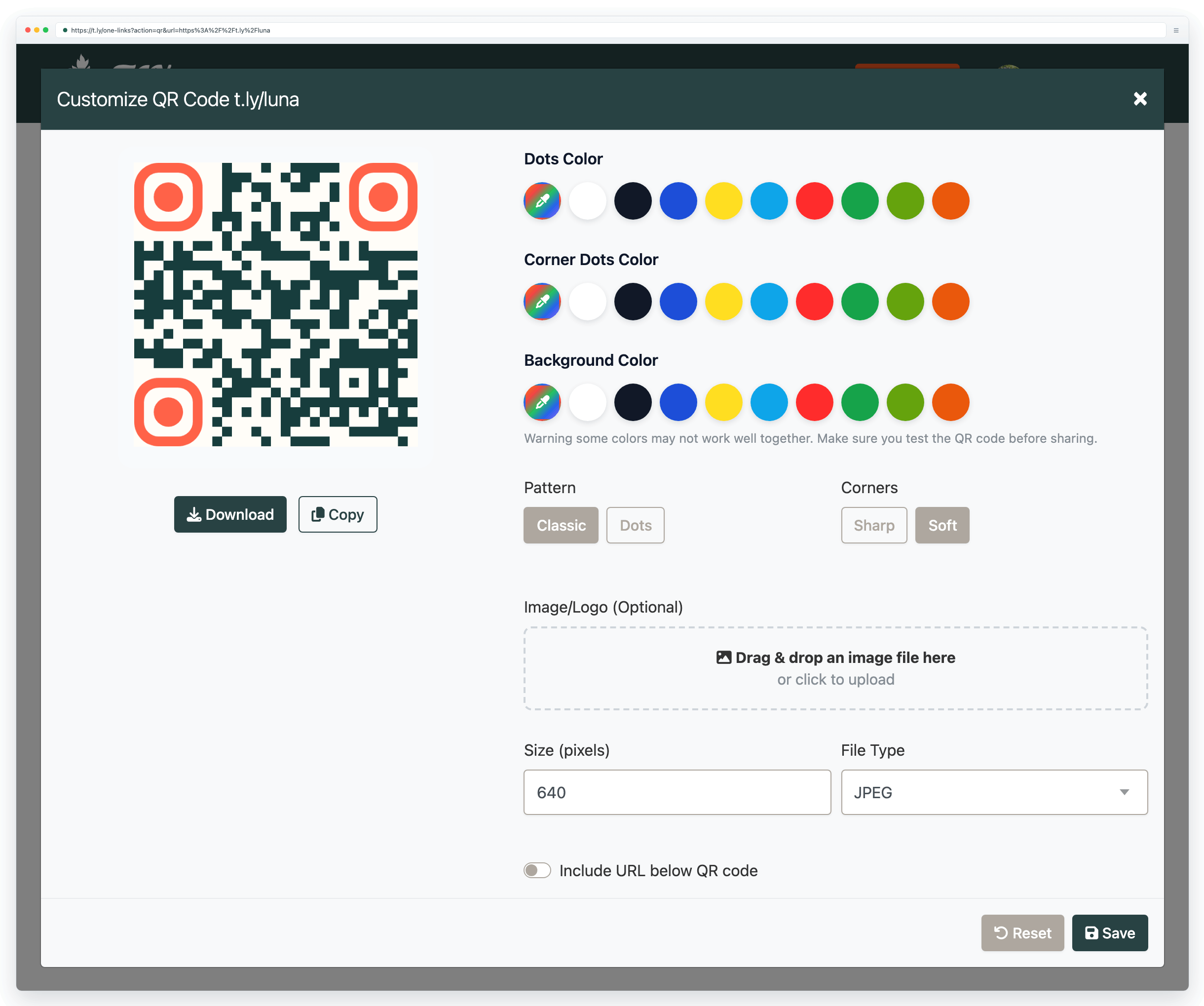
Recommended setup
- Create a OneLink page you can keep updated.
- Generate a QR code that opens your OneLink URL.
- Test scan on multiple devices before printing.
Dynamic QR codes (best for print)
If you are printing the QR code, a dynamic destination is often the safest choice because you can update your OneLink page (or its destination) later without reprinting. Learn more in Dynamic QR codes.
Need more help?
If you still have questions, contact [email protected] or use the contact form. For abuse or suspicious links, use Report Abuse. For feature requests, email [email protected].
 Browser Extension



