
A New Layout for the T.LY App
T.LY has a new app layout, with a shared sidebar, search, clearer settings, and navigation that works on phones. Here’s what changed and where we started.
Simply upload an image or take a photo of a QR code to reveal its content
The Drag and Drop QR Code Scanner is a user-friendly tool designed to make decoding QR codes from images fast, simple, and accessible to everyone. Whether you're trying to access a URL, retrieve contact details, or explore any other QR code-embedded information, this tool eliminates the need for additional apps or complicated processes. Just drag and drop your image, and let the tool do the rest!
With its seamless drag-and-drop functionality, this scanner is perfect for users who value convenience and efficiency. You can upload images of QR codes taken from your phone, downloaded from the web, or shared via email. The tool processes these images instantly and displays the decoded content within seconds. It’s a hassle-free solution for decoding QR codes on desktops and laptops, without requiring you to switch devices or download extra software.
Built with advanced decoding technology, the tool ensures high accuracy in reading QR codes, even from slightly blurry or low-quality images. This makes it ideal for business use, such as verifying codes on invoices, accessing promotional links, or scanning QR codes for digital events. Individuals can also rely on it to scan QR codes from tickets, labels, and personal documents.
Download the free QR Code Scanner & Creator from the App Store or Google Play to scan live codes, screenshots, and saved photos, or create common QR codes on your phone. No account, ads, or subscriptions.
The Drag and Drop QR Code Scanner is entirely online, meaning you can use it anywhere without installing apps or programs. It works directly in your browser and supports all major platforms. Security is also a priority; your uploaded images are processed locally and never stored or shared, ensuring your data remains private.
T.LY has a new app layout, with a shared sidebar, search, clearer settings, and navigation that works on phones. Here’s what changed and where we started.
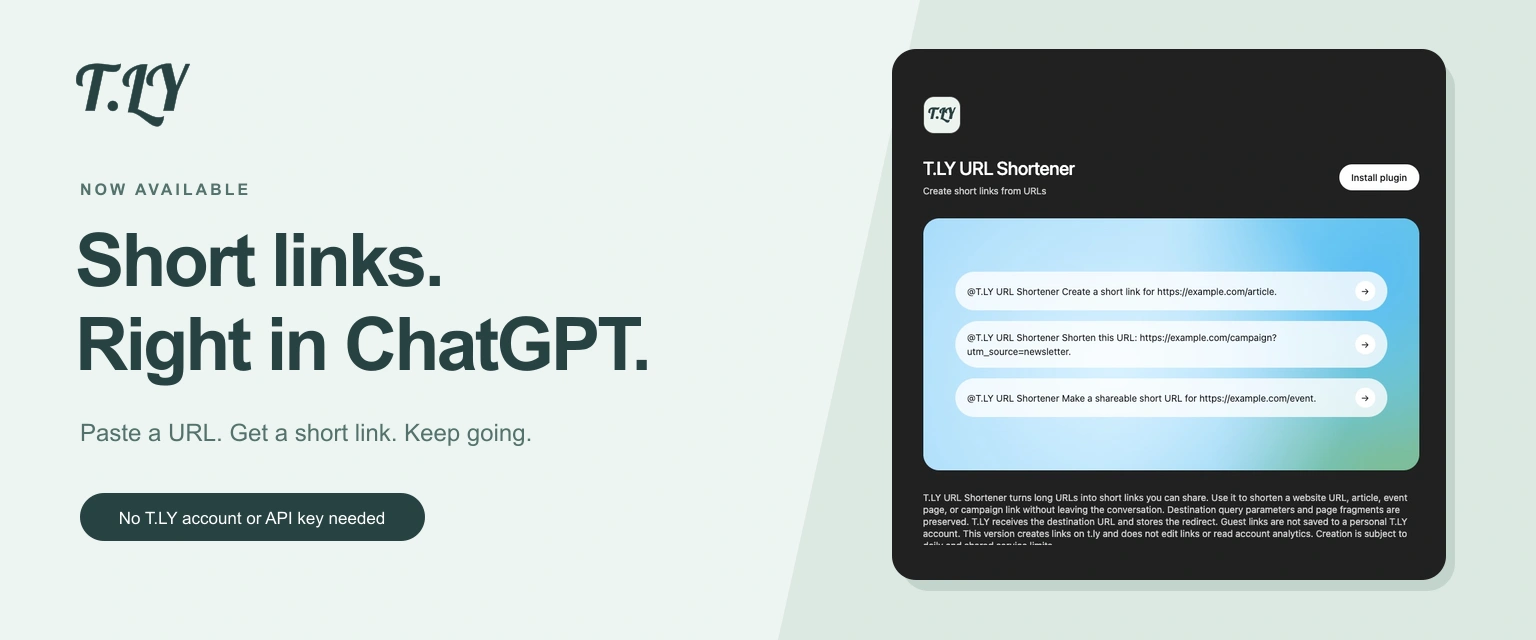
Create a short link without leaving ChatGPT. Install T.LY, paste your URL, and get a link you can share. No T.LY account or API key needed.
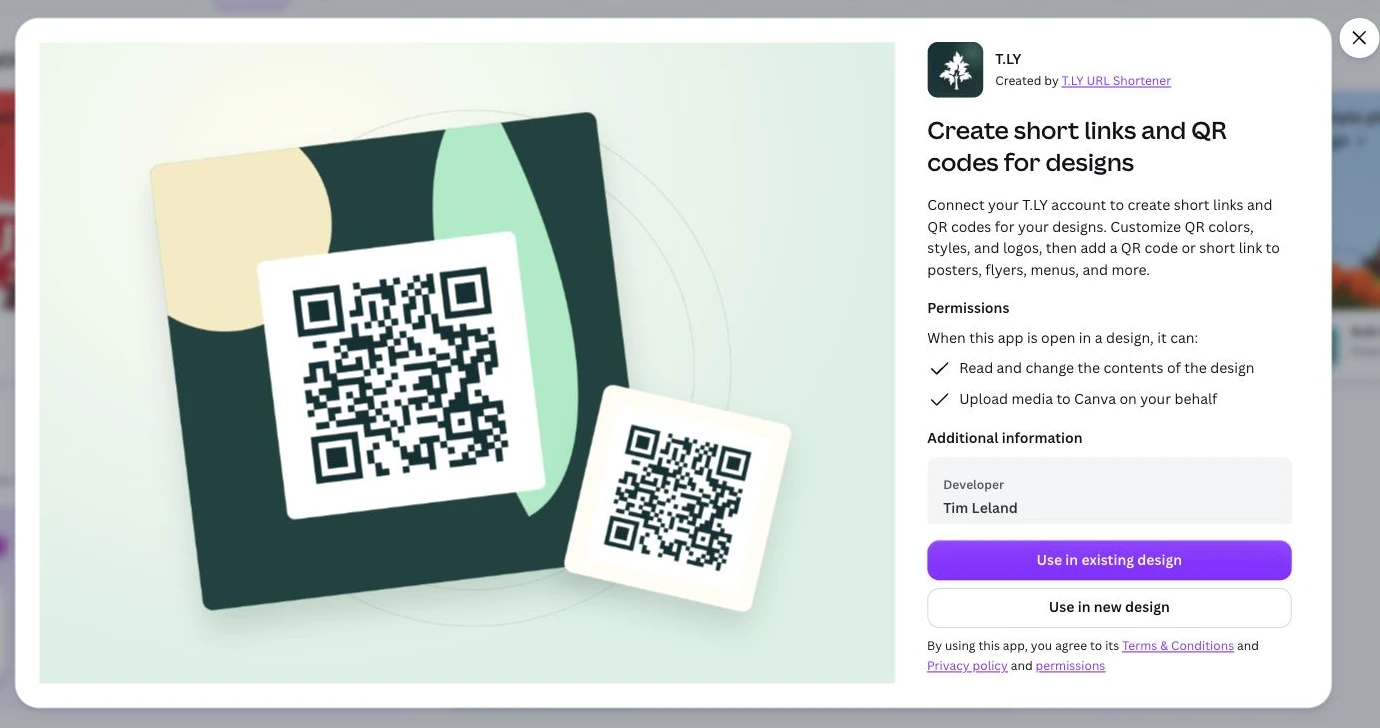
Create short links and branded QR codes inside Canva. Connect your T.LY account, customize your QR code, and add it to your next flyer, menu, or poster.




