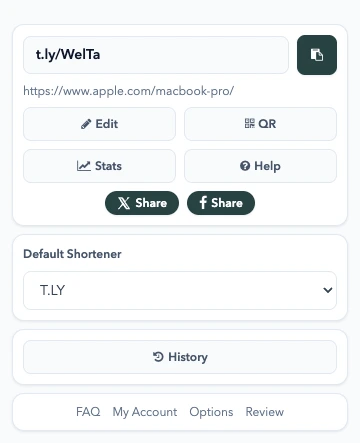
A New Layout for the T.LY App
T.LY has a new app layout, with a shared sidebar, search, clearer settings, and navigation that works on phones. Here’s what changed and where we started.
Generate a Bitcoin payment QR code—scan to pay instantly.
A Bitcoin QR Code encodes a bitcoin URI so that a wallet app can initiate a payment to your address with a single scan.
Q: Can I include a specific BTC amount?
A: Yes—just enter the amount in the field before generating.
Q: Is this tool free?
A: Absolutely—our Bitcoin QR Code Generator is 100% free to use.
Build the right QR code for any scenario with these quick links.
Create custom QR codes with tracking-ready short links in seconds.
Let guests connect to your network instantly—no passwords to type.
Turn your contact info into a scannable business card for any event.
Open a pre-filled email draft to drive fast responses from scanners.
Preload a text message so scanners can reply in a tap.
Send people straight to the right spot in their maps app.
T.LY has a new app layout, with a shared sidebar, search, clearer settings, and navigation that works on phones. Here’s what changed and where we started.
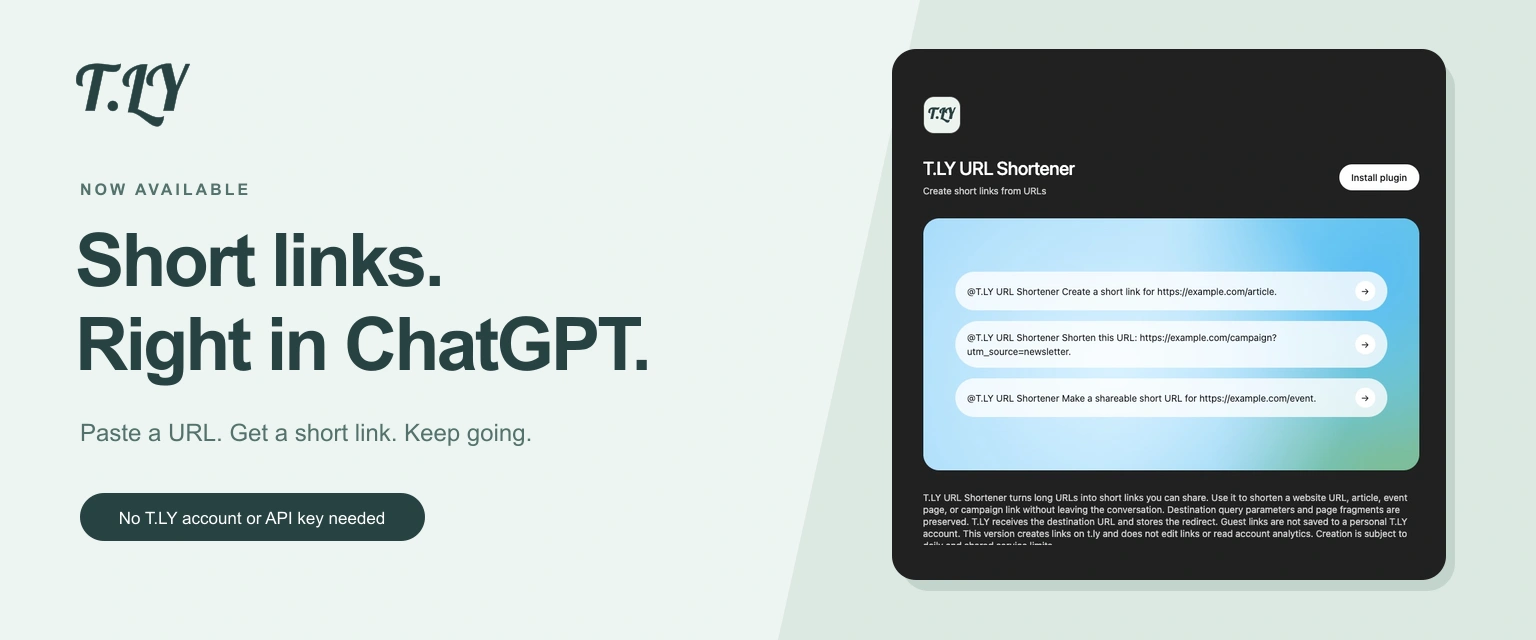
Create a short link without leaving ChatGPT. Install T.LY, paste your URL, and get a link you can share. No T.LY account or API key needed.
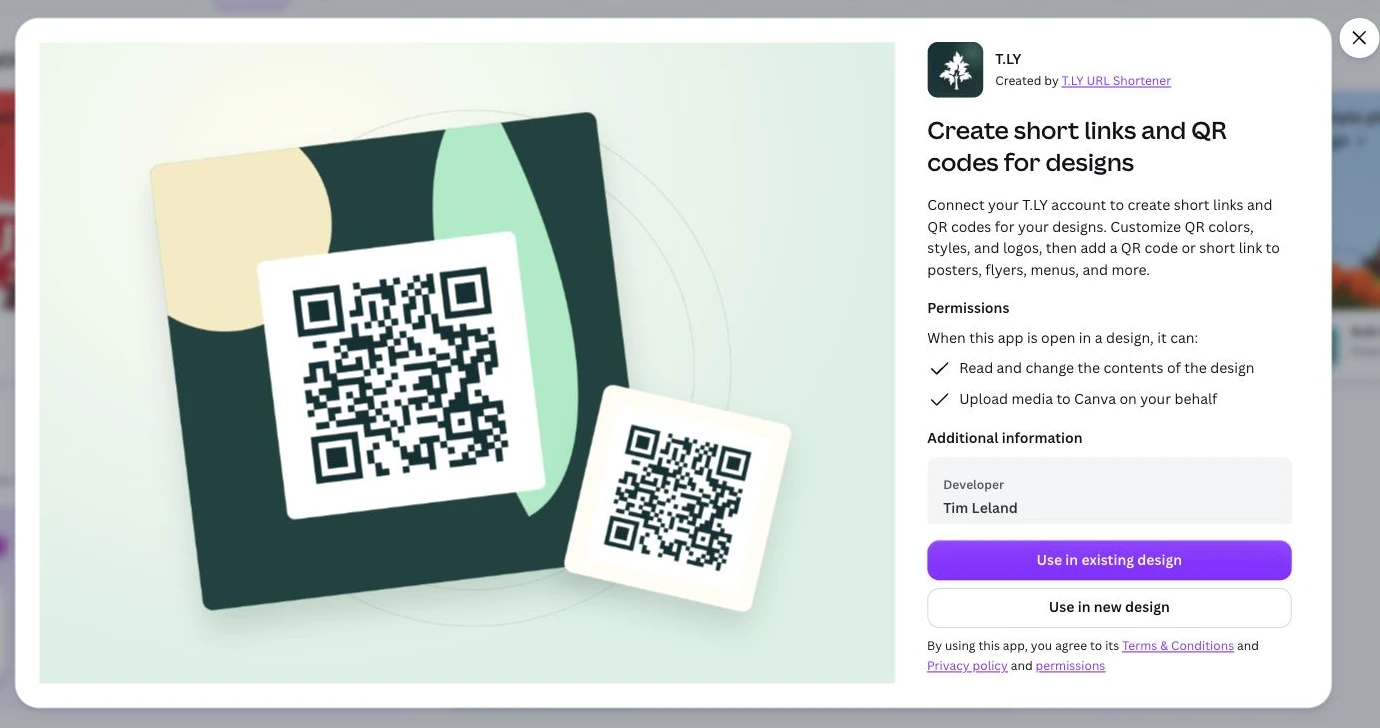
Create short links and branded QR codes inside Canva. Connect your T.LY account, customize your QR code, and add it to your next flyer, menu, or poster.