Automation starters
API tokens, webhooks, Zapier, Pabbly, ClawHub, and browser shortcuts for faster workflows.
If you shorten links often, a few small setup steps can save you a lot of time. This guide points you to the fastest automation and shortcut options in T.LY.
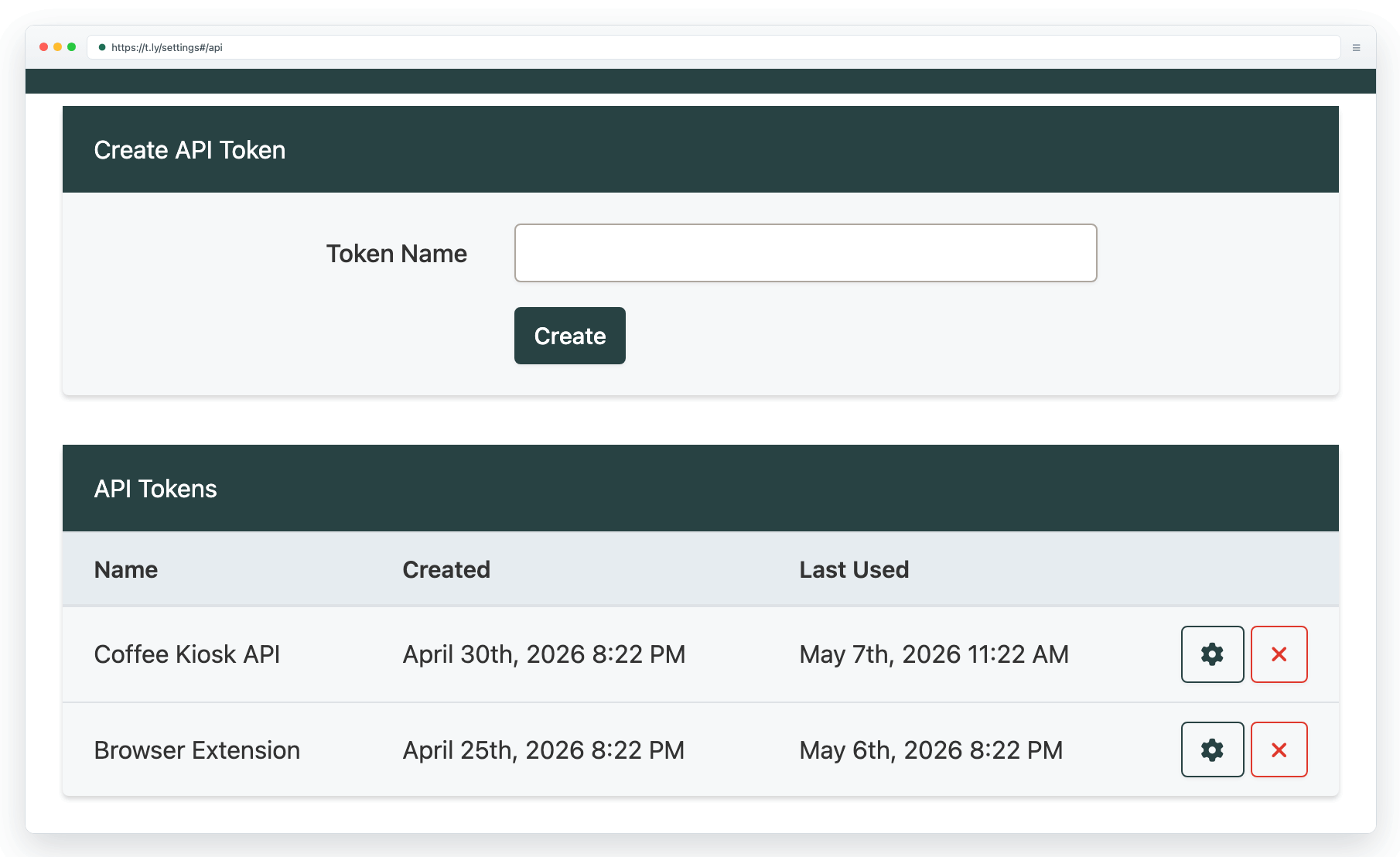
Generate an API token
- Open API settings and generate a token.
- Treat tokens like passwords: do not paste them into public docs or client-side code.
- For a quick orientation, read API basics & SDKs.
Create links from a conversation
The T.LY URL Shortener plugin for ChatGPT creates guest links without a T.LY API key. These links are not saved to your account. Choose the plugin in ChatGPT when you want T.LY to shorten a URL.
Create links and QR codes in Canva
The published T.LY Canva app connects to your T.LY account without an API key. Generate a short link, style its QR code, and add the QR code or short URL to a flyer, menu, or poster without leaving your design.
Automate link workflows
- Use webhooks to receive real-time events at your own endpoint.
- Use Zapier to connect T.LY to other tools without code.
- Use Pabbly Connect for no-code workflow automation with T.LY.
- Use the ClawHub skill when an agent needs to create T.LY short links through the API.
Use browser shortcuts
- Install the browser extension and connect it with an API token. See Browser extension.
- Prefer phone or tablet workflows? Use the T.LY mobile app.
- Set up the bookmarklet for one-click shortening of the page you are viewing.
- Need QR codes from your browser? See QR code extension.
Need more help?
If you still have questions, contact [email protected] or use the contact form. For abuse or suspicious links, use Report Abuse. For feature requests, email [email protected].
 Browser Extension



