A New Layout for the T.LY App
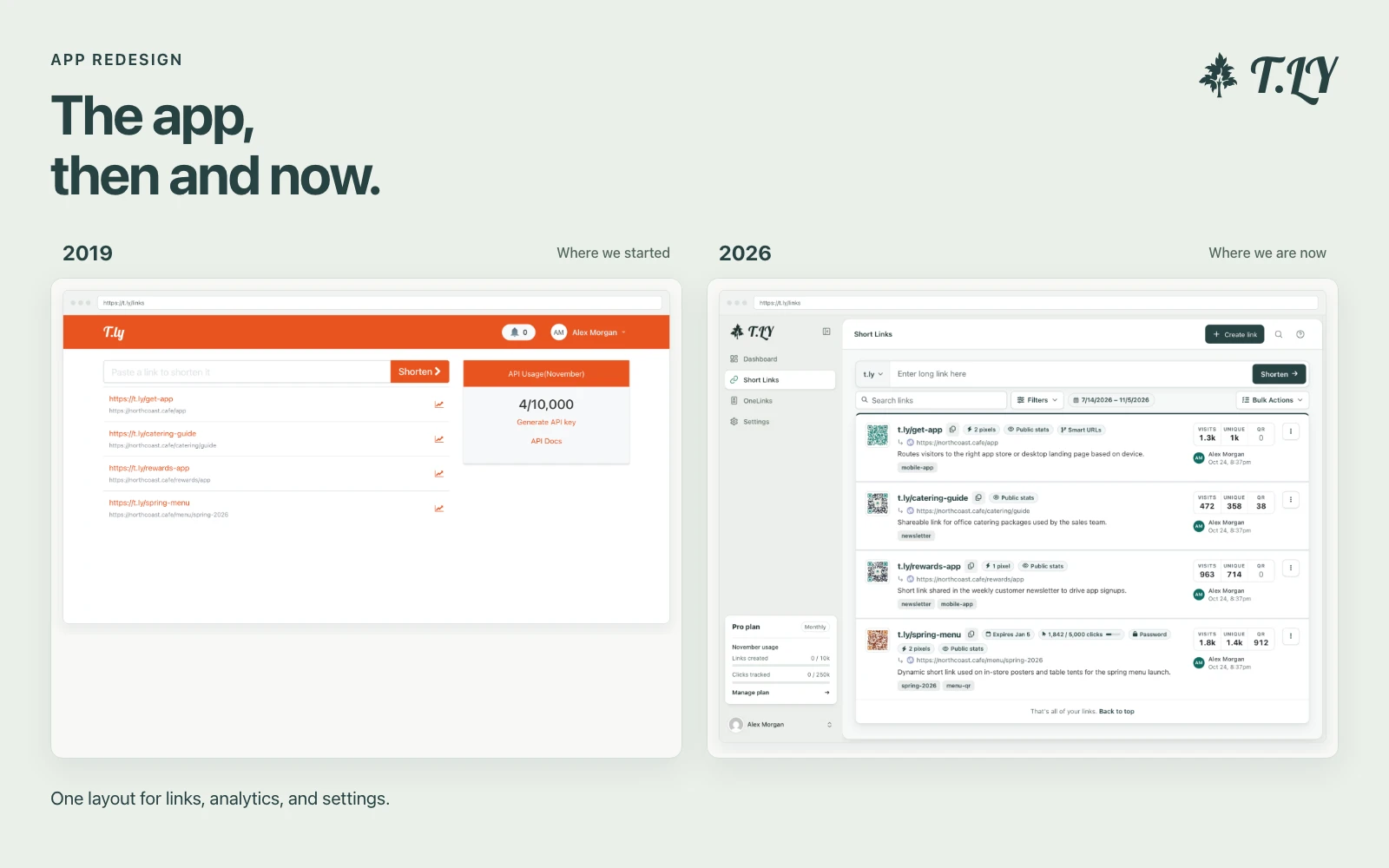
T.LY has a new app layout, with a shared sidebar, search, clearer settings, and navigation that works on phones. Here’s what changed and where we started.
Upload a QR code image to check scan risk, QR size, URL issues, UTMs, and editability before it goes live.
QR codes get harder to fix once they are on flyers, screens, videos, signs, vehicles, or packaging. This tool analyzes the QR image itself, decodes the URL inside it, and checks the common problems that hurt scans or campaign tracking.
Use it before publishing QR codes on flyers, menus, bus ads, TV screens, YouTube videos, kiosks, billboards, digital signs, event badges, packaging, or window posters. It is also useful when a designer sends a QR image and you want to verify what URL is actually inside.
Create a T.LY dynamic QR code when the campaign needs scan analytics or a destination you can update later.
Create Dynamic QRQR Size Calculator
T.LY has a new app layout, with a shared sidebar, search, clearer settings, and navigation that works on phones. Here’s what changed and where we started.
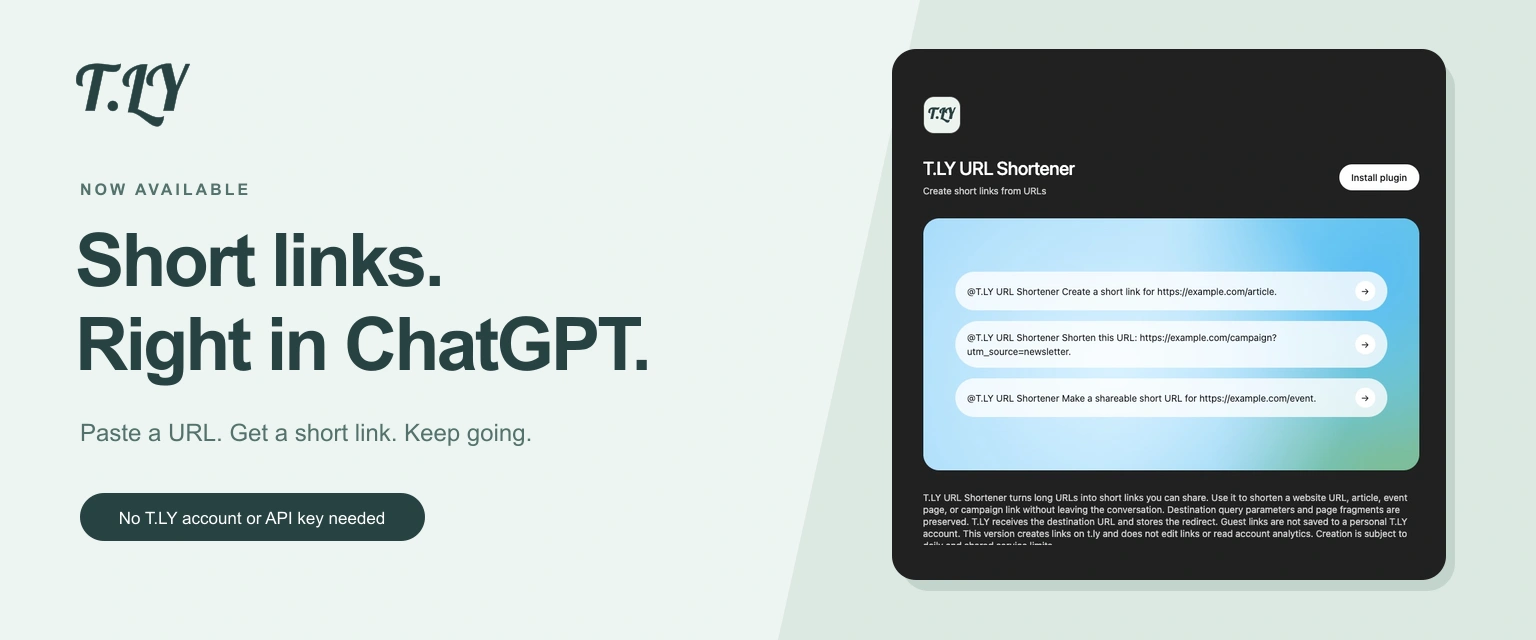
Create a short link without leaving ChatGPT. Install T.LY, paste your URL, and get a link you can share. No T.LY account or API key needed.
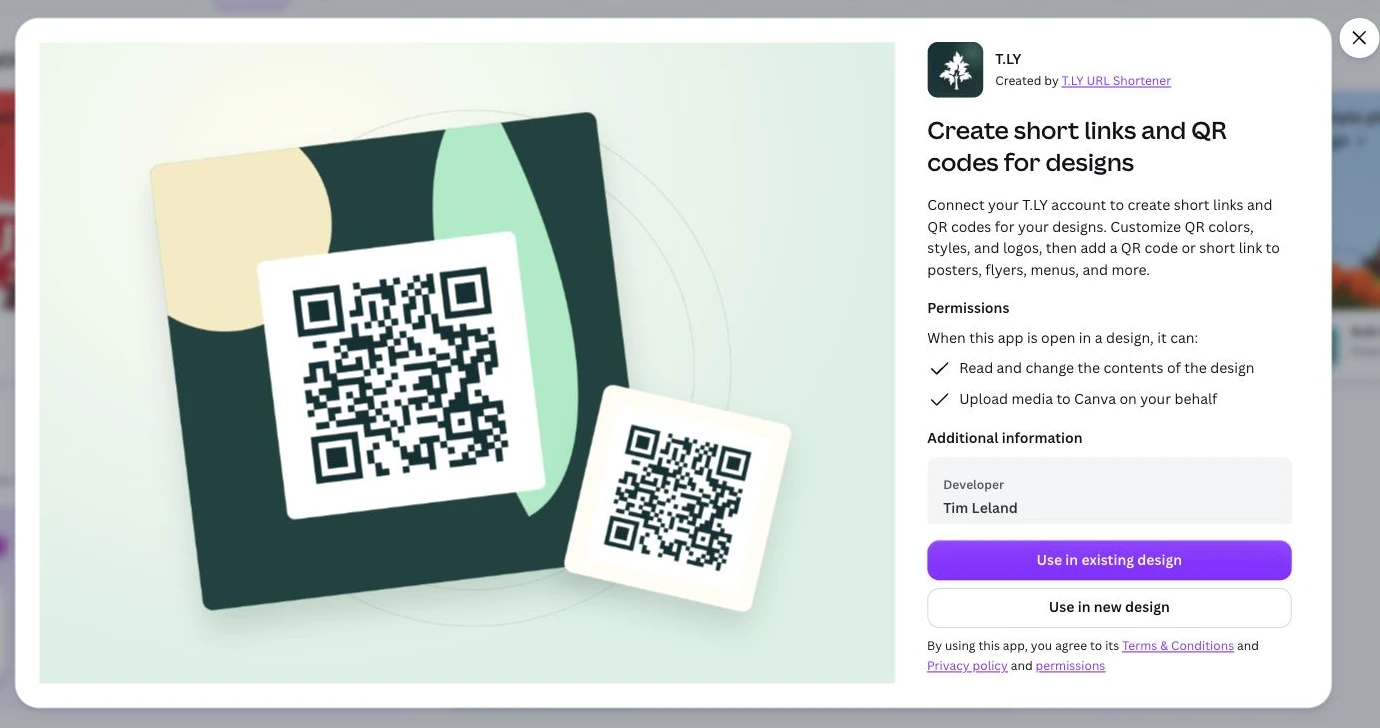
Create short links and branded QR codes inside Canva. Connect your T.LY account, customize your QR code, and add it to your next flyer, menu, or poster.