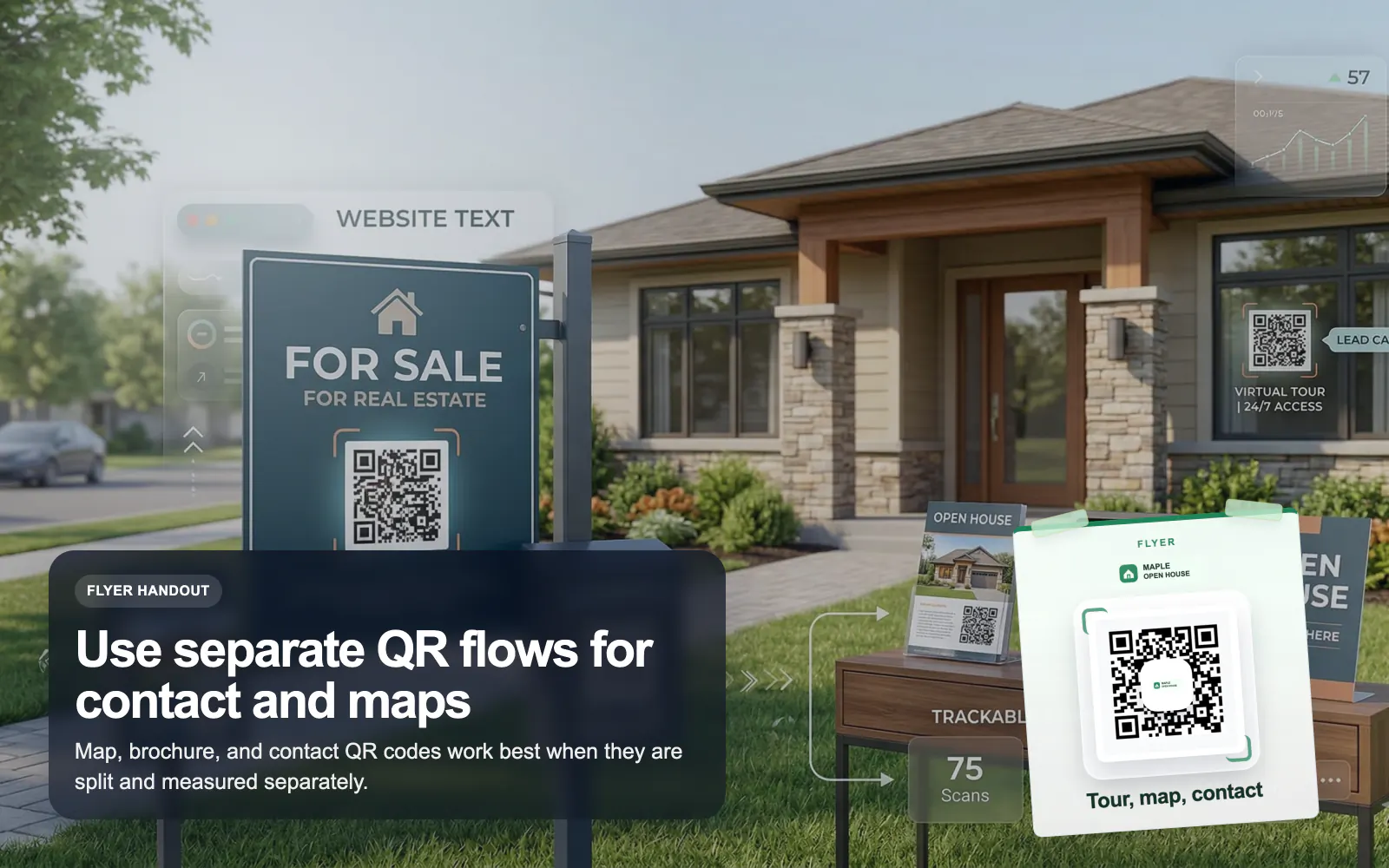
QR Codes for Real Estate
Use T.LY QR codes for real estate flyers, yard signs, virtual tours, property pages, and agent contact flows with branded tracking.
Real Estate Use CaseGive attendees a faster path from poster, badge, booth, or stage screen to the exact information they need. T.LY helps event teams keep printed QR campaigns flexible right up to showtime.
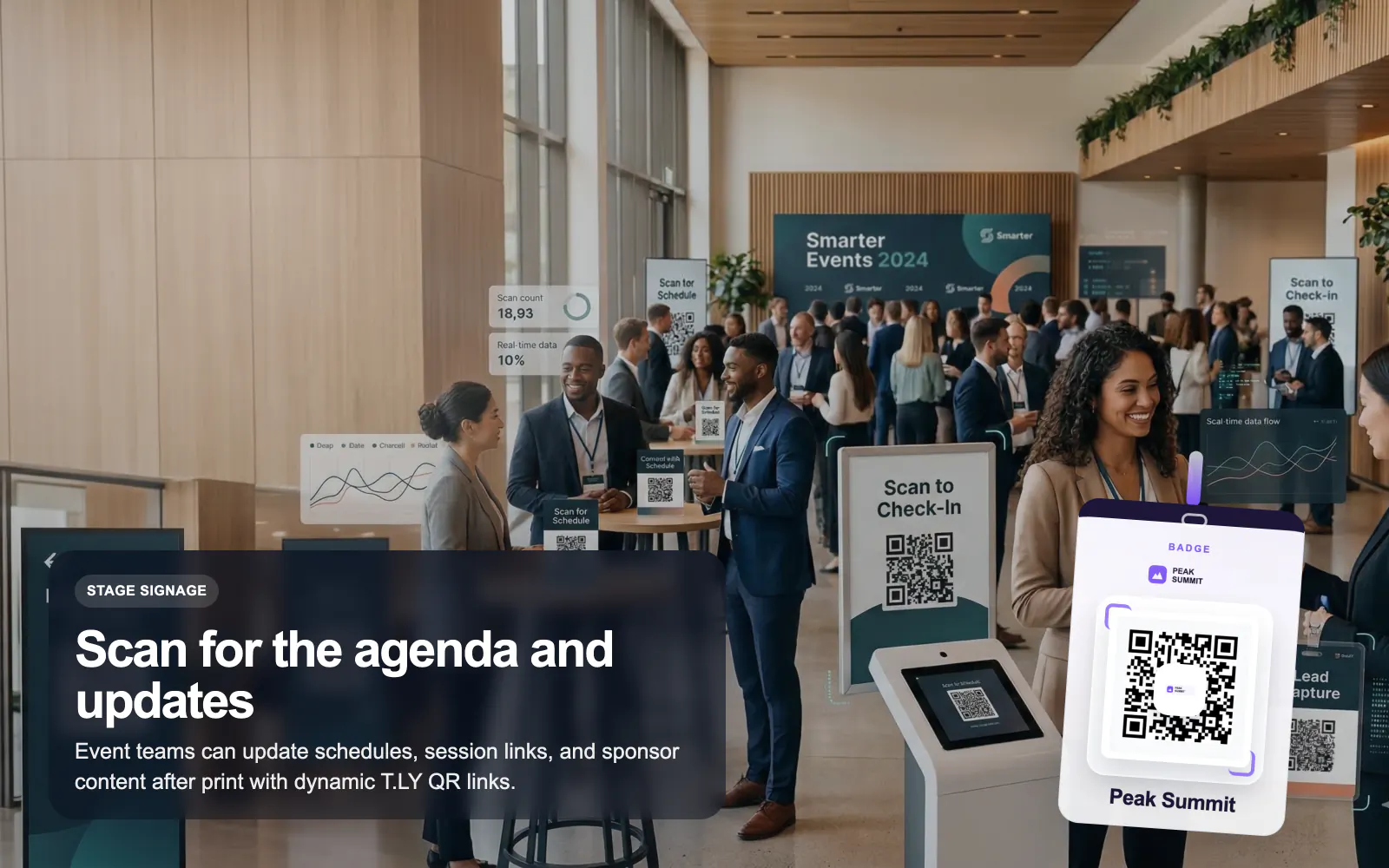
See how T.LY turns printed QR moments into editable destinations, richer buyer journeys, and measurable campaign performance.
Use dynamic QR codes so agenda, room, and sponsor links can change even after badges and posters are printed.
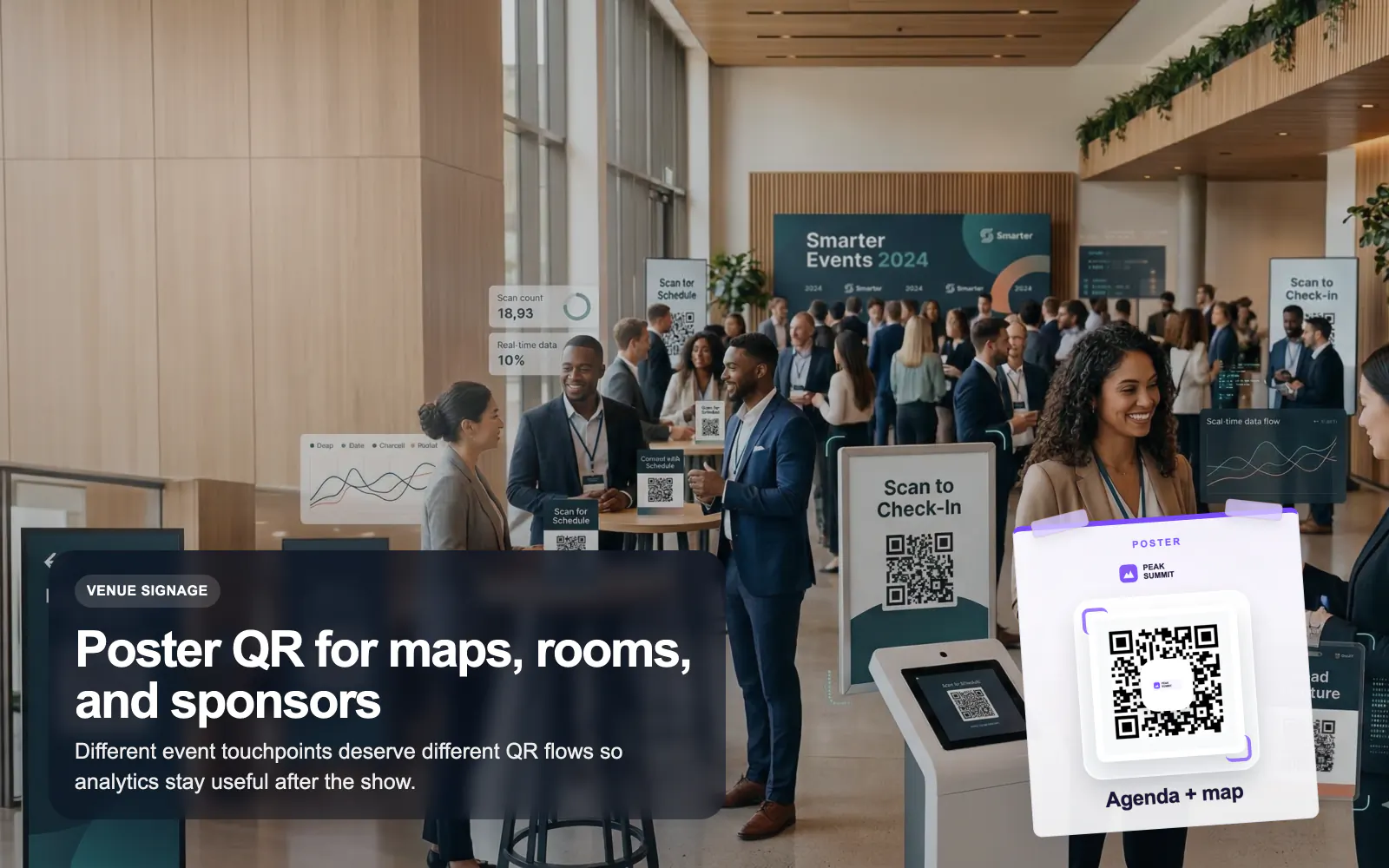
Create dedicated QR flows for registration, exhibitor handouts, venue maps, speaker decks, or sponsor activations.
Track which signs, booths, posters, or badges actually drove attention so next event’s print plan gets smarter.
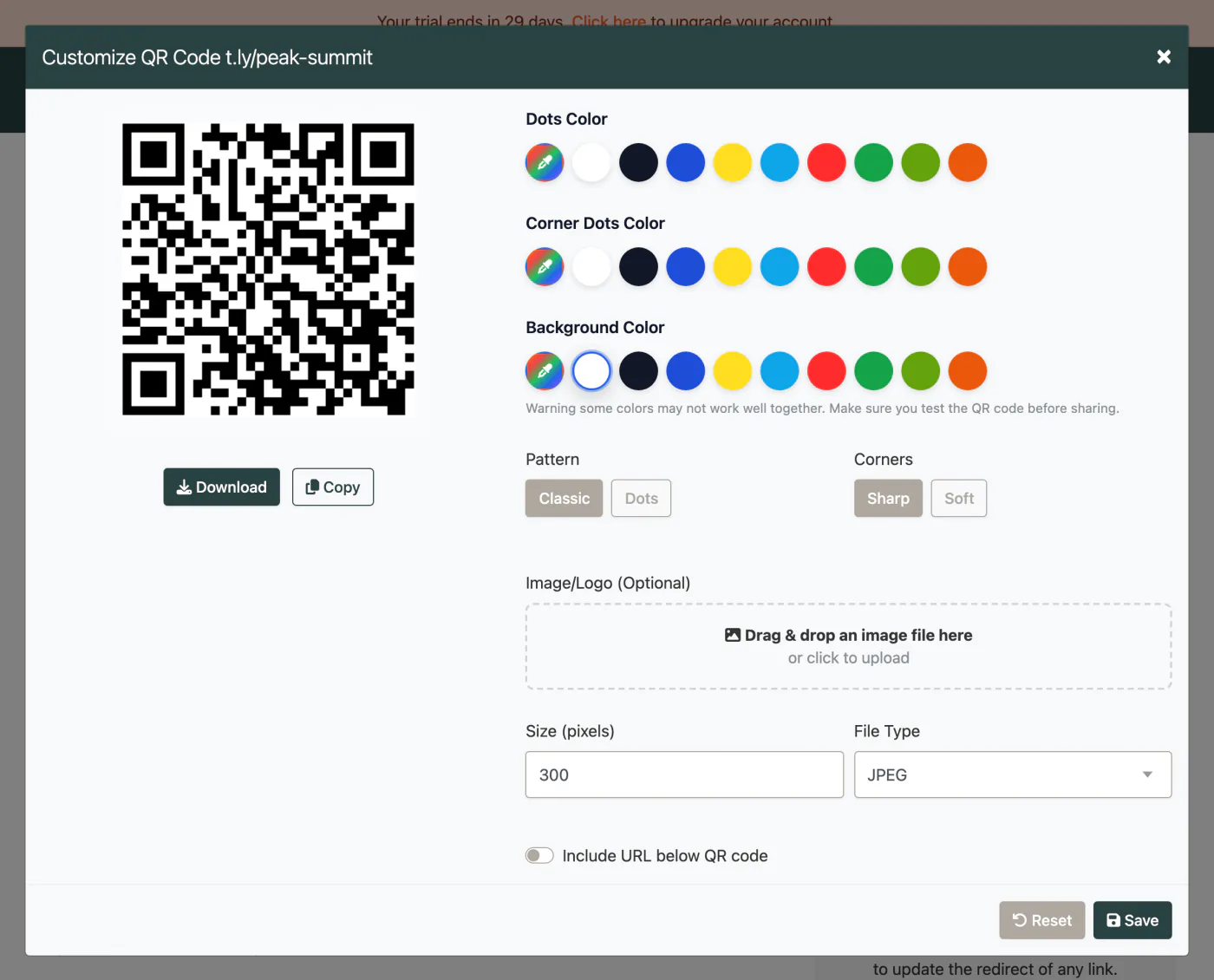
These are the platform choices that matter once the QR is actually out in the world.
Use these tools once the final image and destination are ready. Catch scan distance, size, redirect, and UTM issues before the campaign is printed or published.
It depends on the placement. A badge might link to an attendee profile or agenda, while signage might link to maps, registration, or session details.
Yes. Dynamic T.LY QR links let you update the destination after the code is already printed or displayed.
Yes. Separate codes make event analytics much more useful and help teams compare which touchpoints actually convert.
Yes. That is often the best approach when the audience needs multiple links like agenda, map, sponsor offers, and follow-up content.
Keep going with adjacent QR workflows that use the same T.LY toolbox in a different channel.
Use T.LY QR codes for real estate flyers, yard signs, virtual tours, property pages, and agent contact flows with branded tracking.
Real Estate Use Case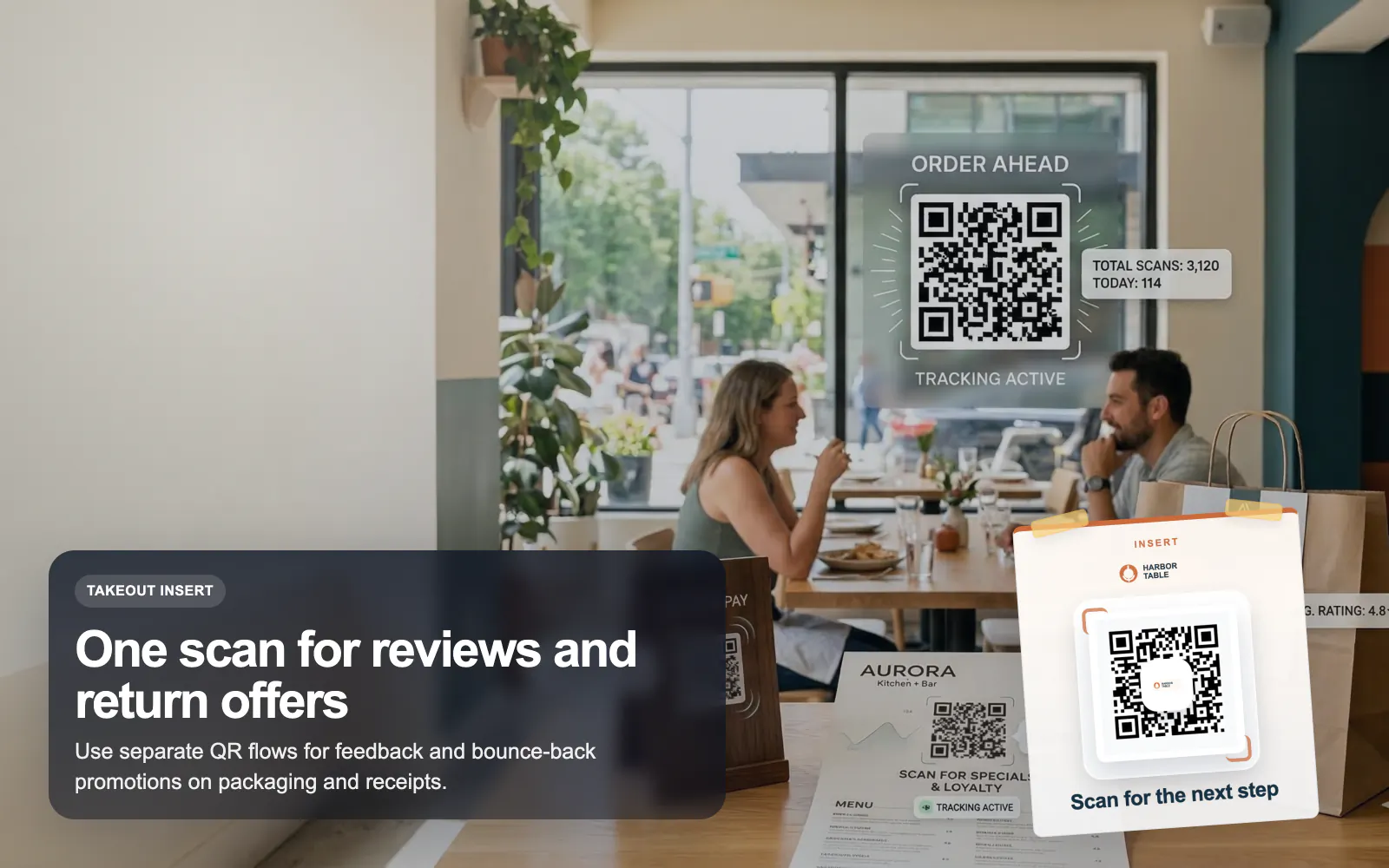
Use T.LY QR codes for restaurant menus, guest WiFi, review requests, and bounce-back offers with dynamic updates and scan analytics.
Restaurants Use Case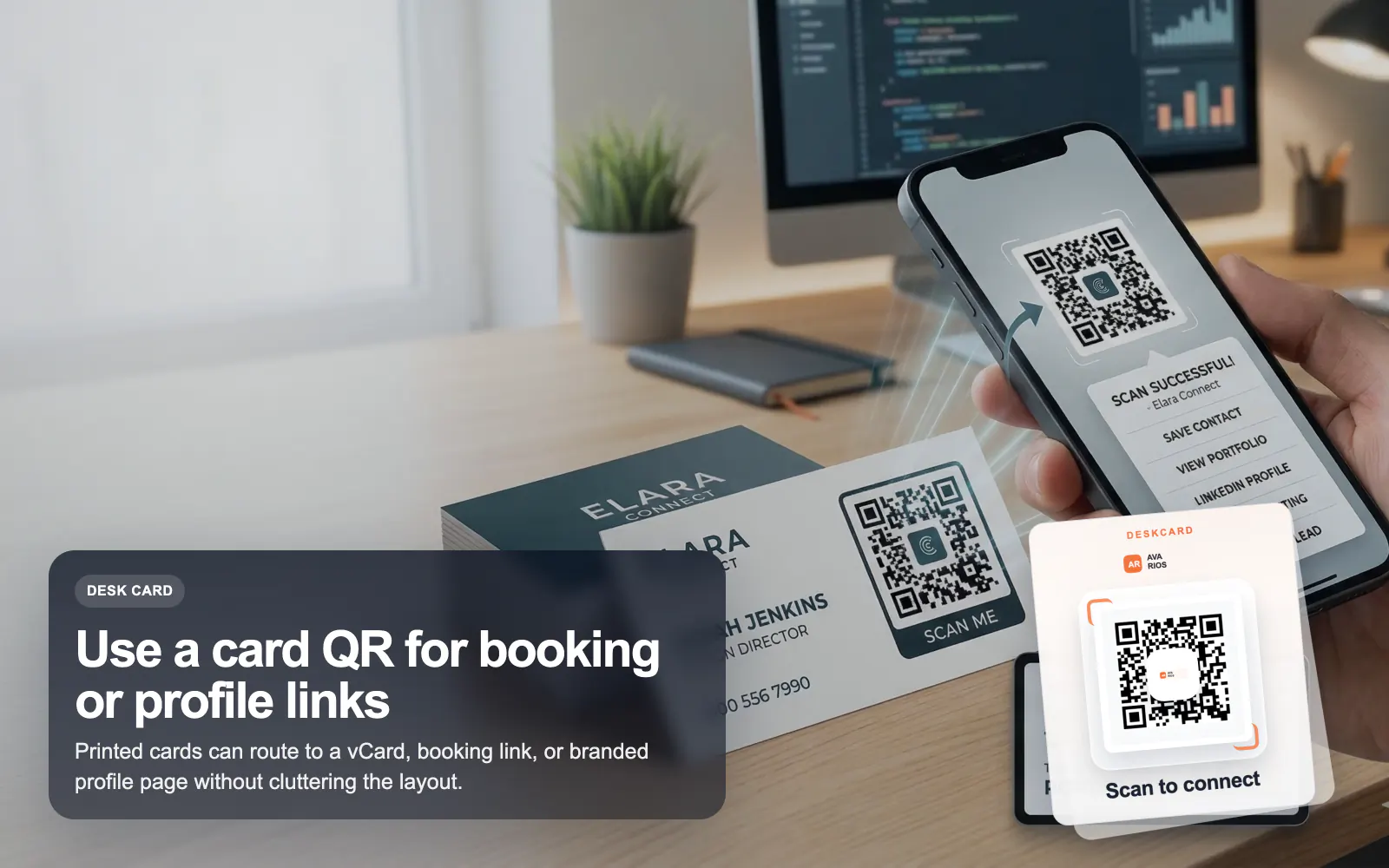
Use T.LY QR codes on business cards to share a vCard, OneLink, booking page, or contact hub with branded styling and analytics.
Business Cards Use CaseLaunch a QR campaign, style it for print, and keep the destination flexible after it goes live.
 Browser Extension



