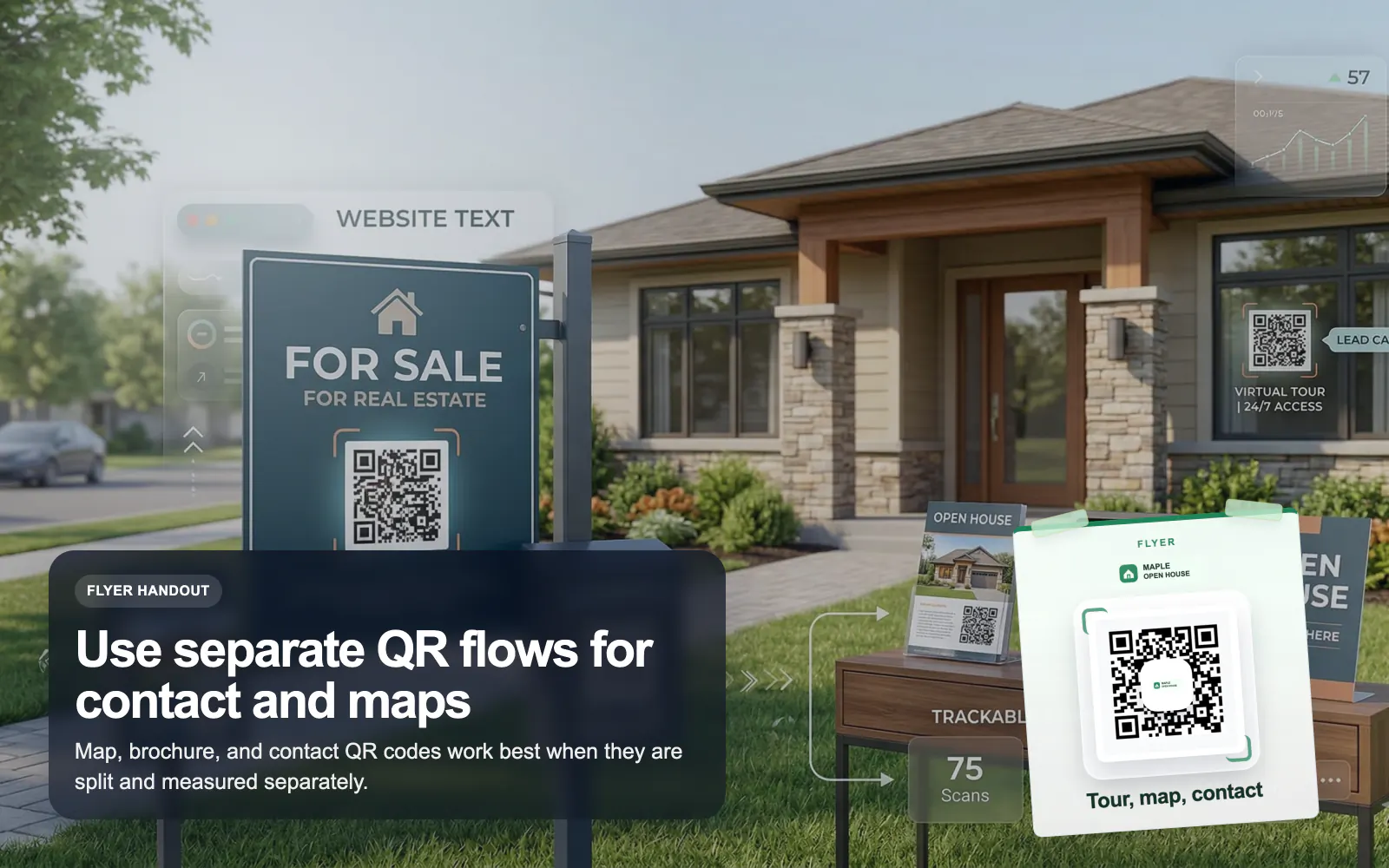
QR Codes for Real Estate
Use T.LY QR codes for real estate flyers, yard signs, virtual tours, property pages, and agent contact flows with branded tracking.
Real Estate Use CaseA printed card should not end at your phone number. T.LY lets teams turn a business card QR into a richer contact experience with vCard saves, OneLinks, booking pages, and measurable follow-up.
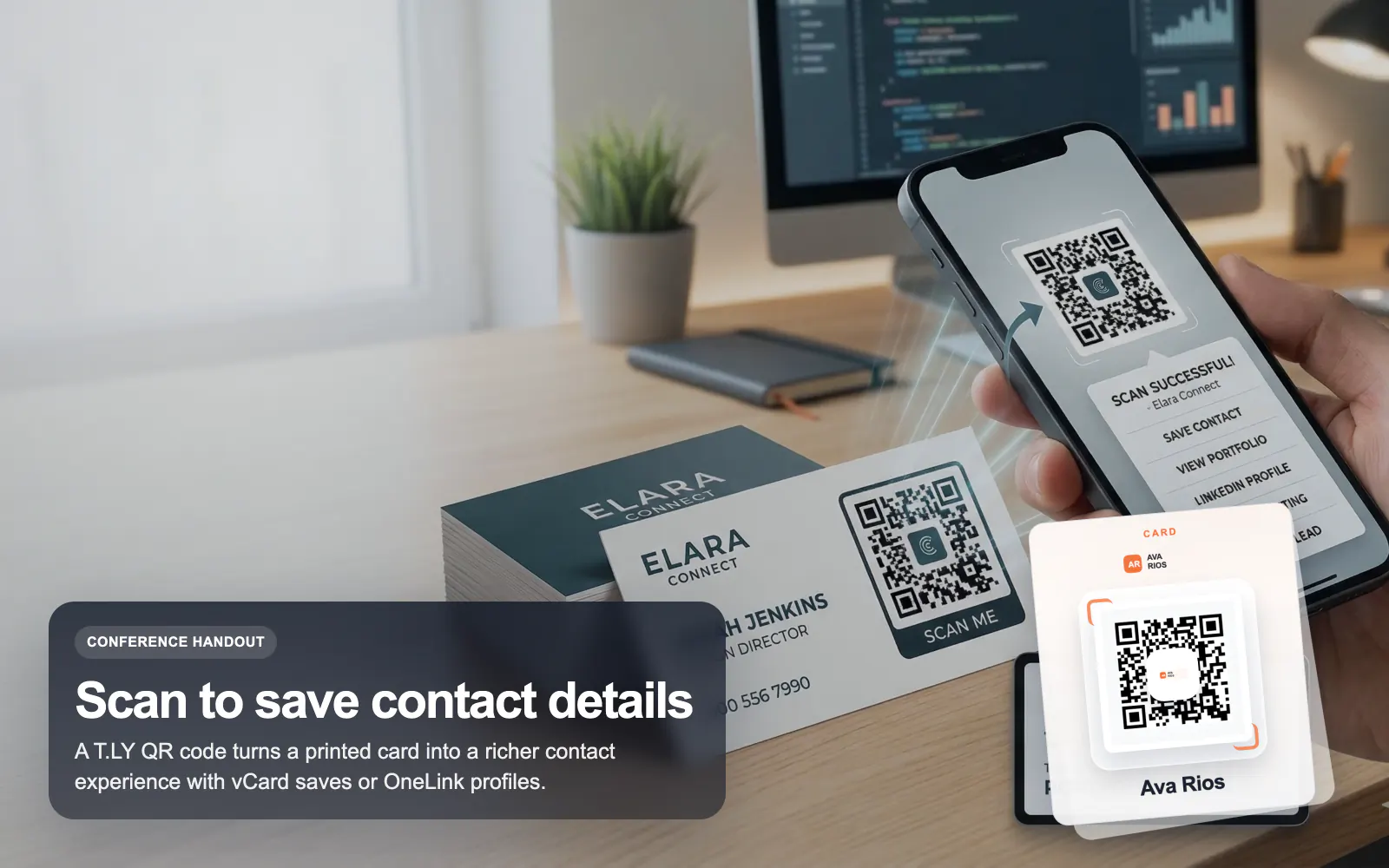
See how T.LY turns printed QR moments into editable destinations, richer buyer journeys, and measurable campaign performance.
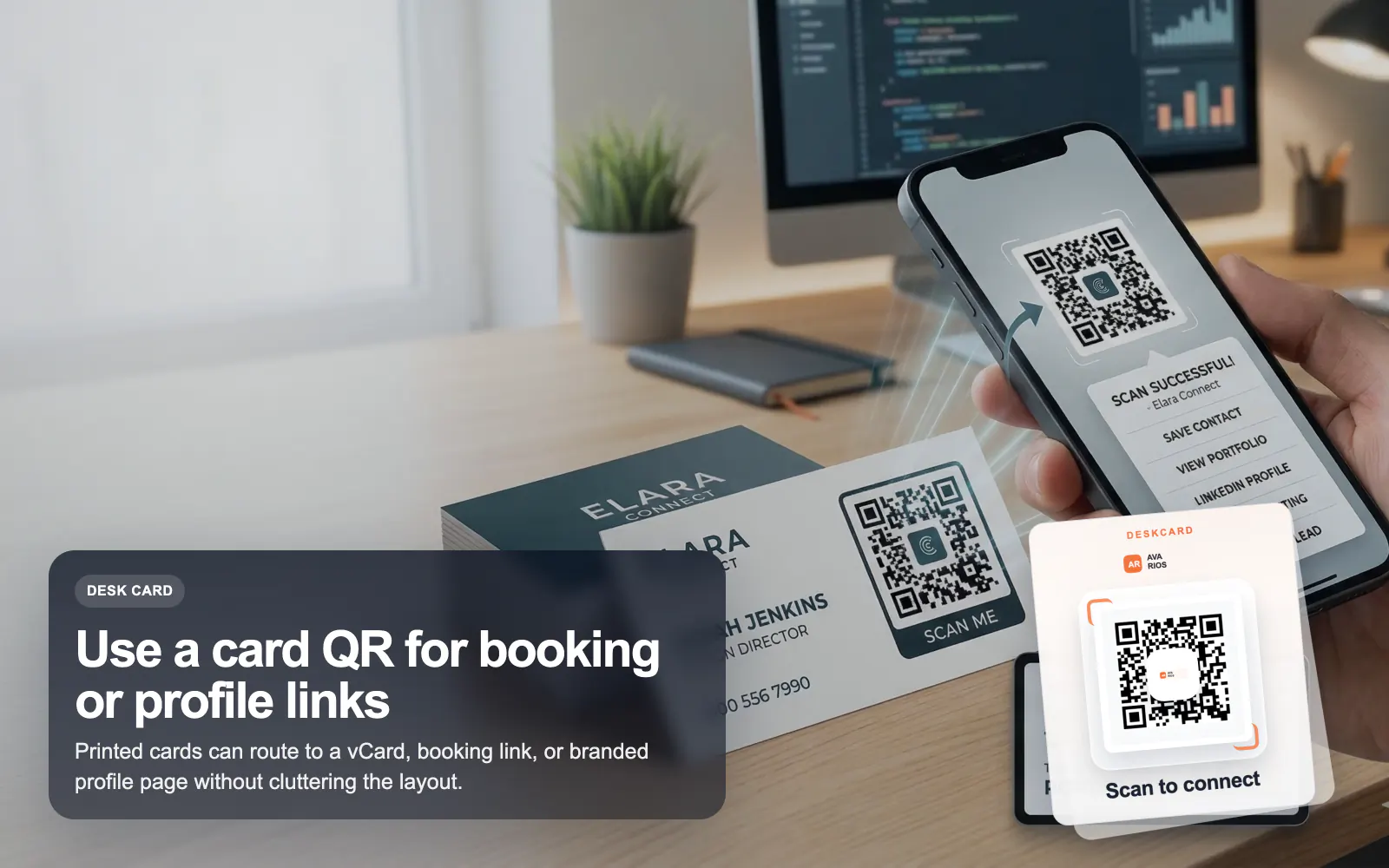
Put the key call to action behind a QR so your card can lead to booking links, bio pages, or contact save flows.
A vCard or OneLink QR helps them save your details immediately instead of typing them later.
Use T.LY analytics to understand whether conference cards, printed leave-behinds, or team handouts actually drive engagement.
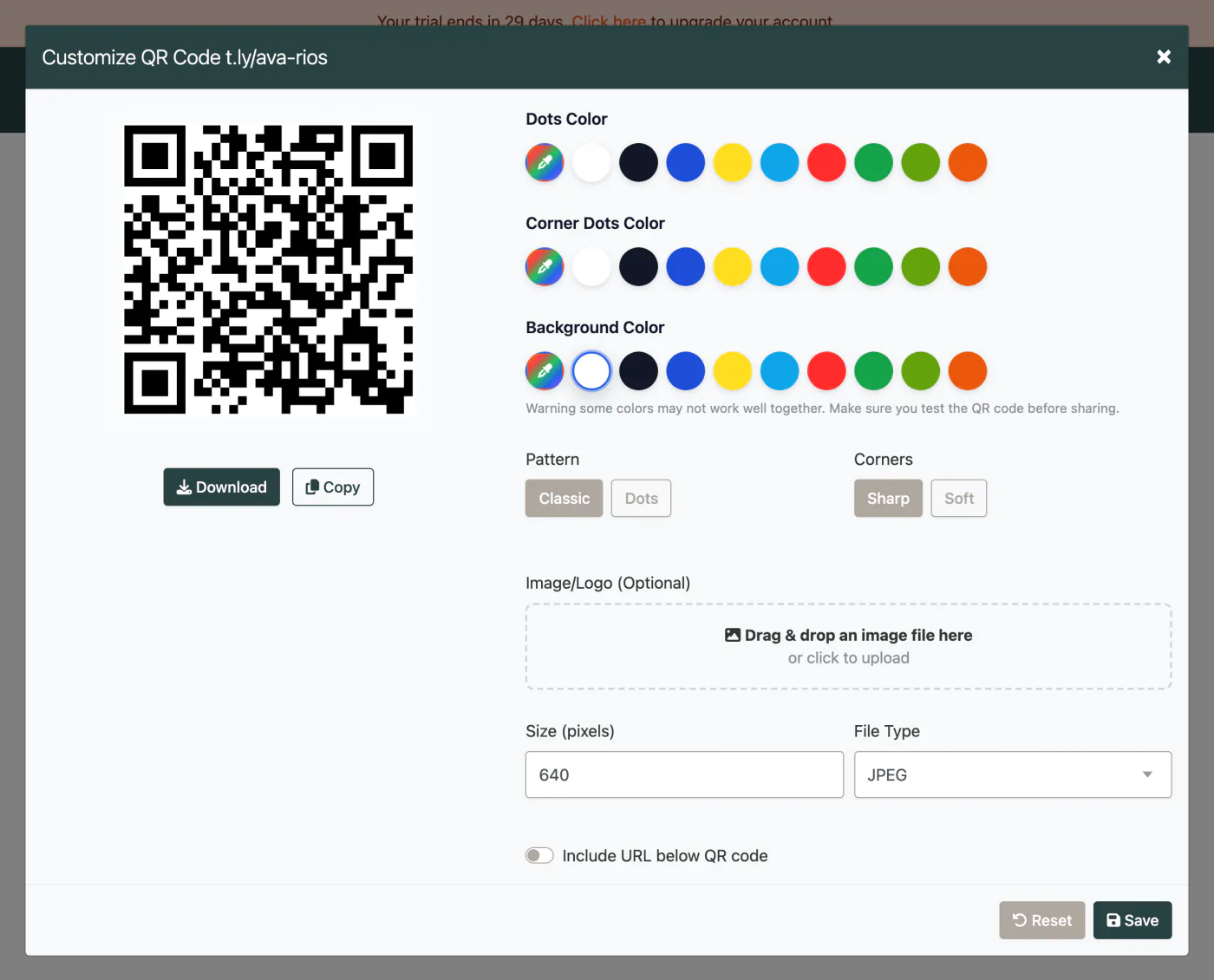
These are the platform choices that matter once the QR is actually out in the world.
Use these tools once the final image and destination are ready. Catch scan distance, size, redirect, and UTM issues before the campaign is printed or published.
It depends on the goal. A vCard QR is best for instant contact save, while a URL QR is better when you want a richer page with booking, social, and content links.
Yes. A T.LY OneLink is often the best destination when one printed card needs to drive several actions.
Yes, if the QR is dynamic and points to a T.LY-managed destination.
Not if it is sized responsibly and the QR keeps enough contrast and quiet space. Always test before printing.
Keep going with adjacent QR workflows that use the same T.LY toolbox in a different channel.
Use T.LY QR codes for real estate flyers, yard signs, virtual tours, property pages, and agent contact flows with branded tracking.
Real Estate Use Case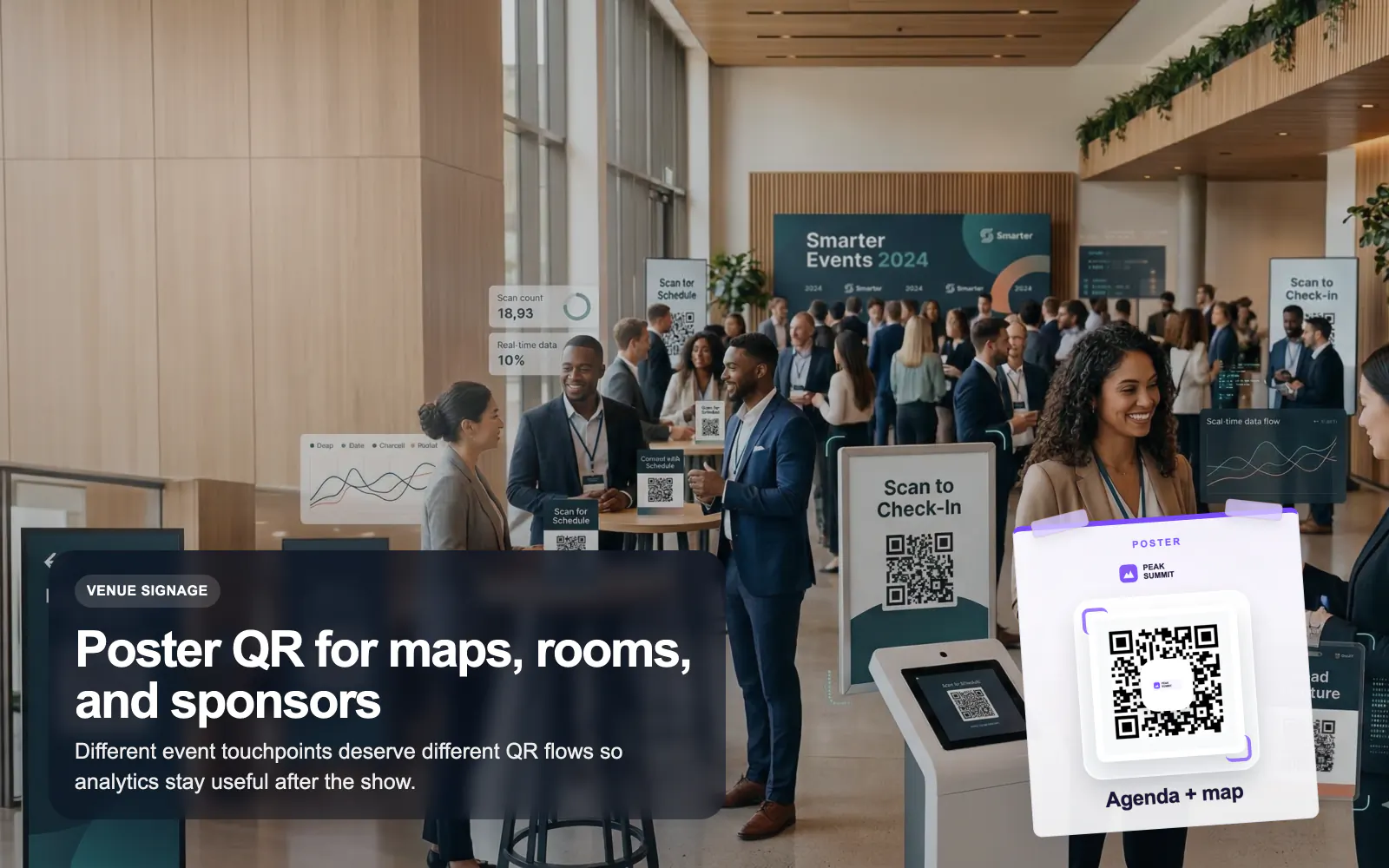
Use T.LY QR codes for events, badges, posters, agendas, lead capture, and sponsor flows with editable links and branded analytics.
Events Use Case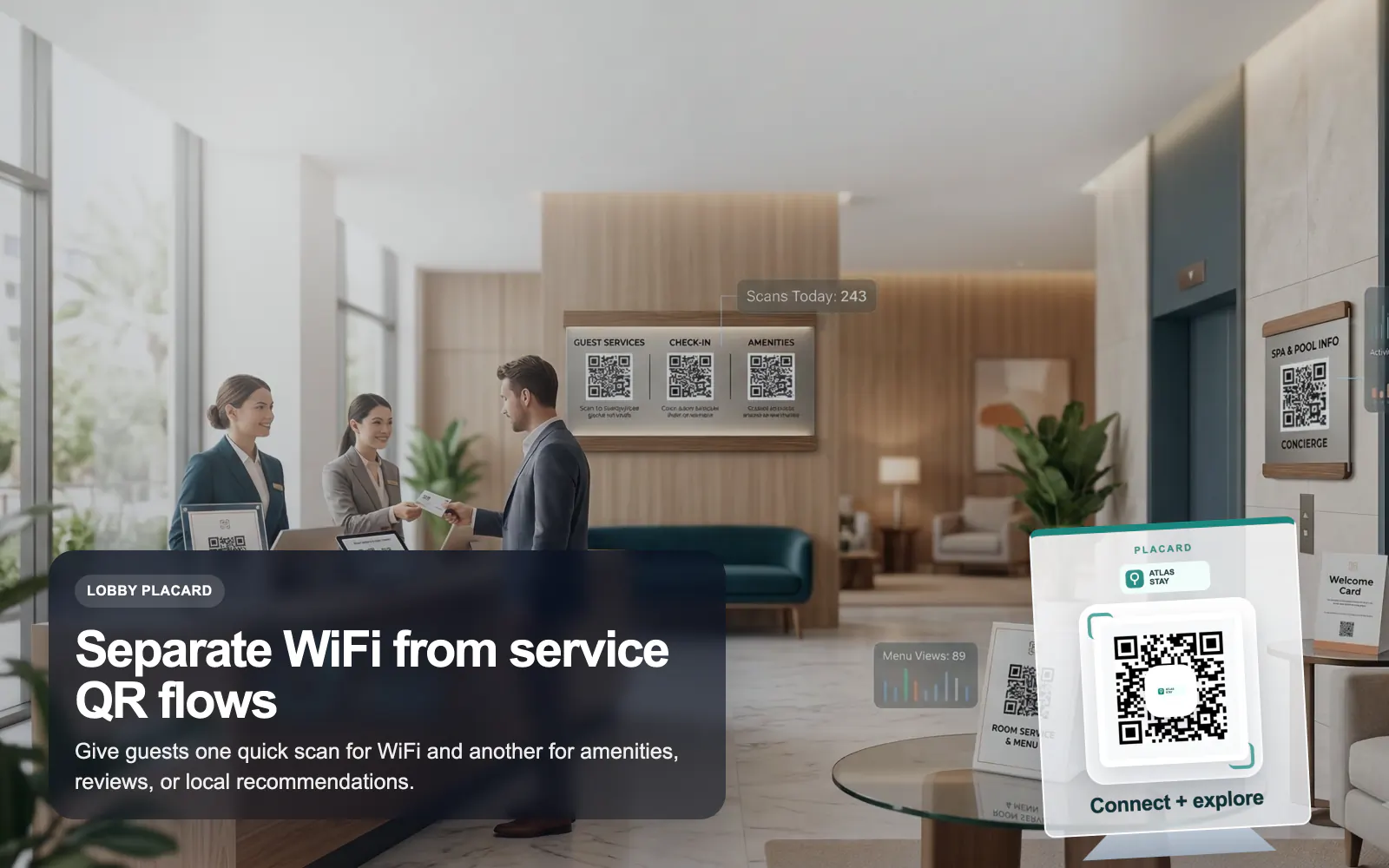
Use T.LY QR codes for hotel guest WiFi, room guides, service menus, local recommendations, and reviews with branded dynamic links.
Hotels Use CaseLaunch a QR campaign, style it for print, and keep the destination flexible after it goes live.
 Browser Extension



