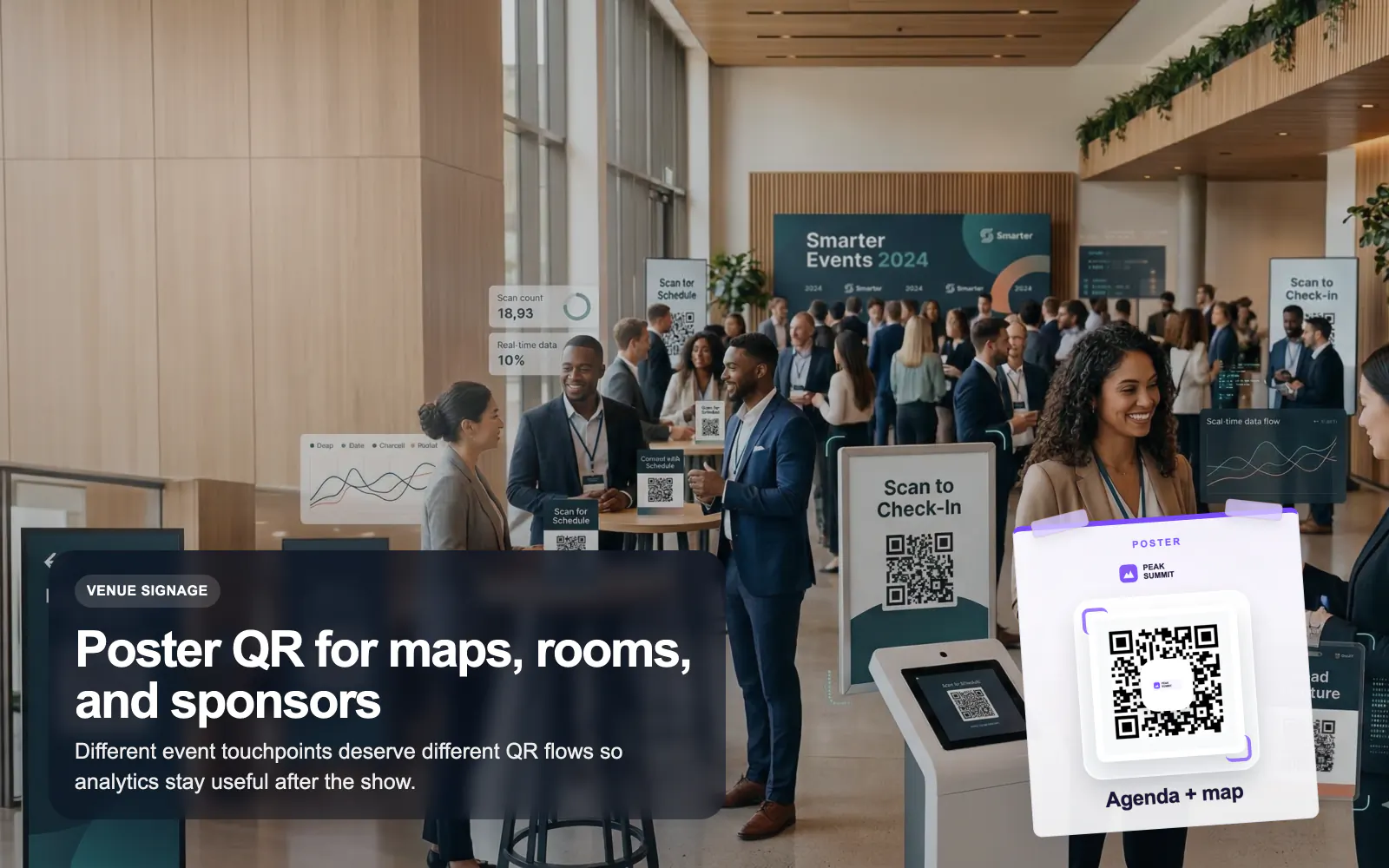
QR Codes for Events
Use T.LY QR codes for events, badges, posters, agendas, lead capture, and sponsor flows with editable links and branded analytics.
Events Use CaseTurn signs, window cards, brochure boxes, and open-house handouts into fast paths to listings, virtual tours, and agent contact. T.LY helps real estate teams keep every printed QR up to date without reprinting.
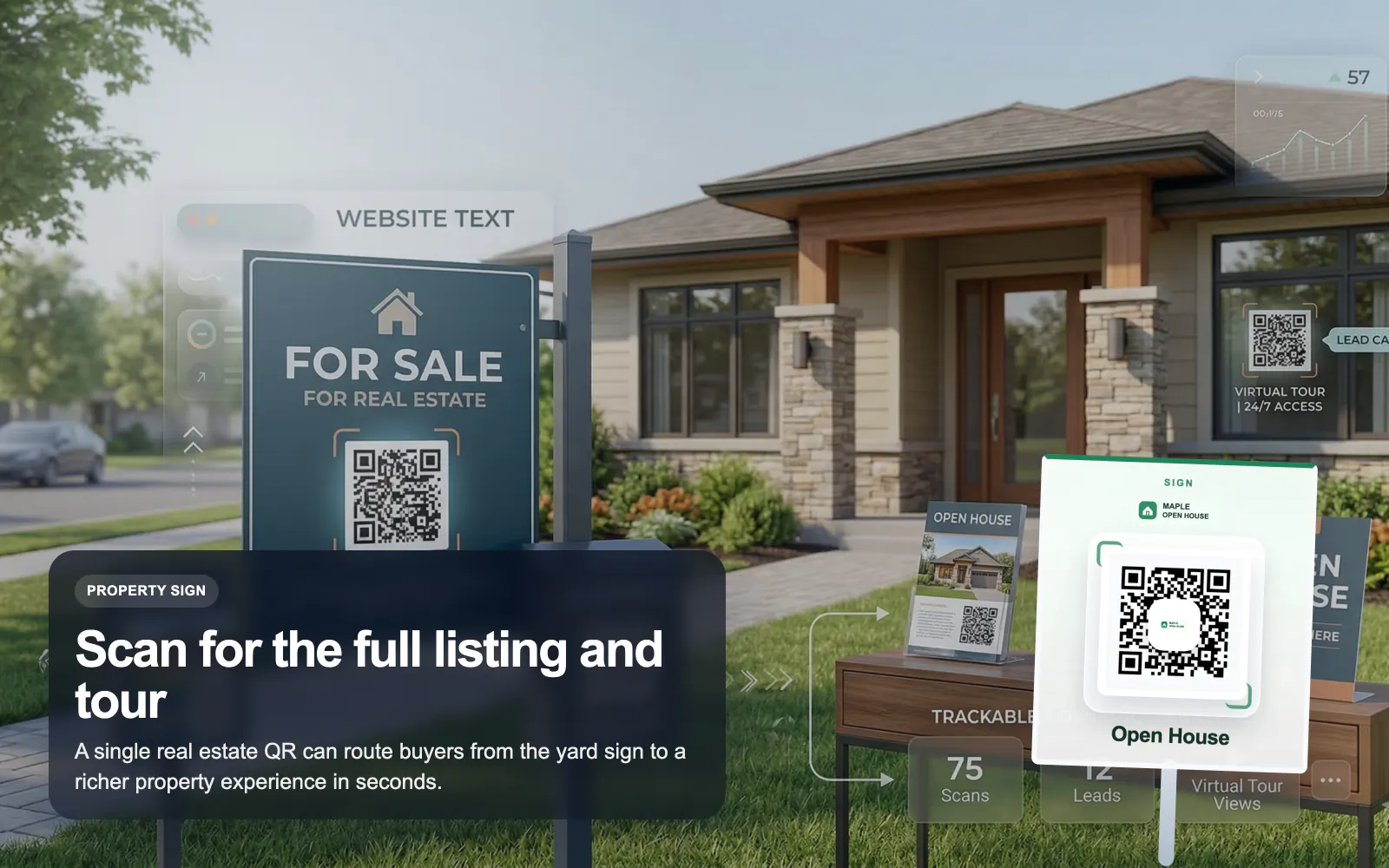
See how T.LY turns printed QR moments into editable destinations, richer buyer journeys, and measurable campaign performance.
Swap a QR destination from a listing page to a backup property page or updated landing page without changing the sign.
Send scanners to a property OneLink with tour videos, floor plans, financing info, and agent contact in one place.
Use vCard and business-card QR codes so prospects can save agent details on the spot during showings or open houses.
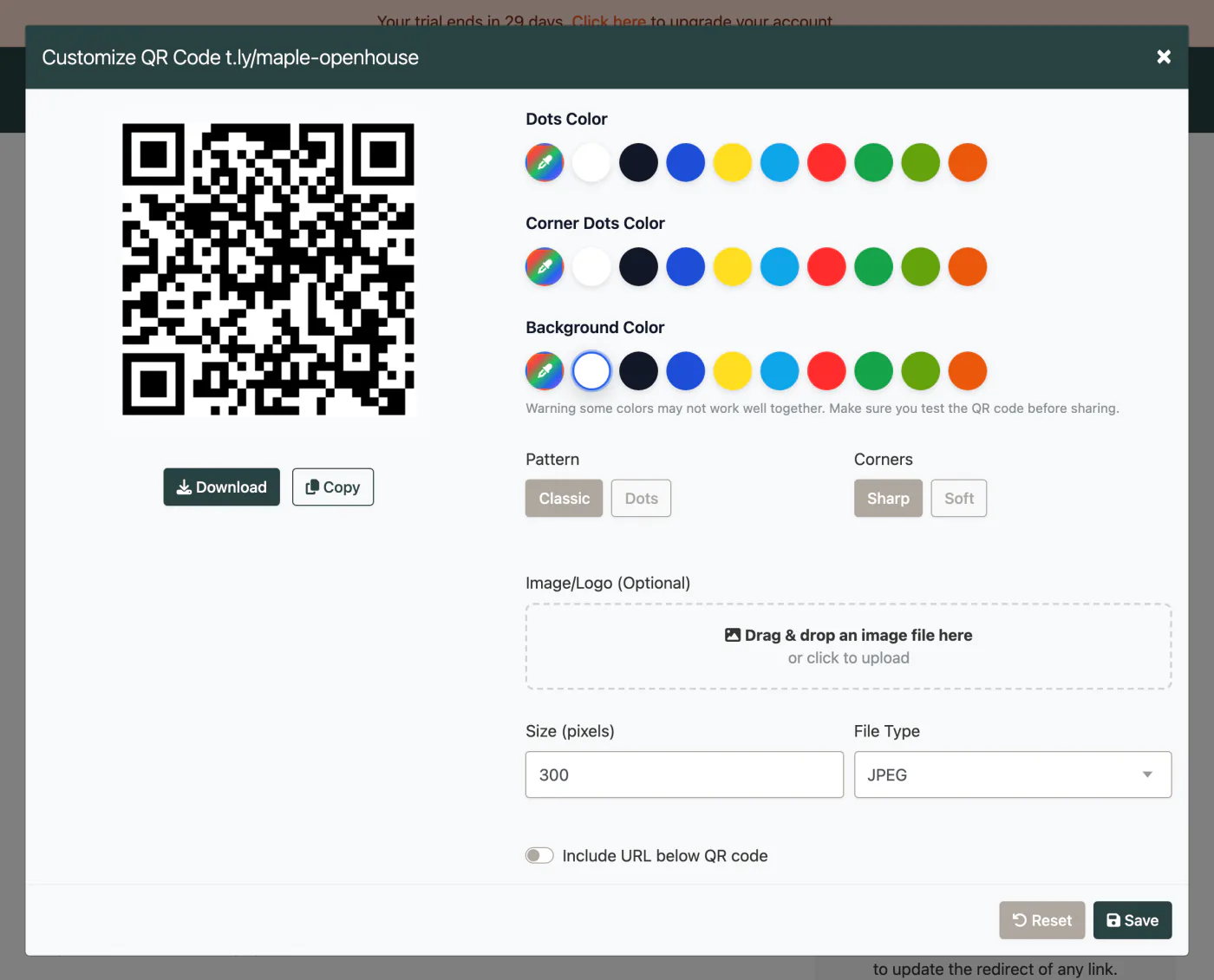
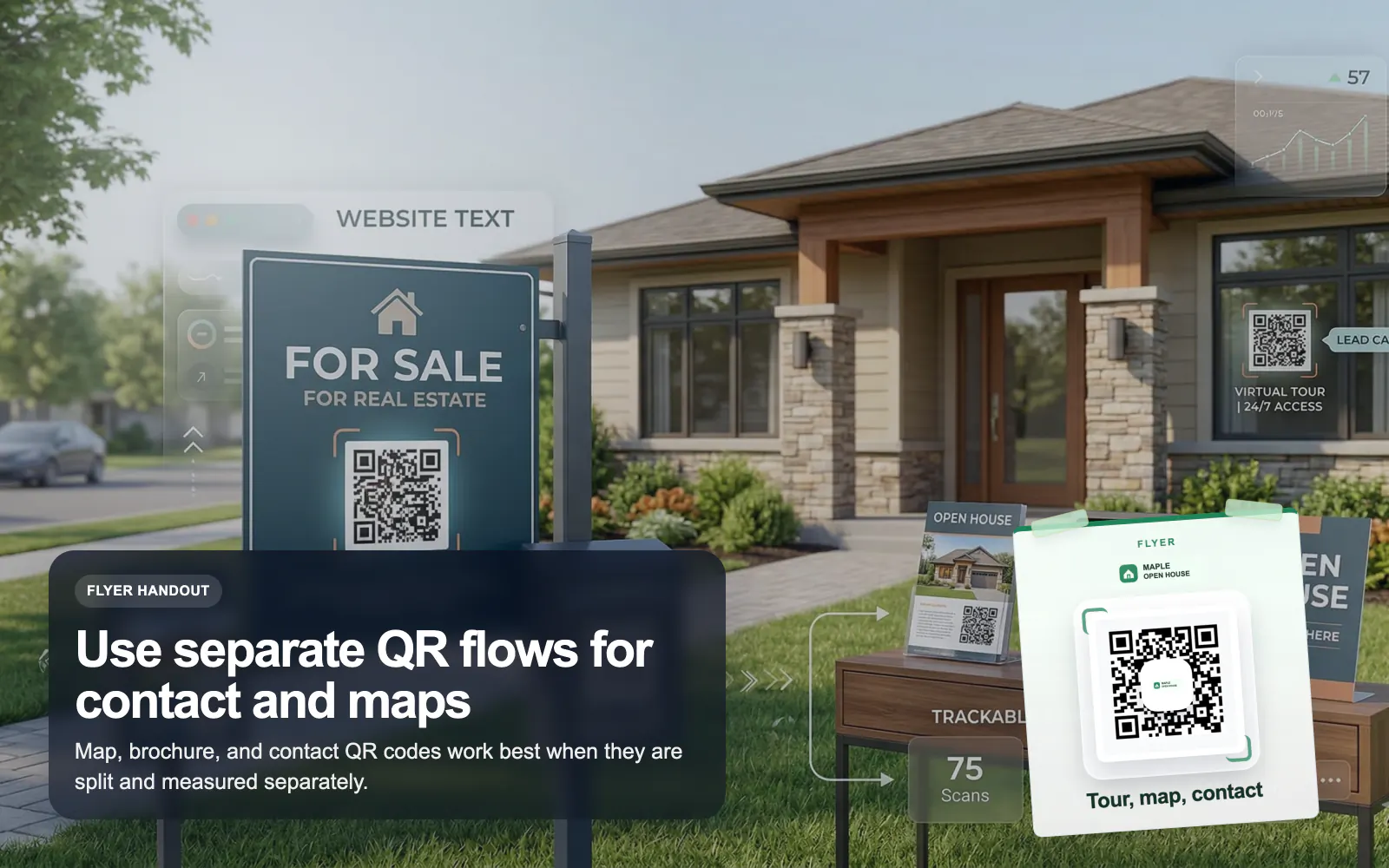
These are the platform choices that matter once the QR is actually out in the world.
Use these tools once the final image and destination are ready. Catch scan distance, size, redirect, and UTM issues before the campaign is printed or published.
The best destination is usually a focused property page or OneLink with photos, tour details, maps, and agent contact options.
Yes, if it points to a dynamic T.LY short link. You can update the destination without reprinting the sign.
Usually yes. One QR can open the listing experience while another can save the agent’s vCard or business card.
Yes. Create separate T.LY links for each sign or placement so reporting stays clear.
Keep going with adjacent QR workflows that use the same T.LY toolbox in a different channel.
Use T.LY QR codes for events, badges, posters, agendas, lead capture, and sponsor flows with editable links and branded analytics.
Events Use Case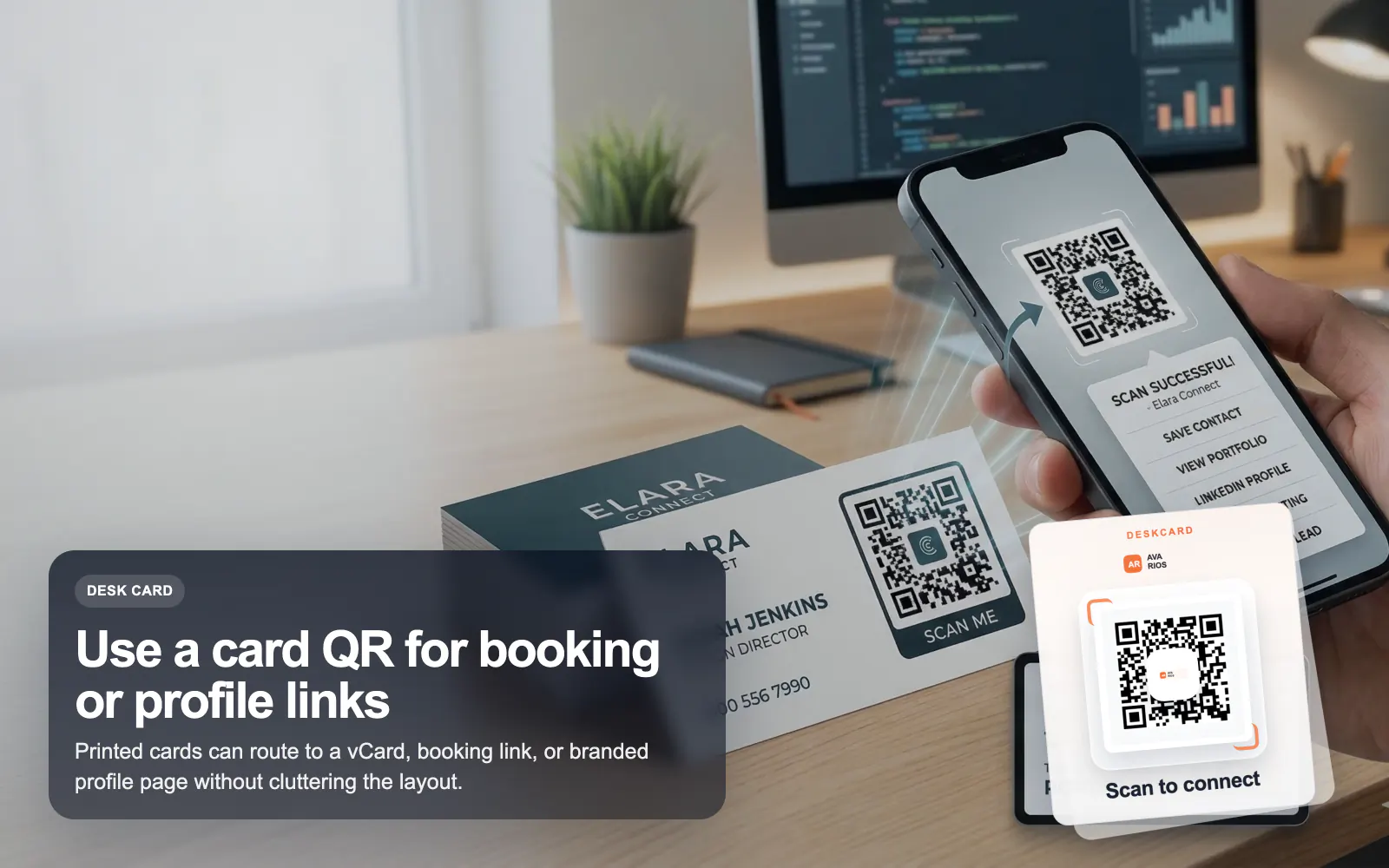
Use T.LY QR codes on business cards to share a vCard, OneLink, booking page, or contact hub with branded styling and analytics.
Business Cards Use Case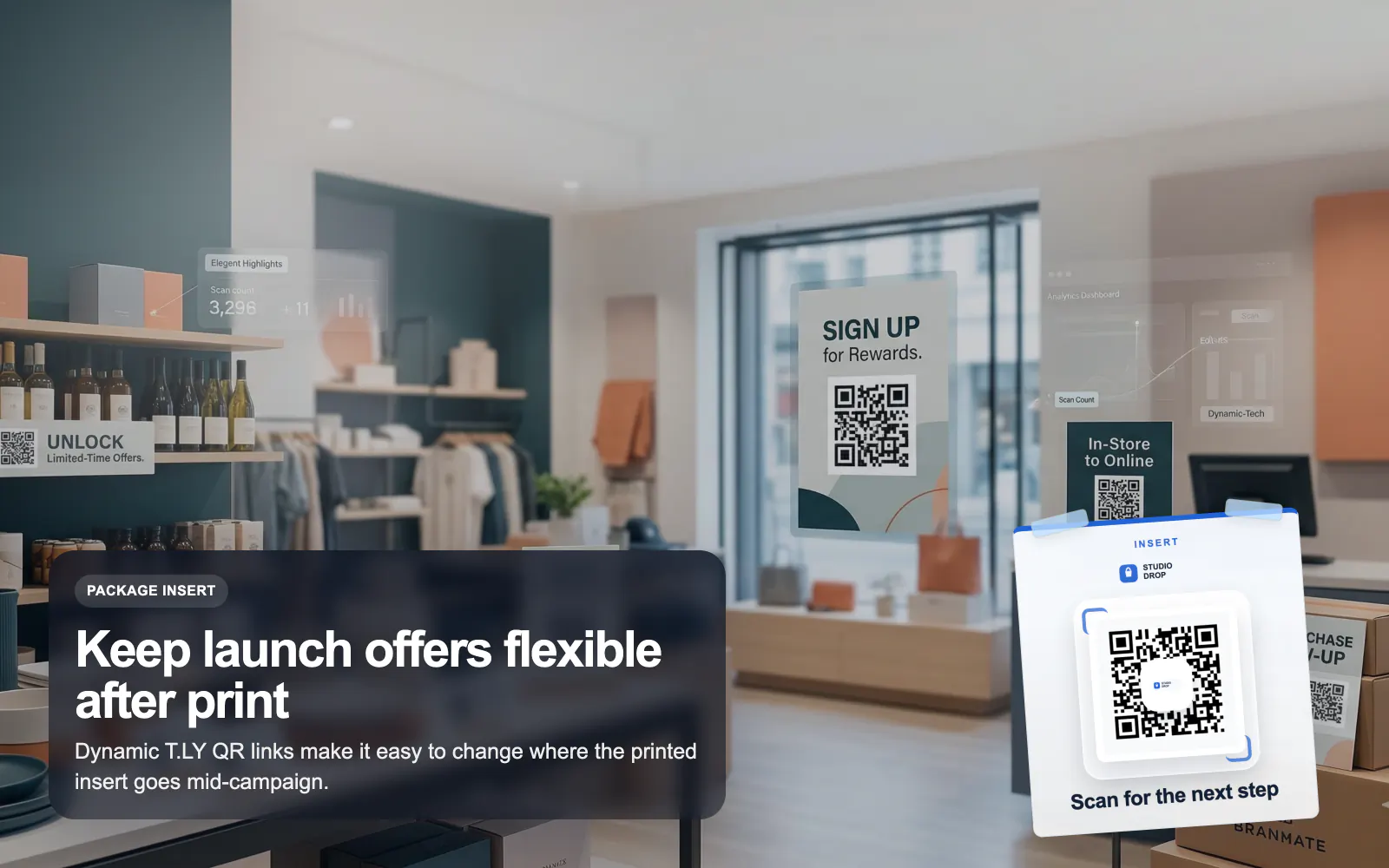
Launch retail QR campaigns with T.LY for packaging, shelf tags, reviews, offers, and product education using branded dynamic QR codes.
Retail Use CaseLaunch a QR campaign, style it for print, and keep the destination flexible after it goes live.
 Browser Extension



