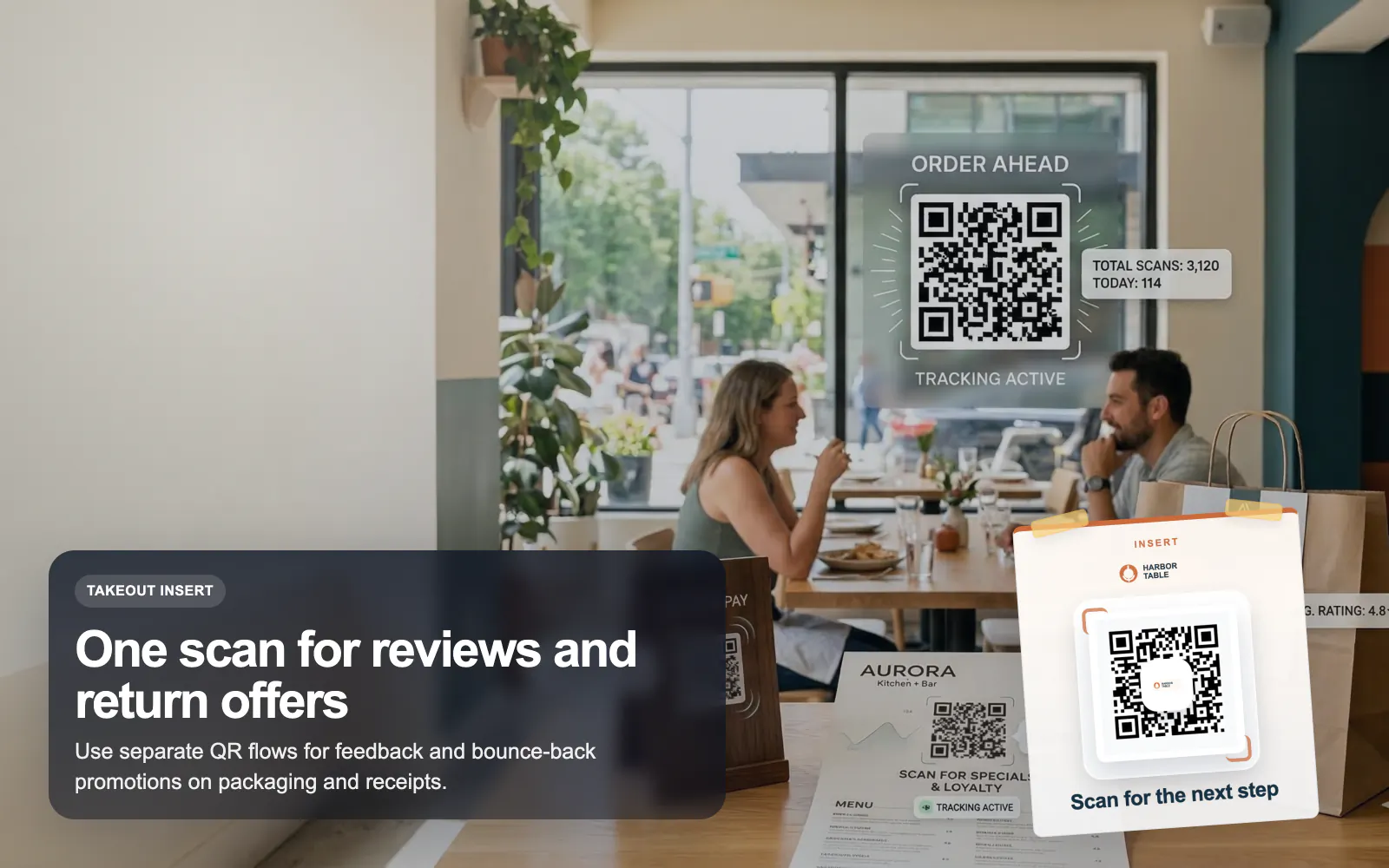
QR Codes for Restaurants
Use T.LY QR codes for restaurant menus, guest WiFi, review requests, and bounce-back offers with dynamic updates and scan analytics.
Restaurants Use CaseBridge the gap between the shelf and the screen. T.LY helps retail teams turn packaging, hang tags, shelf talkers, and window decals into trackable product journeys.
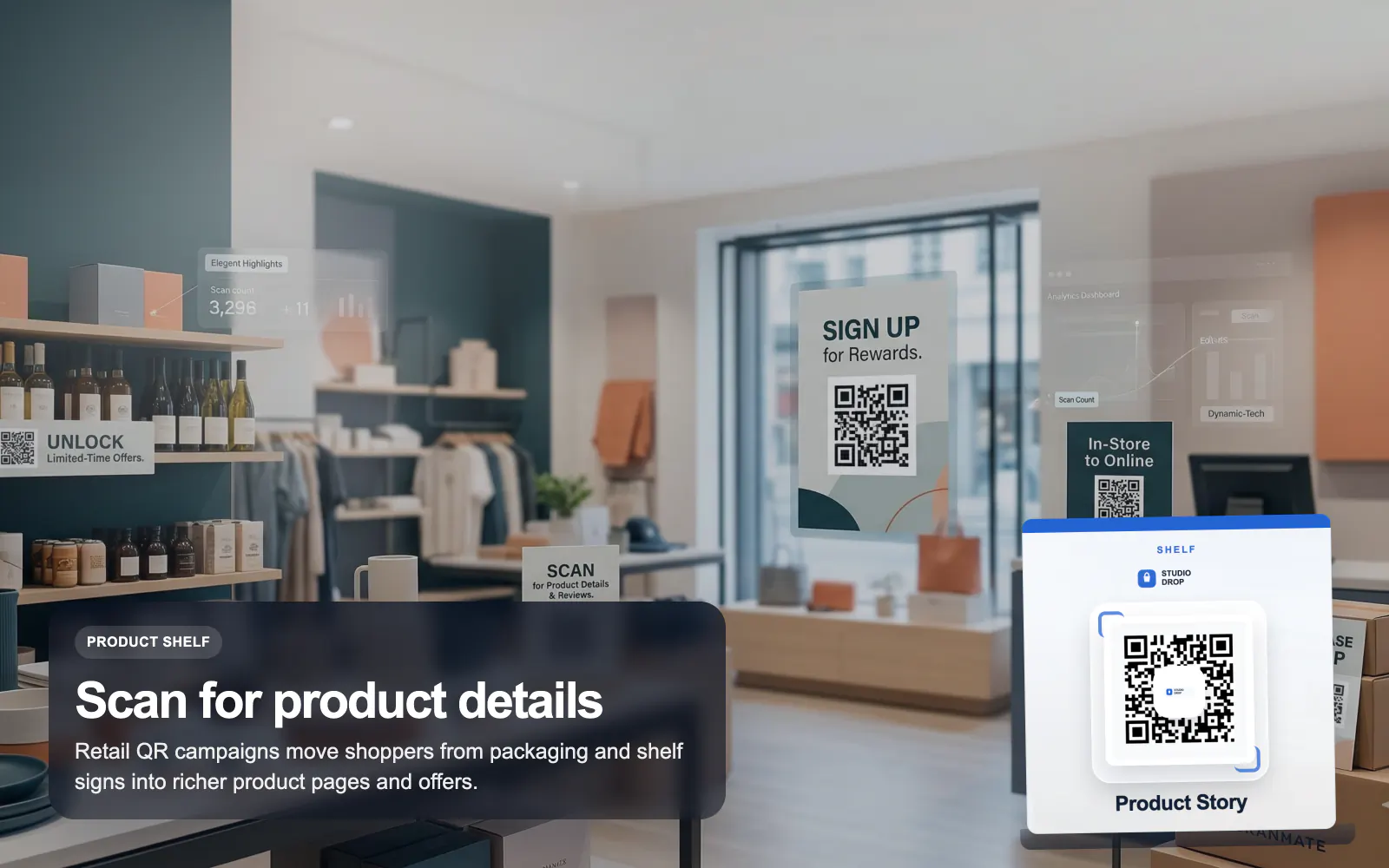
See how T.LY turns printed QR moments into editable destinations, richer buyer journeys, and measurable campaign performance.
Move specs, videos, care instructions, or campaign pages behind a branded QR instead of overcrowding the label.
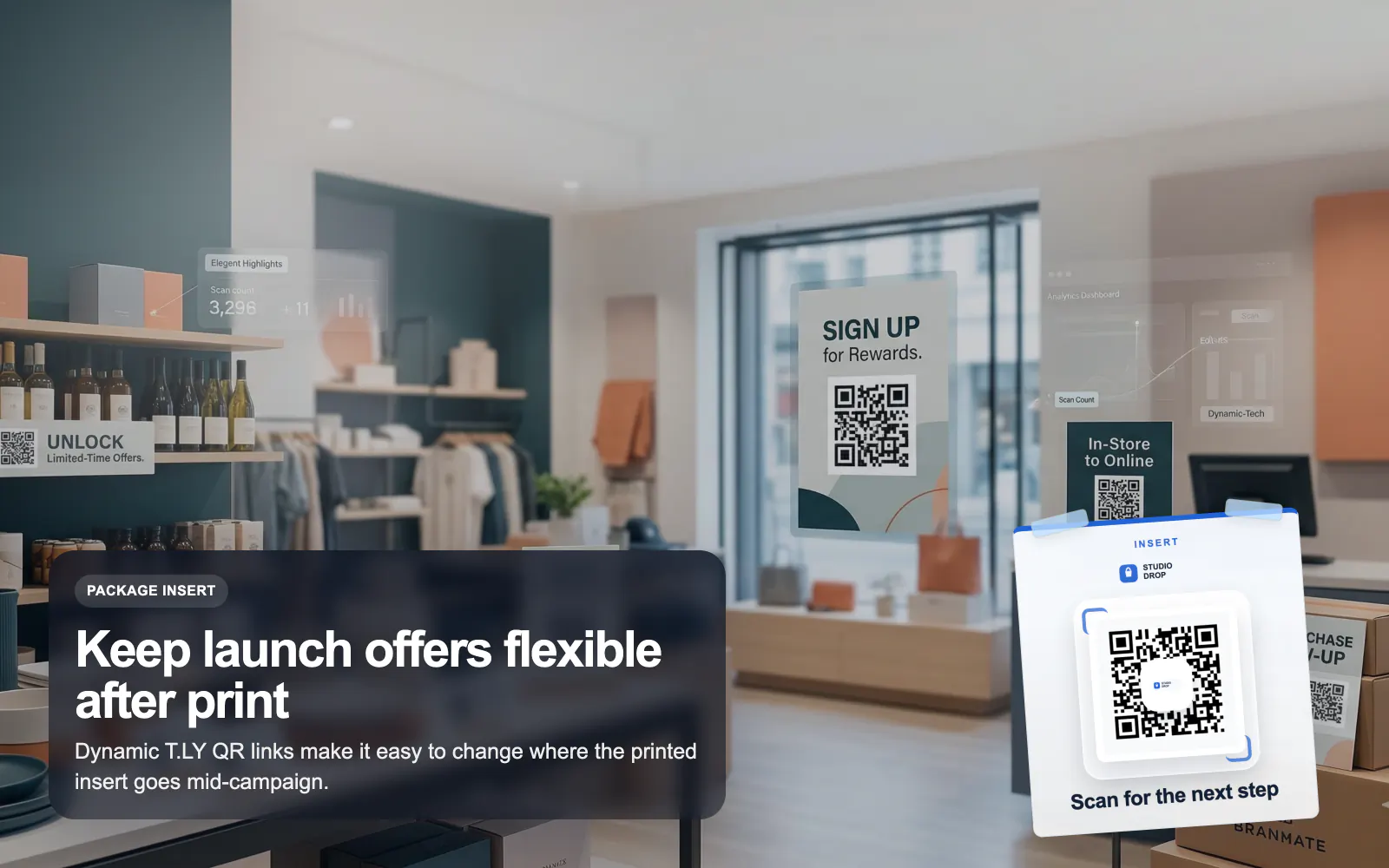
Use dynamic T.LY QR codes so you can swap destinations from launch page to coupon page without replacing packaging.
Split campaigns by shelf, display, insert, or storefront and compare scans from each placement in T.LY.
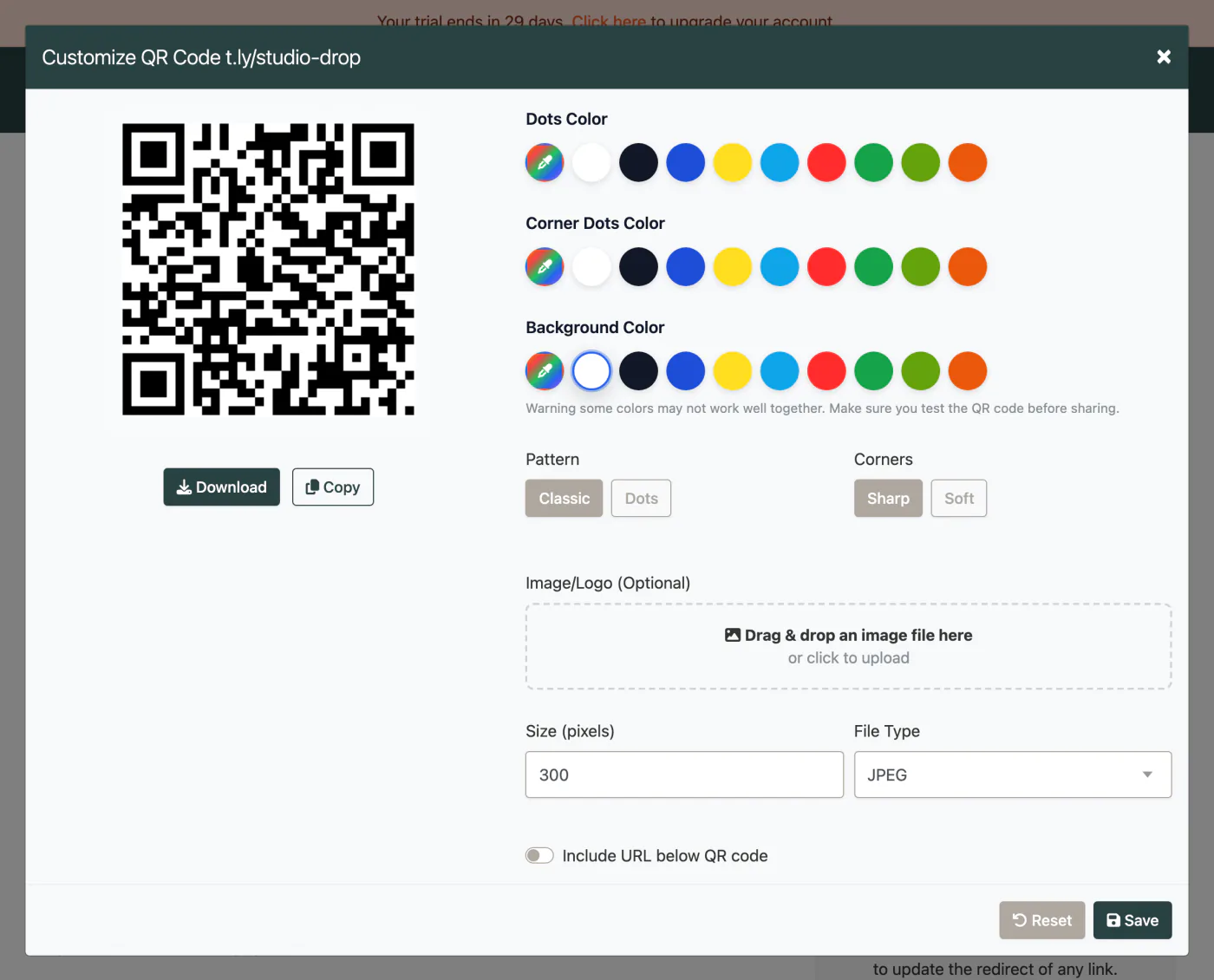
These are the platform choices that matter once the QR is actually out in the world.
Use these tools once the final image and destination are ready. Catch scan distance, size, redirect, and UTM issues before the campaign is printed or published.
Retail QR codes work best when they link to a focused destination like a product page, offer, warranty page, review request, or product video.
Yes, if the QR is dynamic. T.LY lets you update the underlying short link destination after print.
No. Create separate QR codes per placement so you can tell whether scans came from packaging, shelf talkers, inserts, or signage.
Yes, if you keep good contrast, quiet space, and a tested layout. T.LY’s styling tools help you stay on-brand without sacrificing scannability.
Keep going with adjacent QR workflows that use the same T.LY toolbox in a different channel.
Use T.LY QR codes for restaurant menus, guest WiFi, review requests, and bounce-back offers with dynamic updates and scan analytics.
Restaurants Use Case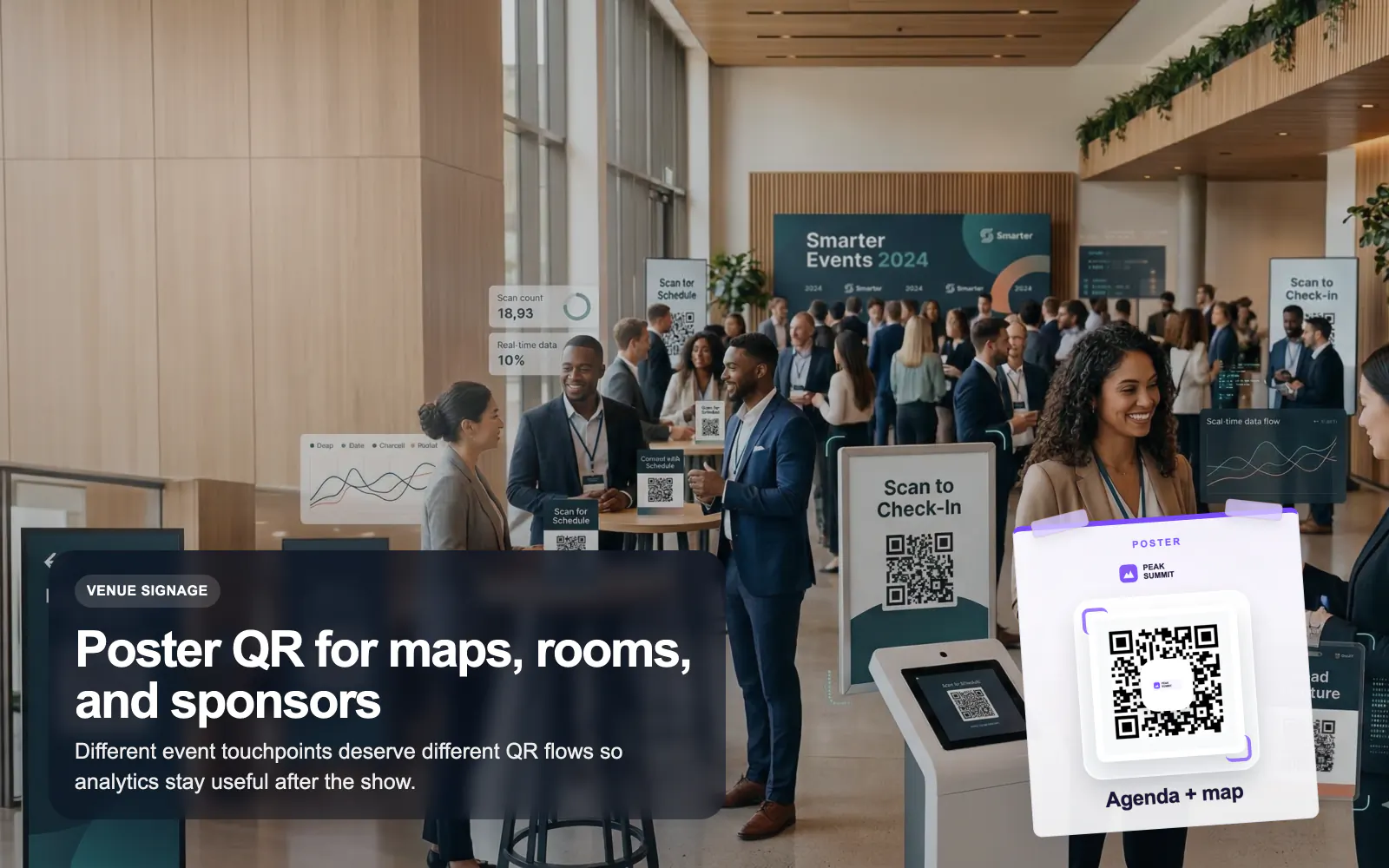
Use T.LY QR codes for events, badges, posters, agendas, lead capture, and sponsor flows with editable links and branded analytics.
Events Use Case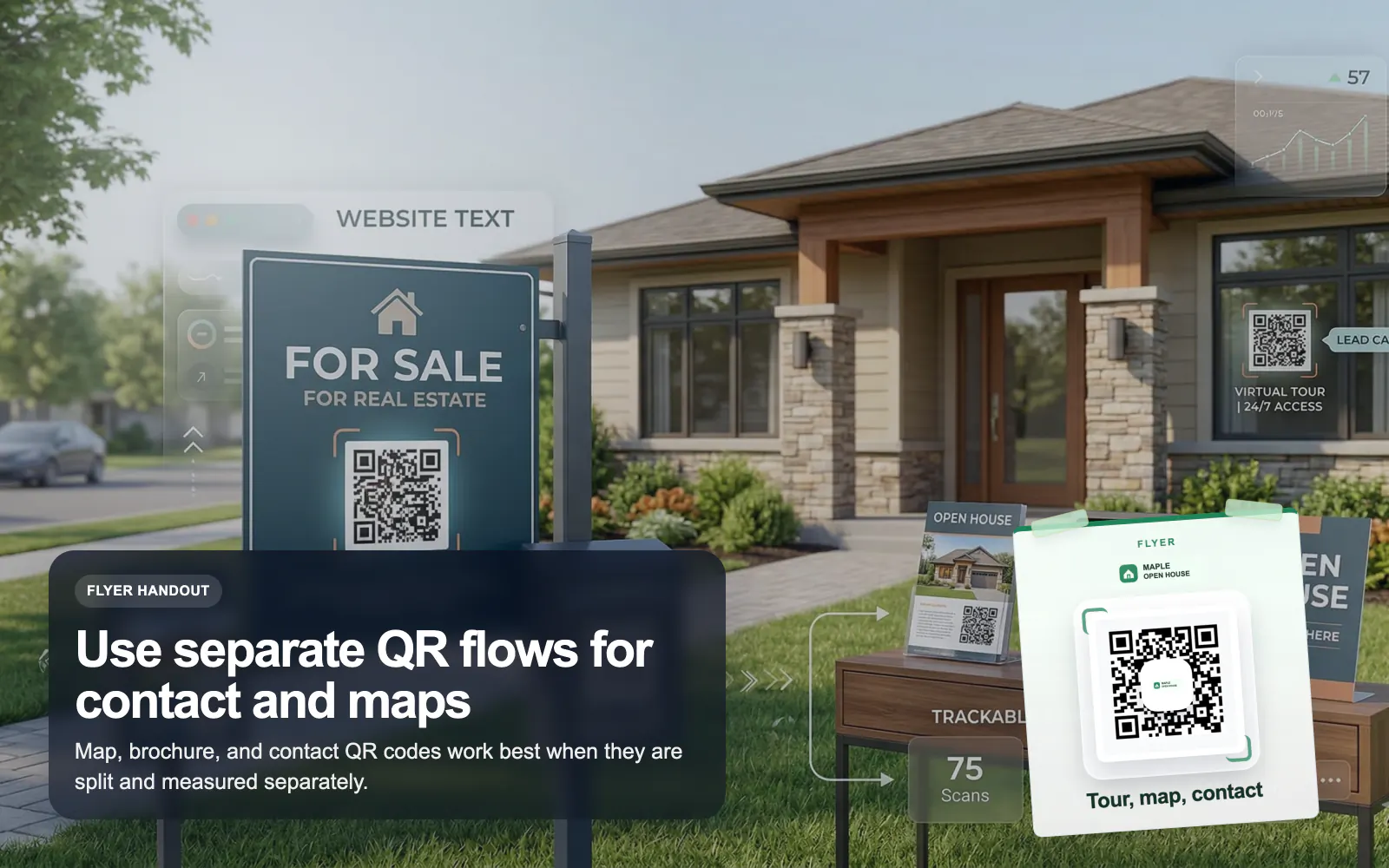
Use T.LY QR codes for real estate flyers, yard signs, virtual tours, property pages, and agent contact flows with branded tracking.
Real Estate Use CaseLaunch a QR campaign, style it for print, and keep the destination flexible after it goes live.
 Browser Extension



