Dynamic QR Codes vs Static QR Codes
If you are creating a QR code for a menu, flyer, poster, business card, or product package, start with one question: Should this QR code be static or dynamic?
That choice matters more than most people think.
A static QR code stores the final destination inside the code itself. A dynamic QR code points to a managed short link or redirect that you update later. Both types serve a purpose. For most business and marketing use cases, dynamic QR codes are the safer choice. If you want the support-center version of this explanation, see Dynamic QR codes.
The short version
Here is the simplest way to think about it:
- Static QR code: best when the destination will never change
- Dynamic QR code: best when you need to edit, track, or manage the destination later
If you are printing the QR code on anything expensive or hard to replace, dynamic usually wins.
What is a static QR code?
A static QR code contains the final data directly in the pattern of the code. The data often includes:
- A website URL
- Plain text
- WiFi credentials
- A phone number
- An email address
- Contact information
Once the code is created, that data is locked in. If the destination changes, you usually need to generate a brand new QR code and replace the old one everywhere it was used.
What is a dynamic QR code?
A dynamic QR code usually contains a short URL or managed redirect instead of the final destination. When someone scans the code, they hit that redirect first, then land on the current destination.
That extra layer gives you control after the code goes live.
With a dynamic QR code, you get these benefits:
- Change the destination later
- Track scans and engagement
- Fix mistakes without reprinting
- Reuse the same printed QR code for updated campaigns
- Send traffic to different pages over time
This is why teams use dynamic QR codes in trackable QR campaigns and why they choose them when they need to edit a QR code later.
For the practical dashboard view of scan metrics, the Track QR code scans help article pairs well with this guide.
Dynamic QR codes vs static QR codes
| Feature | Static QR Code | Dynamic QR Code |
|---|---|---|
| Change destination later | No | Yes |
| Track scans | No | Yes |
| Best for print campaigns | Risky | Yes |
| Works without a redirect platform | Yes | No |
| Good for WiFi or plain text payloads | Yes | Sometimes |
| Good for marketing links | Limited | Yes |
When static QR codes make sense
Static QR codes work well when the encoded data is permanent and does not need analytics.
Good use cases for static QR codes:
- WiFi login details for a stable network
- A phone number that will not change
- Plain text notes
- A permanent email address
- Internal uses where tracking is not needed
For example, a guest WiFi sign with a stable password is a good fit for a static QR code.
When dynamic QR codes make sense
Dynamic QR codes work better when the destination, campaign, or tracking needs might change later.
Good use cases for dynamic QR codes:
- Restaurant menus
- Flyers and posters
- Product packaging
- Event signage
- Business cards
- Real estate signs
- Billboards
- Paid marketing campaigns
If you print 5,000 flyers with a QR code that points to a landing page, one URL change creates a problem. A static QR code forces a reprint. A dynamic QR code lets you update the redirect and move on.
Why marketers usually prefer dynamic QR codes
If you use QR codes for marketing, dynamic QR codes are usually the better option.
Here is why:
1. You edit after printing
This is the biggest benefit. Print materials cost money. Mistakes happen. Campaigns change. Offers expire. Dynamic QR codes let you update the destination without replacing the printed code.
2. You track scans
Dynamic QR codes show scan volume, scan timing, and often device or location data. That makes offline campaign measurement easier.
3. You test and optimize
If one landing page underperforms, update the destination. If you need to swap seasonal offers, event pages, or product launches, dynamic QR codes handle the change.
4. They reduce risk
If a destination URL breaks, moves, or gets replaced, you do not lose the QR code. You update the link behind it.
One important limitation
Not every QR code type is naturally dynamic.
For example, QR codes for WiFi, SMS, phone numbers, and plain text often embed the final payload directly inside the code. That makes them static by nature. Dynamic QR codes work best for URL-based QR codes, because URLs point to a managed redirect.
If you want editing and analytics, use this pattern:
- Create a short link
- Turn that short link into a QR code
- Manage the destination behind the short link later
Which one should you choose?
Use this rule of thumb:
- Choose static if the content is simple, permanent, and does not need tracking
- Choose dynamic if the code will be printed, shared publicly, or used in a campaign where changes or analytics matter
If you are unsure, choose dynamic. Most regret around QR codes comes from printing a static code and then realizing the destination needs to change.
Best practices before you print
Whether you choose static or dynamic, these habits prevent problems:
- Test the QR code on multiple phones
- Use strong contrast
- Leave a proper quiet zone around the code
- Export at a high resolution, or use SVG for print
- Make sure the landing page works well on mobile
For stronger scan reliability, read QR Codes Correction Levels.
If the code is headed to print, the QR code printing guide is worth reviewing before you export final artwork.
Final thoughts
Static QR codes fit fixed information. Dynamic QR codes fit campaigns, printed assets, and links that change over time.
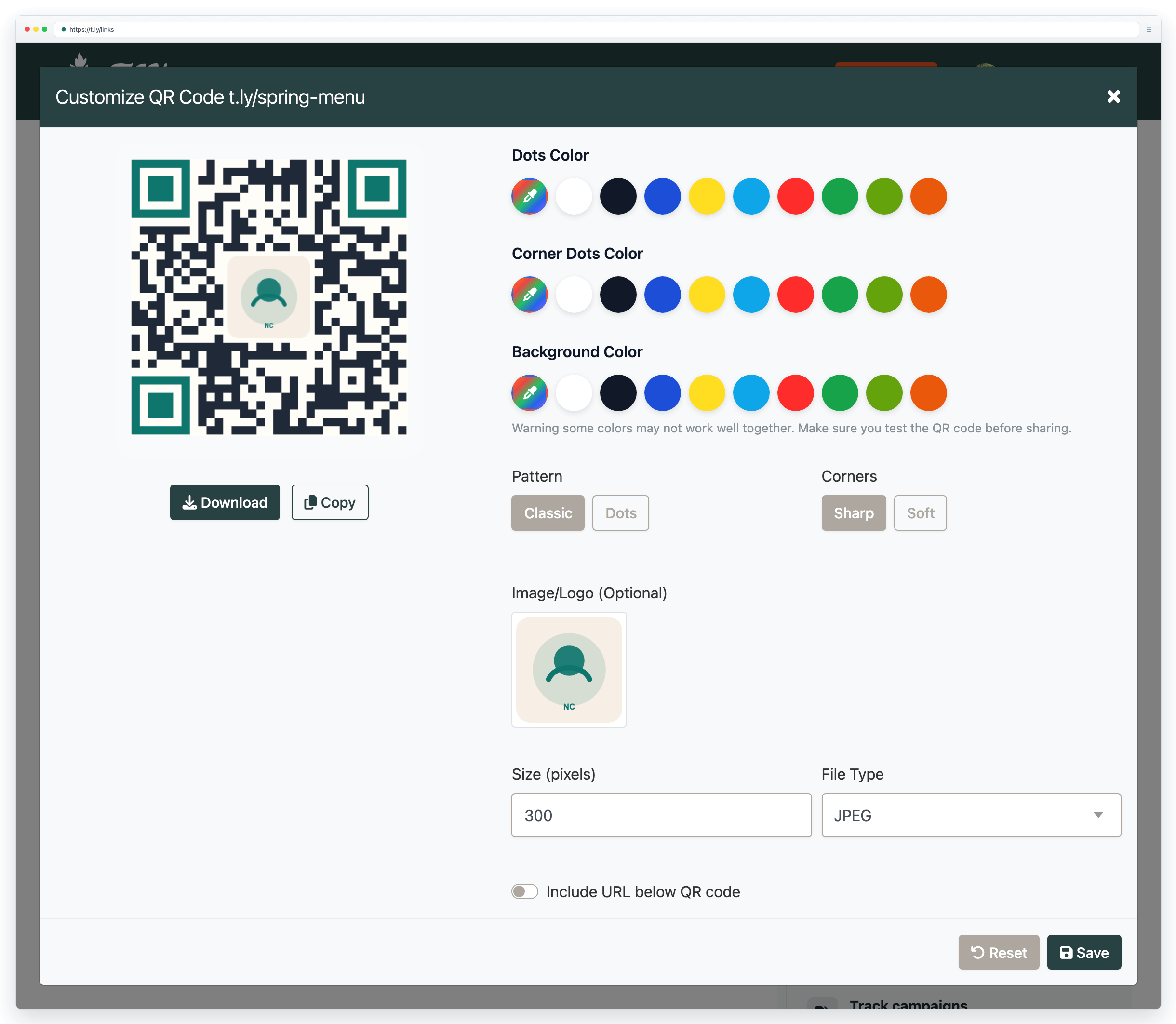
If you want URL-based QR codes with editing and tracking, start with T.LY QR Code Generator or explore QR Code Management.


Tim Leland
Useful Tools
Ready to improve how you manage links?
T.LY URL Shortener makes long links look cleaner and easier to share! Add your own Custom Domains to personalize your brand. Create Smart Links to customize a URL's destination. Generate QR codes to promote your business.
Start your 5-day trial Browser Extension



