 Tim Leland

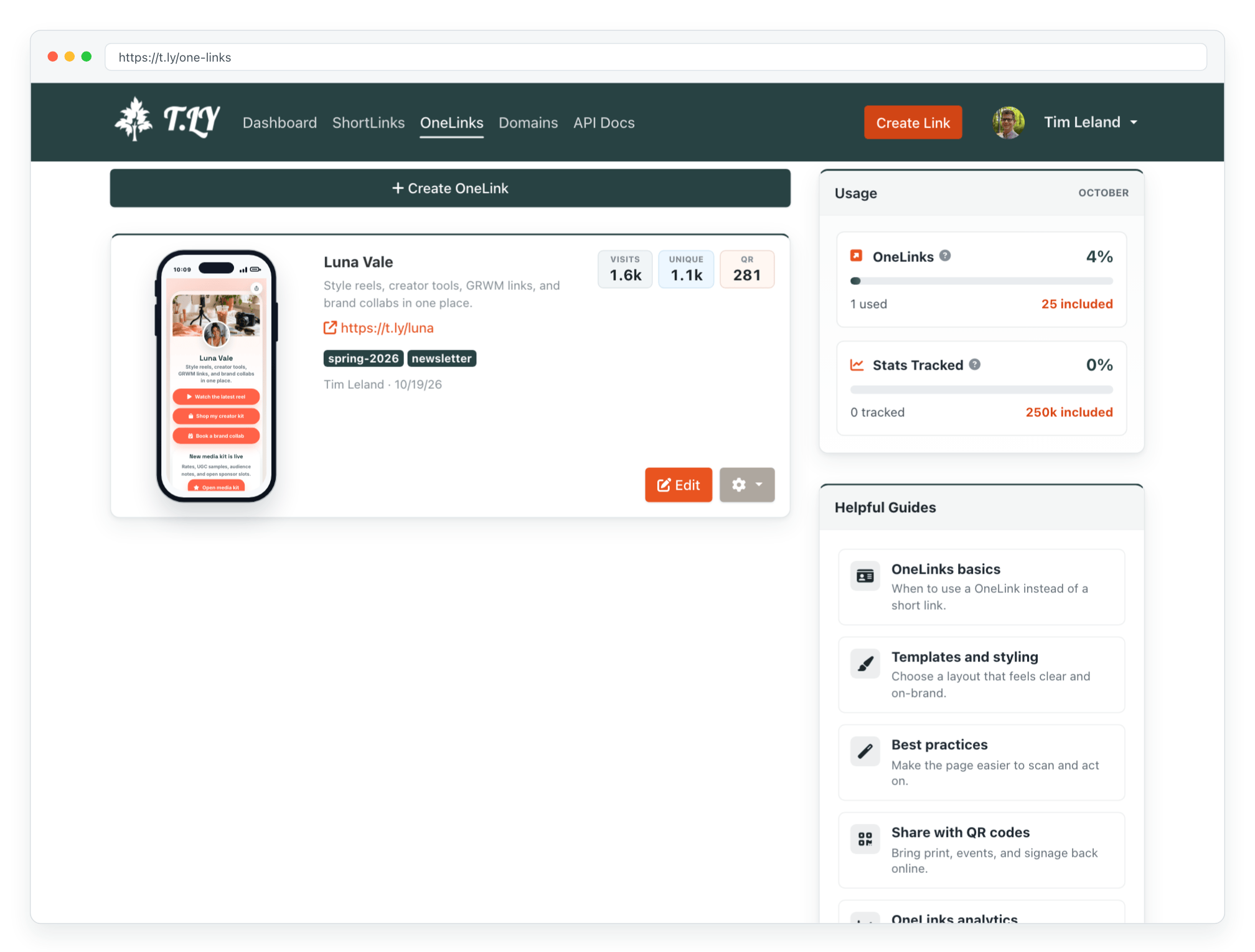
T.LY introduced OneLinks to make it easier to share everything from one place. If you need a single page for your most important links, OneLinks gives you a clean and customizable way to do it. See the latest OneLinks feature guide for the current builder, templates, and analytics.
What OneLinks does
With OneLinks, you can build one easy-to-share page that points people to your content, products, profiles, or latest updates. It works especially well for social bios where space is limited and you only get one link.
How to get started
To create your own page, log in and start building a OneLink. The OneLinks basics help article explains the setup and points you to more detailed guides. If you do not already have an account, you can create one here.
T.LY is focused on making link sharing simpler, and OneLinks is one more way to do that.