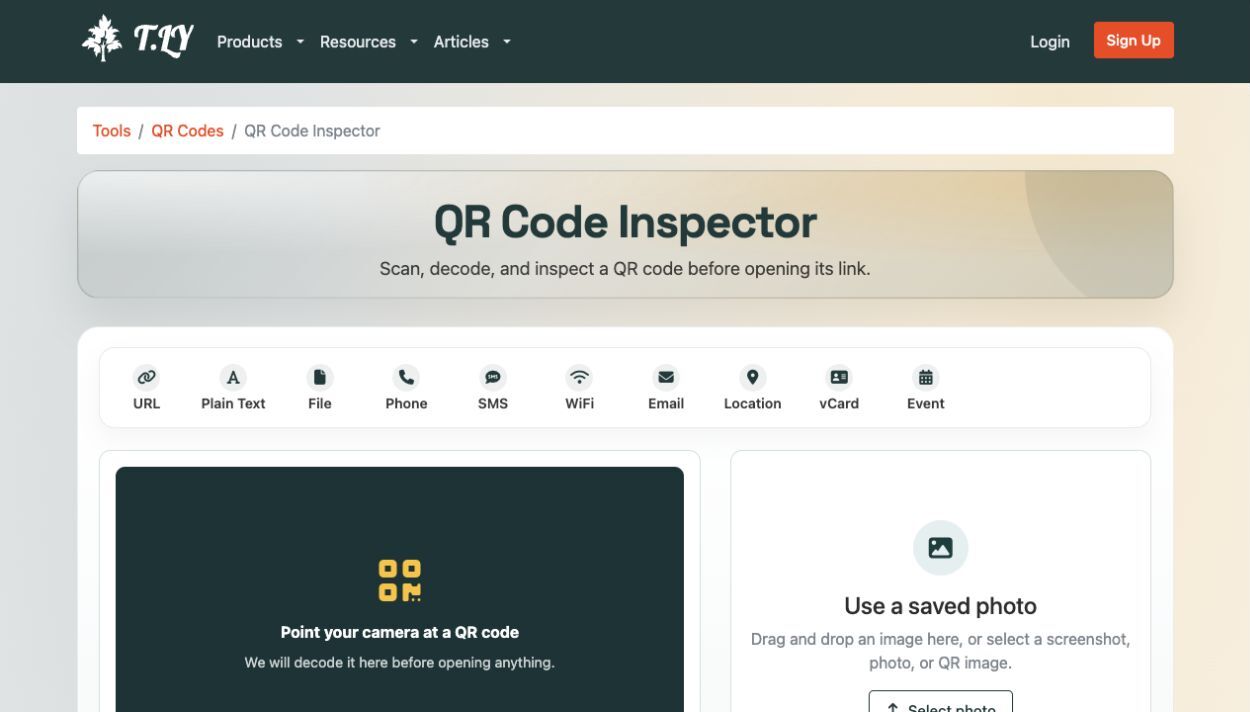
QR Code Inspector
Scan, decode, and inspect a QR code before opening its link.
About QR Code Inspector
What is the QR Code Inspector?
This free QR code scanner lets you use your camera or select a photo to decode a QR code. The image stays in your browser. If it contains a web address, T.LY inspects that decoded URL and follows the link the same way our URL unshortener checks a pasted short link.
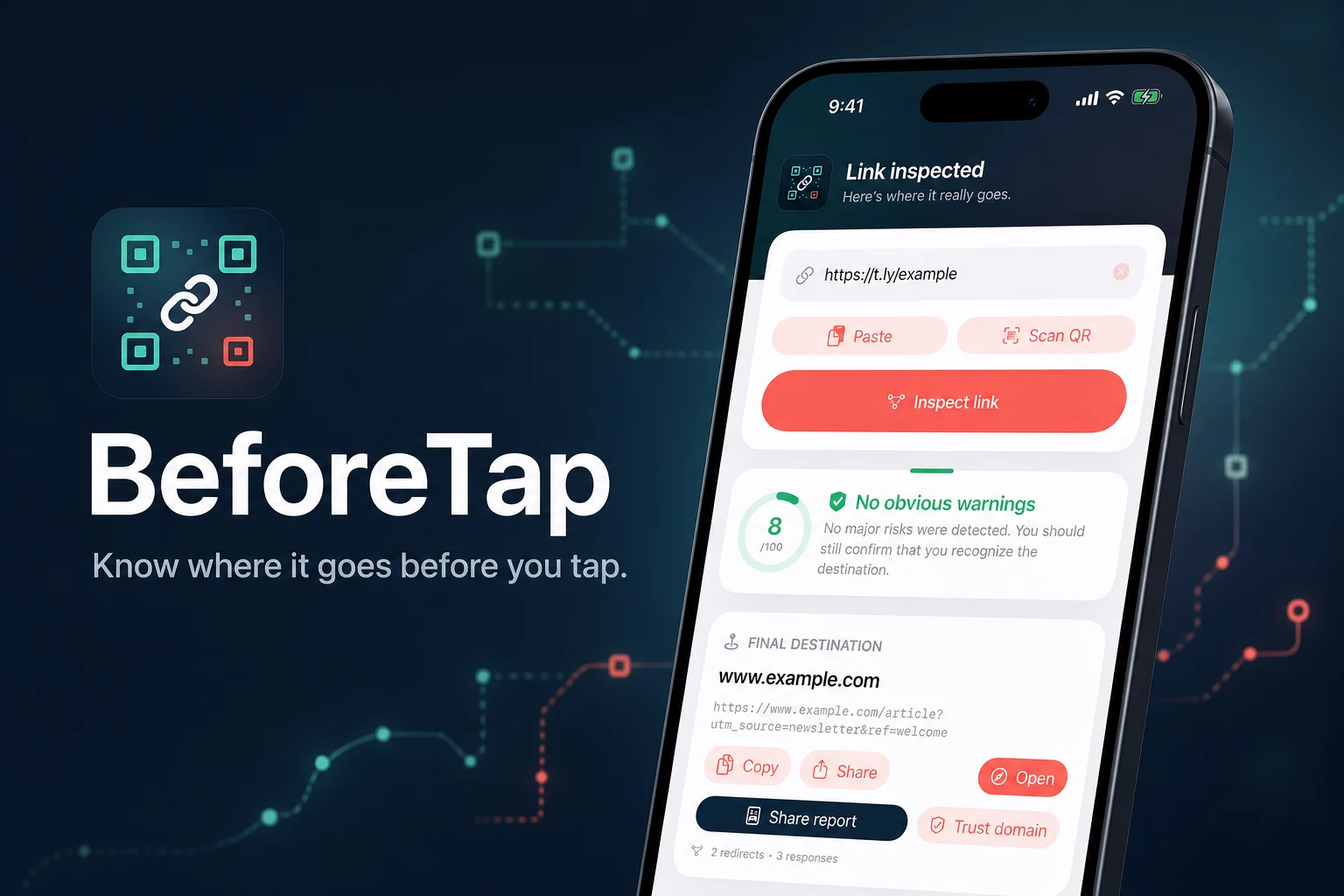
You see the decoded URL, redirect chain, final destination, page title, screenshot, DNS and SSL details, and an automated risk signal when available. The destination does not open in your browser during the check.
No scanner can promise that a link is safe. Treat the results as useful signals, then check that the domain and the reason for the scan both make sense.
How to Check a QR Code Before Opening It
- Choose Use camera and point your phone or webcam at the QR code, or select a saved image.
- Wait for the QR code to decode in your browser.
- Review the destination and redirect details before choosing to open the page.
Why Check a QR Code First?
QR codes hide the URL until you scan them. A code on a flyer, email, poster, package, or screenshot can lead to a normal website, a tracking redirect, a login page, or something malicious. Checking the decoded destination first gives you more context before you visit it.
- Scan QR codes from a camera, photo, or screenshot
- Decode QR codes locally in your browser
- Trace redirects without loading the destination on your device
- Review page metadata, screenshots, DNS, SSL, and safety details
- Copy the decoded URL or open it only after reviewing the result
FAQ
How do I scan a QR code here?
Use your camera or select a saved photo or screenshot. T.LY decodes the QR code in your browser, then checks the web destination before you open it.
Can I scan a QR code from a picture?
Yes. Select a photo, screenshot, PNG, JPG, or WebP image that contains a QR code.
Is my QR code image uploaded?
No. The image is decoded in your browser. If the QR code contains a web URL, only that decoded URL is sent to T.LY for redirect and destination checks.
Does this open the QR destination automatically?
No. The QR code is decoded first, then T.LY shows the redirect chain, final URL, page details, and safety signals so you can choose whether to open it.
What if the QR code contains text instead of a URL?
The decoded text is shown so you can copy it. Redirect and destination checks are available for QR codes that contain web URLs.
Print QR codes you can trust.
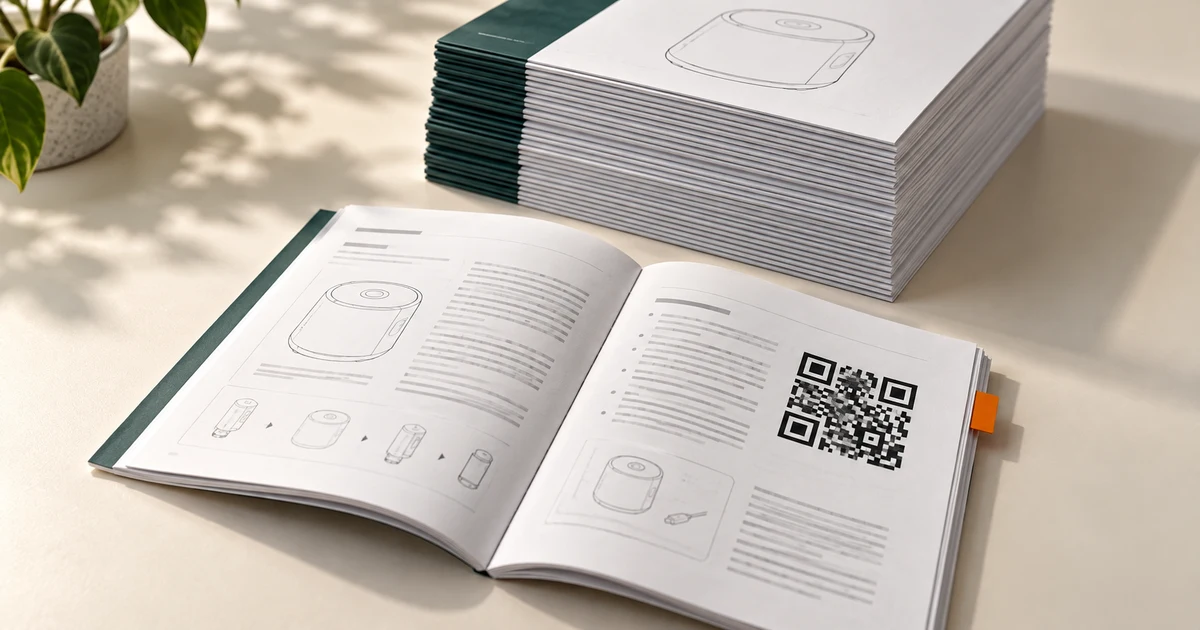
Create dynamic QR codes with editable destinations and scan analytics for campaigns, packaging, menus, events, and signs.
Create a dynamic QR codeAnalyze a QR imageExpand a short URLRelated Tools
More tools you may find useful.




 Browser Extension



