Why T.LY Clicks and GA4 Sessions Don't Match
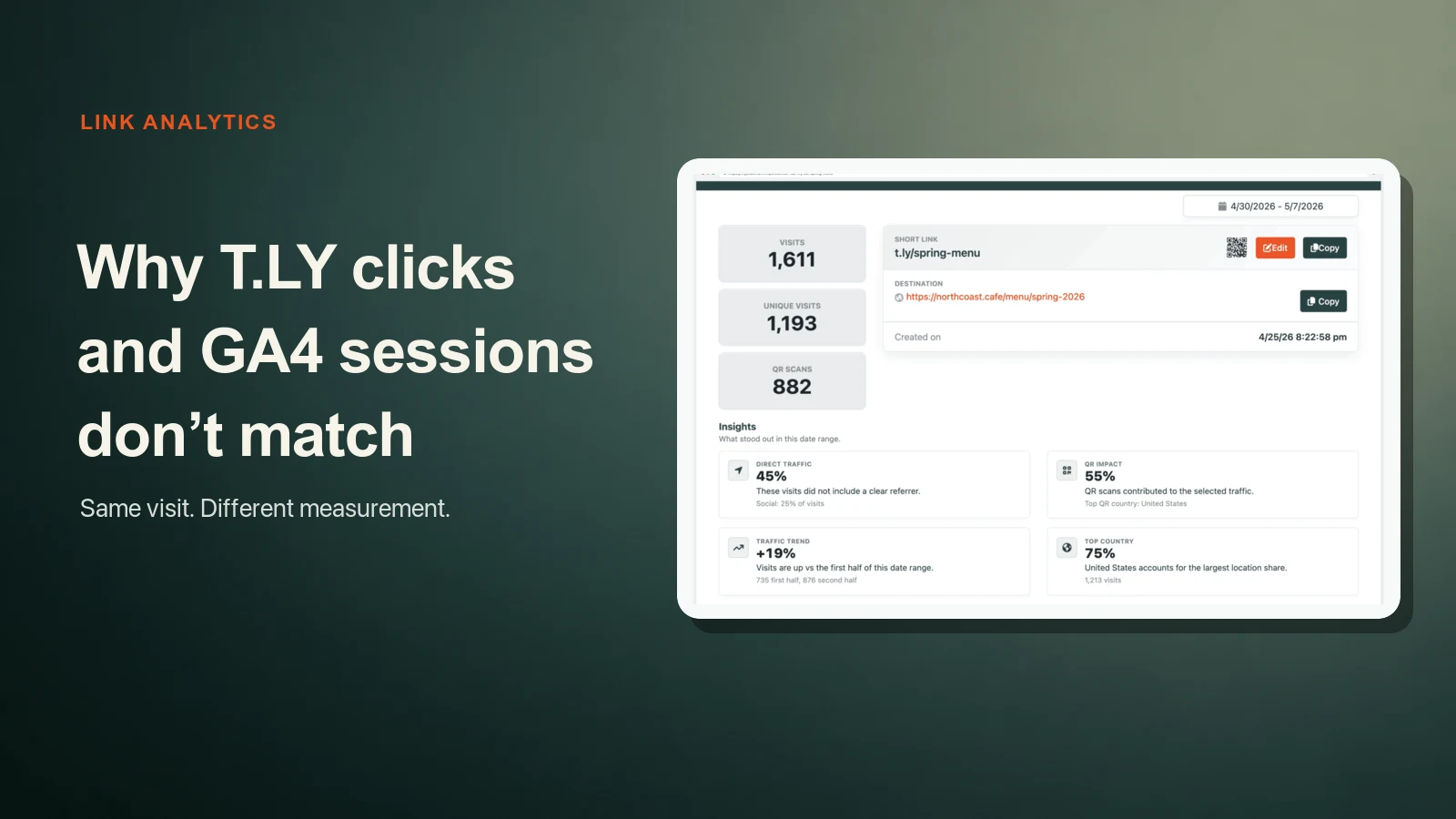
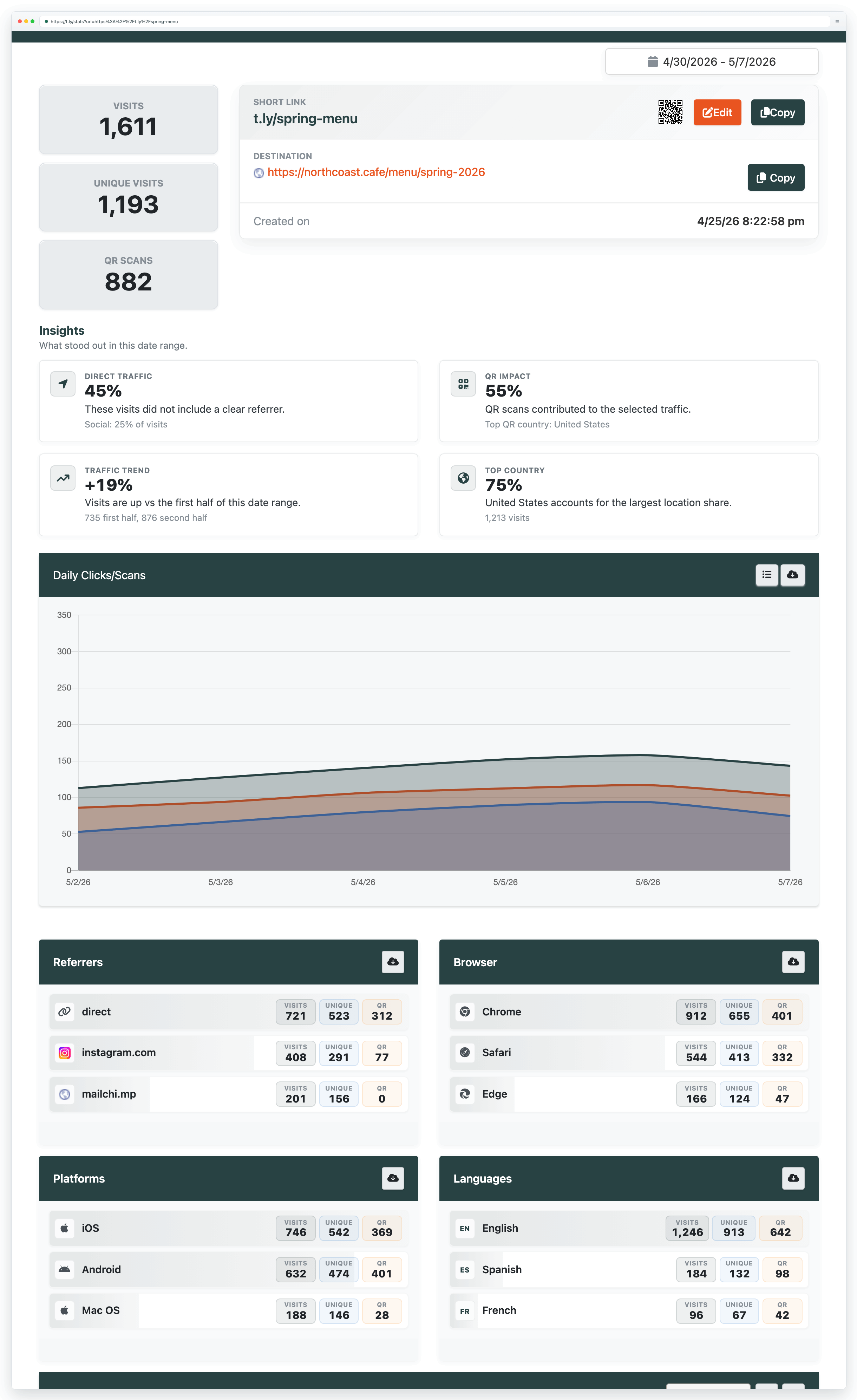
Your T.LY link shows 1,611 visits. GA4 shows 1,193 sessions.
Which number is right?
Probably both.
T.LY records the request to the short link. Google Analytics 4 starts measuring later, after the visitor reaches your website and its tag runs. Those are two different checkpoints.
An exact match would be unusual. The goal is to understand the gap, keep it reasonably stable, and notice when it changes.
The short version
- T.LY visits answer: how many tracked requests reached this short link?
- T.LY unique visits answer: how many distinct IP addresses requested this link on each day?
- T.LY QR scans answer: how many visits came through the QR flow?
- GA4 sessions answer: how many tracked website sessions started after the destination loaded?
- GA4 users answer: how many people or devices GA4 could identify with the signals available?
Do not compare all five as if they are versions of the same metric. They are not.
What T.LY measures
The short link sits before your landing page.
When someone opens the link, T.LY handles the redirect and records the visit. That happens before the final page loads, before a consent banner appears, and before a website analytics tag has a chance to run.
Visits
A visit is a tracked request to the short link. If the same person clicks three times, that can be three visits.
Unique visits
T.LY counts one unique visit per IP address, per short link, per day.
That is useful, but it is not a head count.
Ten people in an office can share one public IP address. One person can move from home Wi-Fi to mobile data and appear under two addresses. VPNs and mobile carriers make this messier.
Use unique visits as a directional estimate. Do not call it an exact count of people.
QR scans
A QR scan is a visit identified through the QR flow. It is already included in the visit total.
If a report shows 1,611 visits and 882 QR scans, the total is still 1,611. It is not 2,493.
What GA4 measures
GA4 does not see the redirect itself unless you add separate tracking to that redirect step. It sees the destination page after the Google tag loads.
Google describes a session as a group of user interactions over a period of time. Its session_start event carries campaign and referrer information, including UTMs when they are available.
That difference in timing explains a lot.
Someone can click a short link, reach a slow page, close the tab, and never create a GA4 session. T.LY still saw the click because the redirect already happened.
The opposite can happen too. A person can browse several pages and fire many events inside one GA4 session. That does not create more short-link visits unless they go back and click the short link again.
Why the numbers differ
1. Clicks and sessions are different units
This is the biggest reason.
One person can click the same link twice during one session. T.LY can show two visits while GA4 shows one session.
Google makes the same distinction in its guide to click and session discrepancies: ad clicks, sessions, and users measure different things, so some difference is expected.
2. The destination did not finish loading
The redirect can succeed while the landing page fails.
Common causes:
- the person closed the tab
- the connection dropped
- the site was slow
- the destination returned an error
- JavaScript failed
- another redirect broke the path
T.LY records the request at the start. GA4 needs the page and tag to keep working a little longer.
3. Consent or privacy tools blocked GA4
The short link can redirect without cookies or JavaScript. GA4 usually cannot collect the same data when:
- the visitor rejects analytics consent
- an ad blocker blocks the Google tag
- the browser limits storage or tracking
- JavaScript is disabled
- a content security policy blocks the request
That traffic may exist in T.LY and never appear as a normal GA4 session.
4. UTMs disappeared on the way
The GA4 session might exist but show under the wrong campaign.
Google notes that redirects can strip campaign parameters and push traffic into direct / none. Its guide to direct traffic recommends checking that UTMs survive every redirect.
Do this test:
- Add
utm_source,utm_medium, andutm_campaignto the final destination. - Shorten that complete URL.
- Open the short link in a private browser window.
- Check the address bar on the final page.
- Confirm every UTM is still present.
If the parameters disappear, check destination-side redirects, rewrite rules, and scripts. The short link should pass the full destination URL you saved.
5. Link previews and security scanners opened the URL
Email platforms, chat apps, security products, and social networks often inspect a URL before a person clicks it.
T.LY filters known crawlers and search-engine robots from standard reporting. But automated traffic changes constantly. A scanner can look enough like a normal browser to create a visit, while GA4 ignores it because the scanner never runs the page tag.
Look for clues in T.LY:
- a burst of visits immediately after sending an email
- many visits from one browser or location
- visits with no matching landing-page activity
- a pattern that happens every time a message is delivered
No analytics tool catches every automated request. Treat a sudden pattern as something to investigate, not proof that people clicked.
6. The reports use different timezones
A click at 11:55 p.m. can land on different dates in two systems.
Check the timezone in GA4 and the date range in T.LY before comparing daily totals. This is easy to miss when a report crosses midnight or daylight saving time.
7. Unique visits and GA4 users identify people differently
T.LY unique visits use IP address per link per day. GA4 users rely on its own browser identifiers, consent state, and modeling.
These numbers can move together, but they should not be expected to match.
Shared networks can lower the T.LY unique count. Changing IP addresses can raise it. Cookie deletion and blocked storage can change GA4's user count.
What should you compare?
Use the closest reasonable pair, then keep the limitation in the label.
| If you want to know... | Use T.LY | Use GA4 |
|---|---|---|
| How many requests reached the short link? | Visits | Not the primary measure |
| Roughly how many distinct visitors arrived today? | Unique visits | Users or active users |
| How many tagged website visits started? | Not available | Sessions |
| What did visitors do after landing? | Not available | Events and key events |
| Which link placement drove the request? | One link per placement | UTMs and traffic acquisition |
The cleanest reporting combines both systems:
- T.LY shows whether the link or QR placement earned attention.
- GA4 shows what happened after the landing page loaded.
- Your store, CRM, or form tool shows whether the visit turned into revenue or a lead.
A debugging checklist
When the gap suddenly looks wrong, work through this in order.
1. Match the report setup
- same start and end dates
- same timezone
- same short link
- no old destination mixed into the range
- no filter applied on one side only
2. Compare visits to sessions first
Do not compare T.LY unique visits to GA4 sessions. Do not compare QR scans to GA4 users.
Start with T.LY visits and GA4 sessions. Then look at the other metrics for context.
3. Test one controlled click
Use a private window and a destination with clear UTMs.
Confirm:
- the short link opens
- the final page returns successfully
- UTMs survive the redirect
- the Google tag loads
- GA4 Realtime or DebugView sees the session
- the expected source, medium, and campaign appear
4. Check consent in both states
Test once after accepting analytics consent and once after rejecting it.
If GA4 records both the same way, your consent setup may not be doing what you expect. If GA4 only records the accepted test, the reporting gap is partly the intended result of your privacy choice.
5. Check speed and redirect count
Every extra hop creates another place for a mobile visitor to leave or for a parameter to disappear.
Keep the path simple:
short link -> final HTTPS landing page
If the destination needs another redirect, test it carefully. Use the Link Expander to inspect the chain.
6. Compare by channel
The overall total can hide where the mismatch starts.
Create one short link per placement:
- email footer
- newsletter hero
- Instagram bio
- paid social ad
- QR poster
- partner page
Then give each destination consistent UTMs. Google recommends setting the relevant campaign parameters together, especially source, medium, and campaign, in its custom URL guide.
This makes the bad channel obvious. If email shows a large link-to-session gap but organic social does not, email security scanners are a likely place to look.
There is no universal match rate
Do not chase a made-up percentage.
A fast SaaS landing page with simple consent may show a small gap. A newsletter sent to corporate inboxes may show a larger one because security tools inspect every URL. A global consumer site with strict consent may have fewer GA4 sessions relative to T.LY visits.
Watch your own baseline.
If T.LY is usually 12% above GA4 and it jumps to 60%, investigate. If the gap stays stable while campaigns grow, the two systems are probably doing their jobs.
The point is not to force one number. It is to know what each number can prove.
For the shorter version, keep the T.LY clicks vs. GA4 help guide handy. If you need to fix campaign naming first, start with UTM presets and the UTM URL Builder.




Tim Leland
Useful Tools
Ready to improve how you manage links?
T.LY URL Shortener makes long links look cleaner and easier to share! Add your own Custom Domains to personalize your brand. Create Smart Links to customize a URL's destination. Generate QR codes to promote your business.
Start your 5-day trial Browser Extension



