
How Does a URL Shortener Work?
What a URL shortener does
A URL shortener stores a short code that points to a longer destination URL. When someone opens the short link, the service looks up that destination and returns an HTTP redirect. The visitor's browser then loads the original page.
That lookup is also where a link management service can do more than redirect. T.LY can record click activity, check expiration and password settings, apply Smart URL or rotation rules, and choose the correct destination before sending the visitor on.
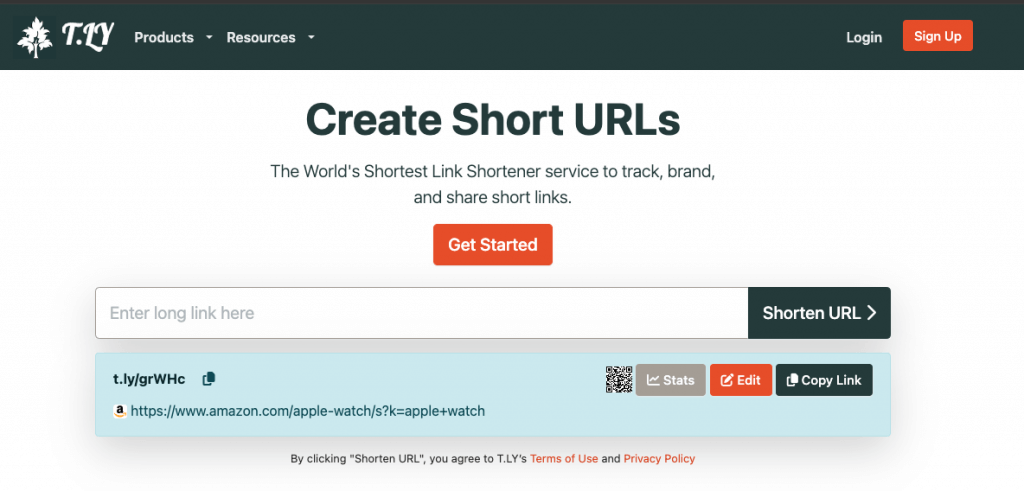
The redirect flow
t.ly/example.
The destination website does not pass through T.LY. T.LY returns the redirect response, then the browser requests the destination directly.
Step 1: Enter the long URL
The process starts when you paste a destination URL into the shortener. This is the page you want people to reach.
Step 2: Create the short link
The service generates a unique short code that becomes the new shortened URL. With T.LY, you can also choose a readable back-half or use a custom domain.
Step 3: Store the URL mapping
The destination and short code are saved as a mapping. Managed links can also store settings for analytics, expiration, password protection, Smart URLs, rotation URLs, and other routing options.
Step 4: Redirect visitors
When someone opens the short link, T.LY looks up the record, applies its settings, and returns a redirect response pointing to the selected destination. This usually happens quickly enough that the visitor only notices the destination page loading.
301 vs. 302 redirects
Both status codes send a visitor to another URL. The difference is whether browsers and other systems should treat that redirect as permanent or temporary.
| Status | What it means | How T.LY uses it | What to expect |
|---|---|---|---|
| 301: Moved Permanently | The short URL has a fixed destination. Browsers may cache the redirect. | T.LY uses a 301 for fixed links whose destination is not editable. | It is efficient for a link that will always point to the same place, but a cached redirect can be difficult to change later. |
| 302: Found | The current destination may change, so the browser should keep checking the short URL. | T.LY uses a 302 for managed links whose destination or routing rules can be updated. | You can keep sharing the same public short URL while changing where it sends visitors. |
A 302 does not mean the short URL is about to expire. It means the redirect target is allowed to change. That distinction matters for QR codes, printed links, Smart URLs, and campaigns where the public link needs to stay the same.
For a closer look at browser caching, read Redirects, Cache, and Short Links.
What T.LY does during the lookup
A basic shortener only needs to find one saved destination. A managed T.LY link can make several decisions during the same request:
- Check whether the link is active, expired, or password-protected
- Select a destination using Smart URL rules such as device or location
- Choose a rotation URL for an A/B campaign
- Record click data for reporting
- Return a 301 for a fixed link or a 302 for an editable link
The short URL stays simple even when the routing behind it is not. That is the main difference between a basic URL shortener and a link management platform.
Related Posts




Tim Leland
Useful Tools
Ready to improve how you manage links?
T.LY URL Shortener makes long links look cleaner and easier to share! Add your own Custom Domains to personalize your brand. Create Smart Links to customize a URL's destination. Generate QR codes to promote your business.
Start your 5-day trial Browser Extension



