Shortener CSV Import Mapper
Convert Bitly, Rebrandly, Short.io, TinyURL, or generic CSV exports into a T.LY bulk import file.
About Shortener CSV Import Mapper
Move short links into T.LY without rebuilding every row
This tool converts common shortener exports into the CSV format used by the T.LY bulk import flow. It supports Bitly, Rebrandly, Short.io, TinyURL, and generic spreadsheets with destination and short URL columns.
What the converter creates
The output file uses the T.LY import columns: LongUrl, Backhalf, Password, and Description. The Backhalf is the custom text after the short domain. For example, summer-sale becomes t.ly/summer-sale when using the t.ly domain. The converter pulls the destination URL, extracts that text from the old short link when possible, and keeps useful title, tag, workspace, or folder data in the description.
How to use it
- Export your links from the old shortener or prepare a spreadsheet with long URL and short URL columns.
- Choose the source shortener in the converter.
- Upload or paste the CSV.
- Download the T.LY import CSV.
- Open your T.LY Links dashboard and use the bulk import modal.
Before you import
- Keep the original export untouched as a backup.
- Review the Backhalf column for conflicts or old branded-domain paths you do not want to reuse. Clear a Backhalf if you want T.LY to generate a new one.
- Import high-value links first, then QA the redirects before moving a full archive.
Ready to import into T.LY?
Download the converted CSV, then open your Links dashboard and use Bulk Actions to import the file.
Open Links DashboardRead Link Import GuideFind A PlanRelated Tools
More tools you may find useful.






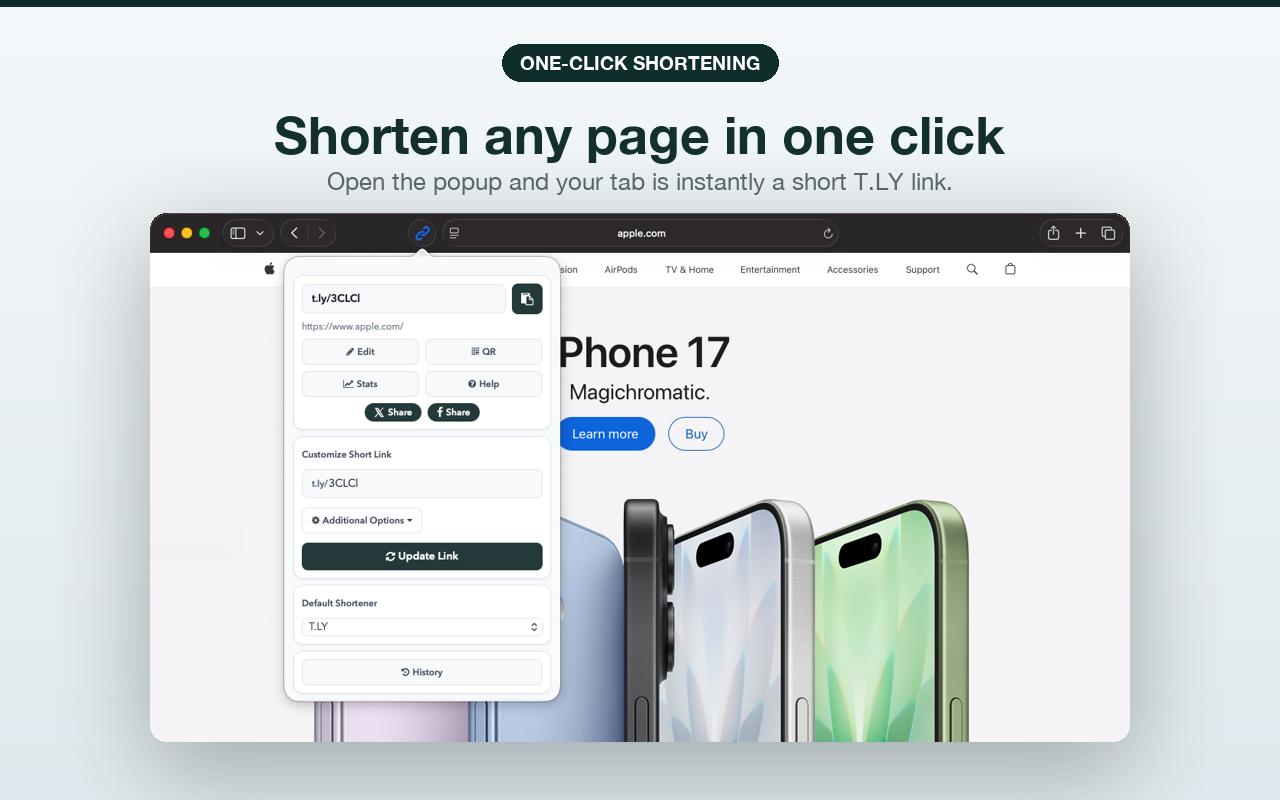

 Browser Extension



