A New Layout for the T.LY App
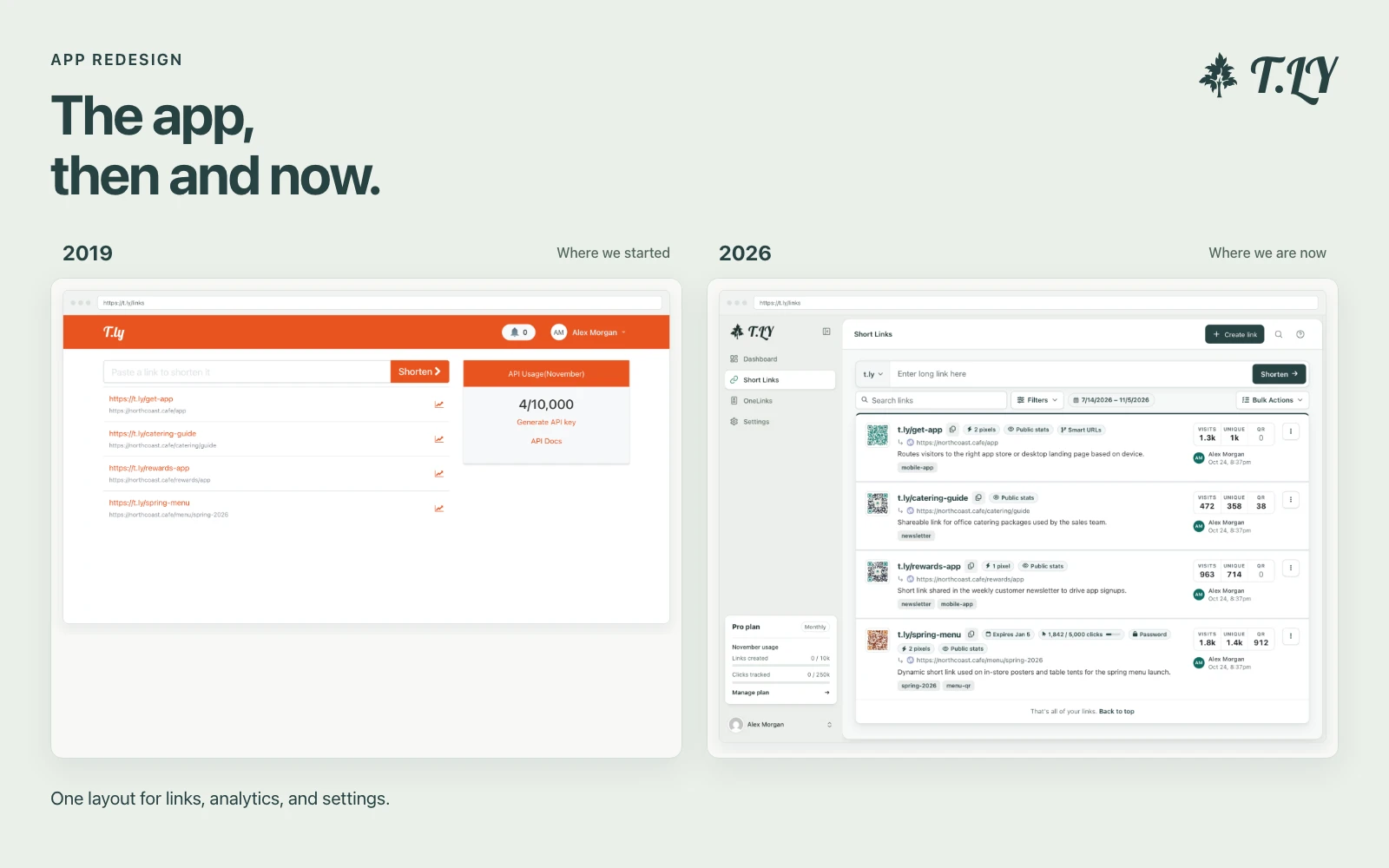
T.LY has a new app layout, with a shared sidebar, search, clearer settings, and navigation that works on phones. Here’s what changed and where we started.
Create a printable property flyer with short links, QR codes, yard sign QR, open house sign-in QR, and agent contact.
This tool helps real estate agents turn one listing URL into a printable flyer block with a short link, property QR code, yard sign QR, open house sign-in QR, and agent contact details.
For a quick preview, paste your listing URL and fill in the property details. For a live campaign, create a T.LY Real Estate OneLink first, then paste that short link into the builder. That gives buyers one clean mobile page for photos, virtual tours, maps, agent contact, and showing requests.
Agents looking for a real estate flyer maker, listing flyer creator, property QR code generator, realtor QR code, yard sign QR code, open house sign-in QR code, or real estate agent marketing tool can use this page to build the first version fast.
The best destination is usually a property OneLink with listing photos, virtual tour, map, brochure, open house details, and agent contact. A single listing URL works for a quick preview, but OneLinks are easier to update after print.
Yes. A yard sign QR code can send buyers straight to the listing, a property OneLink, a map, or an agent contact page. Use a T.LY short link behind the QR code if you want tracking and the option to update the destination later.
Use the open house QR code to send visitors to a sign-in form, lead capture form, or OneLink section. The builder lets you add a separate sign-in URL so it can be tracked apart from flyer and yard sign scans.
No. It works for real estate agents, brokers, teams, property managers, builders, and anyone promoting a listing with print materials or QR codes.
A flyer gets attention. A OneLink gives buyers the next step: listing photos, virtual tour, map, open house sign-in, and agent contact on one short branded URL.
See Real Estate OneLinksCreate A OneLinkQR Code Management
T.LY has a new app layout, with a shared sidebar, search, clearer settings, and navigation that works on phones. Here’s what changed and where we started.
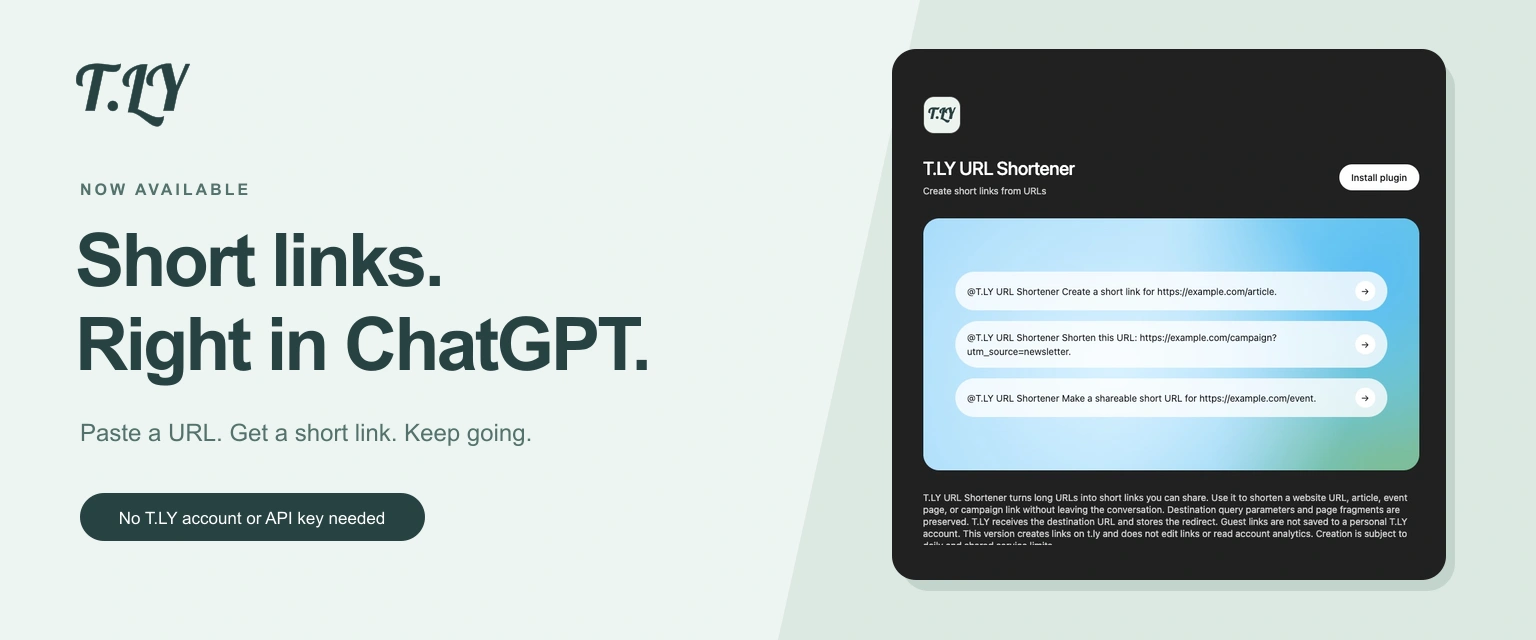
Create a short link without leaving ChatGPT. Install T.LY, paste your URL, and get a link you can share. No T.LY account or API key needed.
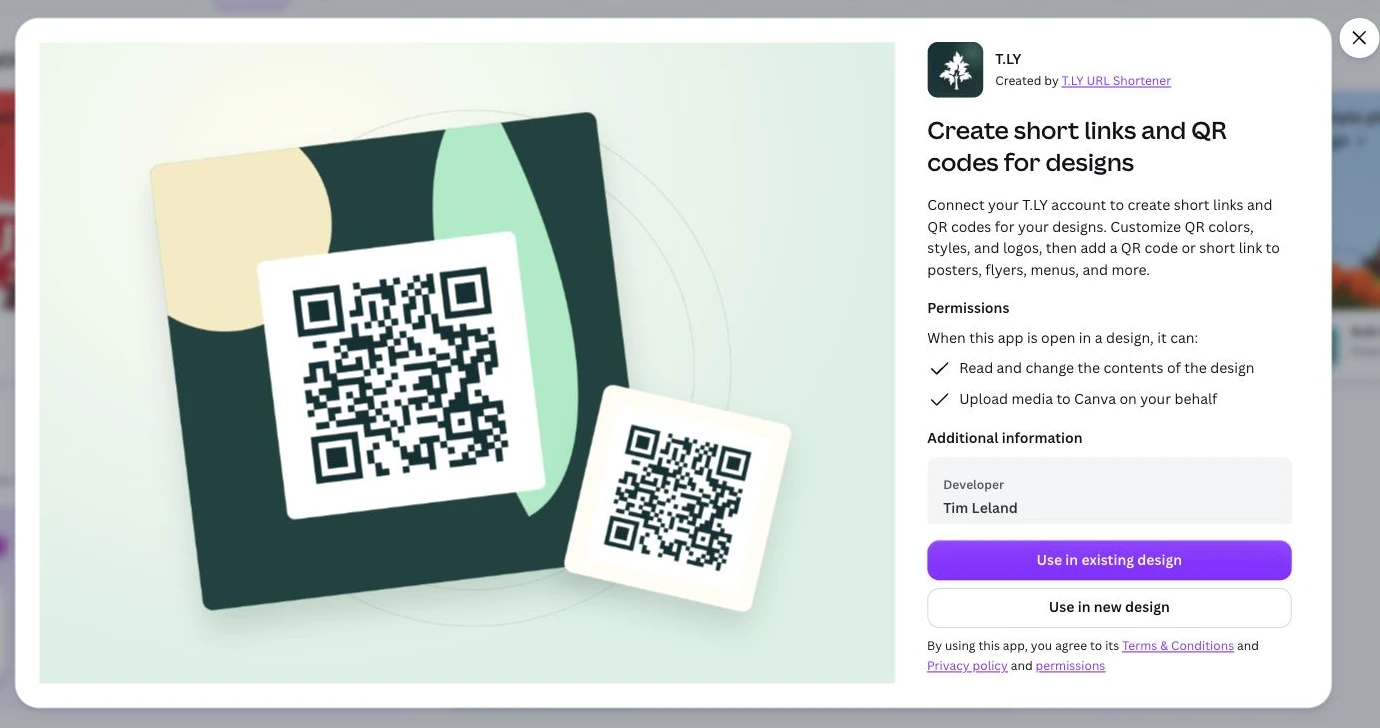
Create short links and branded QR codes inside Canva. Connect your T.LY account, customize your QR code, and add it to your next flyer, menu, or poster.