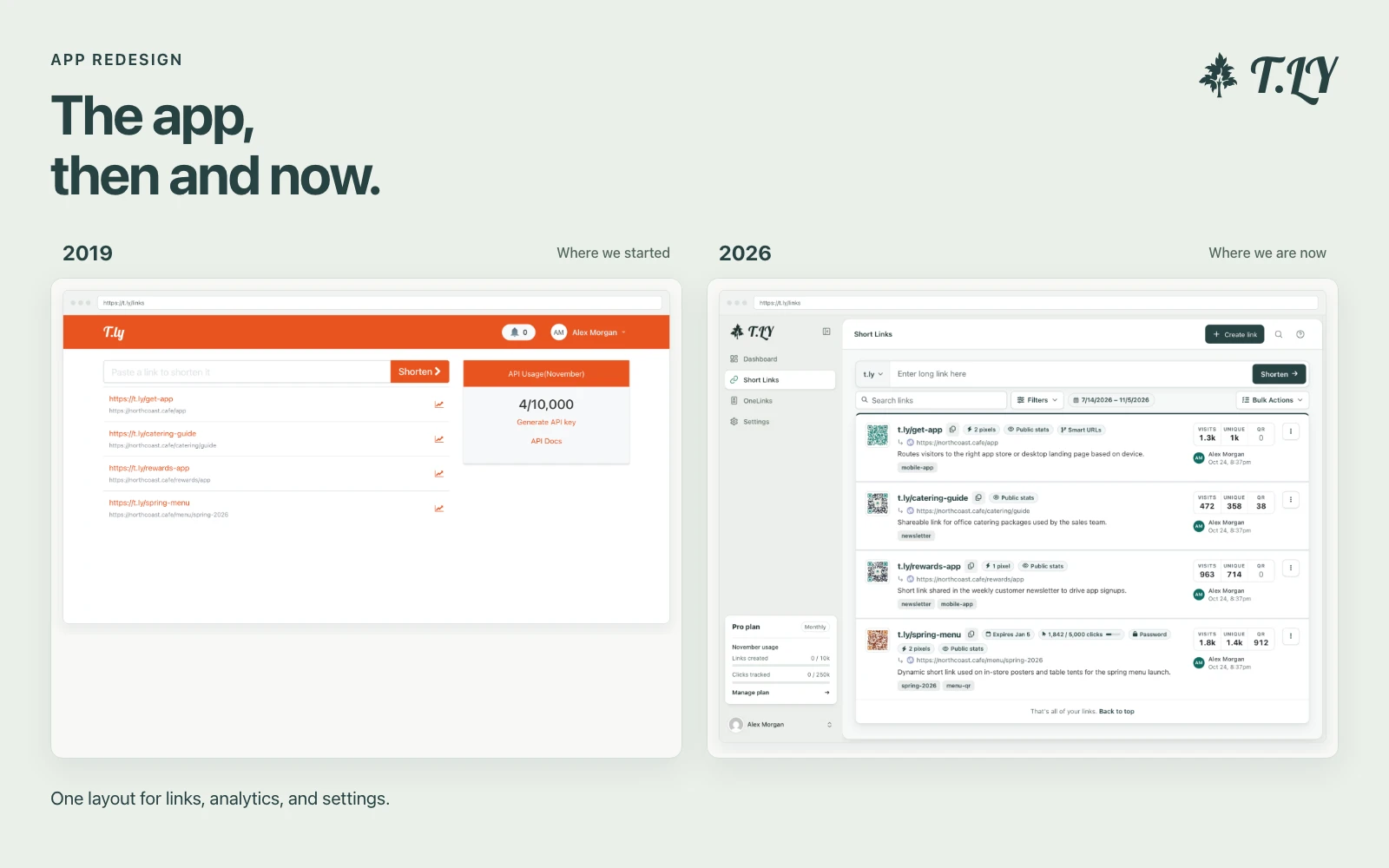
A New Layout for the T.LY App
T.LY has a new app layout, with a shared sidebar, search, clearer settings, and navigation that works on phones. Here’s what changed and where we started.
Check if your browser can copy and paste text through the Clipboard API.
The Clipboard Test tool helps you verify whether your browser supports Clipboard API write and read operations in the current security context. Use it to quickly test copy and paste behavior for both text and images.
All clipboard checks happen in your browser and no data is sent to servers.
T.LY has a new app layout, with a shared sidebar, search, clearer settings, and navigation that works on phones. Here’s what changed and where we started.
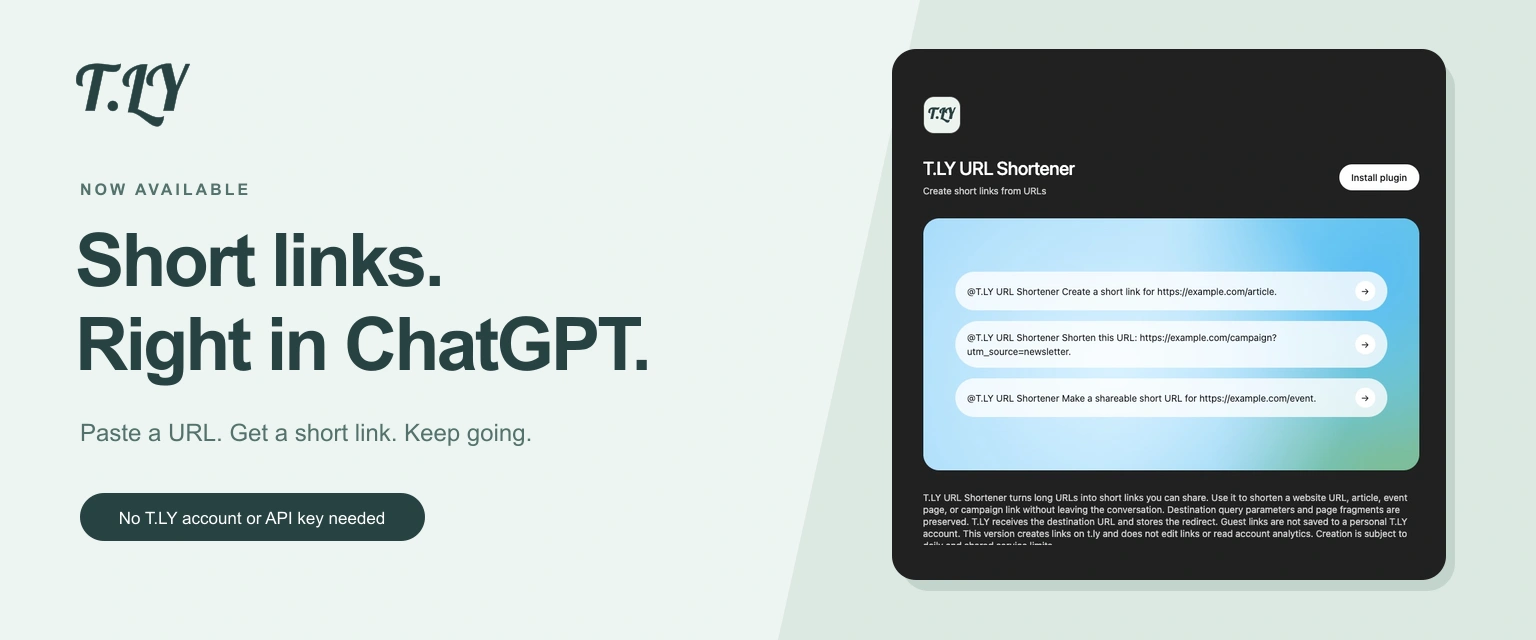
Create a short link without leaving ChatGPT. Install T.LY, paste your URL, and get a link you can share. No T.LY account or API key needed.
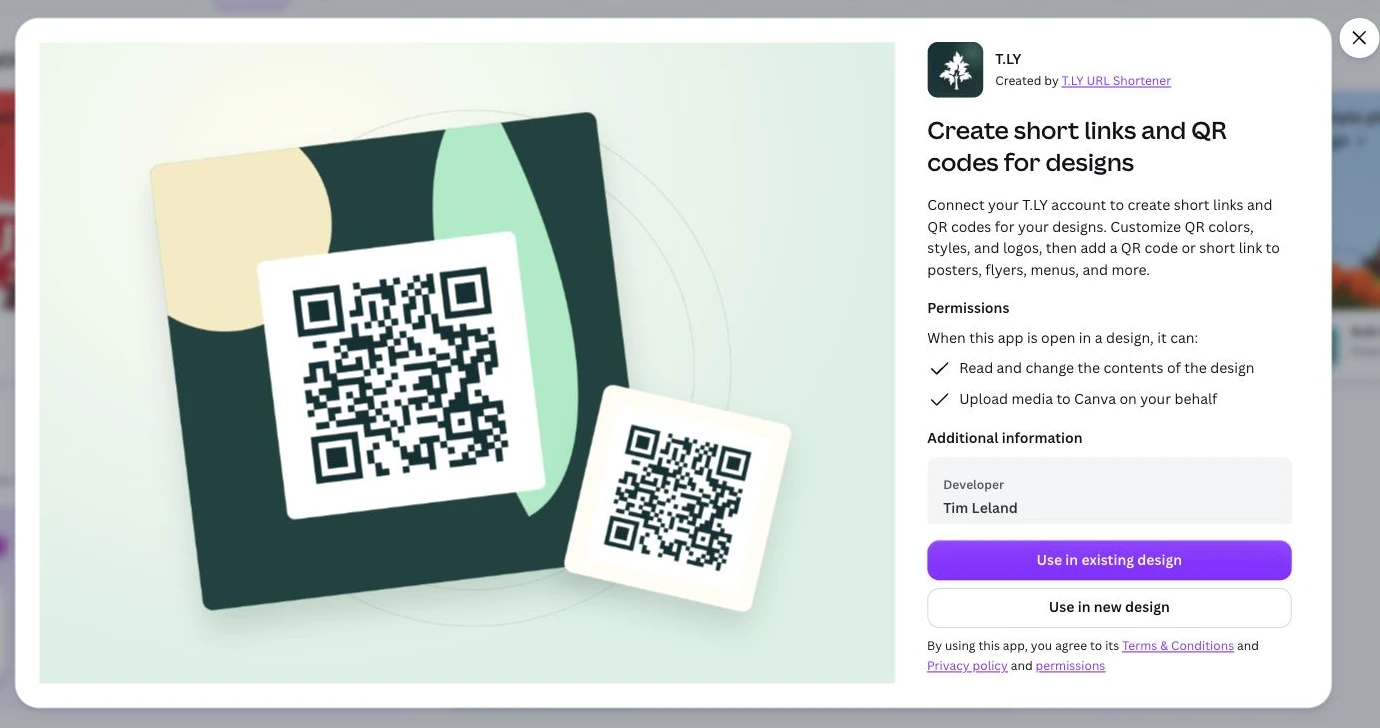
Create short links and branded QR codes inside Canva. Connect your T.LY account, customize your QR code, and add it to your next flyer, menu, or poster.