
Short Links for SMS Marketing
Short links in SMS campaigns with branded domains, trackable destinations, and clean reporting for offers, reminders, and product launches.
SMS Marketing Use CaseSocial posts move fast, but your links still need to feel trustworthy, measurable, and on-brand. T.LY helps social teams publish branded short links for bios, stories, posts, creator campaigns, and paid social without relying on generic redirect domains.

See how T.LY turns branded links into clearer next steps, cleaner reporting, and more flexible campaigns.
Use a branded short domain so your social links look like part of your brand instead of a throwaway redirect.
Keep the public URL stable while you update the destination for a launch, sellout, waitlist, or seasonal campaign pivot.
Create a separate short link per placement so reporting can show which channel or creator actually moved clicks.

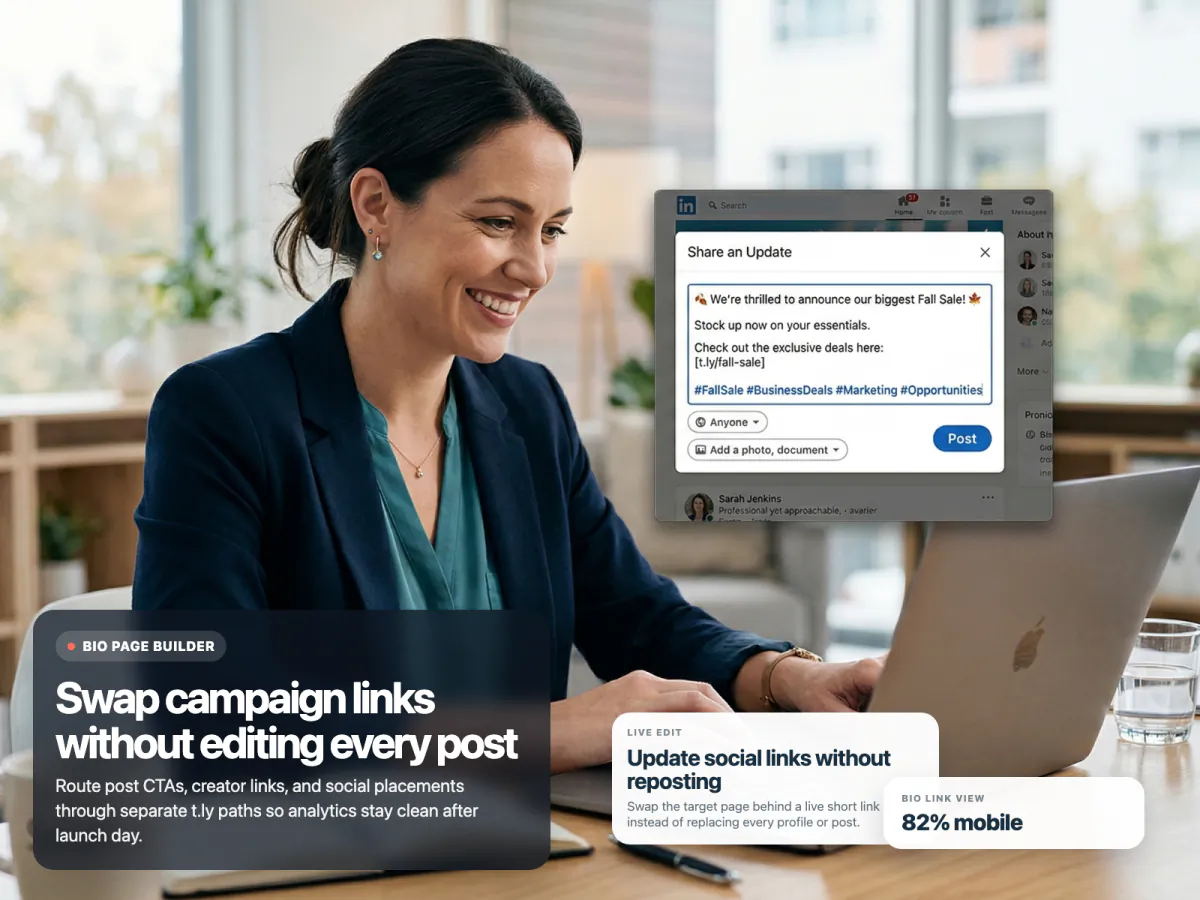
These are the product choices that matter once the short link is actually live in the world.
Not if you want clean reporting. Separate links for Instagram bio, TikTok profile, creator posts, paid social, and LinkedIn make the analytics much more useful.
Yes. T.LY lets you change the destination while keeping the shared short URL the same.
Branded links are usually a better fit because they look more trustworthy, more memorable, and more consistent with your brand.
Use a OneLink when you need a small hub with multiple destinations. Use a short link when you want one direct action and the least friction possible.
Keep going with adjacent short-link workflows that use the same T.LY toolbox in a different channel.
Short links in SMS campaigns with branded domains, trackable destinations, and clean reporting for offers, reminders, and product launches.
SMS Marketing Use Case
Short links on business cards, conference handouts, and email signatures to share contact pages, booking links, and follow-up resources without reprinting.
Business Cards Use Case
Short links in newsletters, lifecycle email, launches, and nurture campaigns with branded domains, editable destinations, and cleaner reporting.
Email Campaigns Use CaseCreate a branded short link, keep the destination flexible, and track what your campaign actually drives.
 Browser Extension



