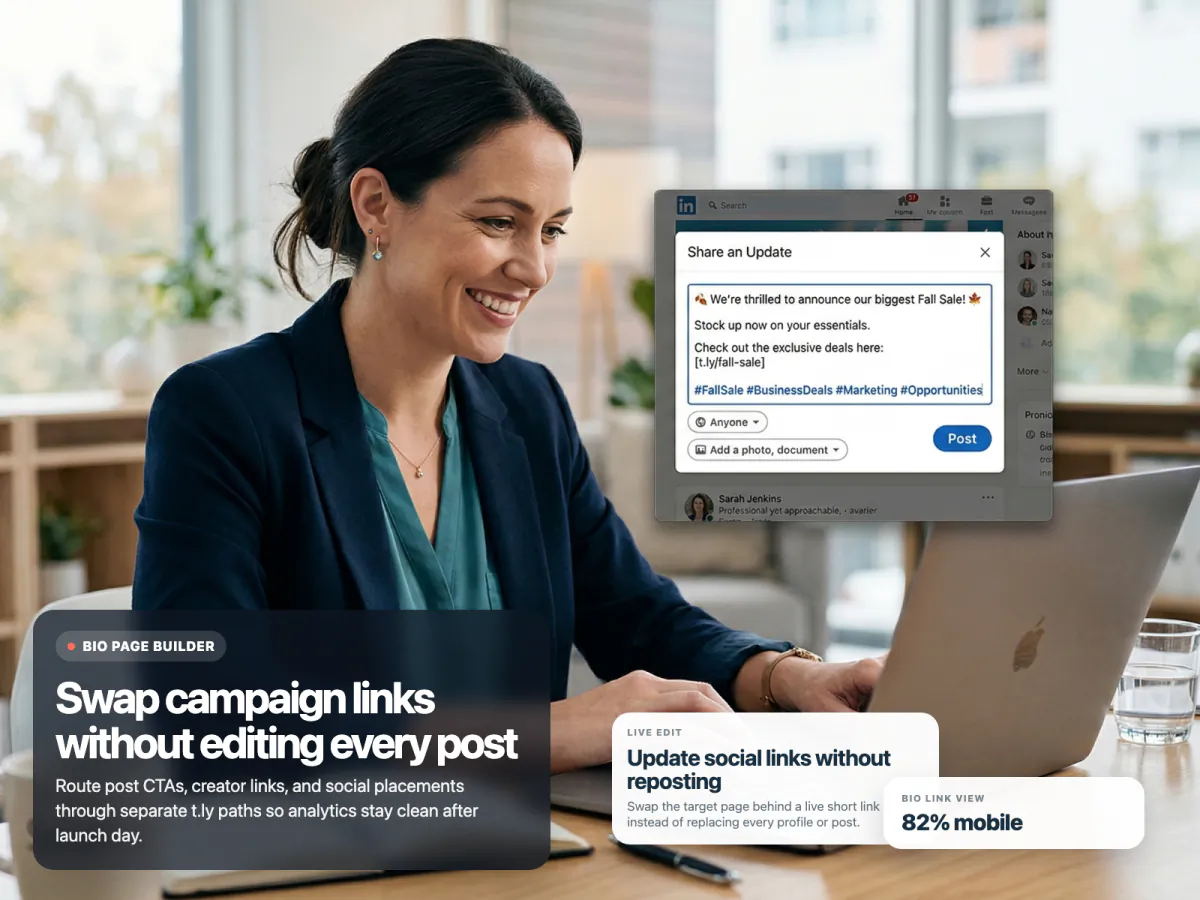
Short Links for Social Media
Short links for Instagram, TikTok, LinkedIn, X, Facebook, and creator campaigns with branded domains, analytics, and editable destinations.
Social Media Use CaseA business card only works if the next step is obvious and easy to remember. T.LY helps you turn cards, speaker handouts, badge backs, and email signatures into branded short links that can send people to your contact card, scheduler, portfolio, or follow-up page.

See how T.LY turns branded links into clearer next steps, cleaner reporting, and more flexible campaigns.
Keep one memorable short link on the card, then update the destination later if your role, calendar, portfolio, or landing page changes.
Send people somewhere better than a homepage: a booking page, a contact hub, a lead magnet, or a digital business card.
Use a unique short link for conferences, leave-behinds, and email signatures so you can see which networking channel actually drives replies.


These are the product choices that matter once the short link is actually live in the world.
The best destination is usually a focused follow-up page like a digital business card, booking page, portfolio, contact hub, or lead magnet rather than a general homepage.
Yes. T.LY lets you update the destination behind the short link without changing the printed URL.
Usually no. Use separate links for conference cards, email signatures, and leave-behinds when you want cleaner reporting.
Yes. Custom domains are a strong fit for business cards because they look more trustworthy and easier to remember.
Keep going with adjacent short-link workflows that use the same T.LY toolbox in a different channel.
Short links for Instagram, TikTok, LinkedIn, X, Facebook, and creator campaigns with branded domains, analytics, and editable destinations.
Social Media Use Case
Short links for sales outreach, account follow-up, proposals, and demo scheduling with branded domains, analytics, and editable destinations.
Sales Outreach Use Case
Short links on posters, flyers, billboards, books, packaging, and signage with branded domains, memorable slugs, and destinations you can update later.
Print & Signage Use CaseCreate a branded short link, keep the destination flexible, and track what your campaign actually drives.
 Browser Extension



