 Tim Leland

The T.LY URL Shortener API allows developers to create, manage, and track links. You can shorten a long URL, update it later, and retrieve analytics for your short links. To get started, register an account and generate an API key. If you want the support-center version with SDK links and setup notes, see API basics & SDKs.
Official SDKs
If you prefer using a package instead of making raw HTTP requests, T.LY offers official SDKs for several popular stacks:
Each SDK uses the same T.LY API token, so you can switch languages or services without learning a different API model.
For package-specific examples, see the setup guides for Go, Node.js, and Laravel.
Creating a link
To create a link, make a POST request to the /link/shorten endpoint. The request body supports:
long_url: the URL you want to shortendomain: optional custom domain to use for the short link
Example request body:
{
  "long_url": "https://www.google.com",
  "domain": "https://example.com"
}
Managing links
Once a link has been created, you can retrieve information about it with the /link endpoint using the {short_url} value.
To view analytics, use the /link/stats endpoint. This returns details such as total clicks, unique clicks, and related analytics data.
If you want to remove a link, send a DELETE request to the /link endpoint with the {short_url} in the request body.
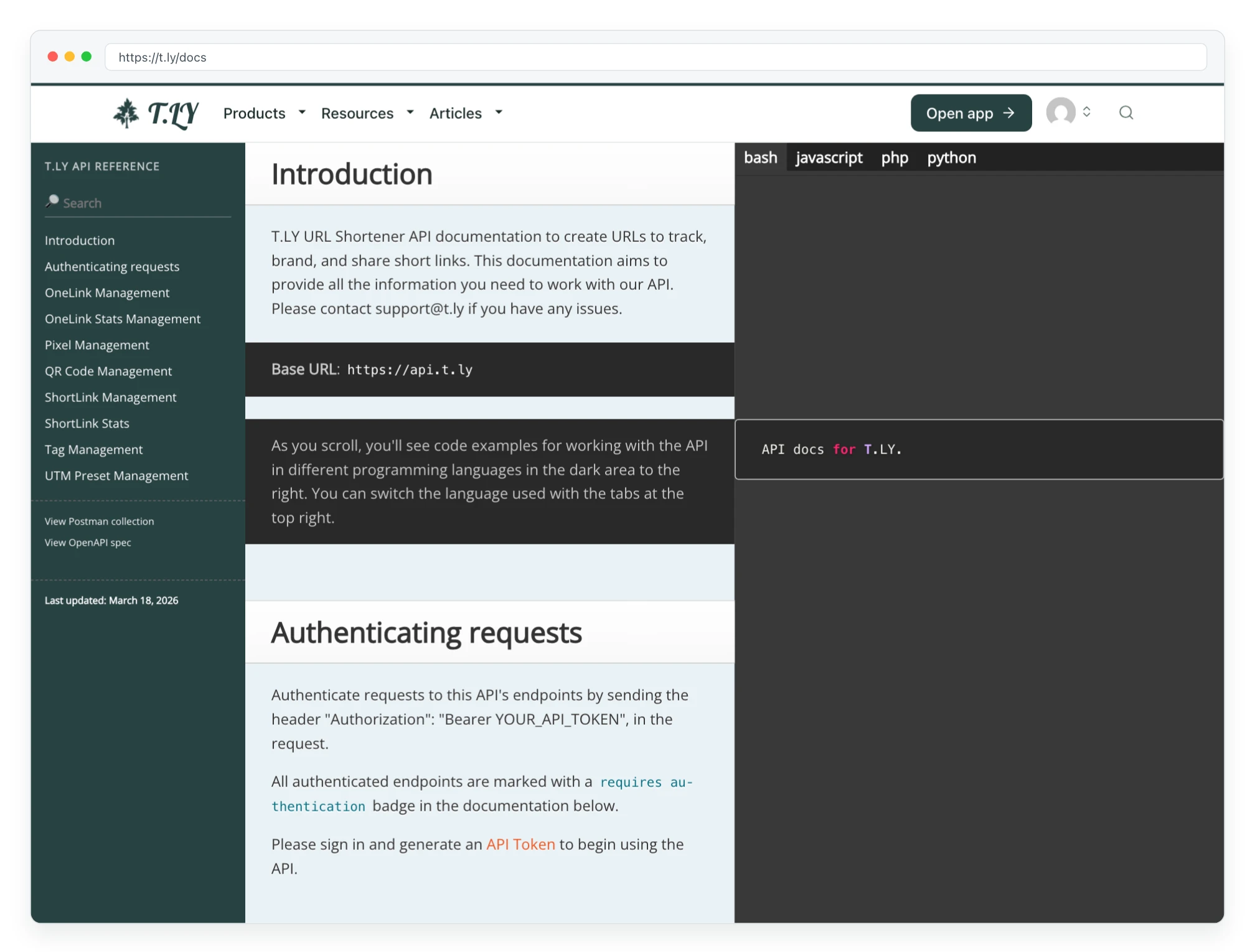
The API documentation includes a playground and examples for JavaScript, Bash, Python, and PHP. We also provide a Postman Collection and OpenAPI spec. If you need help, contact [email protected].