 Tim Leland

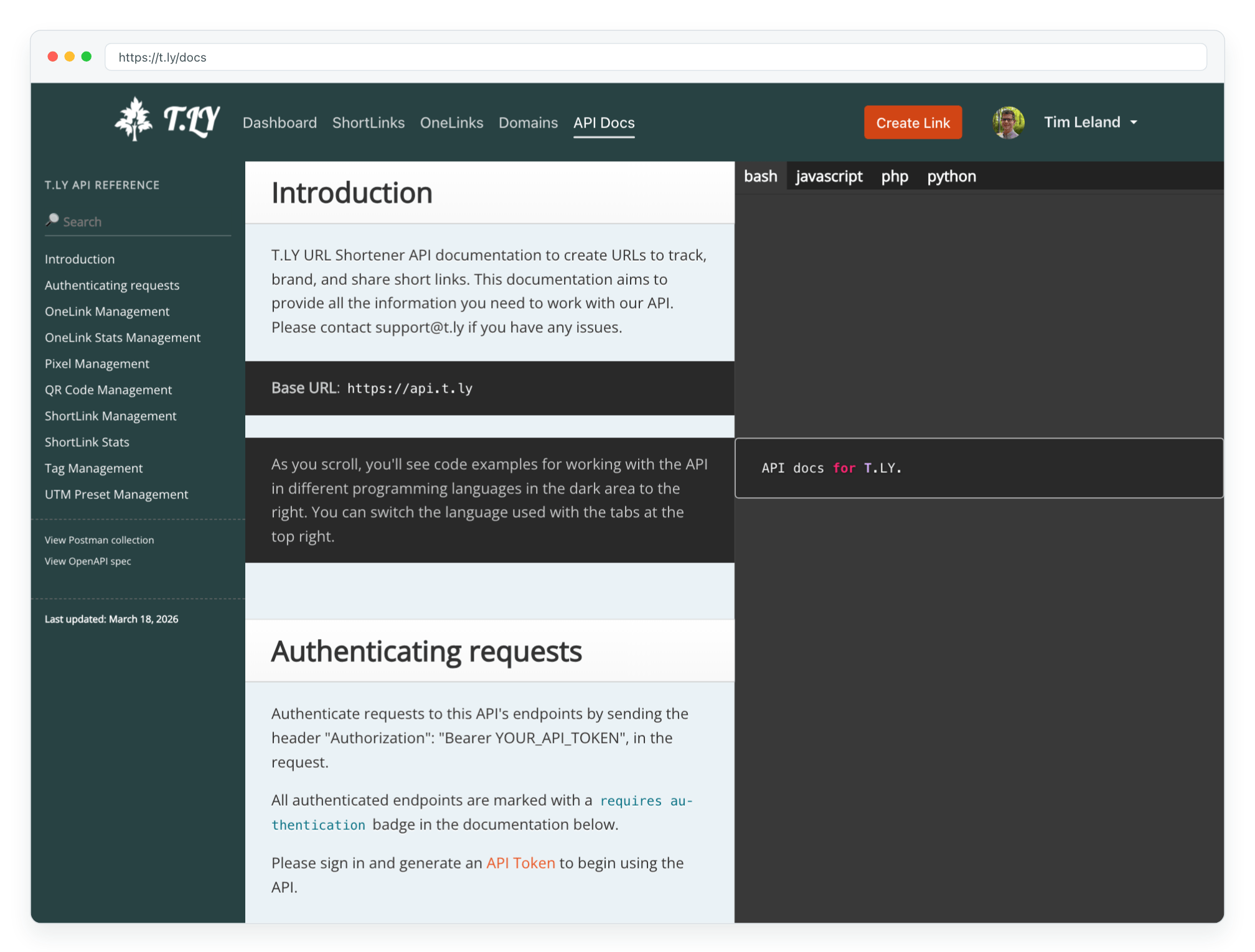
If you're building a Go application and need a reliable way to integrate URL shortening, the new T.LY Go URL Shortener API Client is here to help. This lightweight, easy-to-use package wraps the entire T.LY API, enabling you to manage short links, pixels, stats, and tags—all in one place.
Installation
Getting started is as simple as registering a T.LY account and running a single command. Install the package with:
go get github.com/timleland/t.ly-go-url-shortener-api
Then, import it in your code:
import "github.com/timleland/t.ly-go-url-shortener-api"
Getting Started with Examples
Below are a few examples of how you can integrate the T.LY API into your Go projects.
Creating a New Client
First, create a new client instance by providing your API token:
client := tly.NewClient("YOUR_API_TOKEN")
Short Link Management
Create a Short Link
shortLinkReq := tly.ShortLinkCreateRequest{
    LongURL: "http://example.com/",
    Domain:  "https://t.ly/",
}
shortLink, err := client.CreateShortLink(shortLinkReq)
if err != nil {
    log.Fatal(err)
}
fmt.Println("Created Short Link:", shortLink)
Expand a Short Link
expandReq := tly.ExpandRequest{
    ShortURL: "https://t.ly/OYXL",
}
expanded, err := client.ExpandShortLink(expandReq)
if err != nil {
    log.Fatal(err)
}
fmt.Println("Expanded URL:", expanded.LongURL)
Pixel Management
Create a Pixel
pixelReq := tly.PixelCreateRequest{
    Name:      "GTMPixel",
    PixelID:   "GTM-xxxx",
    PixelType: "googleTagManager",
}
pixel, err := client.CreatePixel(pixelReq)
if err != nil {
    // Handle error appropriately
    log.Fatal(err)
}
fmt.Println("Created Pixel:", pixel)
List Pixels
pixels, err := client.ListPixels()
if err != nil {
    log.Fatal(err)
}
fmt.Println("Pixels:", pixels)
Tag Management
Create and List Tags
tag, err := client.CreateTag("fall2024")
if err != nil {
    log.Fatal(err)
}
fmt.Println("Created Tag:", tag)

tags, err := client.ListTags()
if err != nil {
    log.Fatal(err)
}
fmt.Println("Tags:", tags)