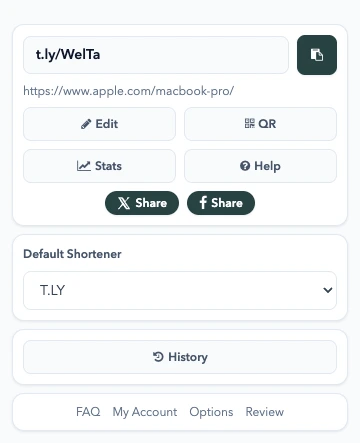
A New Layout for the T.LY App
T.LY has a new app layout, with a shared sidebar, search, clearer settings, and navigation that works on phones. Here’s what changed and where we started.
Easily encode special characters in URLs for safe sharing.
URL encoding, also known as percent-encoding, is a process of converting special characters in a URL into a format that can be safely transmitted over the internet. It replaces characters like spaces, quotes, or symbols with a "%" followed by two hexadecimal digits. For example, a space becomes "%20".
URL encoding is essential for ensuring that URLs are valid and readable by browsers and servers. Special characters or spaces in URLs can break links if not encoded properly. By encoding text, you make URLs safe for sharing and embedding in web applications.
Popular programming languages have built-in URL encoding functions:
encodeURIComponent() function.rawurlencode() or urlencode().Server.URLEncode() method.Our URL Encoder tool operates entirely on the client-side. Your data is never sent to our servers, ensuring complete privacy and security.
For the reverse workflow and deeper URL inspection, see URL Decoder and URL Parser.
T.LY has a new app layout, with a shared sidebar, search, clearer settings, and navigation that works on phones. Here’s what changed and where we started.
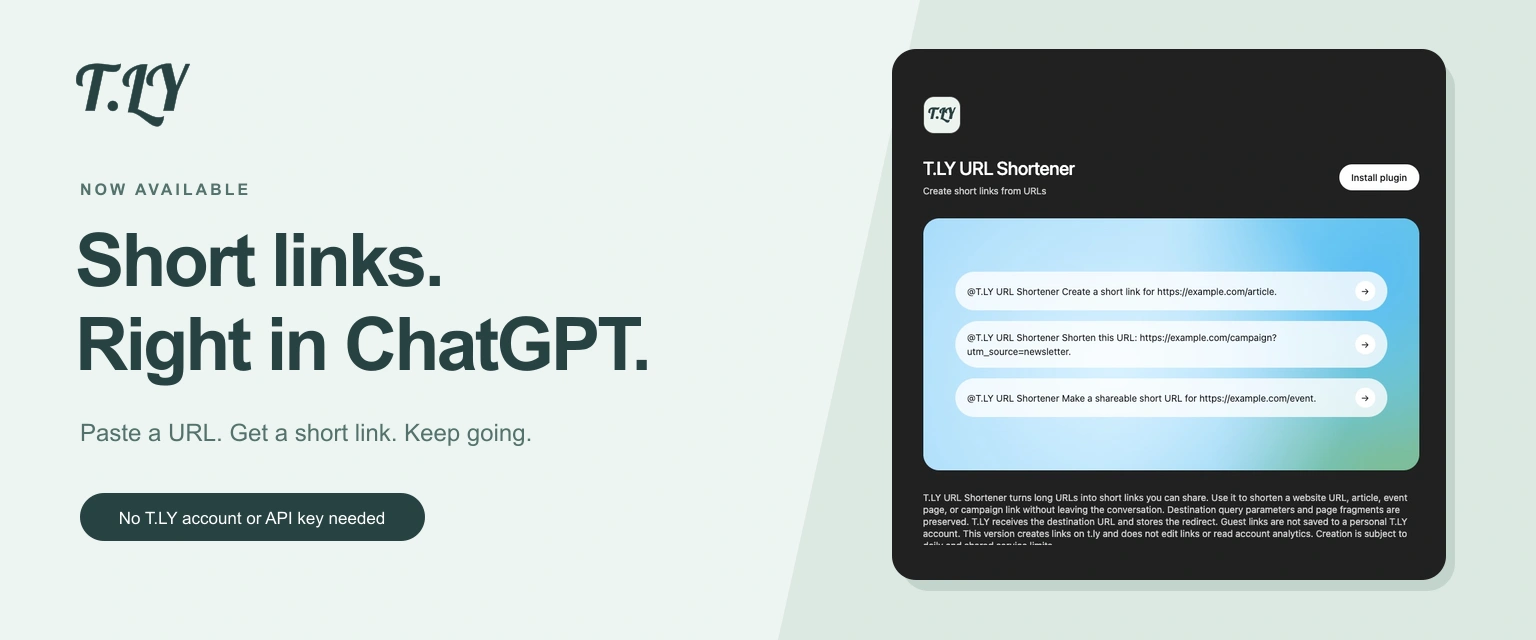
Create a short link without leaving ChatGPT. Install T.LY, paste your URL, and get a link you can share. No T.LY account or API key needed.
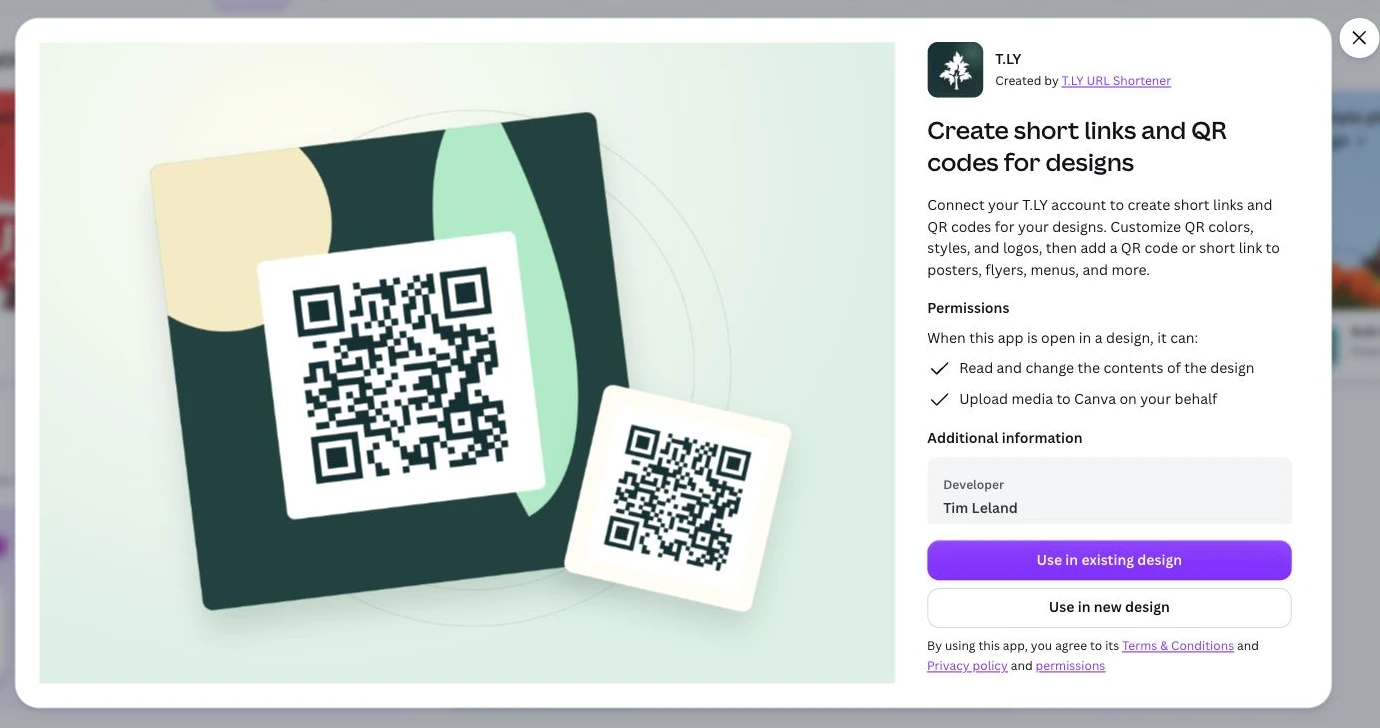
Create short links and branded QR codes inside Canva. Connect your T.LY account, customize your QR code, and add it to your next flyer, menu, or poster.