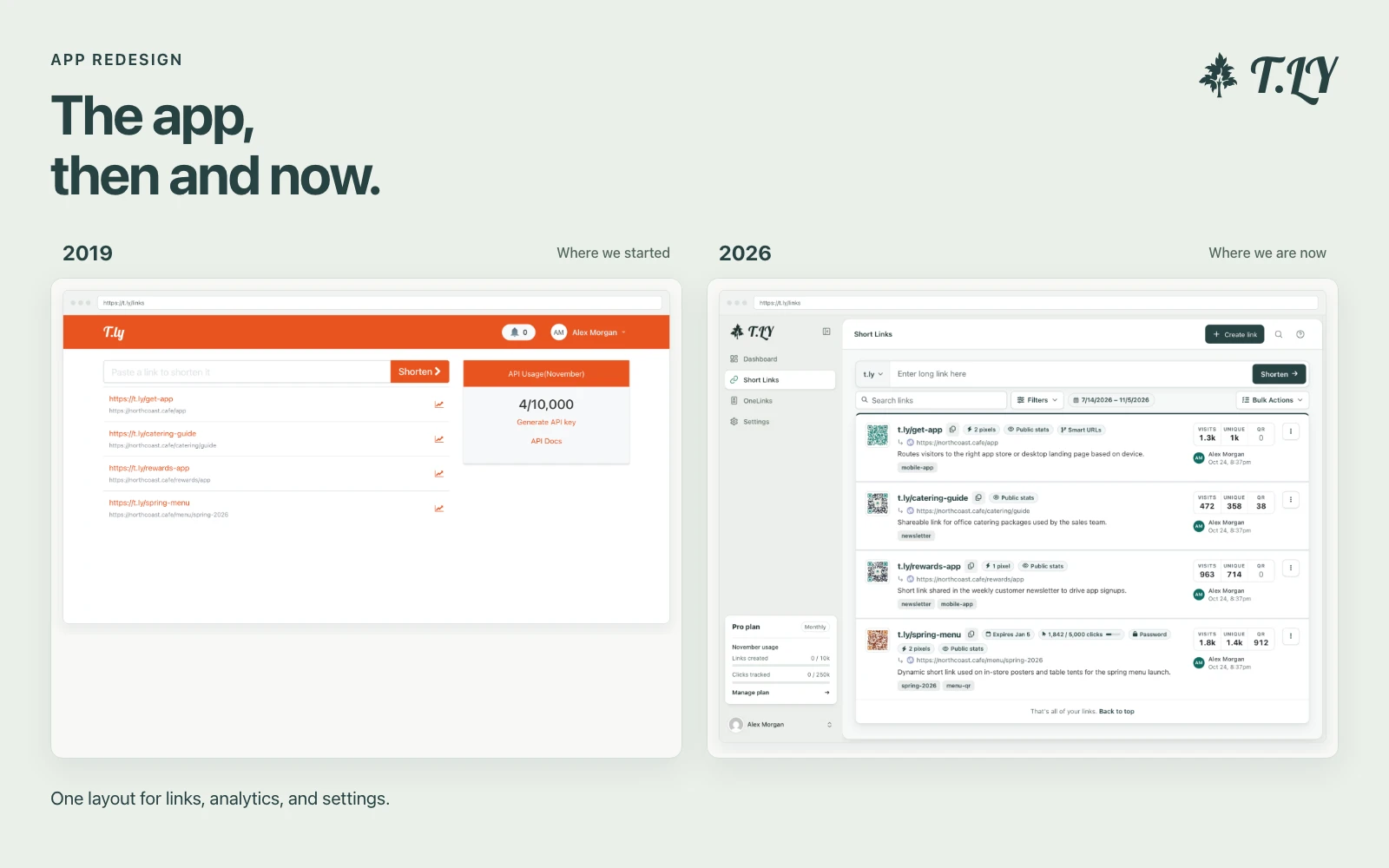
A New Layout for the T.LY App
T.LY has a new app layout, with a shared sidebar, search, clearer settings, and navigation that works on phones. Here’s what changed and where we started.
Instantly decode encoded URLs back to readable text for safer, faster browsing.
URL decoding is the process of converting percent-encoded characters within a URL back to their original form. It is the reverse of URL encoding. For example, decoding turns "%20" into a space (" ") and "%3A" into a colon (":"). URL decoding ensures that data passed in URLs can be read and understood properly.
URL decoding takes encoded characters (percent-encoded values) and translates them back to readable text. This is commonly used when URLs include special characters or spaces, which must be encoded to comply with URI specifications. For instance, "Hello%20World" decodes to "Hello World".
URL decoding can be done in various programming languages:
decodeURIComponent() for decoding.urldecode() function.Server.URLDecode() method.All data is kept private and processed directly on your device using JavaScript. No information is transmitted to our servers.
For the reverse workflow and deeper URL inspection, see URL Encoder and URL Parser.
T.LY has a new app layout, with a shared sidebar, search, clearer settings, and navigation that works on phones. Here’s what changed and where we started.
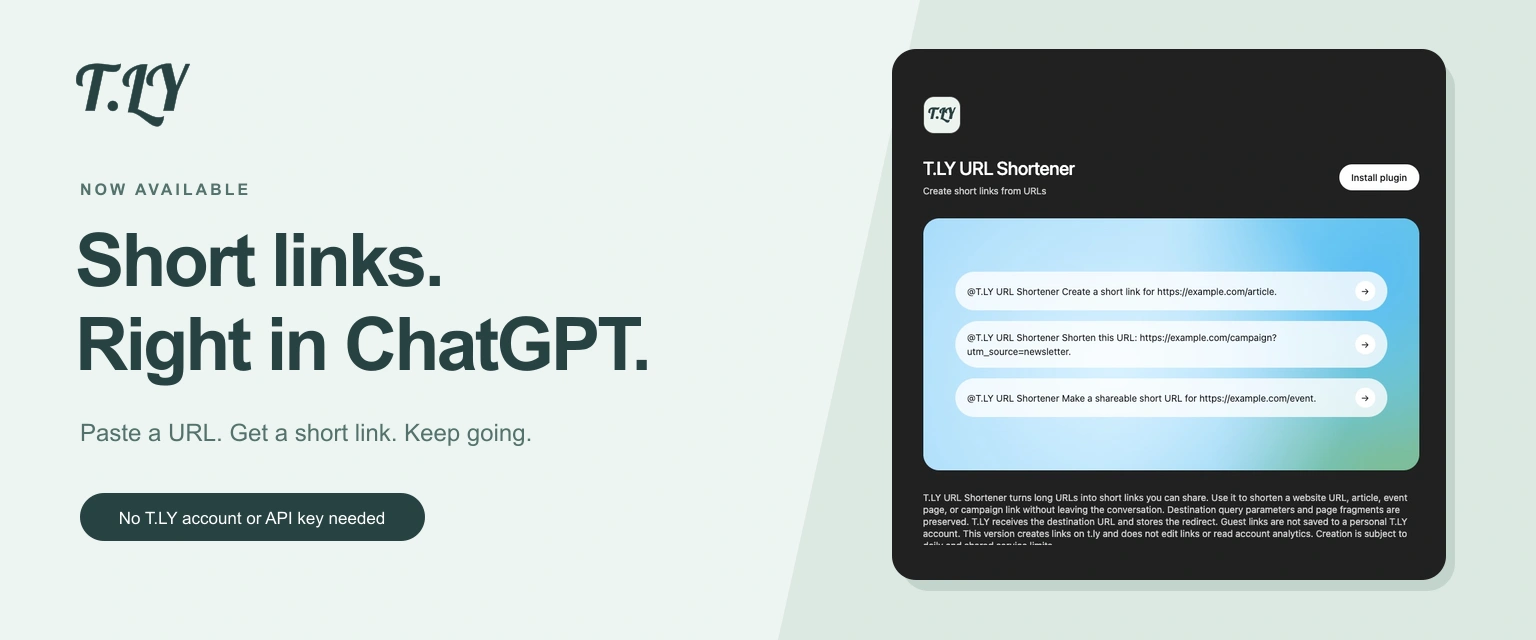
Create a short link without leaving ChatGPT. Install T.LY, paste your URL, and get a link you can share. No T.LY account or API key needed.
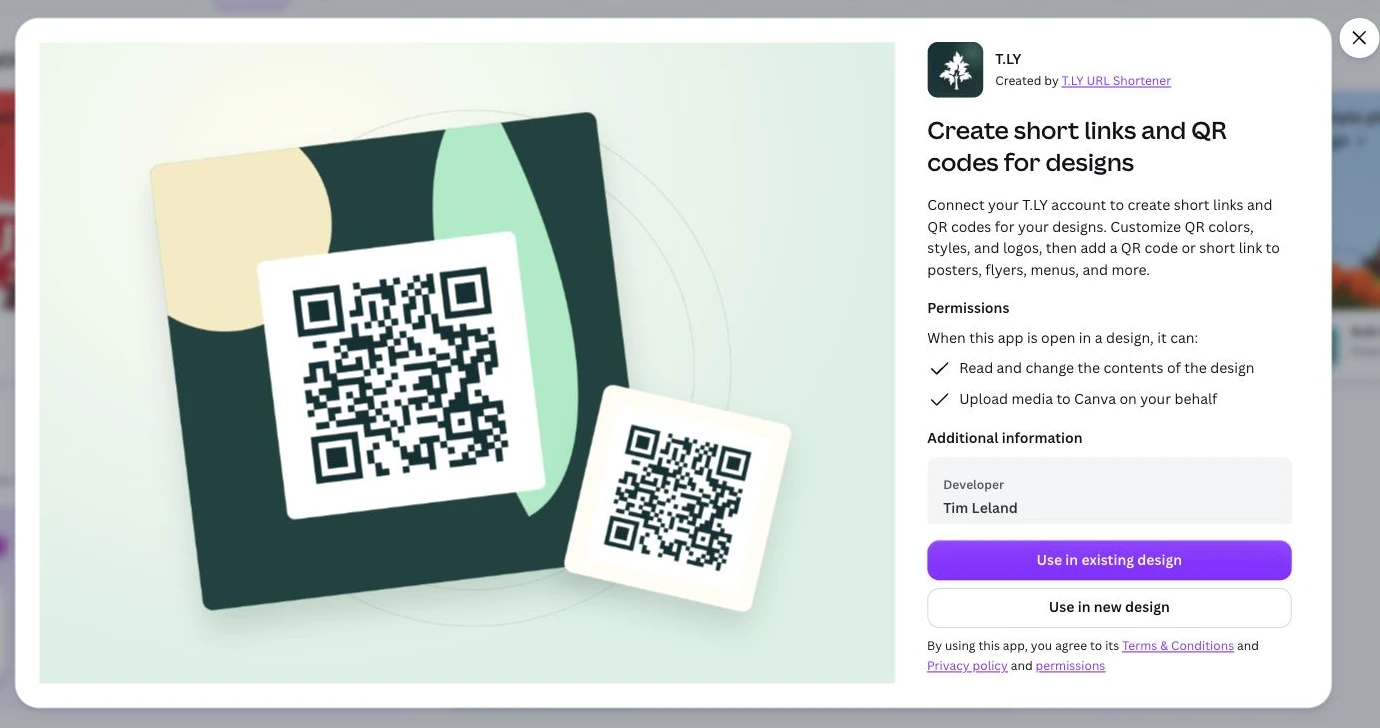
Create short links and branded QR codes inside Canva. Connect your T.LY account, customize your QR code, and add it to your next flyer, menu, or poster.




