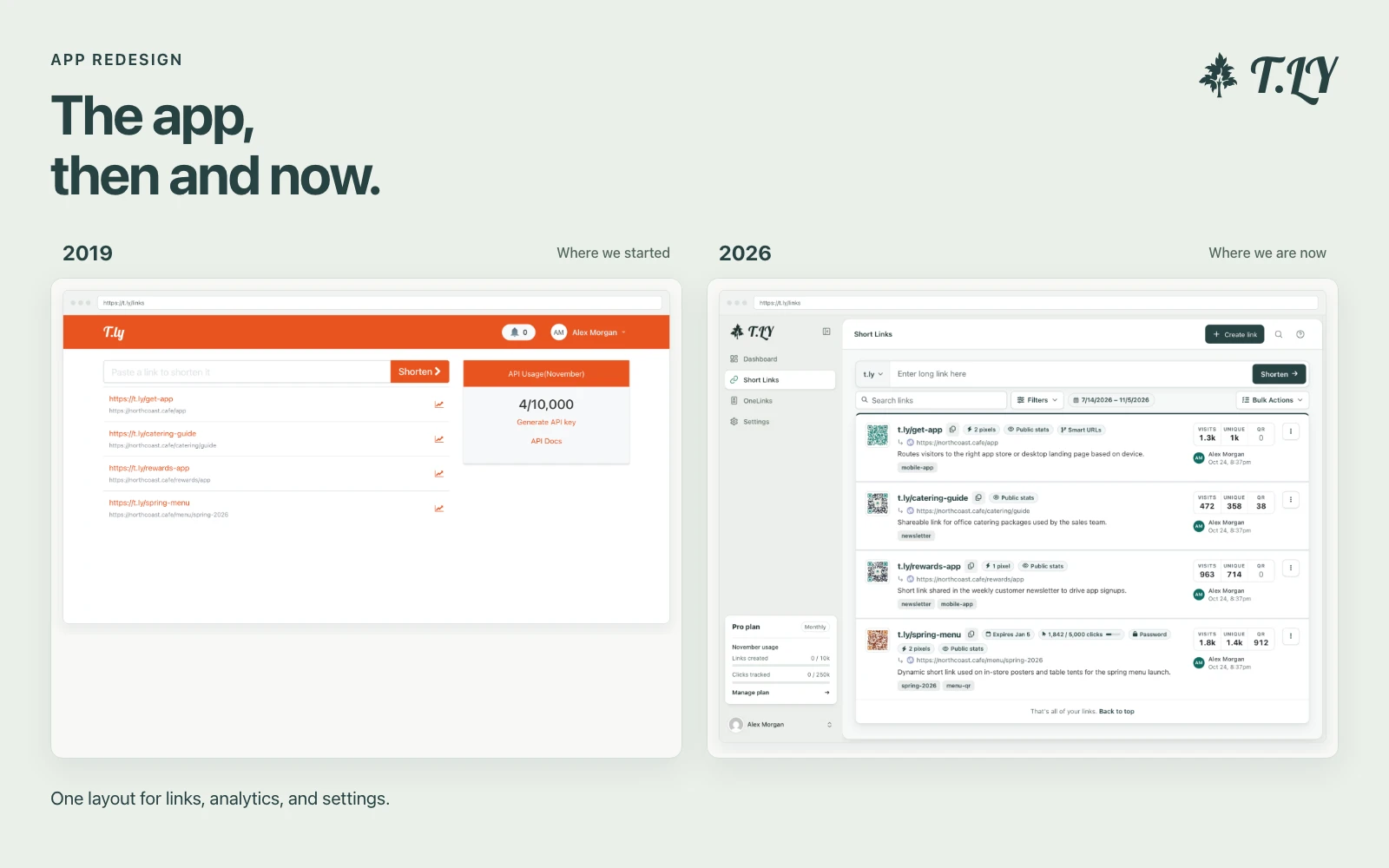
A New Layout for the T.LY App
T.LY has a new app layout, with a shared sidebar, search, clearer settings, and navigation that works on phones. Here’s what changed and where we started.
Add a password to a PDF in your browser.
Protect PDF adds an open password to a PDF so only someone with the password can view the file. It is useful for drafts, contracts, invoices, tax files, HR documents, and any PDF that should not be casually opened after sharing.
Your PDF is processed locally in your browser. The file is not uploaded to a server, which keeps the workflow fast and private.
No. The PDF is processed locally in your browser.
Use a unique password with at least 12 characters. Longer passphrases are easier to remember and harder to guess.
Yes. Add multiple PDFs and download the protected files as a ZIP.
This tool adds password protection. If a PDF is already locked, unlock it first with the original password.
No. Password protection controls opening the file. It does not prove who signed or approved the document.
T.LY has a new app layout, with a shared sidebar, search, clearer settings, and navigation that works on phones. Here’s what changed and where we started.
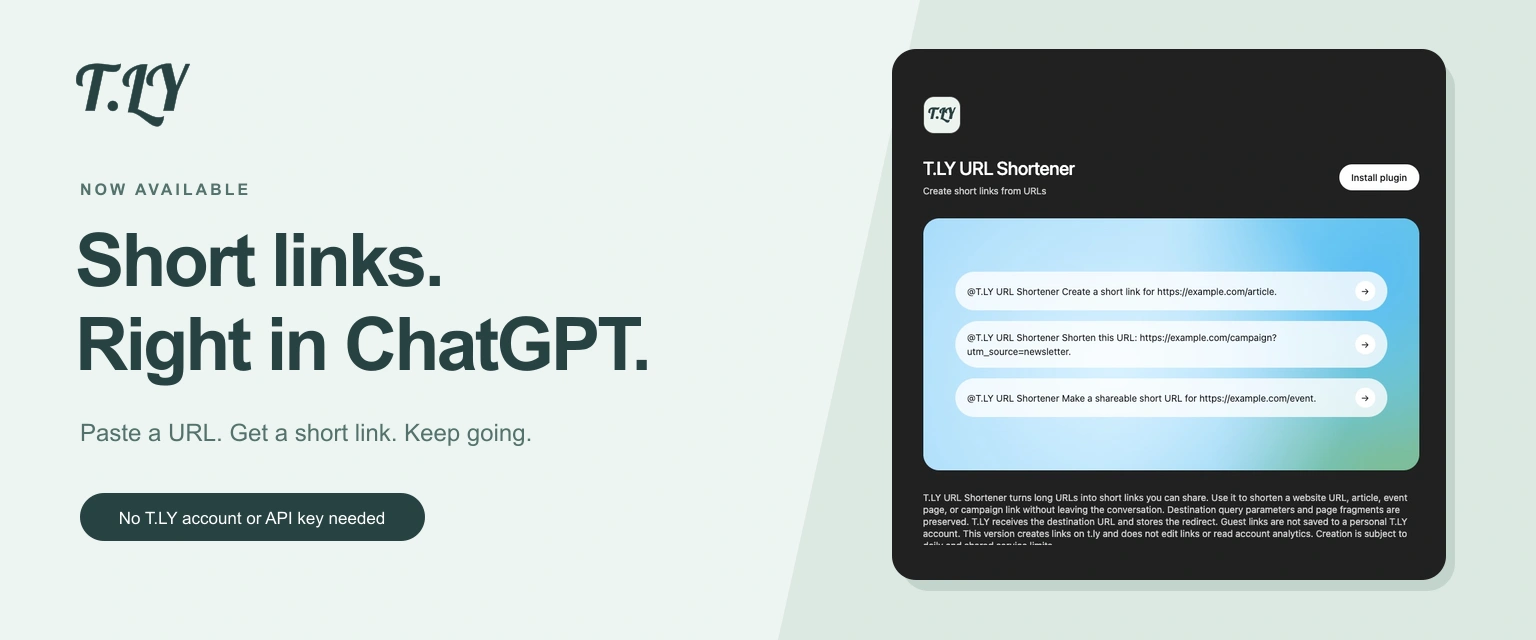
Create a short link without leaving ChatGPT. Install T.LY, paste your URL, and get a link you can share. No T.LY account or API key needed.
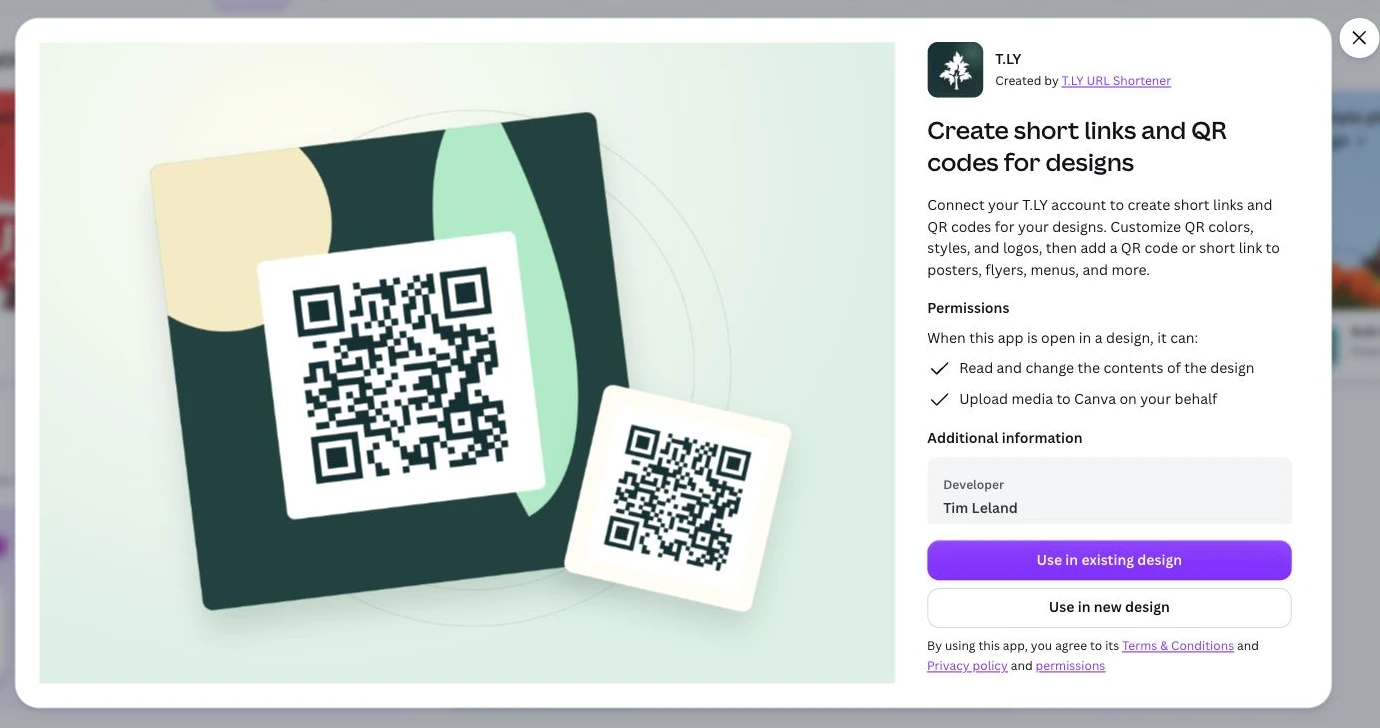
Create short links and branded QR codes inside Canva. Connect your T.LY account, customize your QR code, and add it to your next flyer, menu, or poster.




