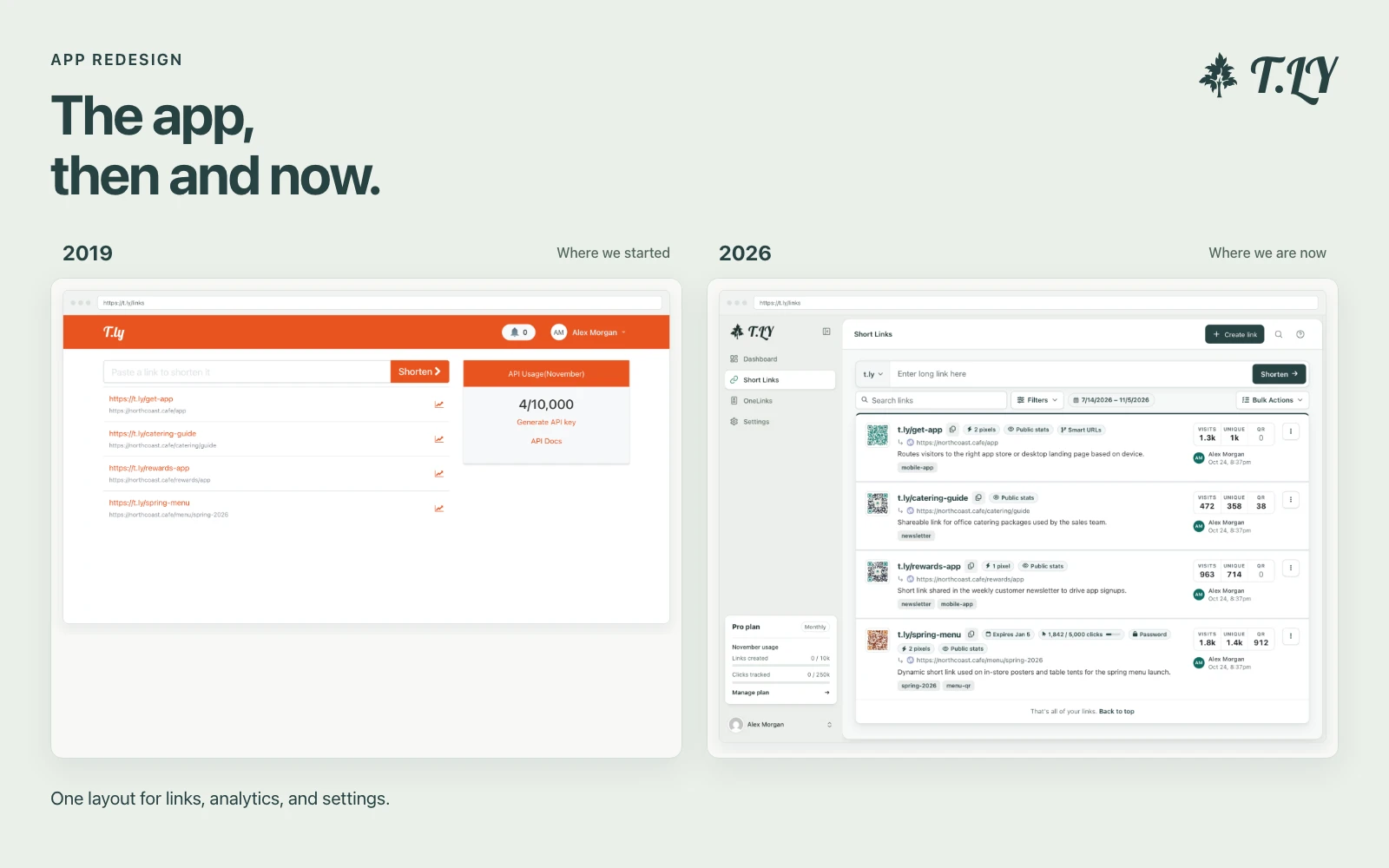
A New Layout for the T.LY App
T.LY has a new app layout, with a shared sidebar, search, clearer settings, and navigation that works on phones. Here’s what changed and where we started.
Create and explain cron expressions
A cron expression is a string used to define the schedule for automated tasks. It consists of five or six fields representing the minute, hour, day of the month, month, and day of the week, optionally followed by the year. These fields allow precise scheduling for tasks like running scripts, sending emails, or performing system maintenance.
Our Cron Expression Generator allows you to create cron expressions interactively. As you input values for each field, the tool generates the expression and provides a detailed explanation for each part.
The cron daemon is a time-based job scheduler in Unix-like operating systems. It reads cron expressions from files (usually crontab) and triggers tasks at the specified times. Each cron expression defines the schedule based on the following fields:
The */2 syntax in a cron expression means "every 2 units" for the specified field. For example:
*/2 means "every 2 minutes" (e.g., 0, 2, 4, 6, etc.).*/2 means "every 2 hours" (e.g., 0, 2, 4, 6, etc.).The slash (/) is used to specify increments in cron expressions. It works in combination with the asterisk (*) to divide the field into intervals. For example:
*: Represents all possible values for the field.*/2: Divides all possible values by 2, selecting every second value.3-59/5: Runs every 5 units starting from 3 (e.g., 3, 8, 13, ..., 58).*/2.Cron expressions are used in many systems and tools, including:
To double-check schedules in plain English, use Cron Humanizer.
T.LY has a new app layout, with a shared sidebar, search, clearer settings, and navigation that works on phones. Here’s what changed and where we started.
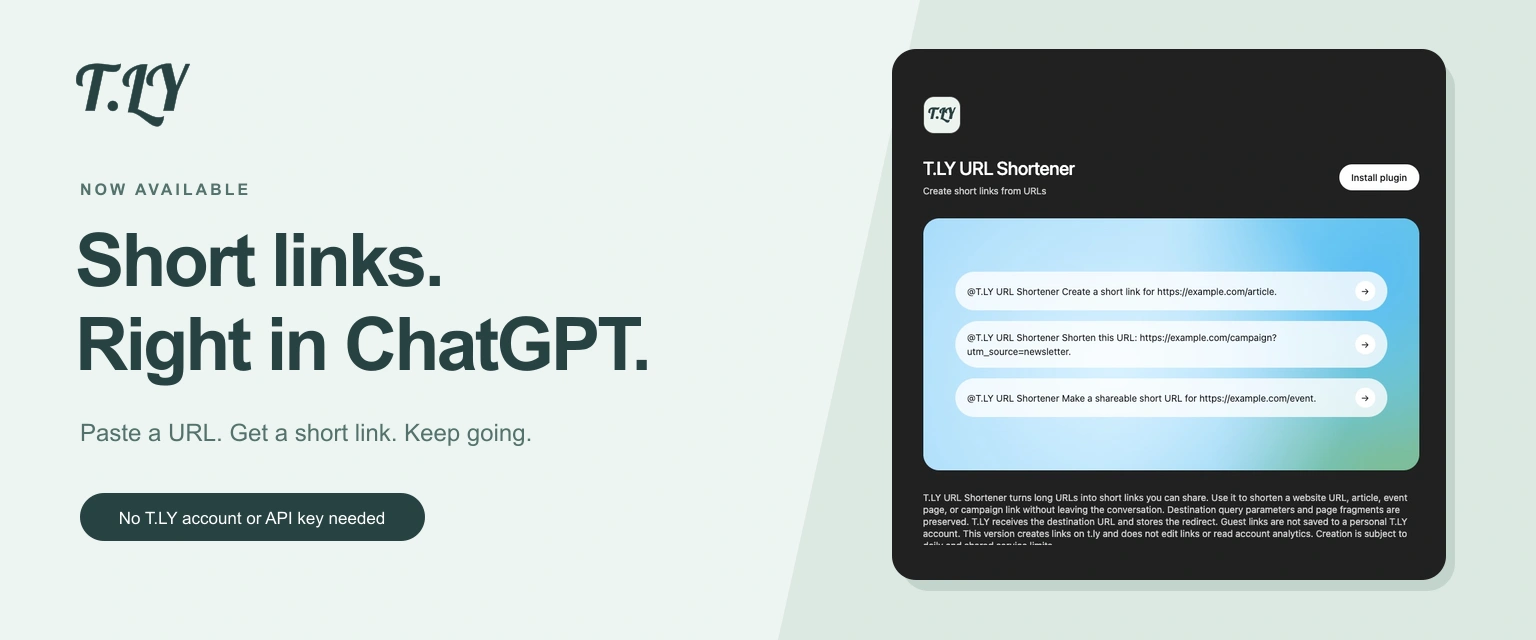
Create a short link without leaving ChatGPT. Install T.LY, paste your URL, and get a link you can share. No T.LY account or API key needed.
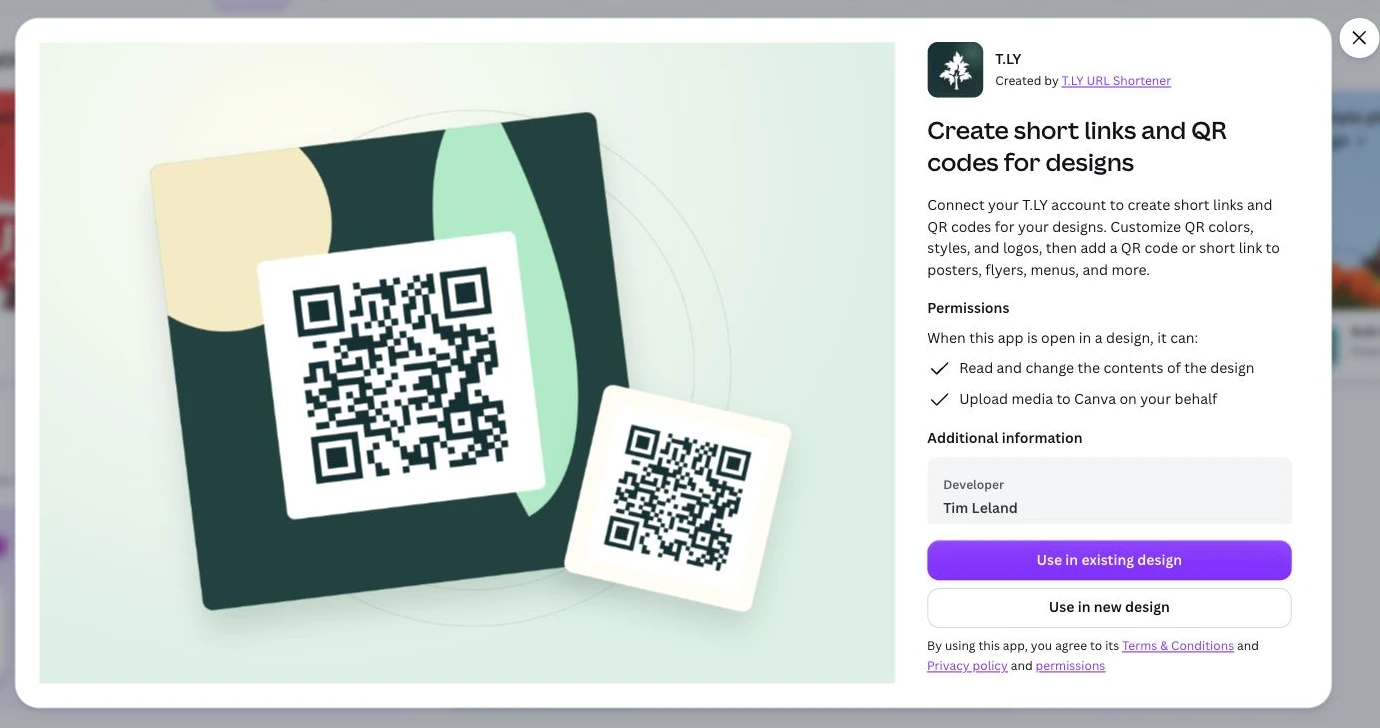
Create short links and branded QR codes inside Canva. Connect your T.LY account, customize your QR code, and add it to your next flyer, menu, or poster.




