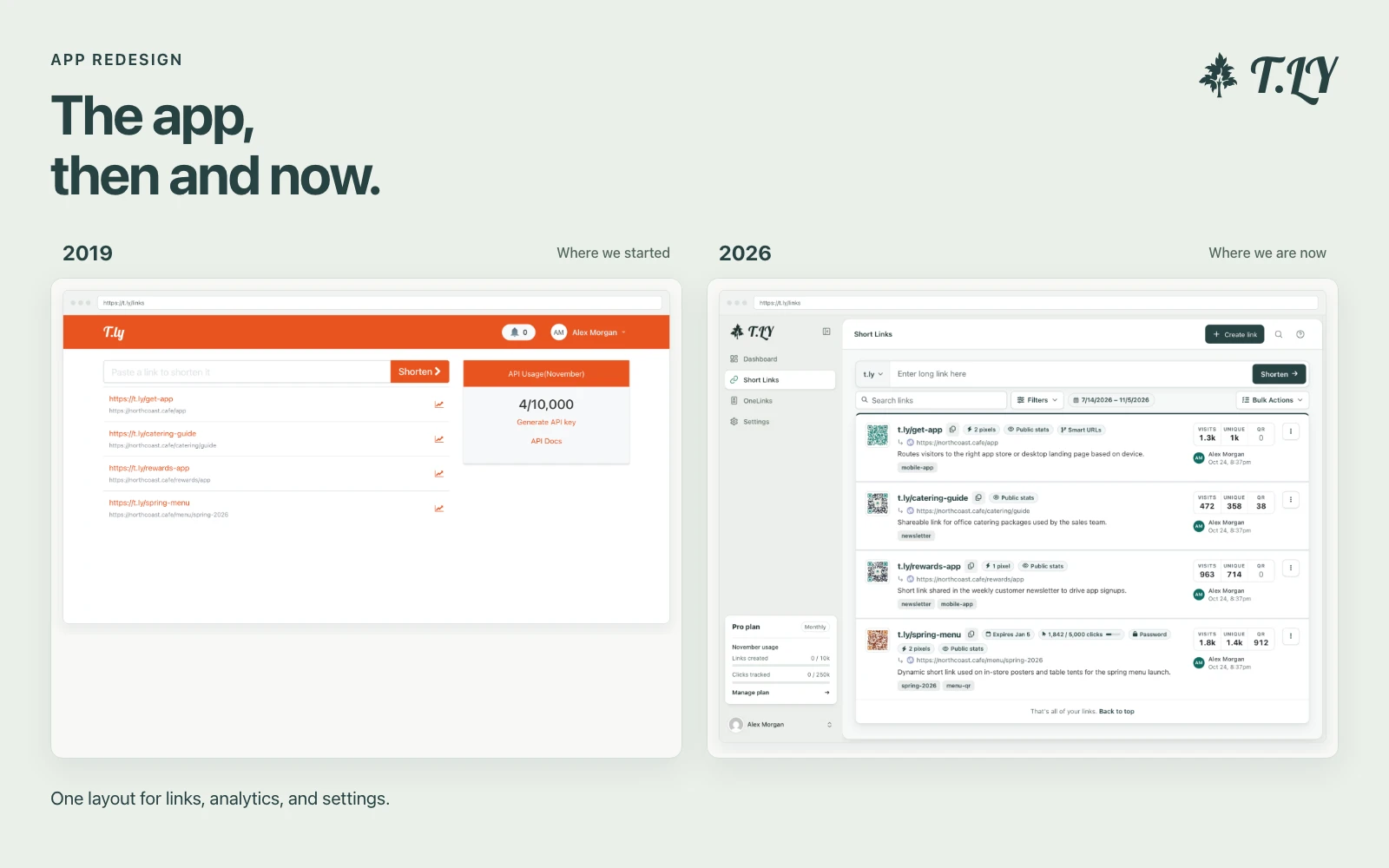
A New Layout for the T.LY App
T.LY has a new app layout, with a shared sidebar, search, clearer settings, and navigation that works on phones. Here’s what changed and where we started.
Add names, spin the wheel, and pick a random winner.
The Name Picker Wheel is a free random spinner for choosing a person, prize winner, task, team, topic, or option from a list. Add your entries, click spin, and the wheel picks one at random.
Casey | 2.Q: Is this free?
A: Yes. The wheel is free to use.
Q: Are my entries uploaded?
A: No. The wheel runs in your browser. Share links include the entries in the URL so only share lists you are comfortable sending.
Q: Can I make someone more likely to win?
A: Yes. Add a weight after a pipe, like Alex | 3. That entry gets three times the wheel space of a normal entry.
Q: Can the same winner be picked twice?
A: Yes, unless you turn on "Remove winner after spin". With removal enabled, the winning entry is deleted after the spin ends.
T.LY has a new app layout, with a shared sidebar, search, clearer settings, and navigation that works on phones. Here’s what changed and where we started.
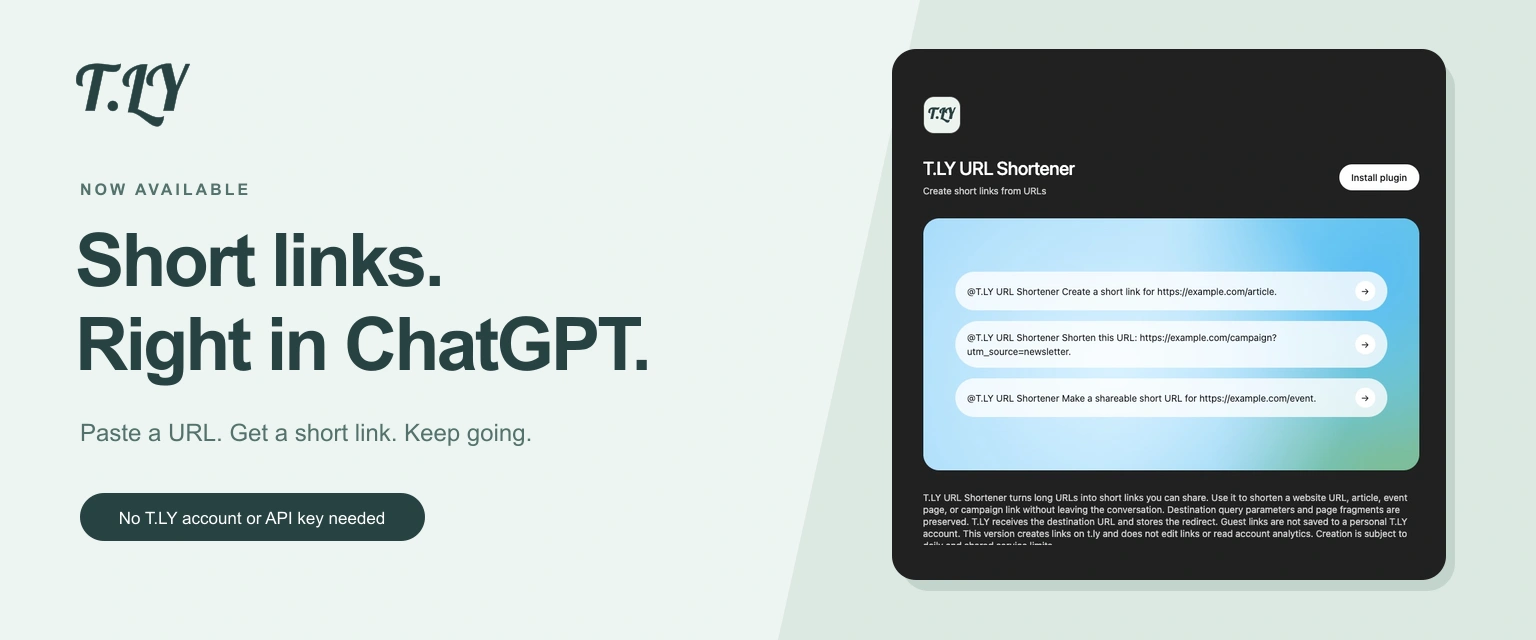
Create a short link without leaving ChatGPT. Install T.LY, paste your URL, and get a link you can share. No T.LY account or API key needed.
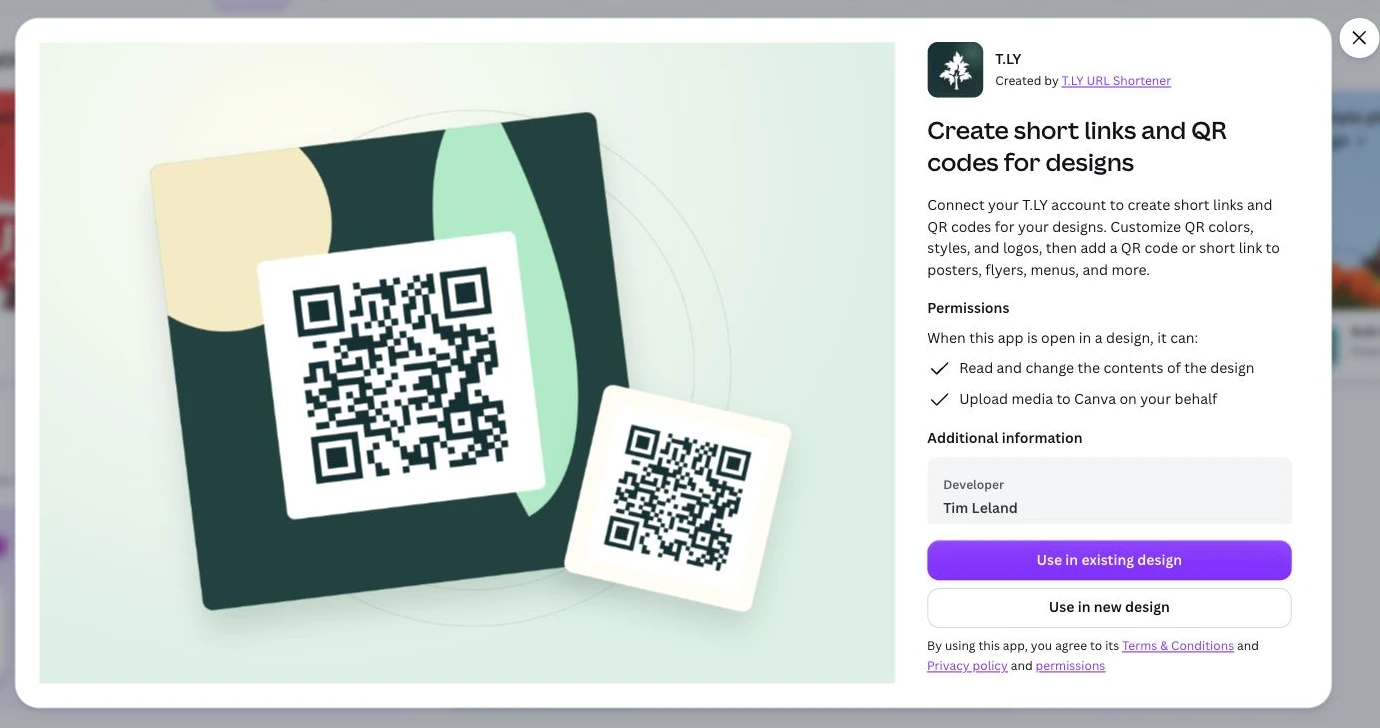
Create short links and branded QR codes inside Canva. Connect your T.LY account, customize your QR code, and add it to your next flyer, menu, or poster.




