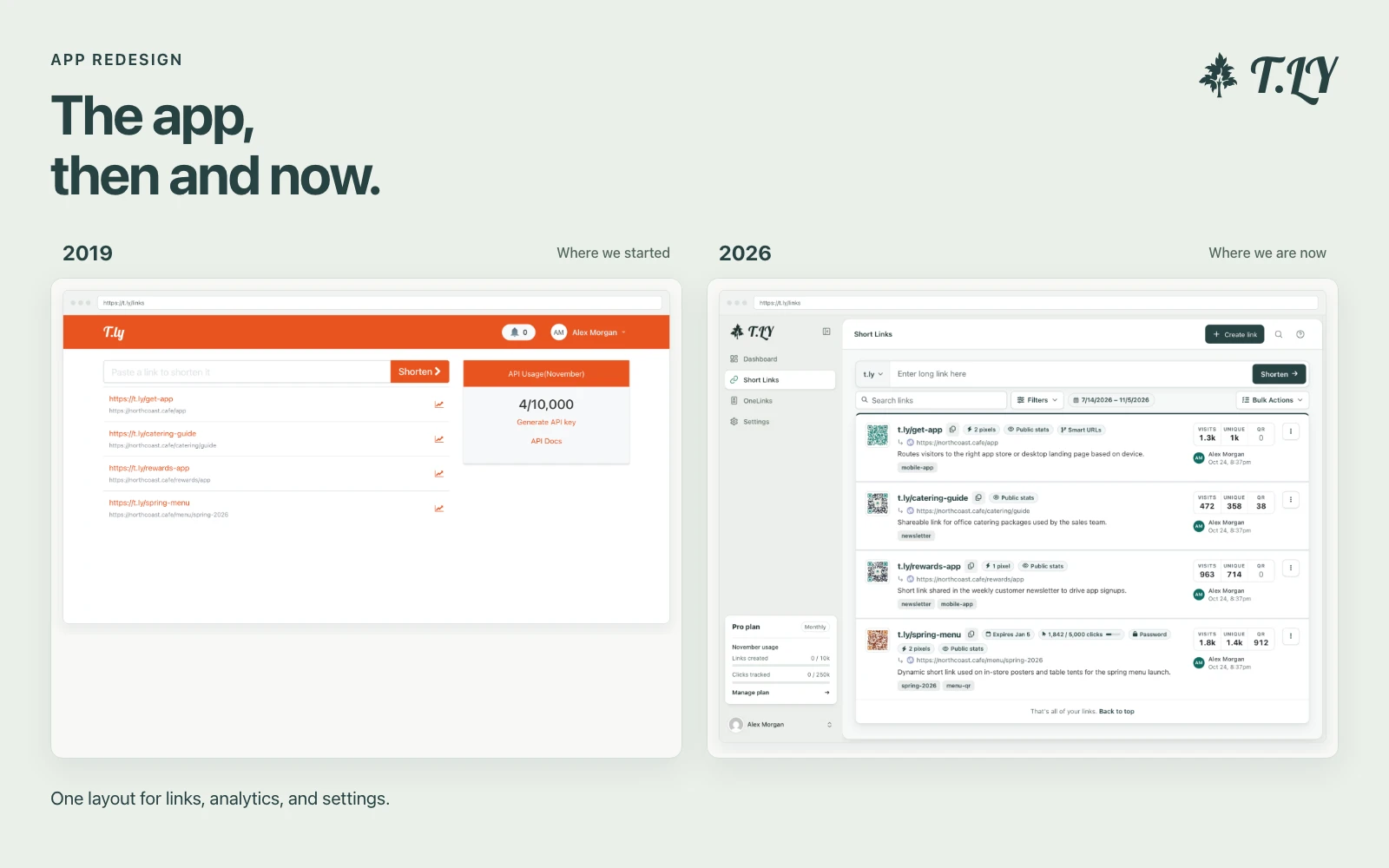
A New Layout for the T.LY App
T.LY has a new app layout, with a shared sidebar, search, clearer settings, and navigation that works on phones. Here’s what changed and where we started.
Generate random GUIDs instantly.
A GUID (Globally Unique Identifier) is a 128-bit value used for creating unique references in software and databases. Our free GUID Generator creates random version 4 GUIDs (also known as UUIDs) so you can easily ensure uniqueness across distributed systems.
Q: What is a Version 4 GUID?
A: A Version 4 GUID is generated randomly using the RFC 4122 standard, ensuring a high degree of uniqueness.
Q: Are these GUIDs secure?
A: Each GUID is randomly generated, making it highly unlikely for duplicates to occur, thus providing a secure option for unique identification.
Q: Is there a limit to how many GUIDs I can generate?
A: No, you can generate as many as you need. However, generating extremely large numbers may affect performance.
T.LY has a new app layout, with a shared sidebar, search, clearer settings, and navigation that works on phones. Here’s what changed and where we started.
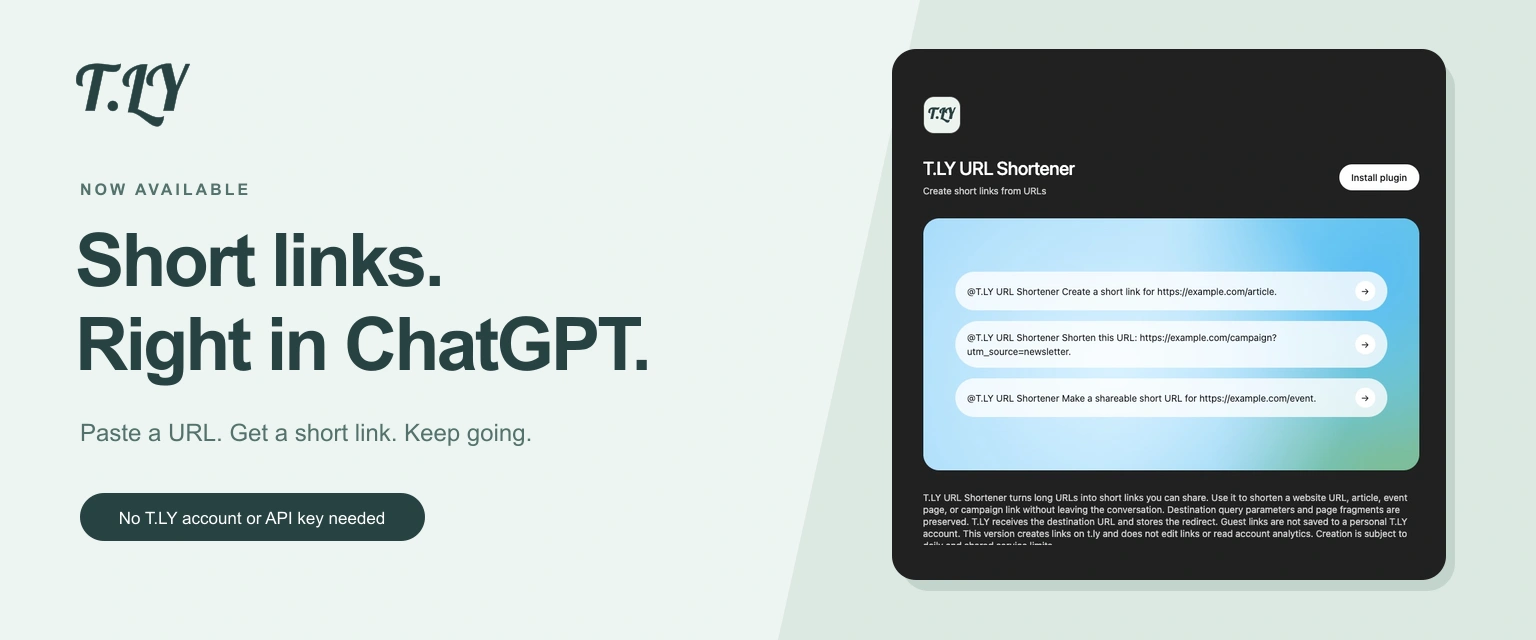
Create a short link without leaving ChatGPT. Install T.LY, paste your URL, and get a link you can share. No T.LY account or API key needed.
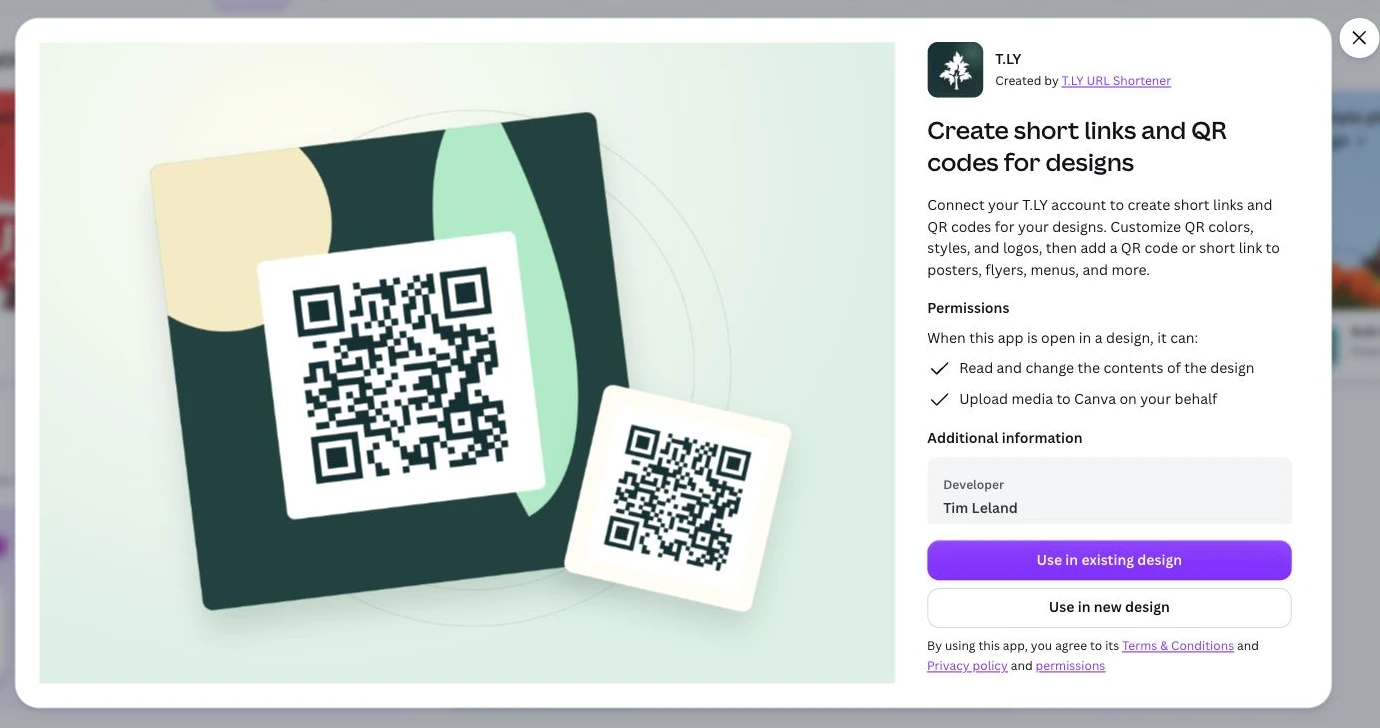
Create short links and branded QR codes inside Canva. Connect your T.LY account, customize your QR code, and add it to your next flyer, menu, or poster.




