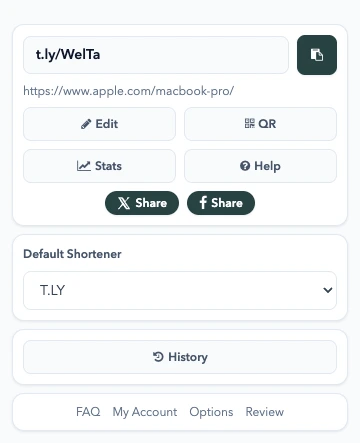
A New Layout for the T.LY App
T.LY has a new app layout, with a shared sidebar, search, clearer settings, and navigation that works on phones. Here’s what changed and where we started.
Turn plain text into fancy copy-and-paste fonts for bios, captions, and comments.
Type once and instantly preview your text in more than 25 fancy styles—bold, italic, cursive script, gothic, bubble letters, small caps, vaporwave, and decorated frames. Tap Copy on any style and paste it straight into your Instagram bio, captions, comments, Stories, or username field.
These are not fonts in the traditional sense. The generator maps each letter to look-alike Unicode characters (like 𝐑 or 𝓉), which is why the styled text survives copy and paste anywhere regular text works—no app or extension required.
They are not real fonts. The generator swaps your letters for special Unicode characters that look like bold, cursive, bubble, or gothic type. Because they are ordinary text characters, Instagram displays them anywhere regular text is allowed.
Yes. Type your text, pick a style, tap Copy, and paste it into your bio, captions, comments, Stories, or your name field. It works the same way in the Instagram app and on the web.
Older devices and some system fonts do not include every Unicode character. If a style renders as boxes for you, it may still look fine on newer phones, but it is safest to pick a style that displays correctly on your own device.
Screen readers often spell styled Unicode text letter by letter, and it is not matched by normal keyword search. Use fancy text for decoration, and keep important keywords, names, and hashtags in plain text.
Yes. The copied text works in TikTok, X (Twitter), Facebook, WhatsApp, Discord, Telegram, YouTube, and most apps that accept Unicode text.
No. Every style is generated locally in your browser, so nothing you type ever leaves your device.
For more ways to style and polish your text, try Case Converter.
T.LY has a new app layout, with a shared sidebar, search, clearer settings, and navigation that works on phones. Here’s what changed and where we started.
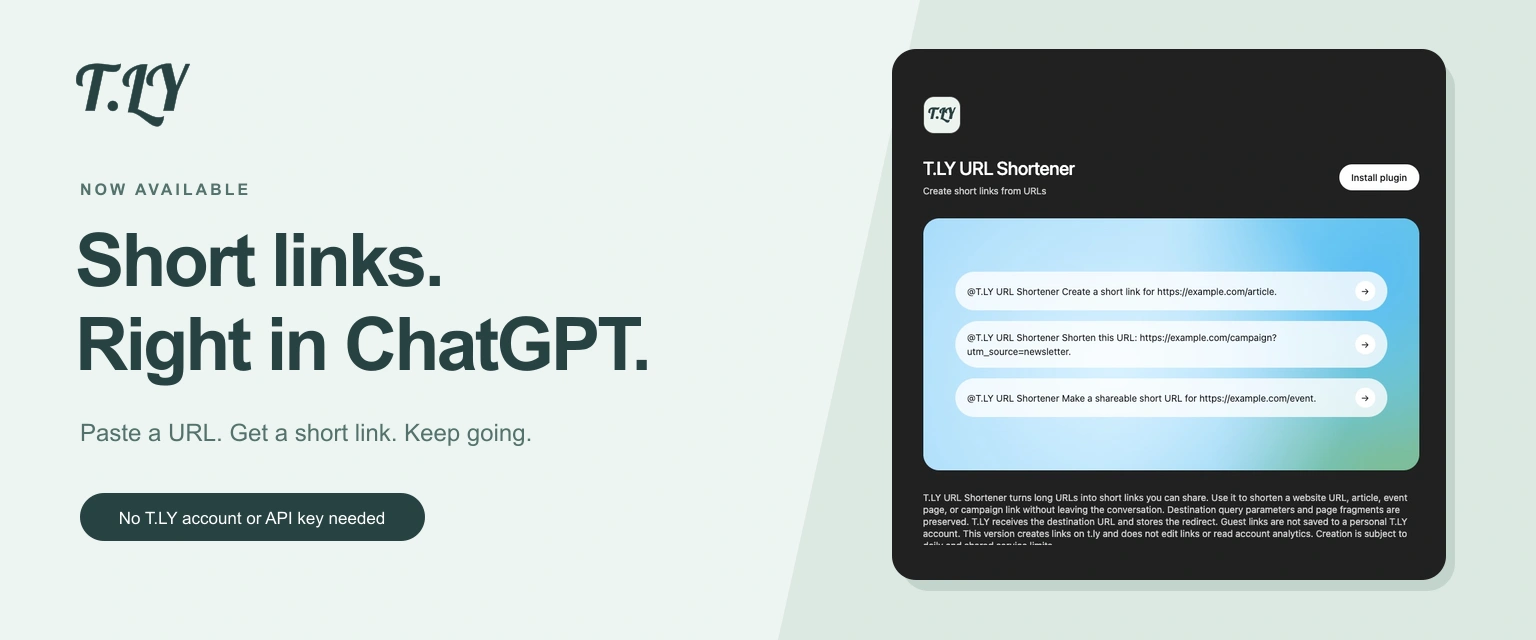
Create a short link without leaving ChatGPT. Install T.LY, paste your URL, and get a link you can share. No T.LY account or API key needed.
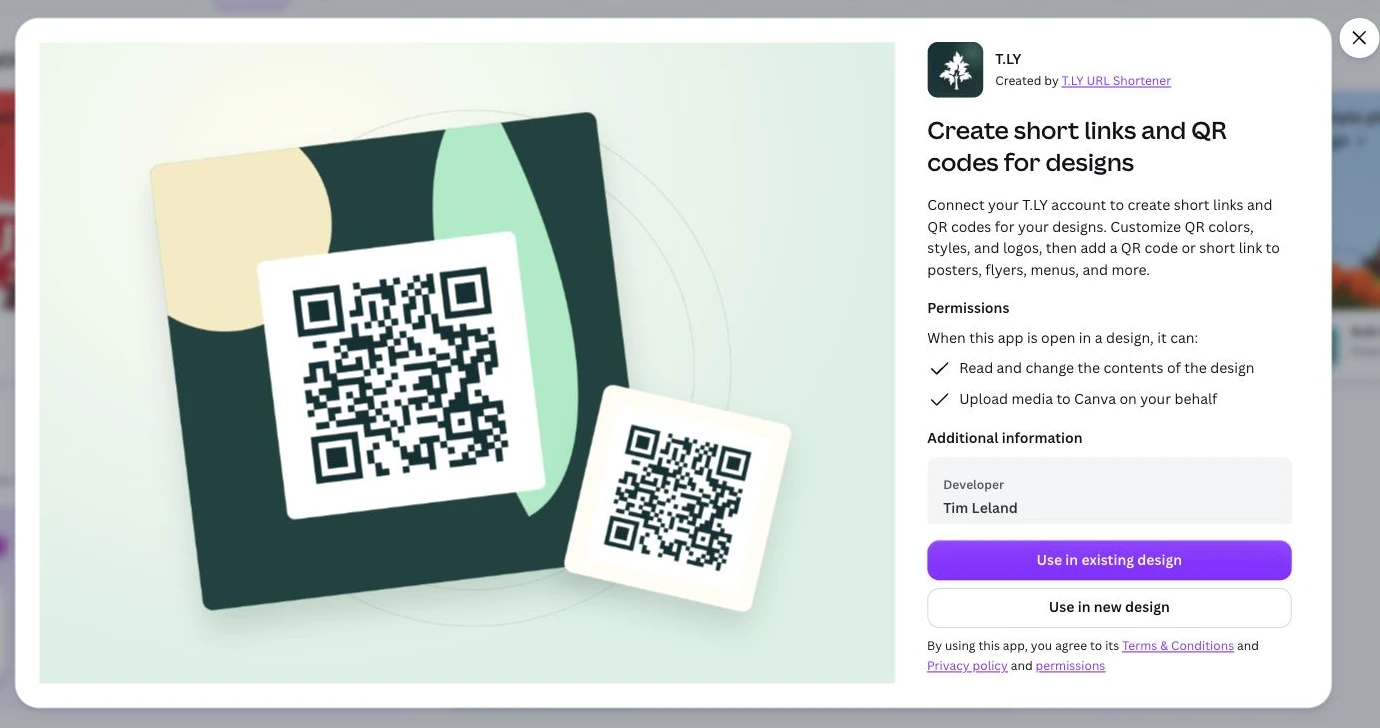
Create short links and branded QR codes inside Canva. Connect your T.LY account, customize your QR code, and add it to your next flyer, menu, or poster.