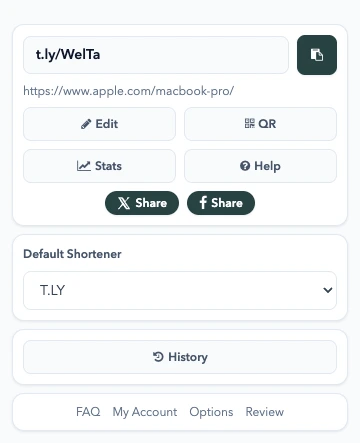
A New Layout for the T.LY App
T.LY has a new app layout, with a shared sidebar, search, clearer settings, and navigation that works on phones. Here’s what changed and where we started.
Count characters, words, and lines in your text instantly.
The Character Counter is a simple, yet powerful tool that helps you quickly measure the length of your text. It instantly calculates the number of characters, words, and lines, allowing you to easily meet length requirements for essays, social media posts, or coding tasks.
Q: Does it only count characters?
A: No, it also provides counts for words and lines, giving you a comprehensive overview of your text.
Q: Is my text secure?
A: Yes, your text is processed locally within your browser and is never stored or shared.
Q: Can I copy the results?
A: Absolutely! You can easily copy the counted text and its metrics for use in other documents or applications.
Need more writing stats? Try Sentence Counter and Line Counter.
T.LY has a new app layout, with a shared sidebar, search, clearer settings, and navigation that works on phones. Here’s what changed and where we started.
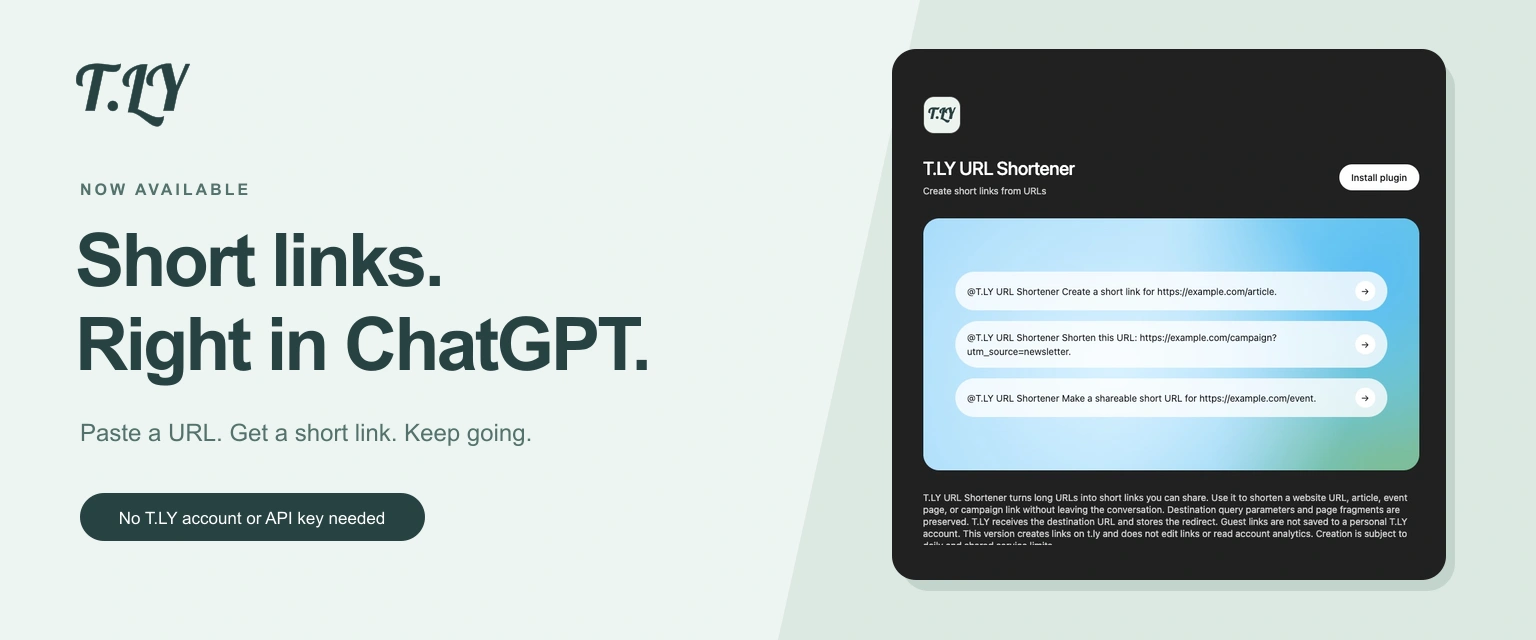
Create a short link without leaving ChatGPT. Install T.LY, paste your URL, and get a link you can share. No T.LY account or API key needed.
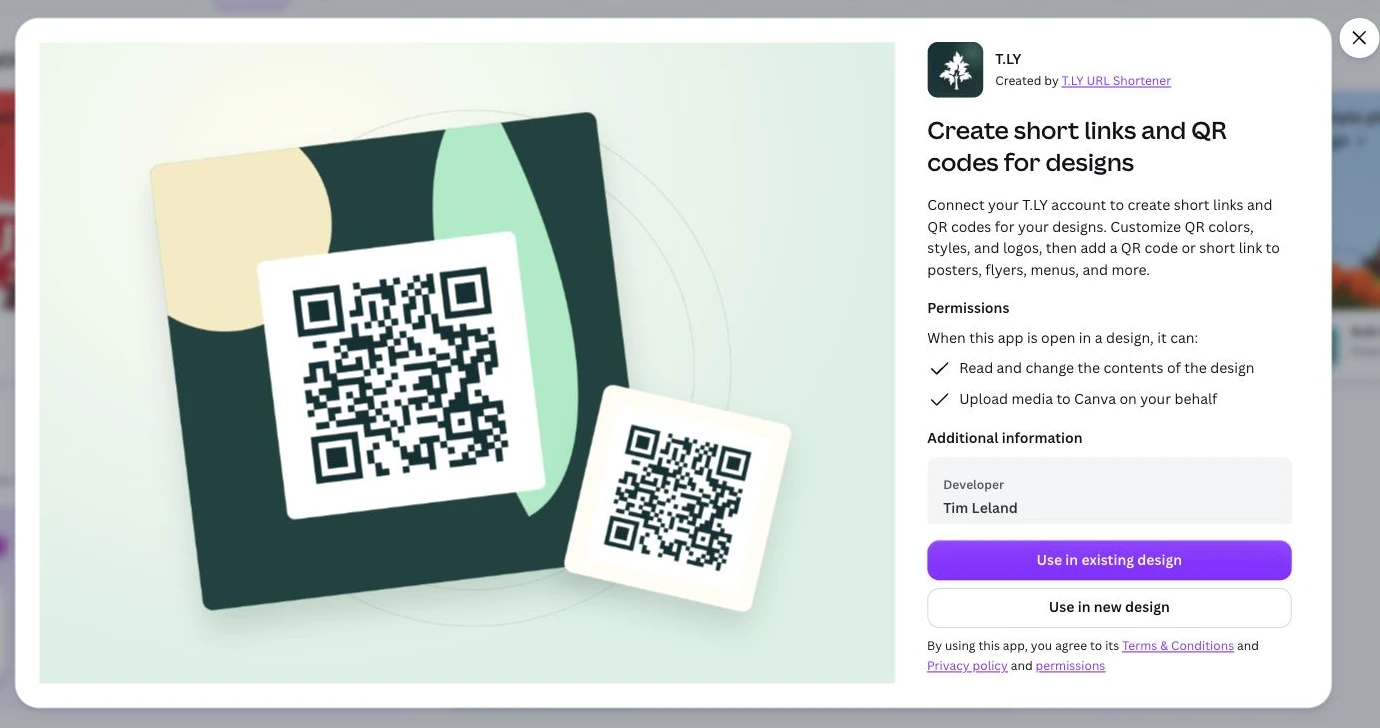
Create short links and branded QR codes inside Canva. Connect your T.LY account, customize your QR code, and add it to your next flyer, menu, or poster.