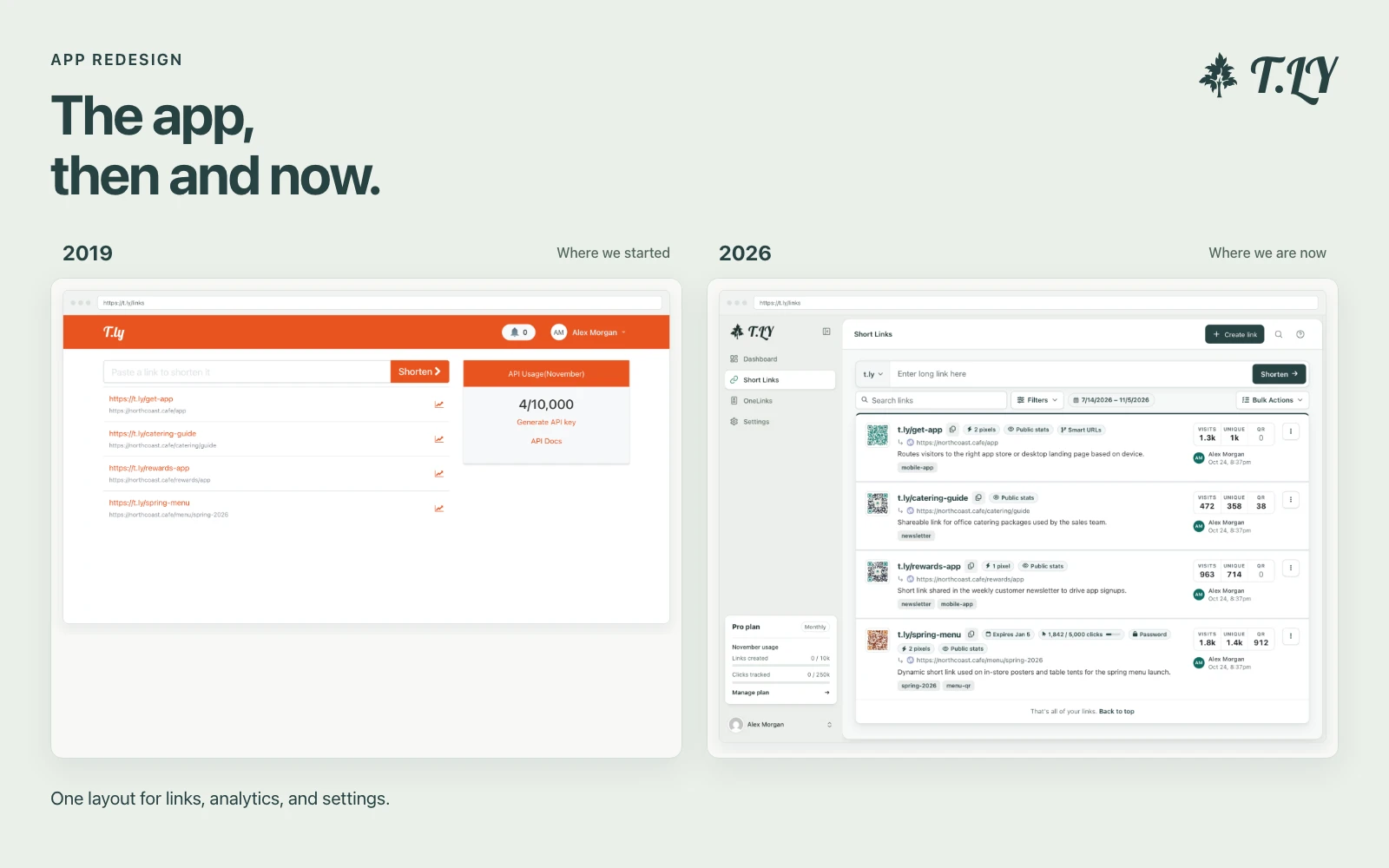
A New Layout for the T.LY App
T.LY has a new app layout, with a shared sidebar, search, clearer settings, and navigation that works on phones. Here’s what changed and where we started.
Crop images easily with precision and save the result instantly.
The Image Cropper is a simple and user-friendly tool that allows you to crop images to your desired size and aspect ratio. No special software is needed.
Q: Is there a file size limit?
A: Our tool supports most common image sizes. Performance may vary with extremely large files.
Q: Is my uploaded image secure?
A: Your image is processed locally in your browser and is not uploaded or stored on any server.
Q: Can I crop multiple images at once?
A: Currently, you can crop one image at a time. Simply repeat the process for additional images.
If you also need resizing or square crops, try Square An Image and Bulk Image Resizer.
T.LY has a new app layout, with a shared sidebar, search, clearer settings, and navigation that works on phones. Here’s what changed and where we started.
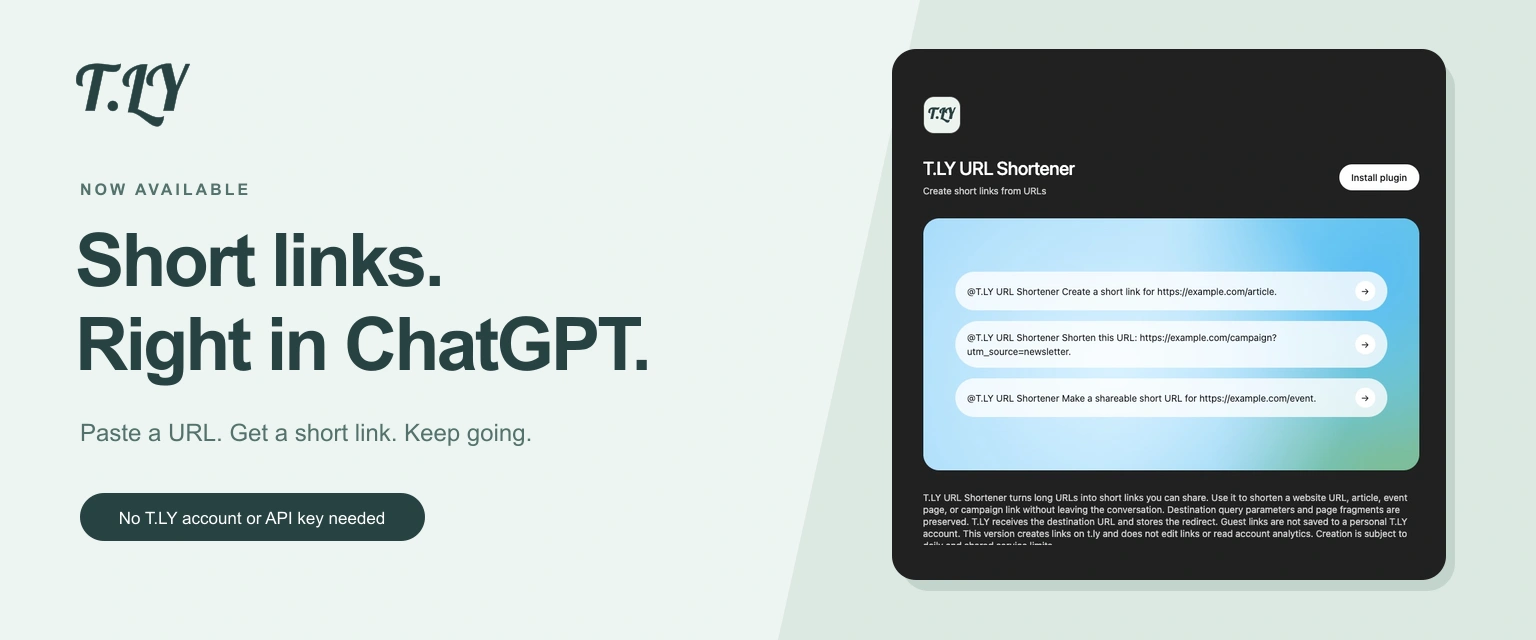
Create a short link without leaving ChatGPT. Install T.LY, paste your URL, and get a link you can share. No T.LY account or API key needed.
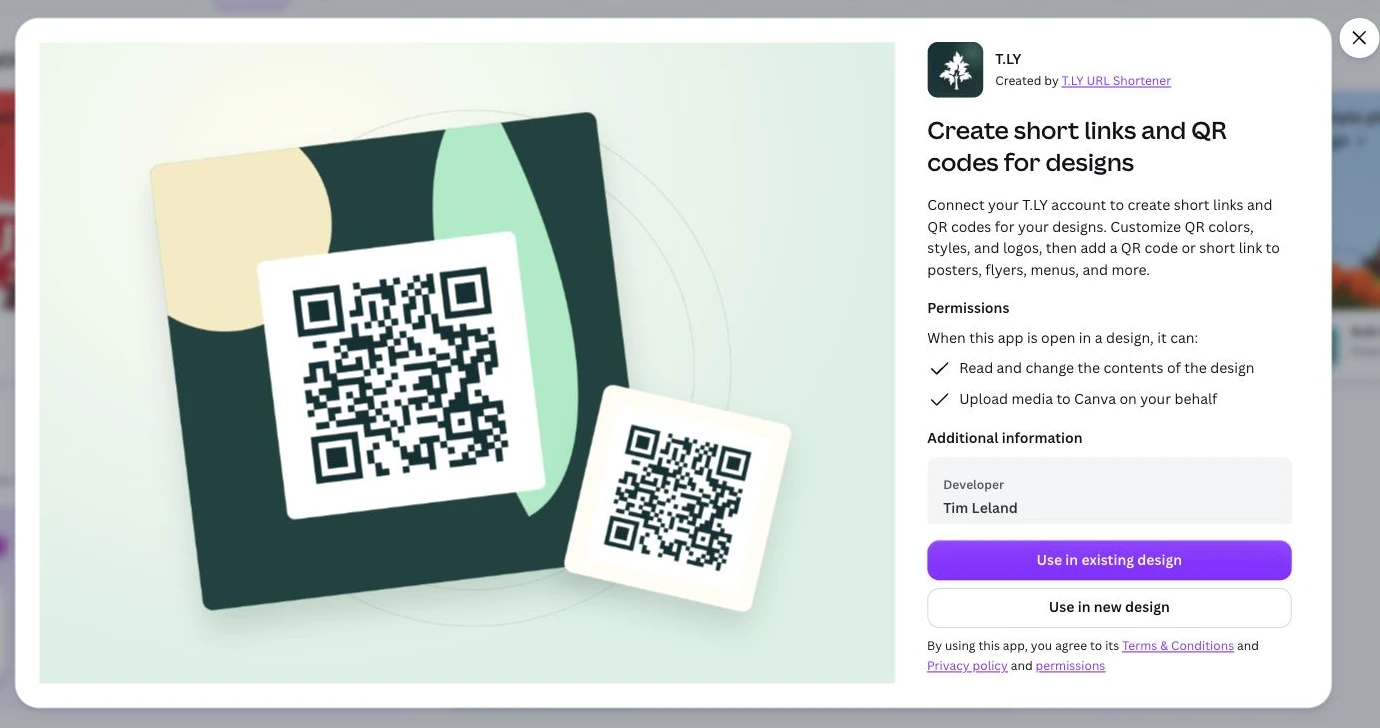
Create short links and branded QR codes inside Canva. Connect your T.LY account, customize your QR code, and add it to your next flyer, menu, or poster.




