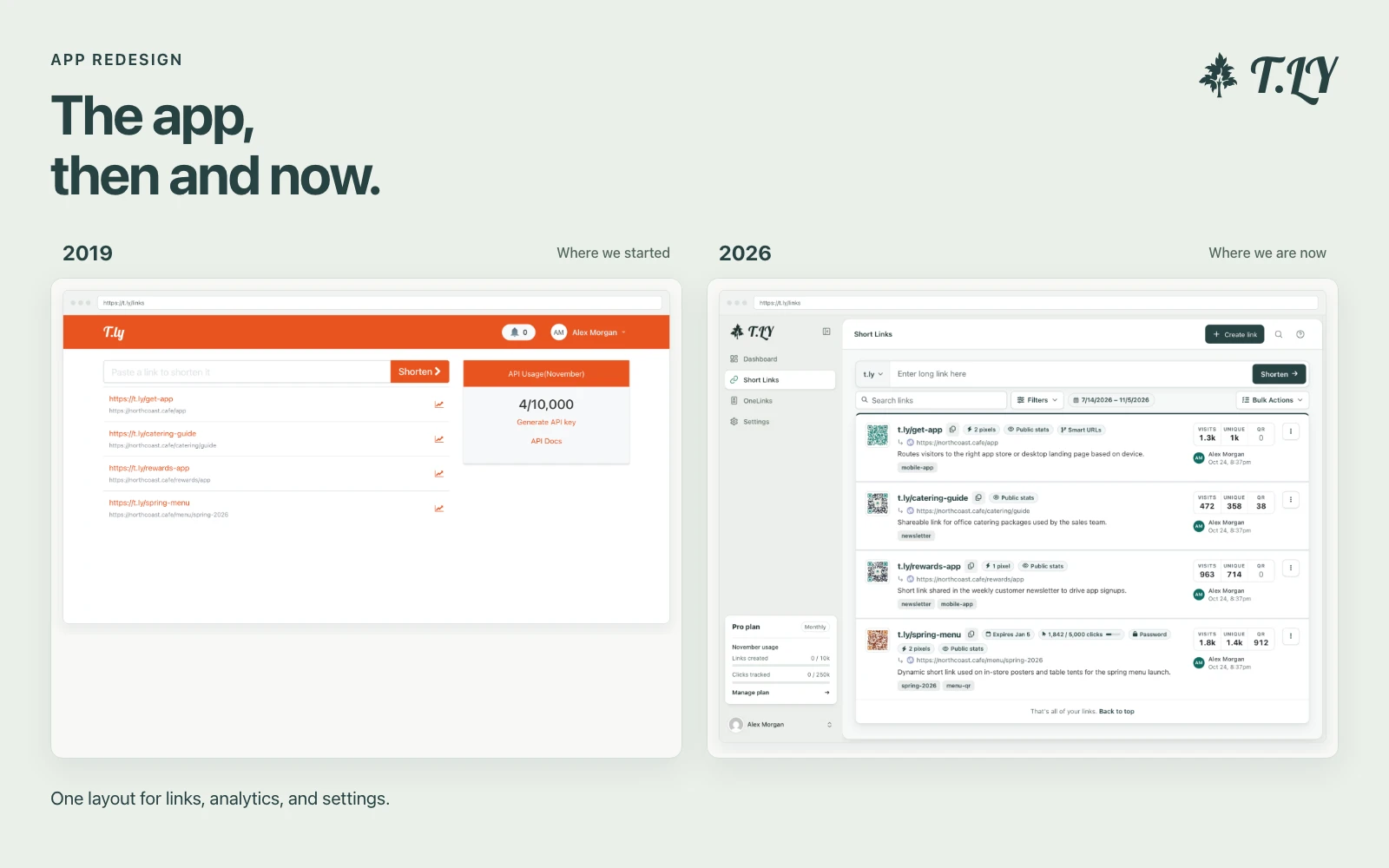
A New Layout for the T.LY App
T.LY has a new app layout, with a shared sidebar, search, clearer settings, and navigation that works on phones. Here’s what changed and where we started.
Quickly convert HEIC images to high-quality JPEG format.
The HEIC To JPG Converter tool allows you to quickly convert HEIC images, commonly used by Apple devices, into the more widely supported JPEG format. This conversion ensures your images are compatible with a variety of browsers, devices, and applications.
Need another output format after HEIC conversion? See Image Converter and AVIF Converter.
T.LY has a new app layout, with a shared sidebar, search, clearer settings, and navigation that works on phones. Here’s what changed and where we started.
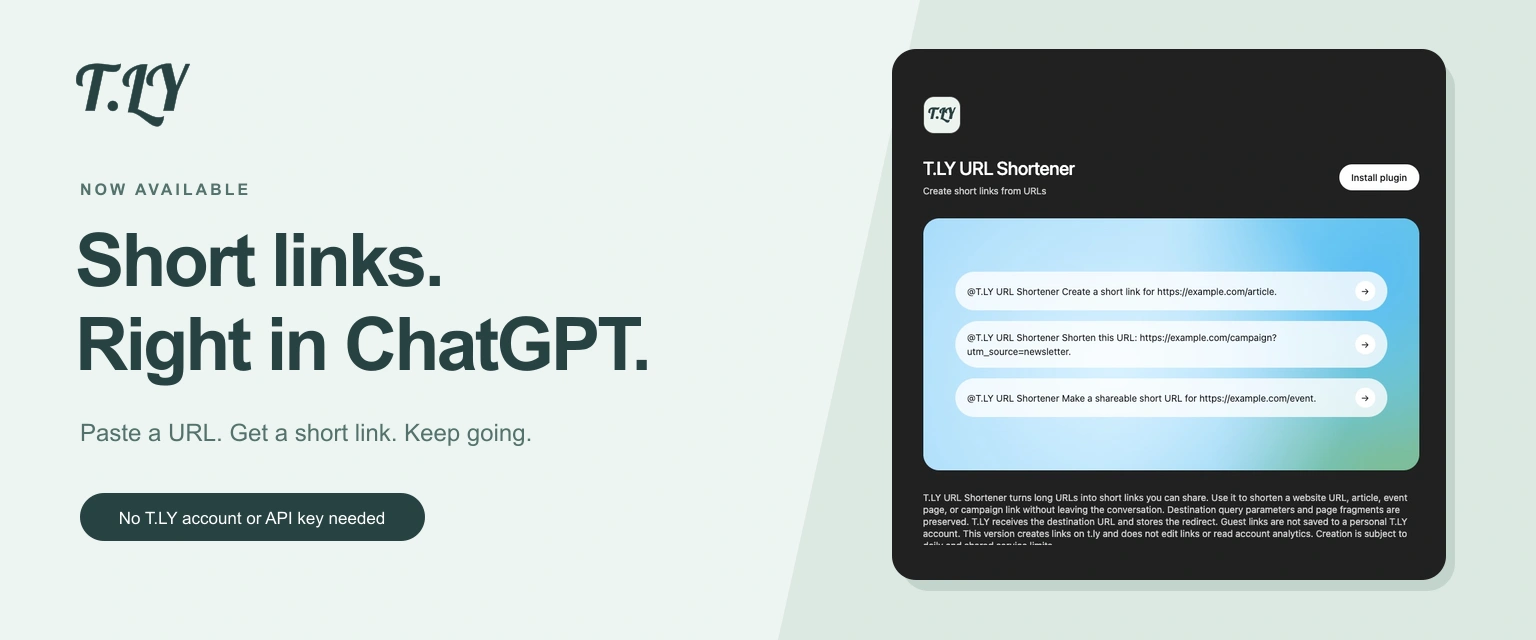
Create a short link without leaving ChatGPT. Install T.LY, paste your URL, and get a link you can share. No T.LY account or API key needed.
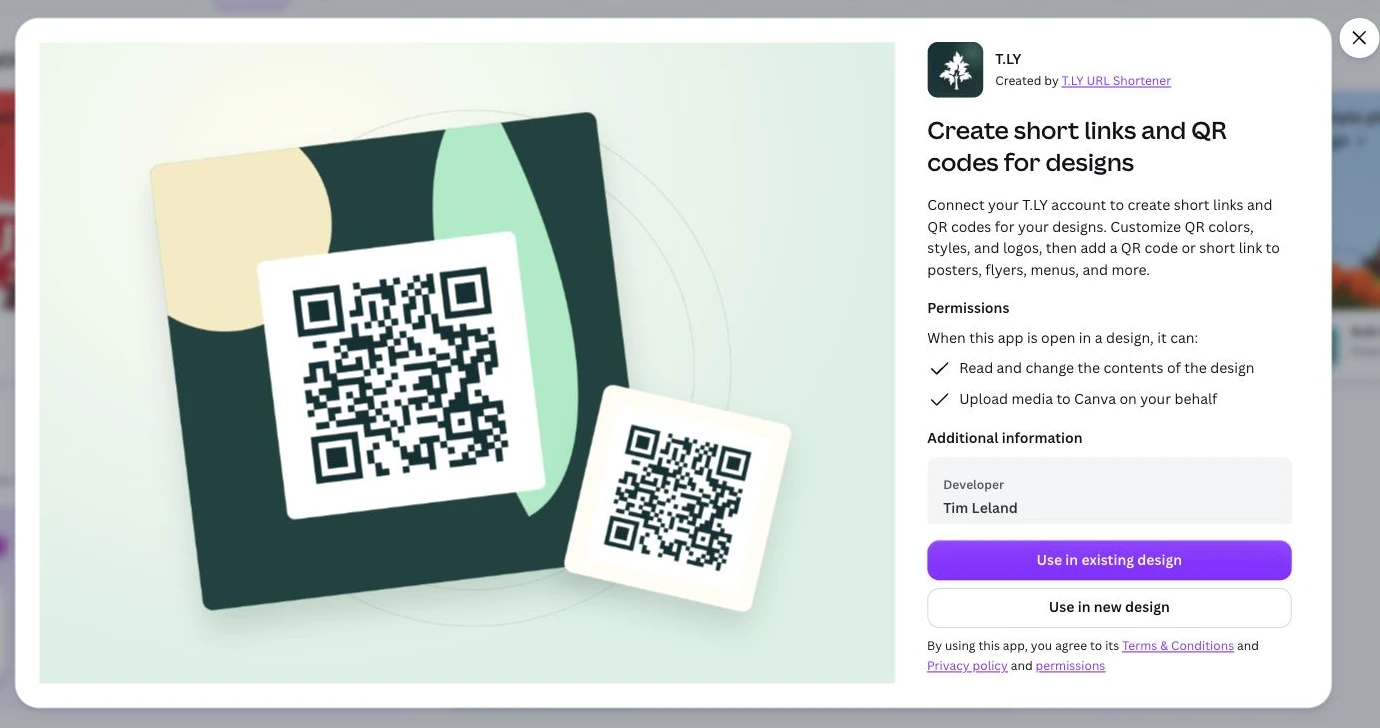
Create short links and branded QR codes inside Canva. Connect your T.LY account, customize your QR code, and add it to your next flyer, menu, or poster.