A New Layout for the T.LY App
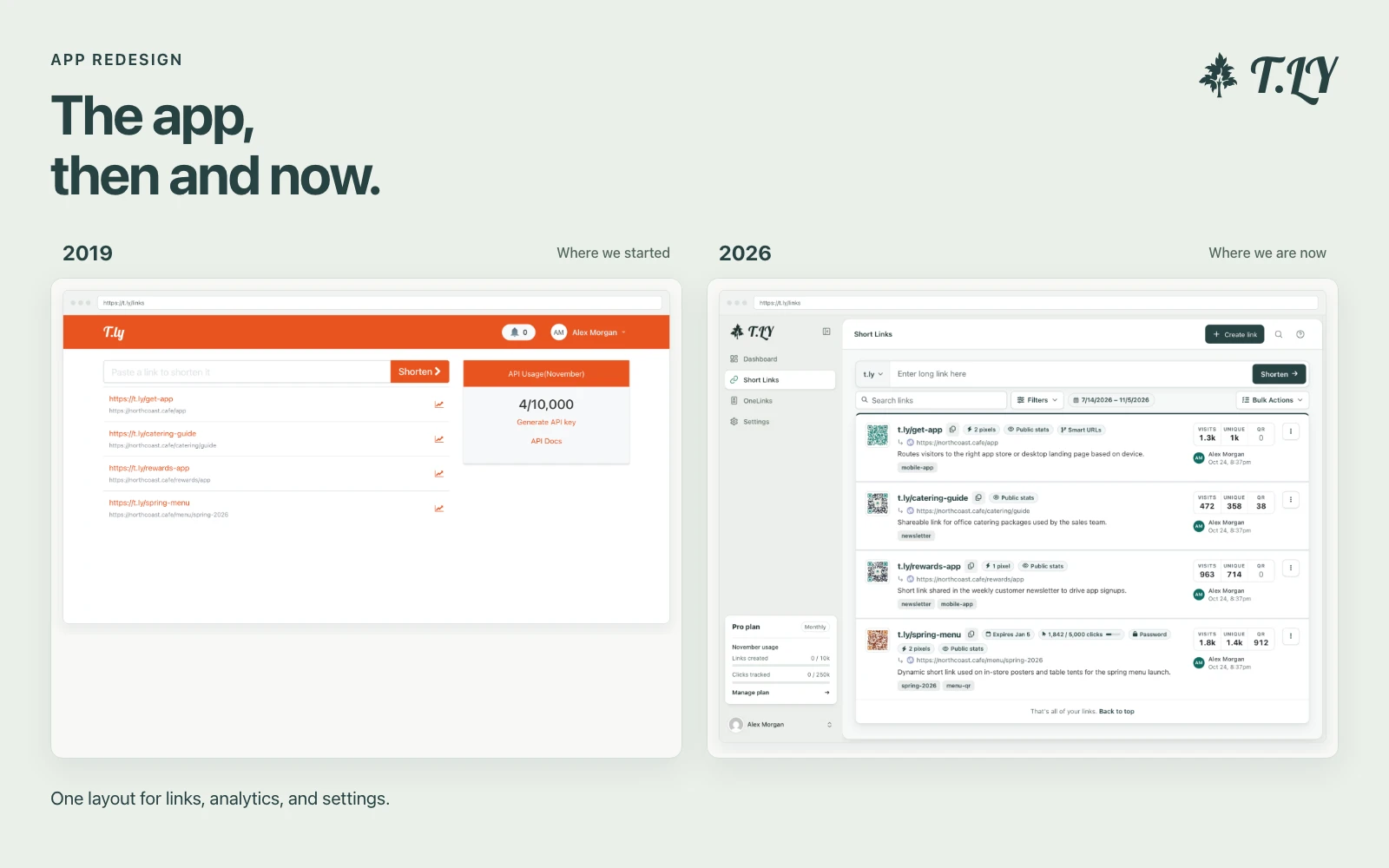
T.LY has a new app layout, with a shared sidebar, search, clearer settings, and navigation that works on phones. Here’s what changed and where we started.
Create and preview favicons instantly.
The Favicon Generator is a tool designed to help you create custom favicons from your images. It resizes your image to standard favicon sizes and generates HTML markup so you can easily add a favicon to your website.
Q: What image formats are supported?
A: Common formats like PNG, JPEG, and GIF are supported.
Q: Can I use the generated favicon on my website?
A: Yes, simply copy the generated HTML markup into the head section of your website.
Q: Is the Favicon Generator free to use?
A: Absolutely, it’s completely free and accessible to everyone.
Need to inspect or reuse an existing icon set? Try Favicon Downloader and SVG to PNG Converter.
T.LY has a new app layout, with a shared sidebar, search, clearer settings, and navigation that works on phones. Here’s what changed and where we started.
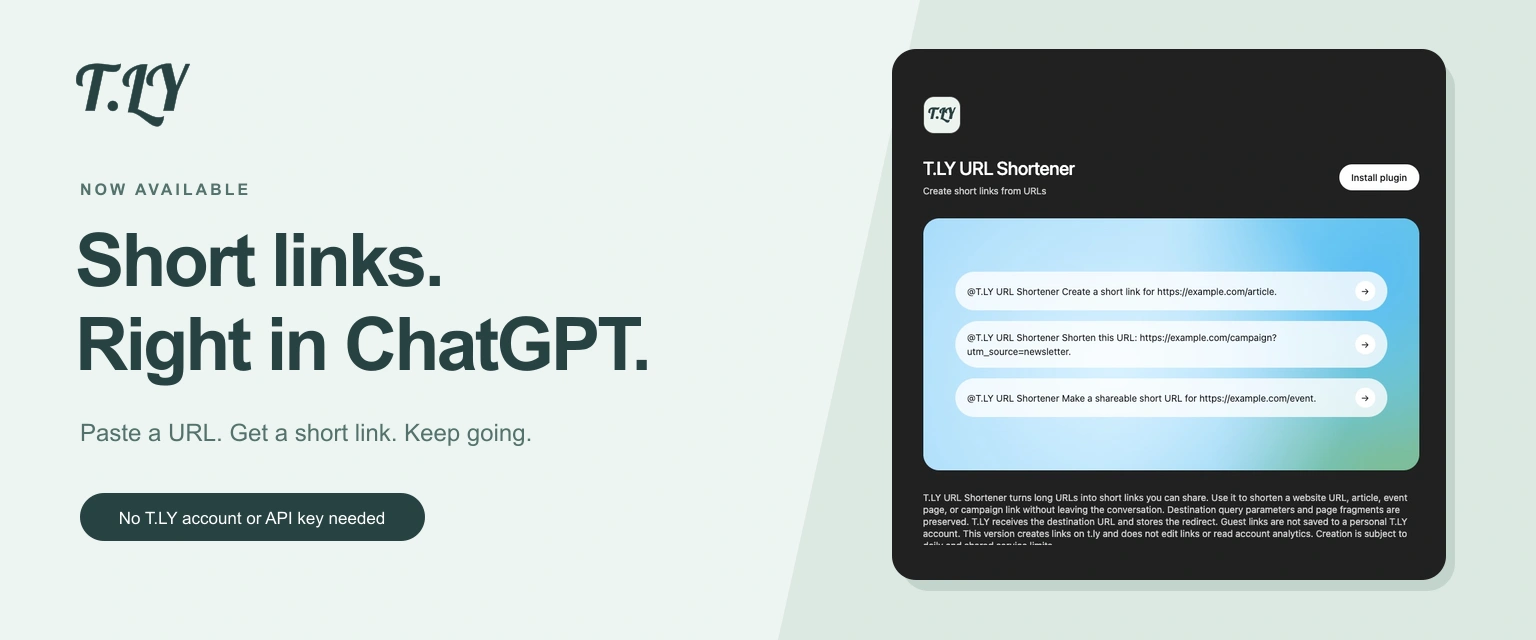
Create a short link without leaving ChatGPT. Install T.LY, paste your URL, and get a link you can share. No T.LY account or API key needed.
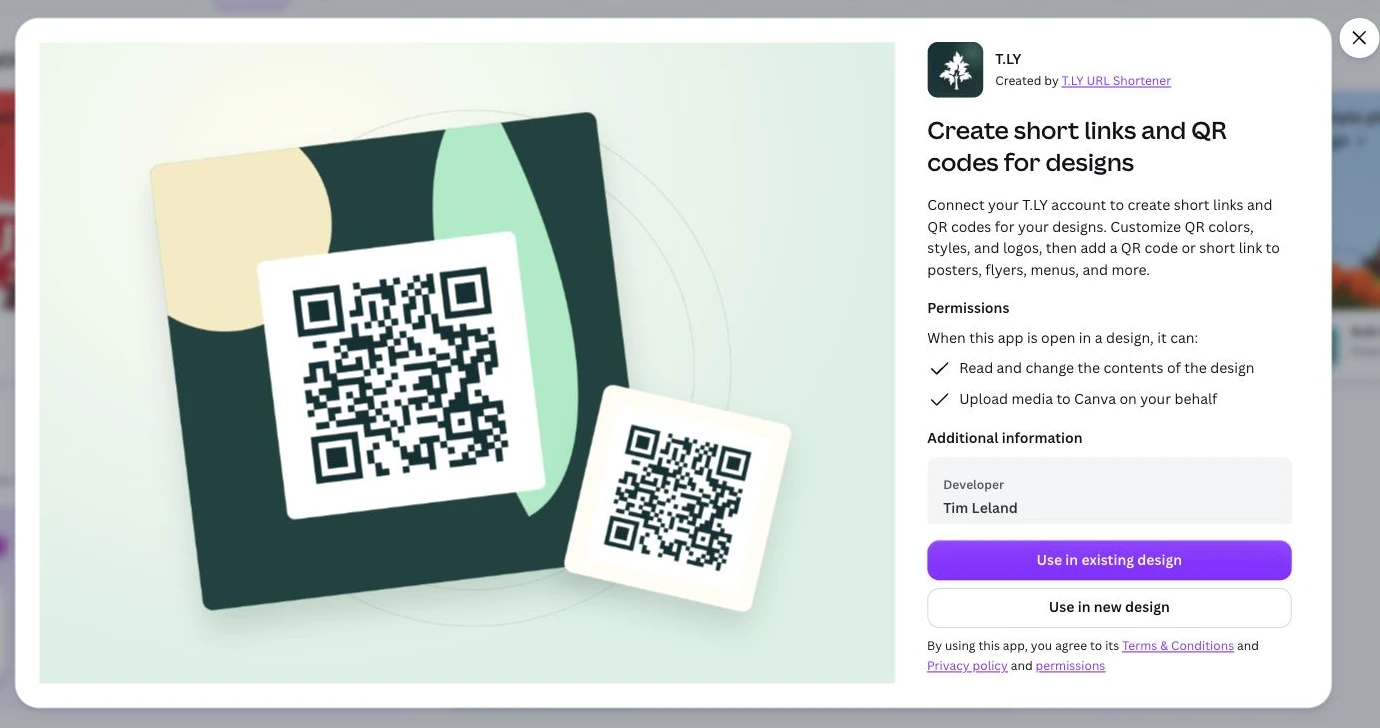
Create short links and branded QR codes inside Canva. Connect your T.LY account, customize your QR code, and add it to your next flyer, menu, or poster.