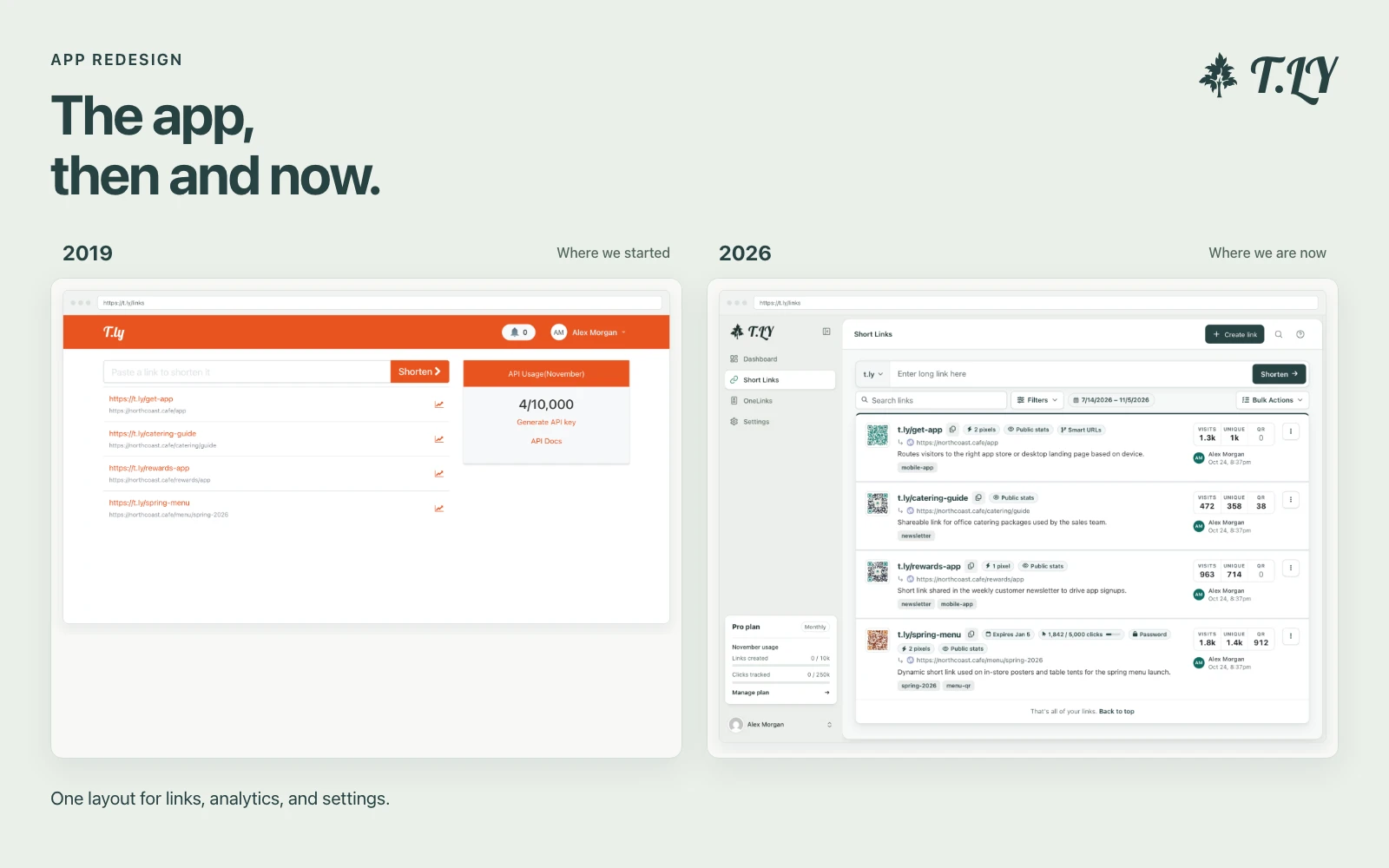
A New Layout for the T.LY App
T.LY has a new app layout, with a shared sidebar, search, clearer settings, and navigation that works on phones. Here’s what changed and where we started.
Convert your images to Base64
The Base64 Image Converter is a free online tool that allows you to quickly convert images into Base64-encoded strings. This is especially useful for embedding images directly into your HTML, CSS, or other projects.
Q: What image formats are supported?
A: The tool supports most common image formats, including PNG, JPEG, and GIF.
Q: Is there a file size limit?
A: The tool works best with images up to 5MB in size.
Q: Can I use the Base64 string for CSS?
A: Yes, the tool generates Base64 strings compatible with CSS background properties.
To decode Base64 back into assets, pair this with Base64 to Image Converter and Base64 to File Converter.
T.LY has a new app layout, with a shared sidebar, search, clearer settings, and navigation that works on phones. Here’s what changed and where we started.
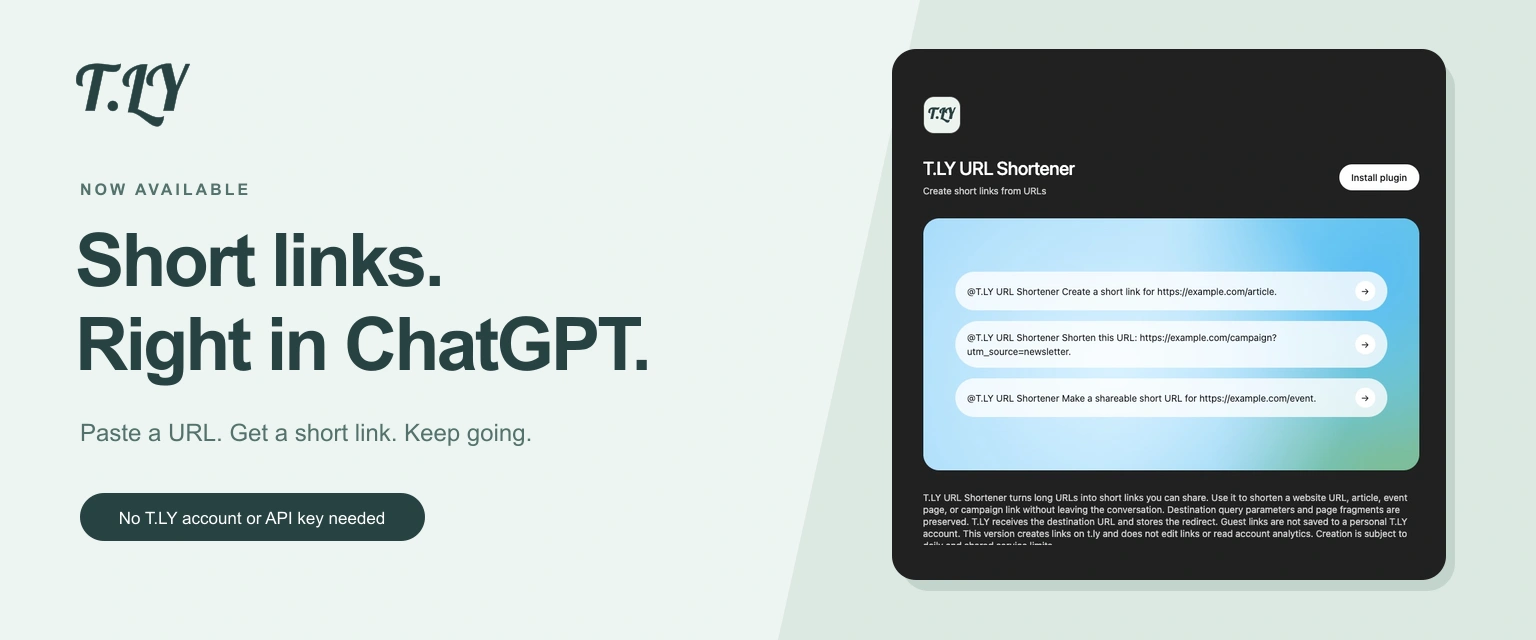
Create a short link without leaving ChatGPT. Install T.LY, paste your URL, and get a link you can share. No T.LY account or API key needed.
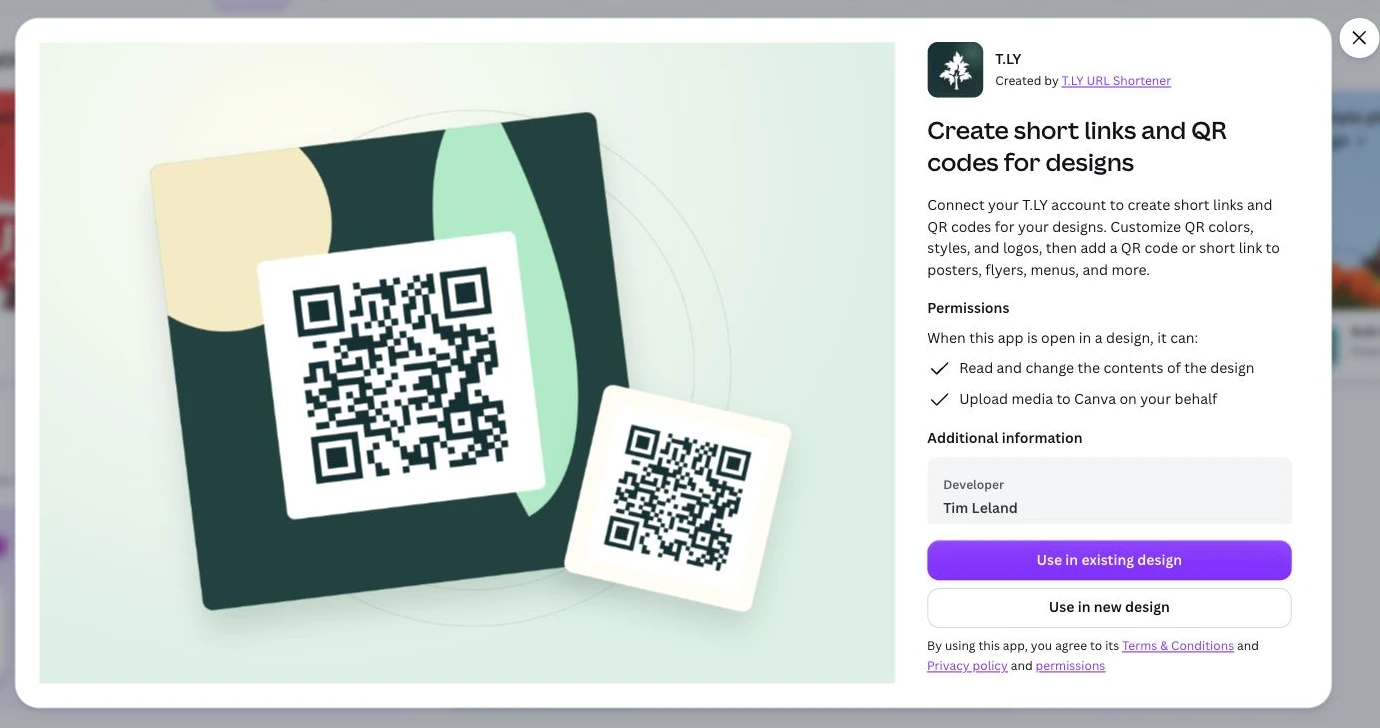
Create short links and branded QR codes inside Canva. Connect your T.LY account, customize your QR code, and add it to your next flyer, menu, or poster.