
QR Code Extension: Create Trackable QR Codes From Your Browser
If you're anything like me, sometimes you just need a QR code for the page you're already on. Not after copying the URL into another tool. Not after opening a dashboard in a new tab. Just right then and there.
That is exactly why I like the T.LY QR Code Extension. It lets me generate a QR code for the current page in one click, download it as an image, and use it in print, email, packaging, handouts, or wherever else I need it.
If you need to check QR scan activity from your phone, the T.LY app for iPhone and iPad or Android is the better mobile companion.
Why I use the QR Code Extension
The biggest win is speed. When I am on a page I want to share, I can open the extension and create a QR code without breaking my flow.
It is also more useful than a basic static QR tool because the code is tied to a T.LY short link. That means I can:
- Download the QR code right away
- Track scans in T.LY stats
- Update the destination later without replacing the printed QR code
That last part matters a lot. If a menu URL changes, a campaign page gets replaced, or I want to point people to a new landing page, I can keep the same QR code working and just update where it sends people.
Real ways to use it
One thing I like about this extension is that it fits into real day-to-day work. Here are a few examples straight from the product page.
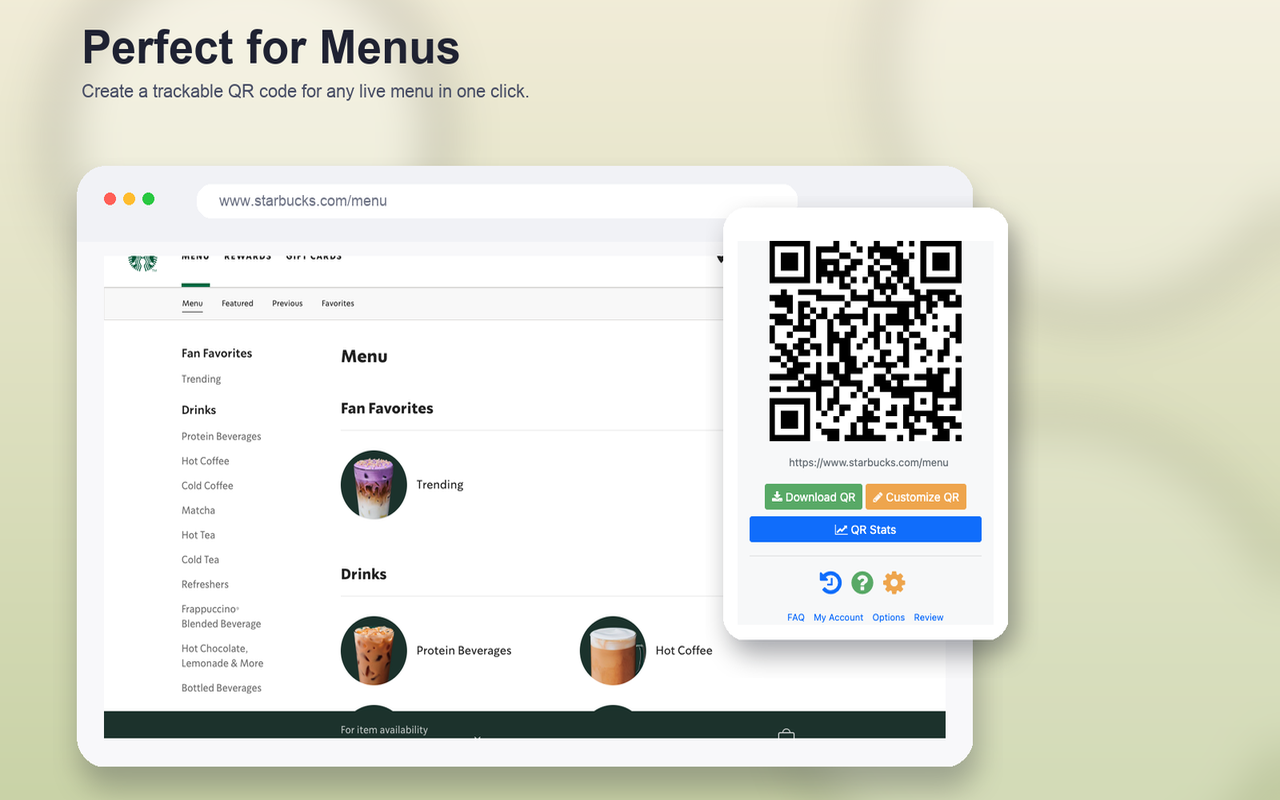
Cafe menus
If you have a live menu page, you can turn it into a QR code in one click and print it for tables, counters, or handouts.
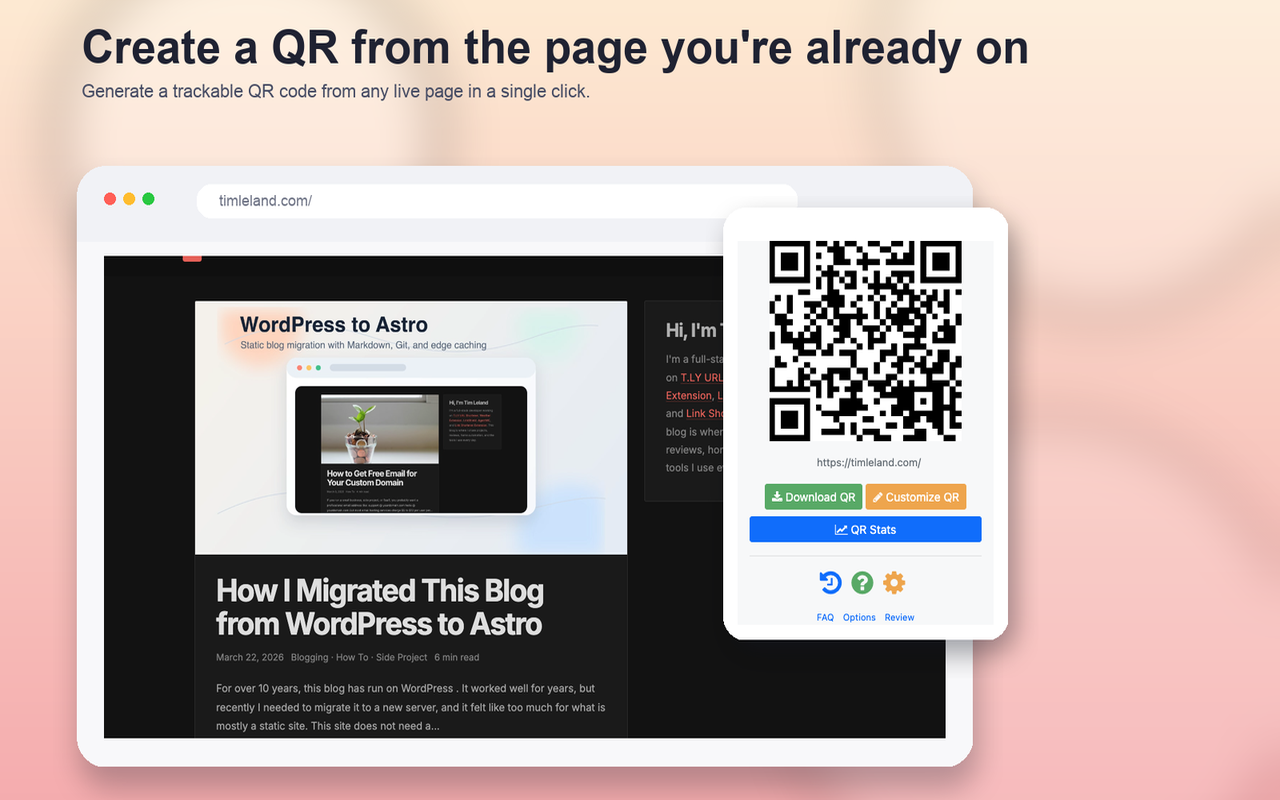
Product launches
This is a simple way to make a scannable code for a launch page, campaign page, event sign, or packaging insert while you are already reviewing the page in your browser.
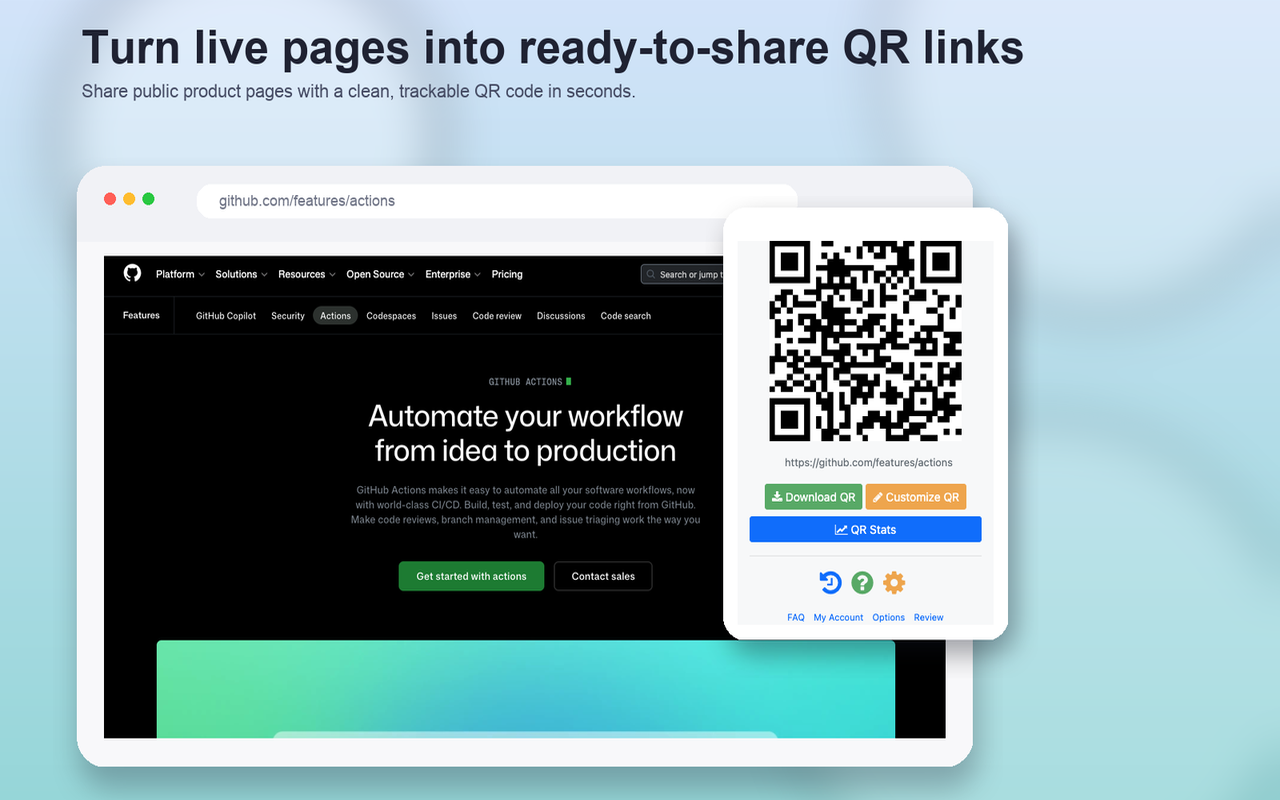
Creator kits
If you have a media kit, press page, or creator landing page, you can build a QR code from that tab and share it in person without sending people hunting for a link.
Pin it and keep it handy
After installing it, I would pin the extension right away. That makes it much faster to open whenever you need it. You can also add a keyboard shortcut if you want to pop it open and copy the QR code without using your mouse.

Connect it to T.LY for trackable QR codes
You can use the extension for free, but if you want branded, trackable QR codes, connect it to your T.LY account.
Here is the basic setup:
- Create a T.LY account.
- Go to Settings.
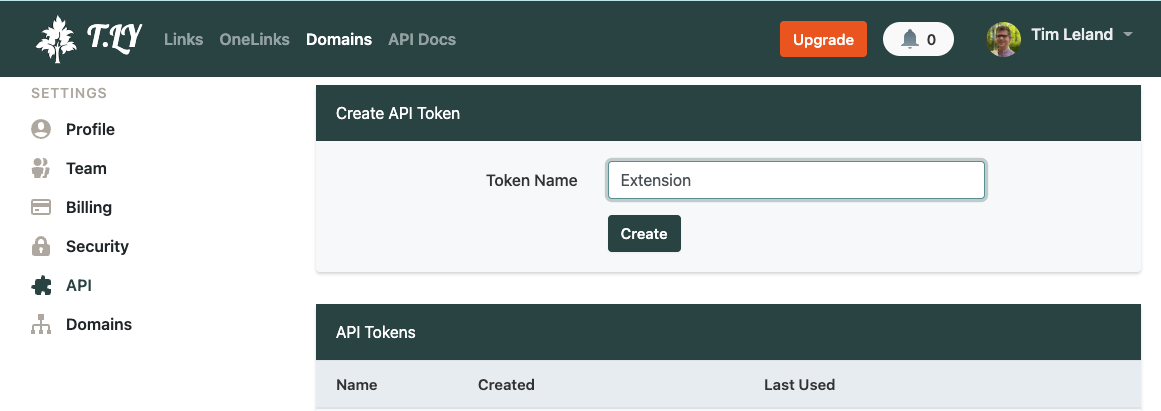
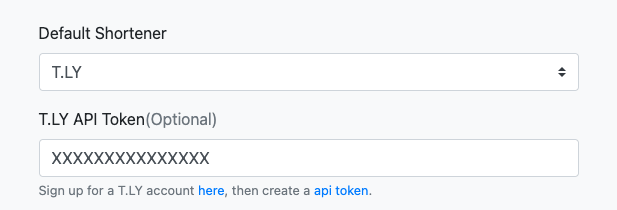
- Create an API token and name it
Extension. - Install the QR Code Extension.
- Open the extension options in your browser.
- Paste the token into the
T.LY API Tokenfield. - Click
Save.
Once that is done, the extension is connected to your account and your QR codes are tied into your normal T.LY workflow.
FAQ
Is the QR Code Extension free?
Yes. You can install it for free and start generating QR codes right away.
Which browsers does it support?
The extension works with Chrome, Firefox, Opera, and Edge.
Can I create a QR code for any page?
Yes. You can create a QR code for the page you are currently viewing, and you can also right-click a link to create a short URL with a matching QR code.
Can I download the QR code as an image?
Yes. After the code is generated, you can download it as an image and use it in emails, documents, signs, menus, or other printed materials.
Can I track scans and update the destination later?
Yes. If the extension is connected to your T.LY account, you can view analytics and update the destination URL later without changing the QR code image you already shared or printed.
Final thoughts
I like tools that remove extra steps, and this one does exactly that. If I am already on the page I want to share, I can turn it into a QR code in seconds and move on.
If you want to try it, you can install it here:
Related Posts



Tim Leland
Useful Tools
Ready to improve how you manage links?
T.LY URL Shortener makes long links look cleaner and easier to share! Add your own Custom Domains to personalize your brand. Create Smart Links to customize a URL's destination. Generate QR codes to promote your business.
Start your 5-day trial Browser Extension



